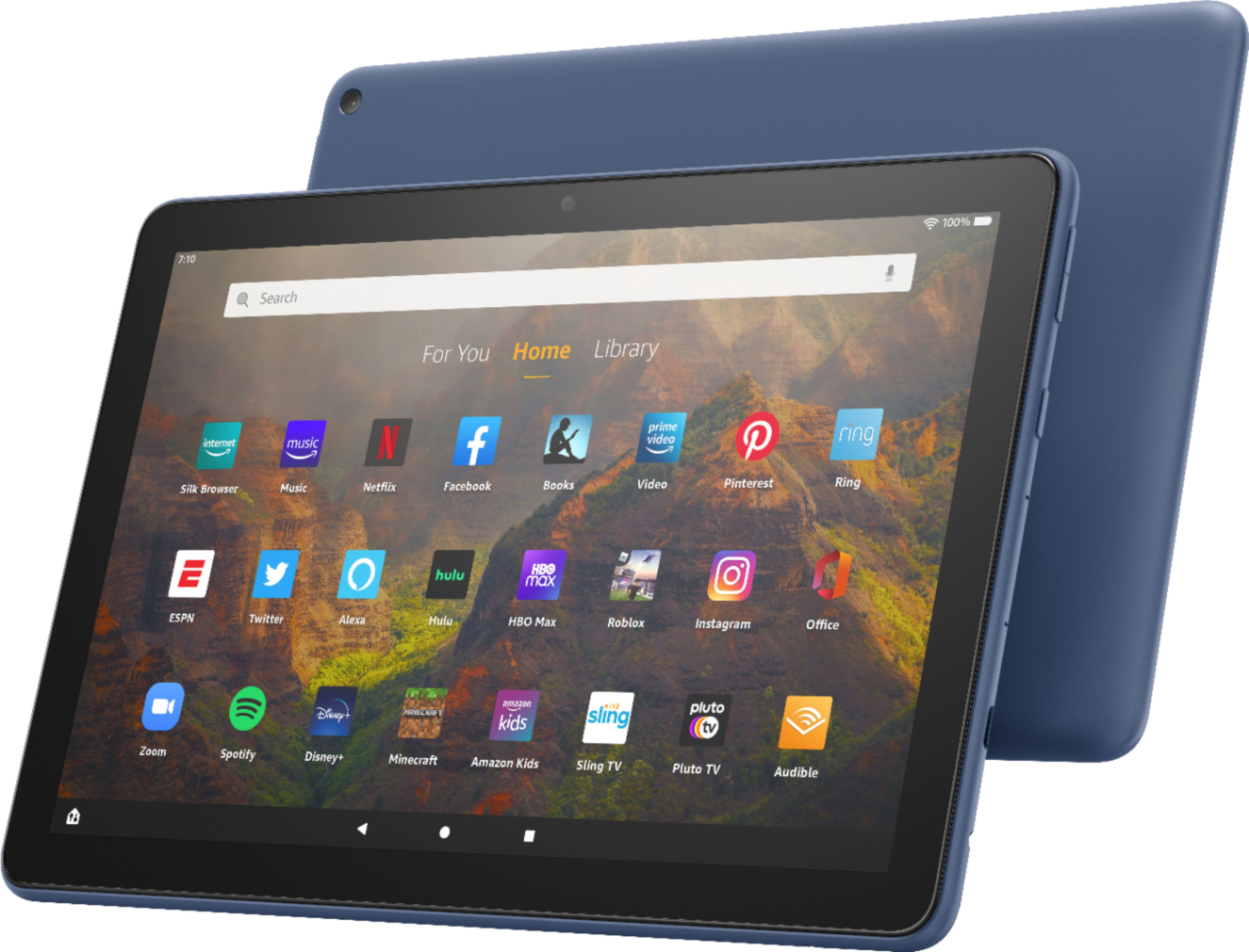
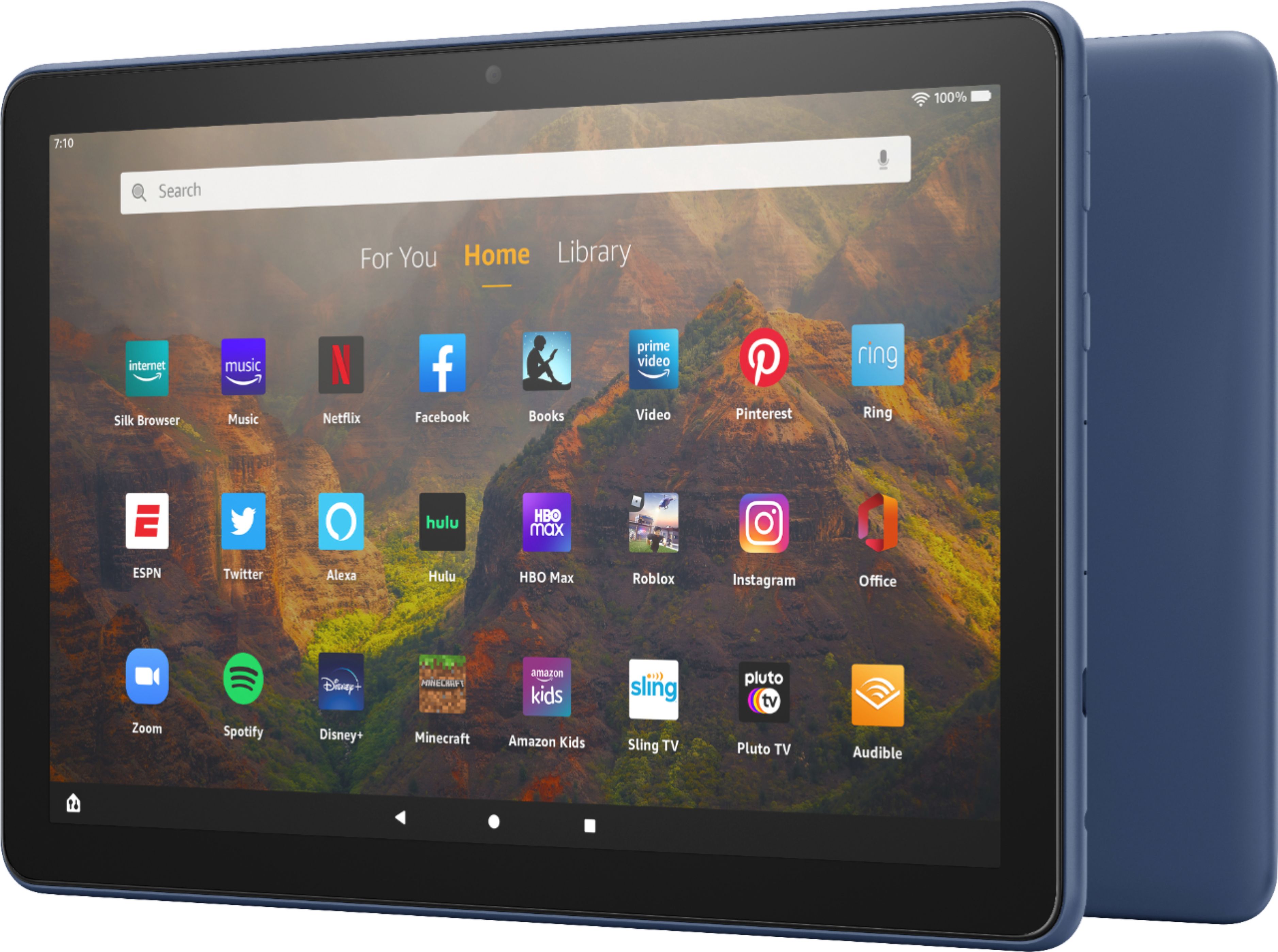
A:AnswerHello twinmom! The dimensions for the Fire HD 10 are 247 x 166 x 9.2 mm (9.72 x 6.54 x 0.36 in). I hope this helps answer your question and you have an awesome day!
A:AnswerHi Husker,
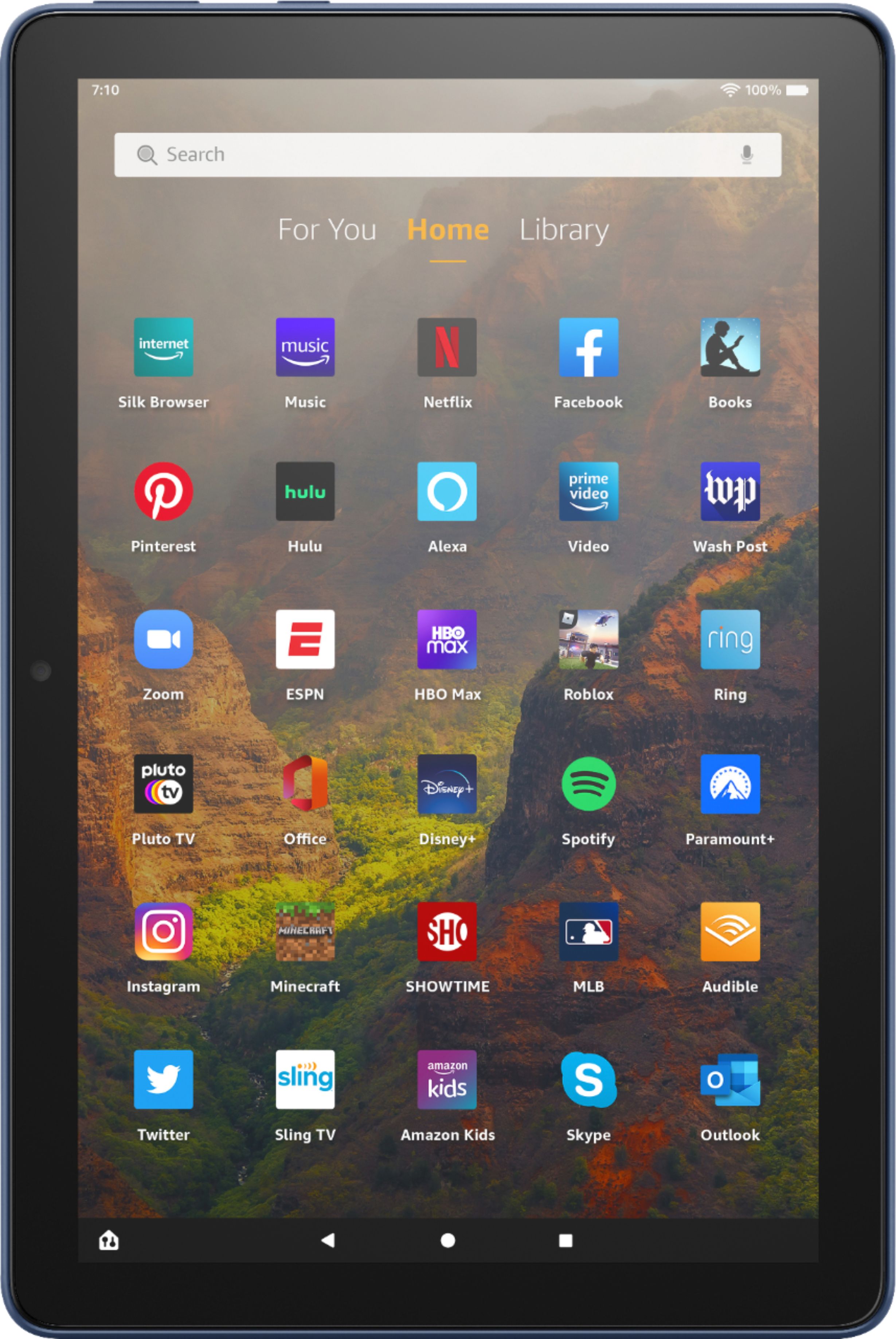
If your fire 10 tablet appears upside down, you must rotate it to the correct orientation! That way when you move the tablet, the apps and screen will adapt. If this does not work, you can power cycle your tablet and try again. In settings, also ensure that the tablet is not 'locked' on landscape or portrait orientation, which could be your problem! You can also turn off auto rotate so you don't have to keep going back and forth!
Hope that helps!
A:AnswerHello, when you set up the new Fire HD10 it will ask for your Amazon login information which should transfer all your content to the new device. Your Candy Crush content may need to be backed up via the actual app.
Have a great day!
A:AnswerHi there! The Fire HD 10 supports Parental Controls that are designed for children age 13 or above. With parental controls, you can help keep your child from accessing certain things, avoiding accidental purchases, and set time limits with on-device controls. Here are the things the parental controls let you restrict access to:
-Web browsing
-Email, Contacts, and Calendar apps
-Purchasing from the Amazon Store or Amazon Shop app
-Playing titles from Prime Video
-Specific content types or titles (for example, books or apps)
-Wireless connectivity
-The camera
-Location-based Services
You can also use the daily curfew option to schedule when your child can use the device. Enabling Parental Controls does not remove Mature or Adult-rated content from the device. You may encounter such content in Apps and Games, Music, and Books, or in Amazon store search results. To restrict the content available on the device, you can:
-Create an Amazon Kids child profile and select which apps and content are available to that profile.
-Block access to content on the device (for example, "Apps and Games," "Books," and "Music") by going to Amazon Content and Apps menu under Parental Controls and selecting the button next to each category to say Blocked.
For younger children you can set up a Child Profile and select specific age appropriate content that they'll have access to. You may even want to consider the Kids edition of the Fire HD 10 which comes with a child-proof case, a year subscription to Amazon Kids+ which is an all-in-one subscription that provides kids access to thousands of age-appropriate entertaining and educational content. I hope that helps, have a great rest of your day!
A:AnswerHello Mark, the Amazon Fire Tablets do have an app for email which you can add your Gmail account to. The built in web browser will also allow you to access Google.
Hope that helps, have a great day!
A:AnswerHello TaraD, you want to know if the Amazon Fire HD 10 - 10.1” Tablet will work on European Wi-Fi and if you will be able to access your books from the Kindle App. You will be able to user European Wi-Fi on the Amazon Fire HD 10 - 10.1” Tablet and you will be able to access your books from the Kindle App as you don’t have to change your account to an European account. Hope this has answered your question. Have an amazing day!
A:AnswerHi Marilu! With the Fire HD 10 you can get more done by checking email or using some student favorite apps like Microsoft Office, OneNote and Dropbox. Have a great day!
A:AnswerHello Kit,
Thank you for your question about our Fire HD10 tablet.
We unfortunately cannot do phone call like when using a mobile phone, but download apps like Zoom, or ask Alexa to make video calls to friends and family.
Have a great day!
A:AnswerHi Vikki,
You can read outdoors with Fire 10, however the Kindle Paperwhite has a glare free screen and adjustable warm light to accommodate reading anywhere!
Hope that helps!