

Main Content

Questions & Answers

Your price for this item is $199.99
Page Showing 1-20 of 62 questions
  • QuestionDoes the tablet have a headphone jack?

    • Answer This tablet has a headphone jack.
    This question and answer was generated by AI based on customer and product data.
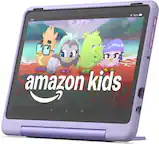
  • QuestionIs there a built-in microphone on the tablet?

    • Answer This tablet has a built-in microphone.
    This question and answer was generated by AI based on customer and product data.
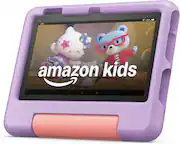
  • QuestionWhat is the screen resolution of the tablet?

    • Answer The screen resolution of this tablet is 1920 x 1200.
    This question and answer was generated by AI based on customer and product data.
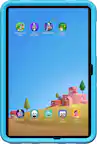
  • QuestionWhich operating system does the tablet use?

    • Answer The operating system on this tablet is Fire OS 8.
    This question and answer was generated by AI based on customer and product data.
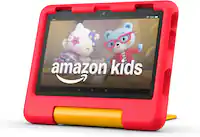
  • Questionis this suitable for a 10 year old boy?

    Asked by jacquie.

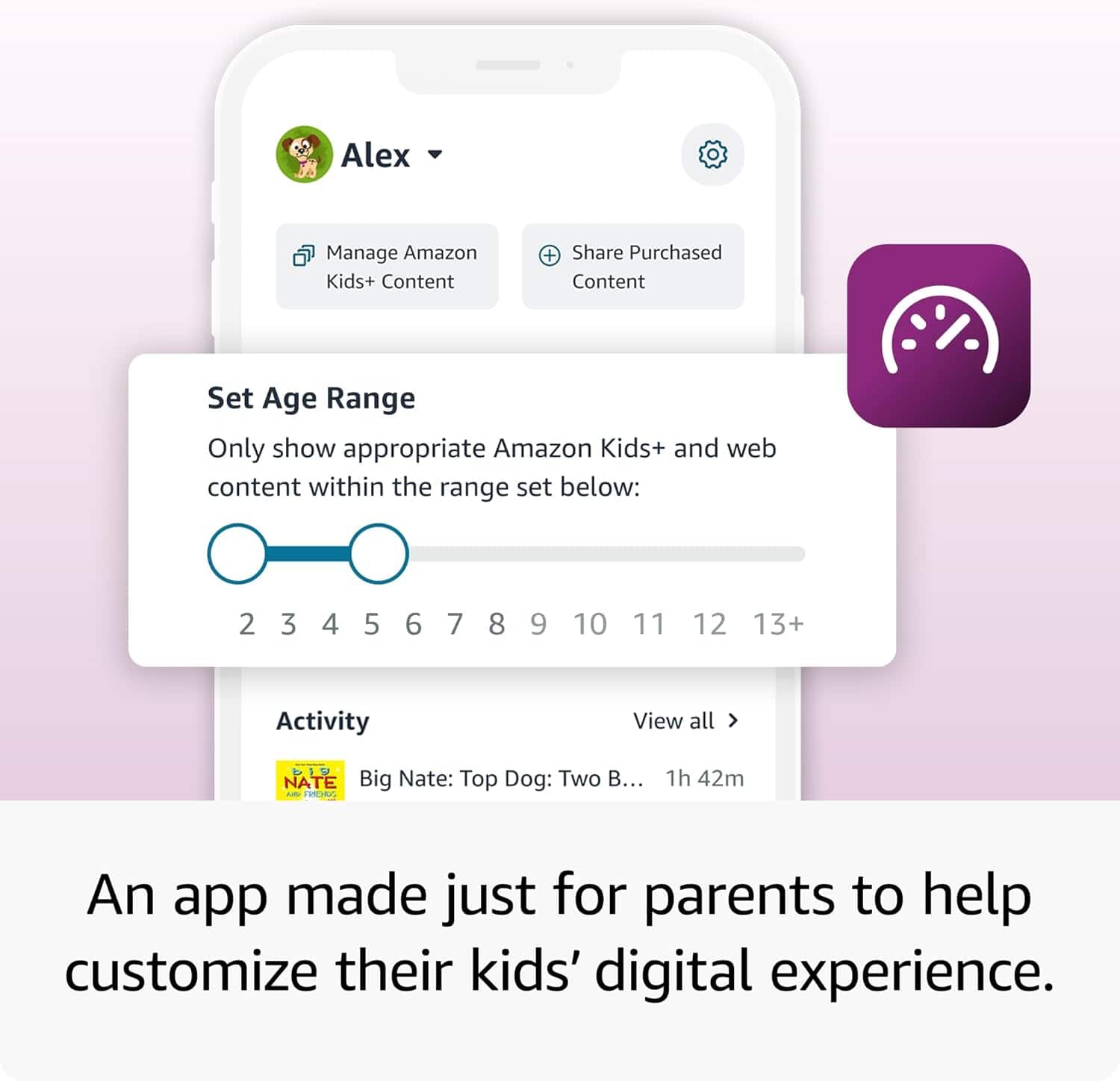
    • Answer Hello Jacquie, thank you for your question. Fire HD 10 Kids is designed for children up to age 6. We recommend Fire HD 10 Kids Pro, designed for children ages 6-12. On Fire HD 10 Kids Pro, children have access to more age specific content, as well as a filtered web browser, with parental controls still available. Hopefully this information was helpful. Have a great day!

      Answered by Amazon Devices Customer Support

  • QuestionHello, does this have an ad-free lock screen?

    Asked by Demi00.

    • Answer Hello Demi00, Yes, Adds can be removed from your Amazon Kids lock screen. Their is however a fee of $15 to remove adds. This is a one time payment and is good for the lifespan of the device. In order to do this, I have attached the directions bellow. From the Settings Menu 1. Go to Manage Your Devices. 2. Select Devices, and then select your Kindle e-reader or Fire tablet. 3. Under Special Offers, click Remove offers. A pop-up window then displays the price to remove ads. Select End Offers and Pay the Fee to proceed. I hope this helps, have a great day!

      Answered by Amazon Devices Customer Support

  • QuestionDoes this have a SIM card slot to use when WiFi is not available??

    Asked by Africa.

    • Answer Hi Africa, thank you for your question. Fire tablets work exclusively off of Wi-Fi for all data connectivity, and cellular/SIM is not an option. Hopefully this helps. Have a wonderful day!

      Answered by Amazon Devices Customer Support

  • QuestionCan I download apps on this?

    Asked by Anonymous.

    • Answer Hi there! You can download apps directly onto the Fire HD 10 Kids tablet a couple of ways. If you're using it in Kids mode, just tap on the apps you're interested in from the home page and they'll start to install right away. In the normal mode of the tablet, apps can be downloaded from the Amazon App store. Additionally, you can give kids access to more apps by using the Parent Dashboard on Amazon's website. I hope that helps, have a great rest of your day!

      Answered by Amazon Devices Customer Support

  • QuestionCan you play Roblox on this tablet?

    Asked by TEE.

    • Answer Yes

      Answered by Kayley

  • QuestionCan we purchase external storage for the product? As 32gbs is too small to store files

    Asked by Ieasha.

    • Answer Hello Ieasha, Thank you for your question. Our Fire Tablets will support up to 1TB using a micro-SD card (sold separately) in order to expand the memory. Have a great day!

      Answered by Amazon Devices Customer Support

  • QuestionCan u play Roblox and YouTube with theses devices

    Asked by Bestie.

    • Answer Yes.

      Answered by ClaudiaS

  • QuestionCan you download YouTube kids

    Asked by Anonymous.

    • Answer Yes

      Answered by user604126

  • QuestionCan you download audio from Leapfrog for LeapStart?

    Asked by Sammie.

    • Answer "Hello! No, the LeapStart app cannot be downloaded to your Fire Tablet. However you can download games and apps smililar to Leapstart and use them on the go by following these steps: 1. Select Games & Apps or open the Apps or Games app. 2. Select an app from your Library to download it or search for a new app in the Store. Have a great day! "

      Answered by Amazon Devices Customer Support

  • QuestionWhat age range can use it ?

    Asked by Anonymous.

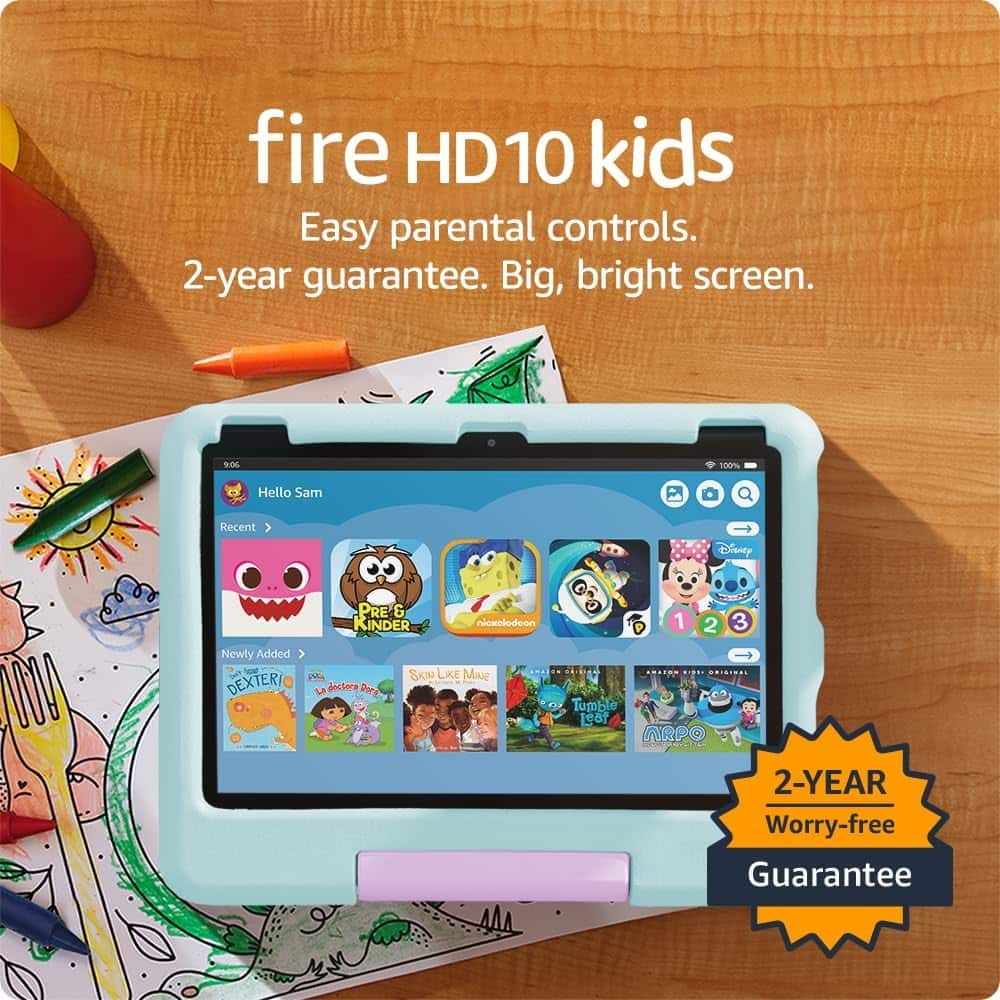
    • Answer Thanks for reaching out about the Fire HD 10 Kids tablet.The Fire HD 10 Kids tablet (2023 release) is designed for ages 3-7 years old. It comes with a 1-year subscription to Amazon Kids+, which provides age-appropriate content specifically curated for this age range. What makes it great for this age group: Kid-proof case with built-in stand protects against drops and bumps Parental controls let you set screen time limits and filter content Educational apps, games, books, and videos tailored for preschool through early elementary Easy-to-use interface designed for young children If you need different age ranges: Fire HD 10 Kids Pro (ages 6-12): More grown-up design, less restrictive content Fire HD 10 (regular version): Ages 13+ or adults I hope this information helps. Have a great day!

      Answered by Amazon Devices Customer Support

  • QuestionDoes it come with pre installed games already?

    Asked by Chloe.

    • Answer Hi Chloe, Yes! The Amazon Fire HD 10 tablet comes with some preloaded content and apps, including: Amazon's core apps like Prime Video, Kindle, Amazon Music, and Amazon Photos Basic entertainment apps and access to the Amazon Appstore Alexa integration built-in for voice commands and smart home control Some games through Amazon's Appstore, though not as extensive as a dedicated gaming device For more comprehensive gaming and app selection, you can download additional games from Amazon's Appstore, including popular titles like Minecraft and Roblox. The Kids versions come with Amazon Kids+ which includes thousands of games, educational apps, and content from Disney, PBS Kids, and other partners. I hope this information helps, have a great day!

      Answered by Amazon Devices Customer Support

  • QuestionCan I download messenger kids on this?

    Asked by 1234.

    • Answer Yes you can add messenger on this tablet

      Answered by DanS

  • QuestionIs this tablet bilingual?

    Asked by Anonymous.

    • Answer Hello and thank you for asking this question. Fire tablets can operate in many different languages. During setup you are asked what your primary language is, and the languages can be changed in the settings. I hope this answers your question and that you have a great day.

      Answered by Amazon Devices Customer Support

  • QuestionOn this tablet can you do video call

    Asked by Nika.

    • Answer Yes

      Answered by ChristopherF

  • QuestionDoes this tablet have good performance quality? Download speed? Connectivity? Is the storage capacity adequate for general downloads? Will I have to continuously delete and download apps?

    Asked by Redd.

    • Answer No, not in my experience. I have 4 of these and they are amazing. I havent uninstalled a single app on my toddlers. They are memory intense haha

      Answered by ChristopherF

  • QuestionIs this good to use in a kindergarten/1st grade classroom?

    Asked by Aminah.

    • Answer Yes it would be a great laptop for kids.

      Answered by Colette