A:AnswerMy kid is wanting Minecraft for Christmas and a friend told him he needed a laptop or desktop computer so that he could avoid accidentally collecting a bunch of dirt. I don't know what that means right now. I think it might mean that the touch screen might become annoying with the game...another thing, currently my kid does have a previous kid amazon fire and it doesn't allow a parent to put whatever game or application on the device. I could be wrong but I think all of the stuff on the device is affiliated with Amazon, in some way. If there is a way to use minecraft on kids amazon fire, I haven't figured out how and I'm not completely inept. The device works with a paid subscription to amazon prime. Maybe this version is different...
A:AnswerHello Jay and thank you for your question! According to the Roblox Mobile System Requirements Site:
"Amazon Fire OS
Fire 7 (9th Gen and higher), Fire HD 8 (8th Gen and higher), Fire HD 10 (9th Gen and higher), and Fire Max 11 (13th Gen and higher).".
The Fire HD 10 Kids Pro Tablet is the 13th Gen and is operating with Amazon Fire's 8.0 Operating System. It is well within the minimum system requirements to play Roblox.
Hope this helps! Have a great day!
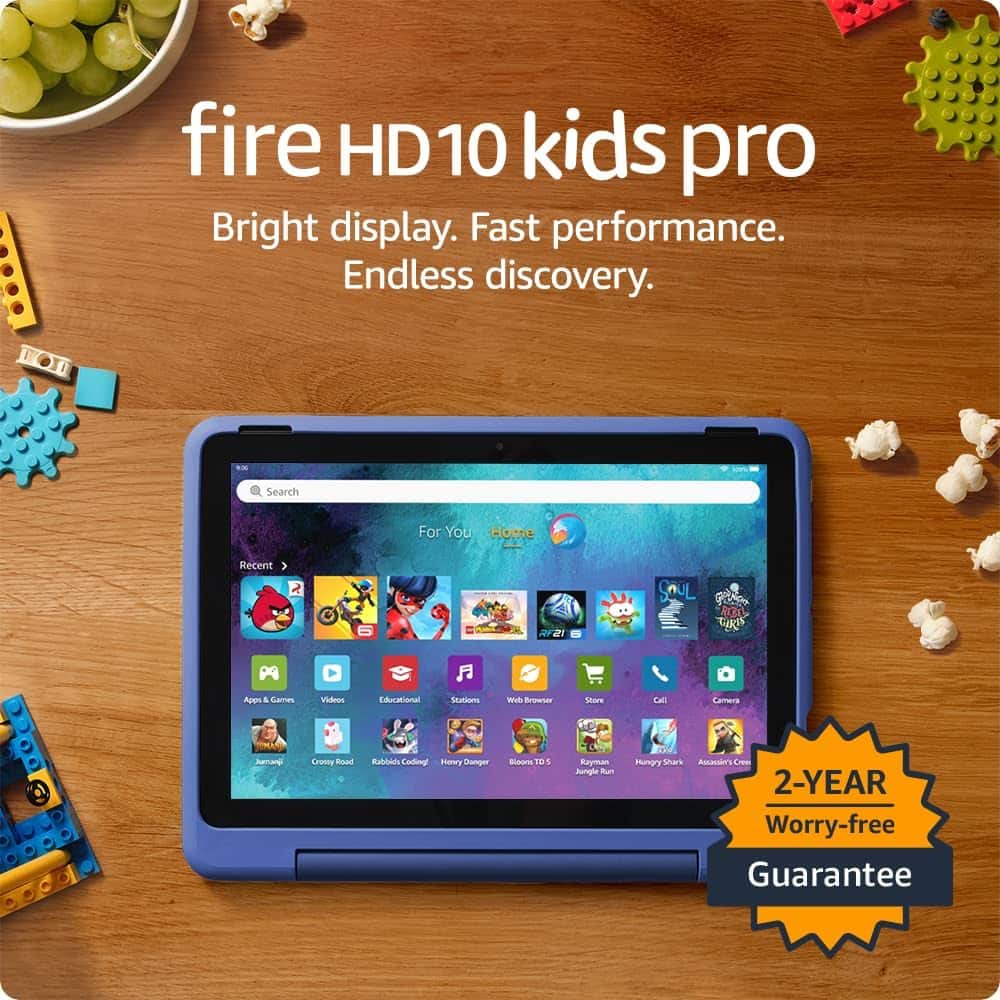
A:AnswerHi Phil132, Thanks for reaching out. The Amazon- Fire HD Kids Pro 10-1" tablet does not come with a screen protector already on it but the screen is strengthened with aluminosilicate glass, and comes with the Amazon 2 YEAR WORRY-FREE GUARANTEE INCLUDED: If it breaks, return it and we’ll replace it for free for 2 years. I hope this answers your question. Have a great day!
A:AnswerGood Morning,
The new Amazon - Fire HD Kids Pro Tablet is designed specifically for kids ages 6–12. The tablet will come with 1 year of Amazon Kids+, parental controls, a slim protective case, and a 2-year worry-free guarantee. I hope this answers your question, have a great day!
A:AnswerHello TJ! Yes, the Disney and Netflix apps can be downloaded to your Fire Tablet. You can download games and apps and use them on the go by following these steps:
1. Select Games & Apps or open the Apps or Games app.
2. Select an app from your Library to download it or search for a new app in the Store.
Have a great day!
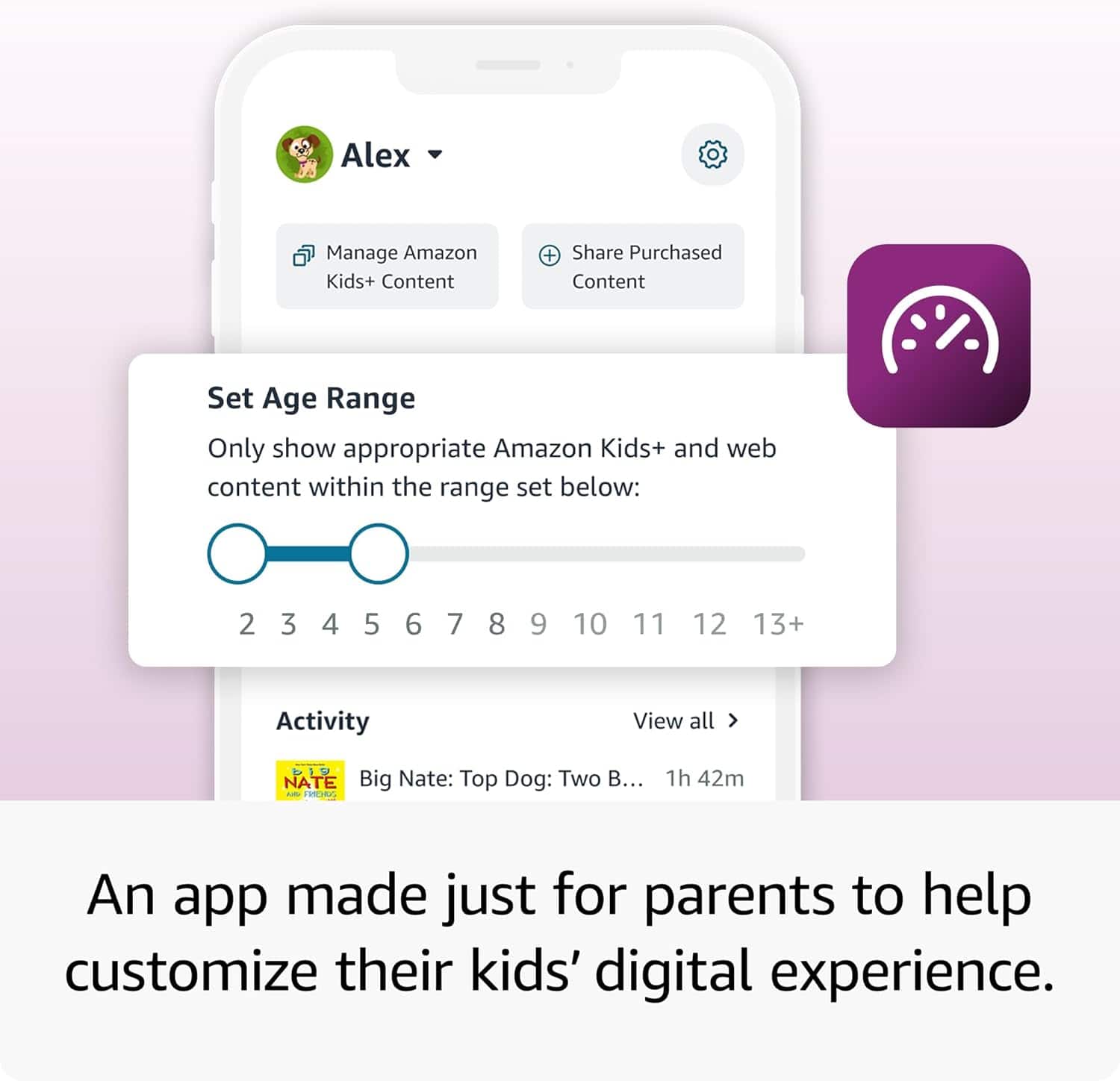
A:AnswerHello JABMI The new Kids Pro Fire Tablet is designed specifically for kids ages 6–12. The tablet will come with 1 year of Amazon Kids+, parental controls, a slim protective case, and a 2-year worry-free guarantee, just like the Kids tablets. In addition to the Kids+ content, the Kids Pro tablets include access to a digital store. With this, kids can request to download or purchase apps, while parents can approve purchases and downloads. The tablet also comes with a built in web browser. The web browser comes with built-in controls designed to help filter out inappropriate sites and let parents add or block specific websites at any time. I hope that helps explain the new Kids Pro tablet! Have a great day!
A:AnswerHello! Thank you for your question. Yes, the Fire HD 10 Kids Pro is great for helping with homework! The tablet comes with access to educational content and apps that can help with math learning. For screen sharing, you can use Amazon Kids+ to view what your child is doing on the tablet through the Parent Dashboard, and the tablet supports screen mirroring to compatible devices so you can display educational content on a larger screen. There are also several math learning apps available that offer interactive problem-solving and practice exercises suitable for children. Plus, the tablet includes parental controls so you can manage your child's screen time and ensure they're focusing on educational content. I hope that helps and have a great day!
A:AnswerHello Kim, thank you for your question. Yes, the Amazon Fire HD 10 Kids Pro tablet allows parents to see what their children are watching, what apps they are using, and what websites they visit. This is all managed through the Amazon Parent Dashboard, which provides remote activity reports. Parents would be able to see the activity on their phones. I hope that helps, have a great day!
A:AnswerHello Jett and thank you for your question! Yes, the Amazon Fire HD 10 Kids Pro Tablet can access the internet (including wikipedia), as long as it is connected to a stable Wi-Fi connection. Hope that helps! Have a great day!
A:AnswerHello, thank you for your question. Yes, the Amazon Fire HD Kids Pro tablets require and have built-in Wi-Fi capabilities to access the internet, download content, and use apps, though some content can be downloaded for offline use. You must provide the Wi-Fi network connection, such as from your home router or a mobile hotspot. I hope that helps, have a great day!
A:AnswerHello Nahna, the Amazon Fire tablets do not support a cellular connection. FaceTime is an Apple only service. There are several apps that you can download that will allow you to make video calls when the tablet is connected to WI-FI.
Have a great day!
A:AnswerHi bri! While there is no YouTube Kids app available on the Amazon App Store, you can easily access YouTube Kids via the built-in Silk Browser on the Fire HD 10 Kids Pro tablet. Additionally, just for purchasing the tablet you'll receive a free trial of Amazon Kids+ which features a huge variety of curated kids books, movies, TV shows, and games for free! I hope that helps, have a great rest of your day!
A:AnswerHello Mommode,
Yes, any Fire Tablet can be connected to a Wifi Hotspot. In order to connect you will just need to locate your hotspots name in the wifi settings on the tablet and connect with your phone's hotspot password. It works very well. I actually use it when I'm in the field for work and don't have a reliable signal. I use my phone's Hotspot to connect to my Fire HD10 Tablet on a daily basis, some times multiple times a day.
I hope this helps!
A:AnswerHello Vely,
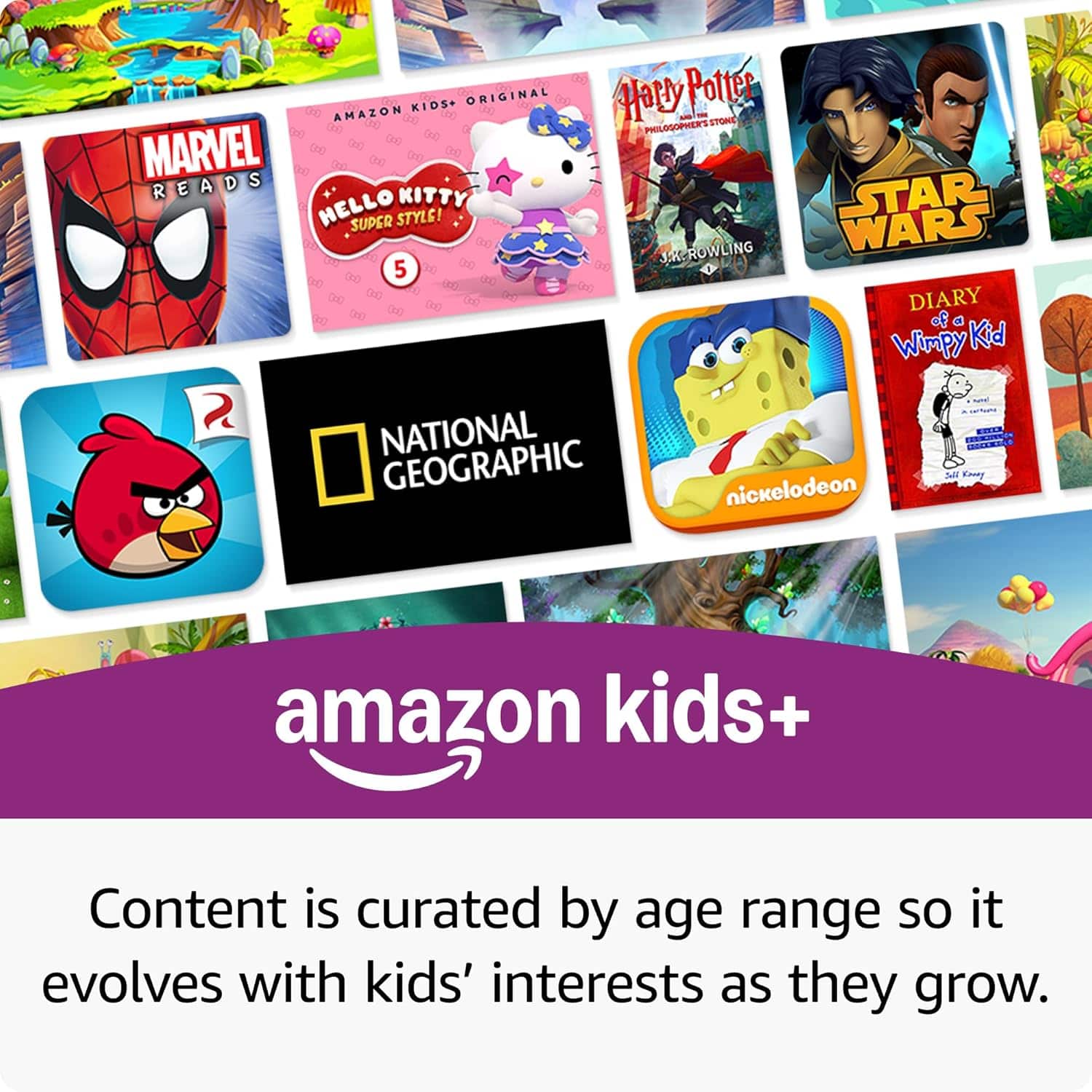
The Amazon Fire HD 10 Kids Pro Tablet comes with 1 year free of Amazon Kids+. When the subscription is activated it will ask for a valid form of payment as when the subscription ends, the card will be charged on a monthly basis. The subscription can be modified or canceled at any time by accessing your Amazon Account and Subscriptions or through the Parent Dashboard on the Kids Edition Tablet.
Have a Great Day!
A:AnswerHi Lgv27! The 2 year worry free guarantee is directly through Amazon, so you'll want to reach out to them directly. An easy way to check your warranty status is to login to Amazon's website, and then find your specific tablet under the "Devices" menu. This will also have links you can follow to get to the contact information you need. I hope that helps, have a great rest of your day!
A:AnswerHello,
No you don't need to be subscribed to Amazon Prime for the Fire HD 10 Kids Pro Tablet. All you need to have to register the device and get it up and running is a free Amazon.com Account. You can set this up on the tablet during the device setup, or you can create a phone on your mobile device or laptop.
I hope this helps!
A:AnswerHello K and thank you for your question! Yes, the Amazon Fire HD Kids Pro 10 comes with the Amazon App Store. This is where you can add a wide variety of apps, games, streaming services, etc. to the device. Hope this helps! Have a great day!