A:AnswerHello Gomer! While these are designed to make calls to other Amazon devices, you can do video calls through various third-party apps such as Snapchat and Messenger, which should allow you to communicate with people across a multitude of devices. I hope this answers your question and I hope you have a great day!
A:AnswerHello! I checked the Amazon appstore and was able to find Word Chums available for download. I hope this answers your question and I hope you have a great day!
A:AnswerHi Nana,
All Amazon Kids tablets are excellent options for your children.
Although for your 5-year-old: Amazon Fire HD 8 Kids Tablet: It features a chunky, drop-proof bumper case with an integrated kickstand. The hexa-core processor handles basic games easily, and it stays perfectly cool in smaller hands.
For your 8-year-old: Amazon Fire HD 10 Kids Pro 2023: This version comes with a much slimmer, "older kid" case. It features a faster octa-core processor and a vibrant 10.1-inch Full HD screen that is much better suited for 8-year-old gaming and Youtube.
Hope this helps with your decision.
Thank you
A:AnswerHello Sam, the Official MyQ App is not available on the Amazon Fire Tablets. You can use the built-in Internet Browser to access your account and view the cameras from there.
Have a great day!
A:AnswerHi there! Yes you can get YouTube on an Amazon Fire HD 8 tablet. The easiest way is to use the built in Silk browser to visit YouTube. You can also install the Google Play store to download the actual app. Hope that helps!
A:AnswerHello, BryanM! Yes, the battery in an Amazon Fire HD 8 tablet can be replaced, but it is not designed to be user-replaceable by standard consumer means. Amazon does not offer an official battery replacement service or design the back cover to open easily. the battery is covered by Amazon’s warranty, but there is a major catch regarding how they handle it. Because Amazon does not perform standalone battery replacements for Fire tablets, they will not swap the battery out and send your exact tablet back to you. Instead, if your battery is genuinely defective and you are within your warranty period, Amazon will replace the entire tablet with a new or refurbished equivalent model. Standard Fire HD 8 / HD 8 Plus: Typically comes with a 1-year limited warranty. I hope this info helps!
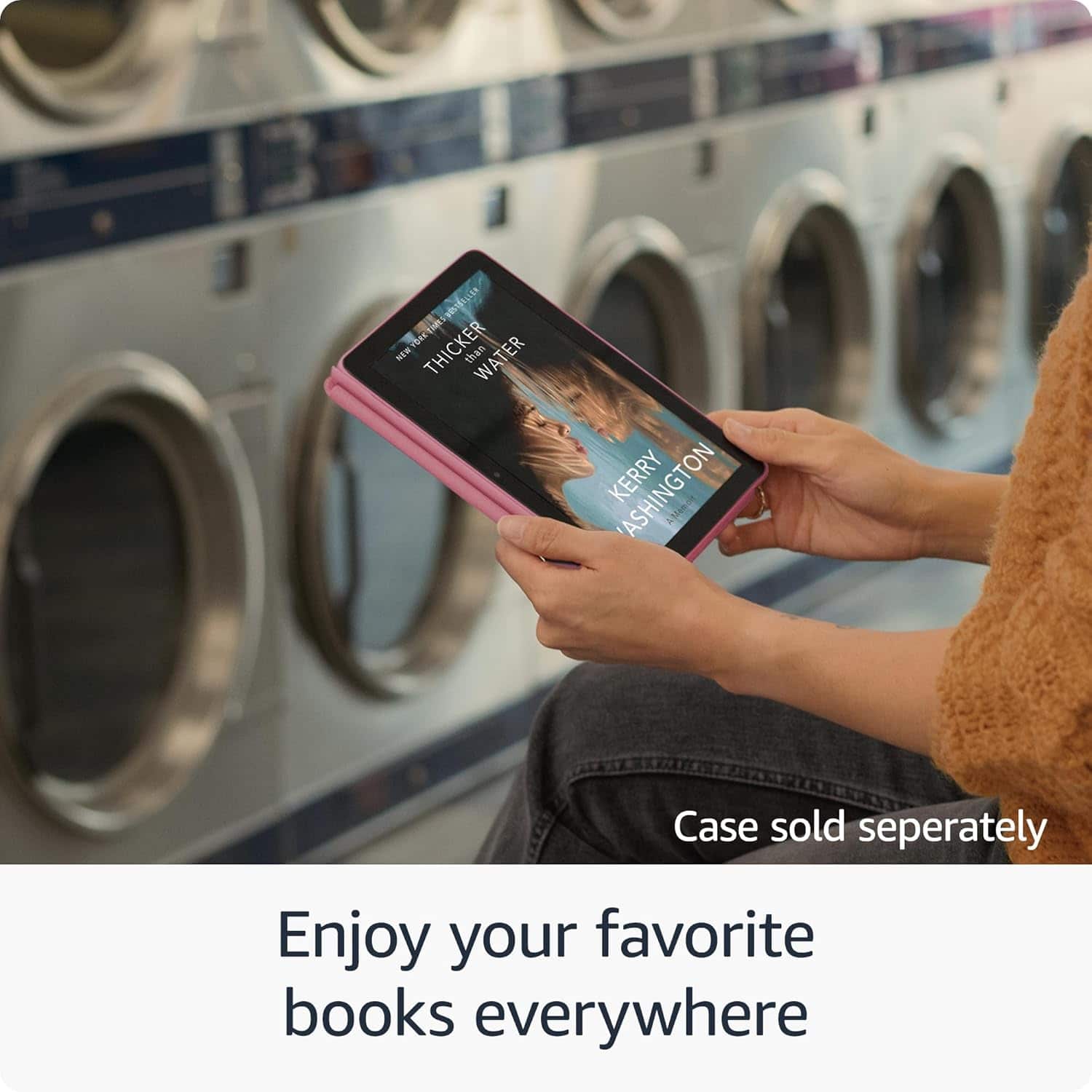
A:AnswerHello, yes you can download and read e-books on the Amazon Fire HD8. I use the Kindle App on mine all the time. You can also set your email up on the tablet using the Email App that is already installed on the tablet.
Have a great day!
A:AnswerSo all my devices, including the tablet, say offline. However, my echo show and other devices are on line. Why is it saying off line and how can I get them back on line.
A:AnswerHello Leah,
The Fire HD 8 Tablet will allow you to add a Amazon Child Profile to your device. This will allow a child to have access to content for kids and restrict them from changing things on your profile. I hope this information helps. Have a great day!
A:AnswerHi KateH Yes, you can install WeatherBug on an Amazon Fire HD 8 tablet, but the official support situation has changed recently, and the straightforward way through the Amazon Appstore is no longer available for Fire tablets. The official WeatherBug app listing on the Amazon Appstore states: "As of 11/25/2025, we are no longer supporting the WeatherBug app built for Amazon Fire Tablets." This means the dedicated Fire tablet version has been discontinued and is likely no longer downloadable or updated directly from the Amazon Appstore for tablets (though a separate version exists for Fire TV devices). You can check the Amazon Appstore directly on your tablet Hope you have a great day.
A:AnswerHello Sherri,
The Amazon Fire HD 8 Tablet only requires an Amazon Account to get started. As far as applications go to add to the device that can vary. Some applications such as Prime or Netflix are free to download, but require a subscription to access content. Some apps are free to download and use without any sort of subscription. It all depends on what you would like to use the tablet for. For example, I use my tablet when I travel for work. I have Amazon Prime, HBO Max, and Netflix for movies, The apps are all free to download and I pay for the subscription services. I also use Pandora and Tidal for music, same thing as the movie streaming services. I do have several games and apps that I downloaded for free as well with no subscription charges. I can access my email, play card games like Poker and Solitaire and more in depth games like Clash of Clans. These services are free. To answer your question in a shorter way, if you have an existing Amazon Account, there are no additional charges to get the Tablet working. If you don't have an Amazon Account, the device will help you set one up, that is free as well!
I hope this answers your question!
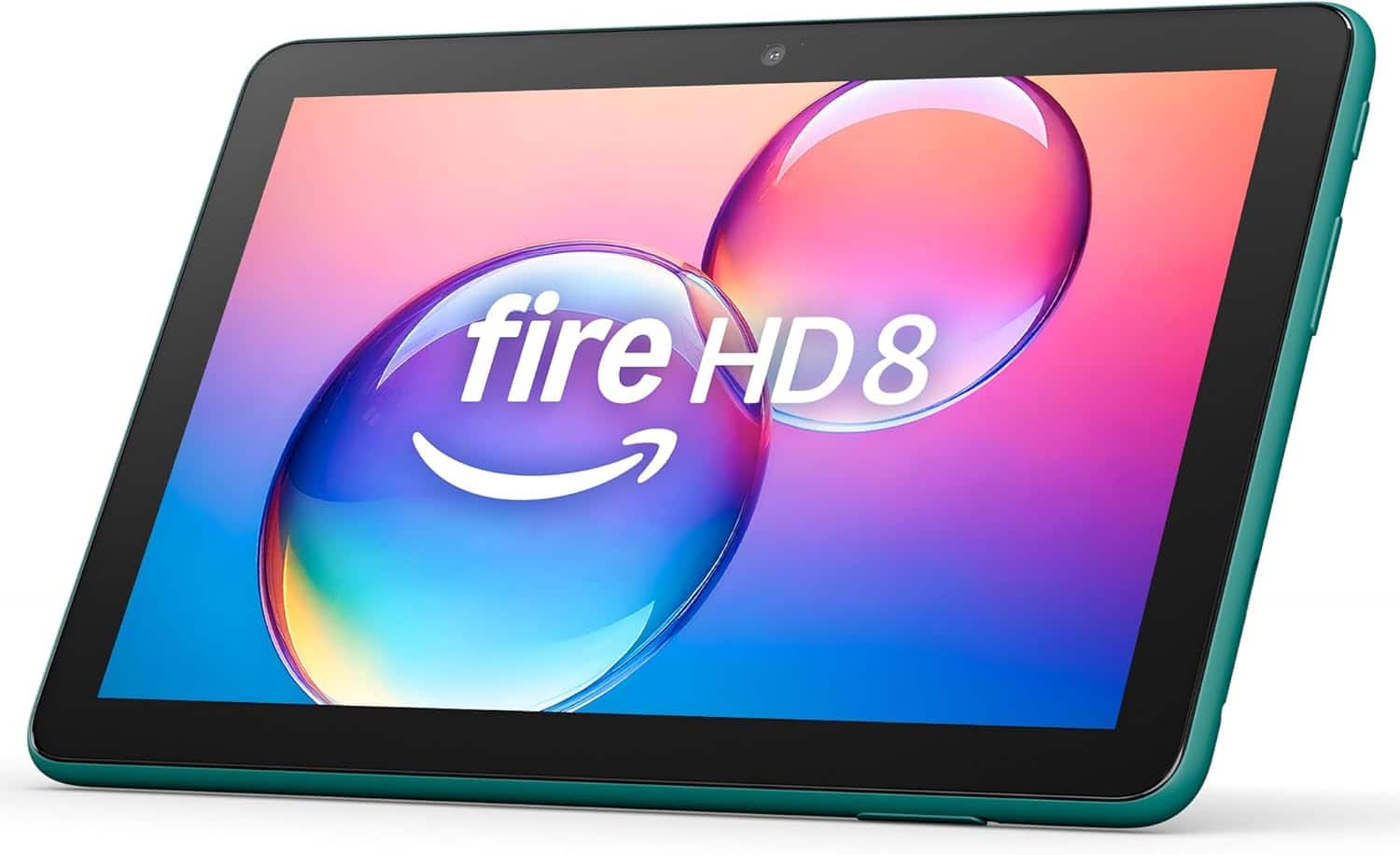
A:AnswerNot that I see. There is a charging portal, a plug for headphones, a couple of covered slots for other plugs, but nothing large enough for an hdmi connection.
A:AnswerHello Curious!
No this device does not have a native GPS chip built in and it is a WIFI only device. You can pair your Fire 8 HD table with other devices like a GPS Bluetooth receivers for more capabilities. I hope this information helps. Have a great day!