A:AnswerHello Leah,
The Fire HD 8 Tablet will allow you to add a Amazon Child Profile to your device. This will allow a child to have access to content for kids and restrict them from changing things on your profile. I hope this information helps. Have a great day!
A:AnswerHi KateH Yes, you can install WeatherBug on an Amazon Fire HD 8 tablet, but the official support situation has changed recently, and the straightforward way through the Amazon Appstore is no longer available for Fire tablets. The official WeatherBug app listing on the Amazon Appstore states: "As of 11/25/2025, we are no longer supporting the WeatherBug app built for Amazon Fire Tablets." This means the dedicated Fire tablet version has been discontinued and is likely no longer downloadable or updated directly from the Amazon Appstore for tablets (though a separate version exists for Fire TV devices). You can check the Amazon Appstore directly on your tablet Hope you have a great day.
A:AnswerHello Sherri,
The Amazon Fire HD 8 Tablet only requires an Amazon Account to get started. As far as applications go to add to the device that can vary. Some applications such as Prime or Netflix are free to download, but require a subscription to access content. Some apps are free to download and use without any sort of subscription. It all depends on what you would like to use the tablet for. For example, I use my tablet when I travel for work. I have Amazon Prime, HBO Max, and Netflix for movies, The apps are all free to download and I pay for the subscription services. I also use Pandora and Tidal for music, same thing as the movie streaming services. I do have several games and apps that I downloaded for free as well with no subscription charges. I can access my email, play card games like Poker and Solitaire and more in depth games like Clash of Clans. These services are free. To answer your question in a shorter way, if you have an existing Amazon Account, there are no additional charges to get the Tablet working. If you don't have an Amazon Account, the device will help you set one up, that is free as well!
I hope this answers your question!
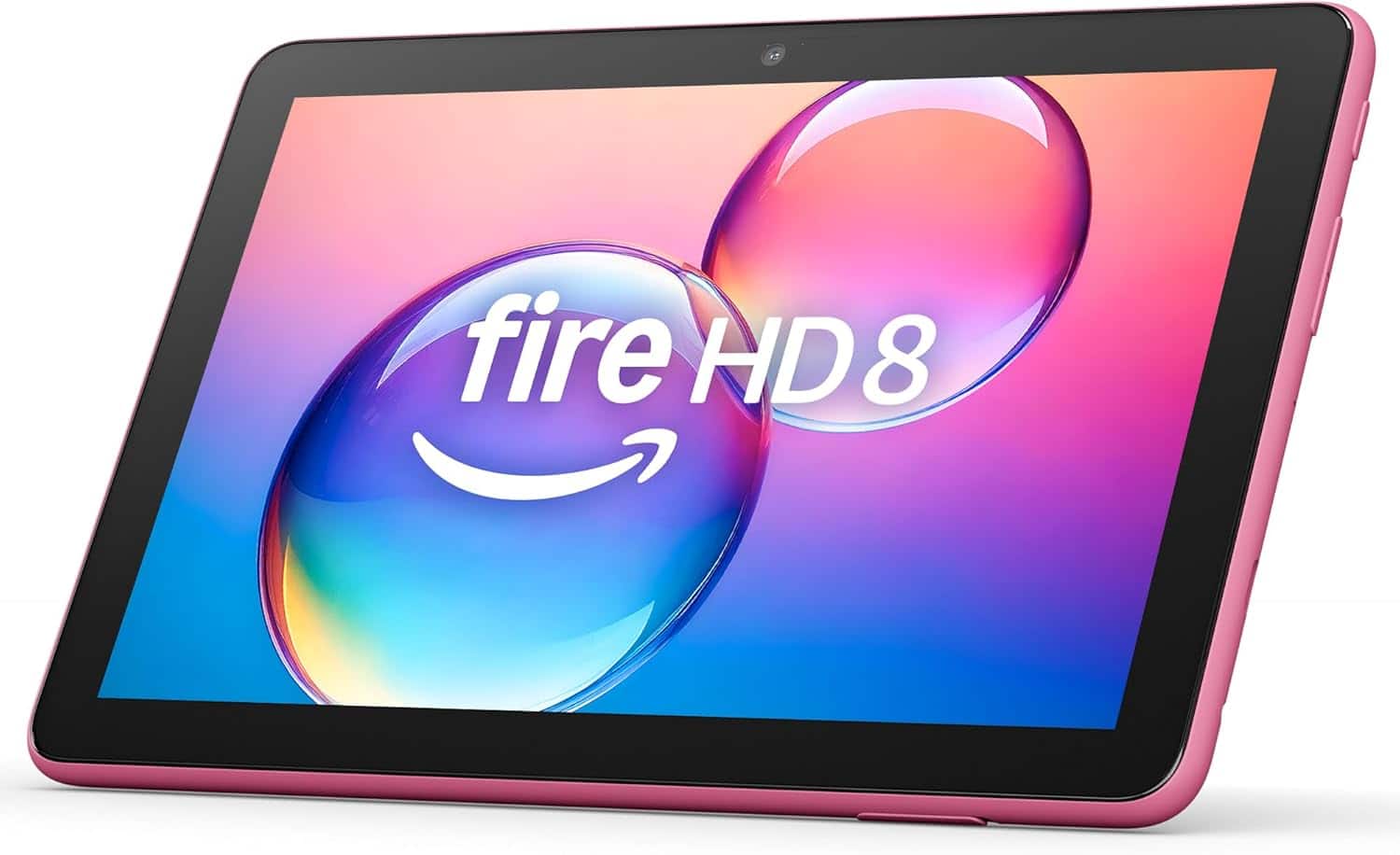
A:AnswerNot that I see. There is a charging portal, a plug for headphones, a couple of covered slots for other plugs, but nothing large enough for an hdmi connection.
A:AnswerHello Curious!
No this device does not have a native GPS chip built in and it is a WIFI only device. You can pair your Fire 8 HD table with other devices like a GPS Bluetooth receivers for more capabilities. I hope this information helps. Have a great day!
A:AnswerHi MandyB,
Yes — you can send apps to your child’s Fire HD 8 by managing their child profile in the Amazon Parent Dashboard. You choose approved apps, and they’ll automatically show up on the tablet.
Hope this helps!
A:AnswerHi!
The Fire HD 8 is good for casual, basic drawing and sketching, especially with a simple capacitive stylus. It's not ideal for serious digital art due to a lack of pressure sensitivity, potential lag, and the limited options in the app store.
I hope this answers your question!
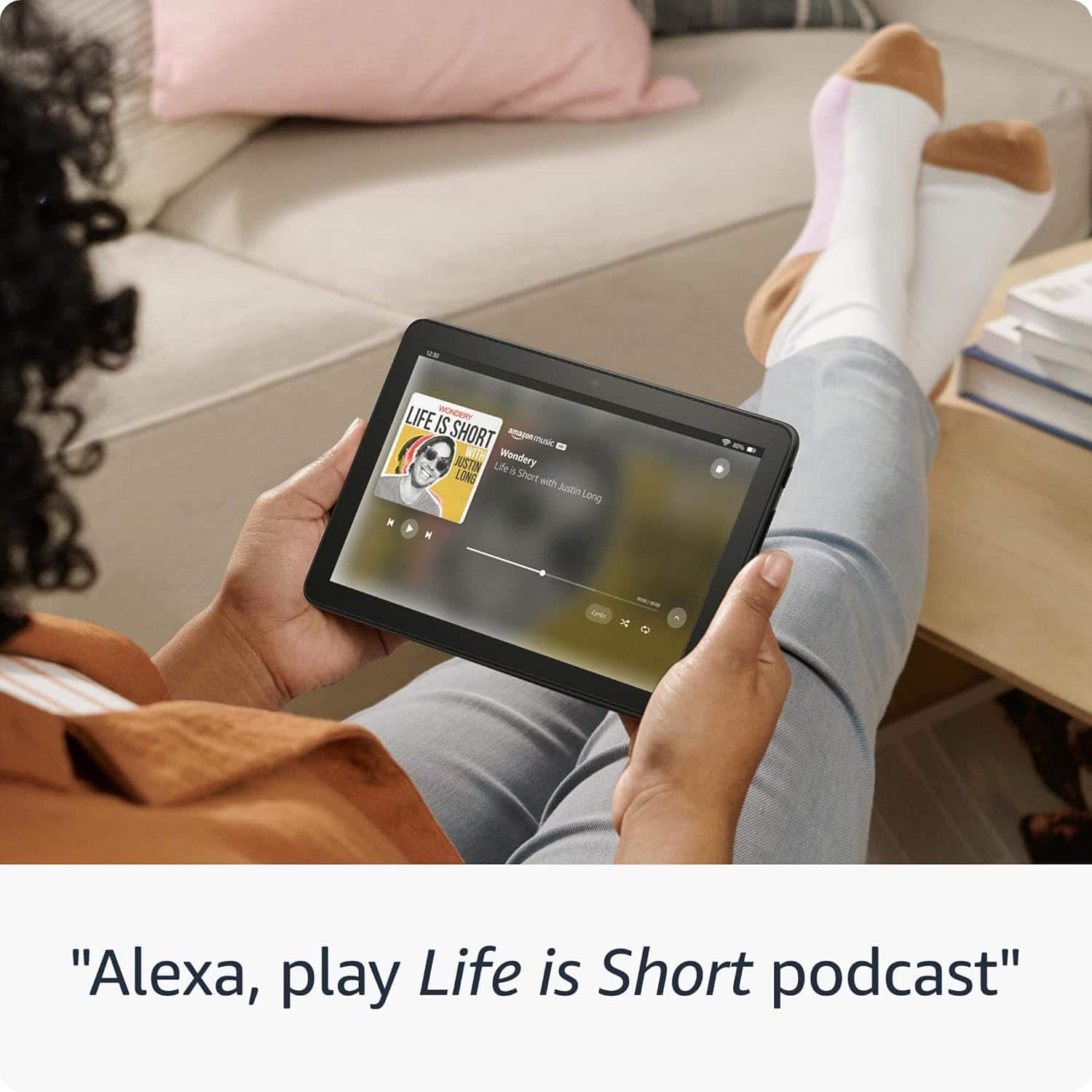
A:AnswerHello Debra and thank you for your question! Yes, the Amazon FireHD 8 tablet is the 12th edition, 2024 release. Hope this helps! Have a great day!
A:AnswerHi AndyM,
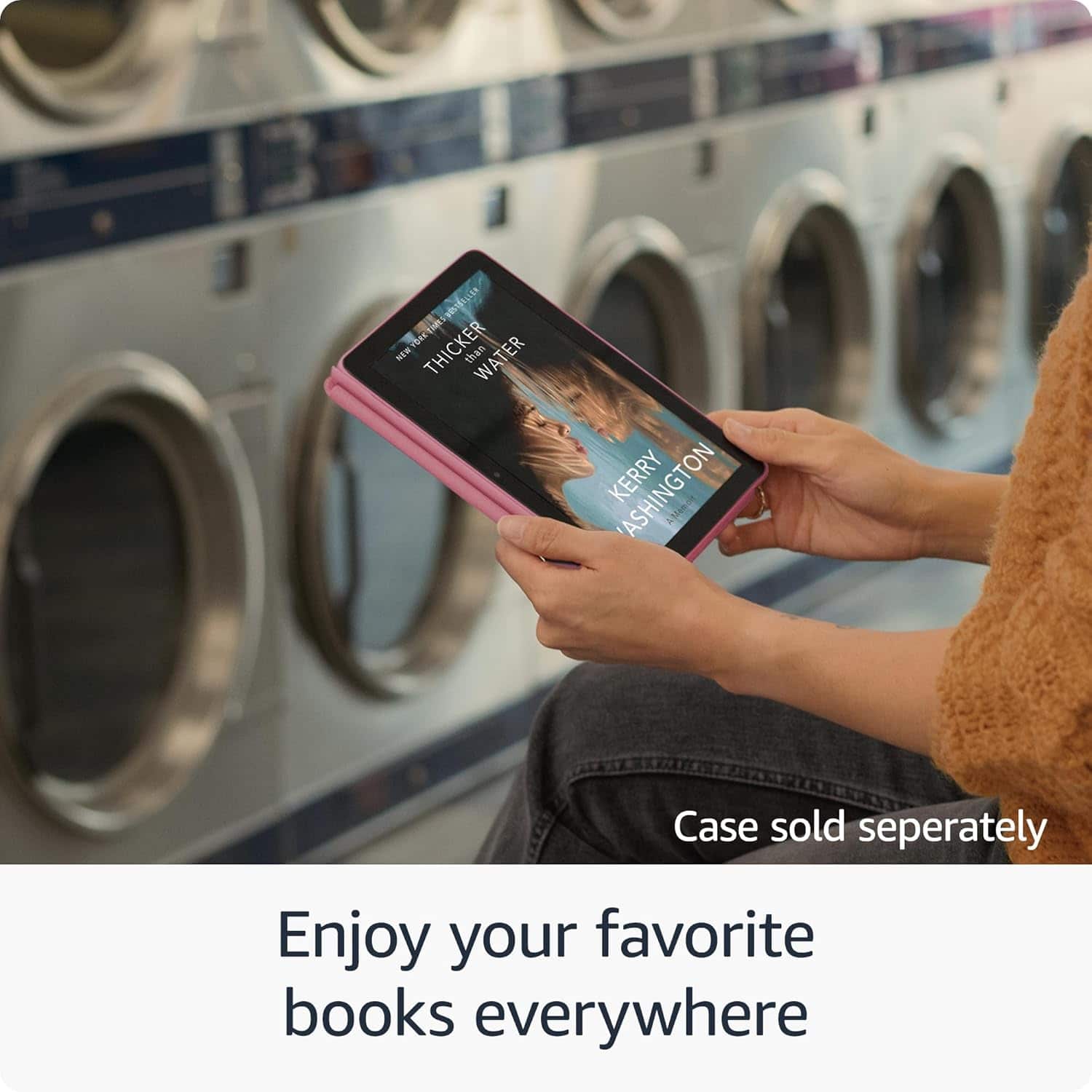
Yes the Fire HD 8 can show books and graphic novels in full color. Just keep in mind this is a tablet, not a Kindle e-reader, so it uses a regular LCD screen instead of e-ink.
Hope this helps!
A:AnswerHello Kelley, the Amazon Fire tablets do not support a cellular connection. There are several apps available for download that will allow you to make voice and video calls when connected to WI-FI.
Have a great day!
A:AnswerHi CP! While the YouTube TV app is not available on the Amazon App Store, you can always sign in to your account via the built-in browser. You'll also be able to access tons of other streaming apps like Prime Video, Disney+, and Netflix which are available to download from the App Store. I hope that helps, have a great rest of your day!