Early Black Friday DealsNew Doorbusters every Friday.Shop now

Main Content

Questions & Answers

Your price for this item is $139.99
The comparable value price is $229.99
Page Showing 21-40 of 56 questions
  • QuestionIs there a charging stand for this?

    Asked by Anonymous.

    • Answer Hello, you want to know if there is a charging stand for the Fire Max 11 tablet. You are able to purchase 3rd party charging stands compatible with the Fire Max 11 tablet. Hope this has answered your question. Have an amazing day!

      Answered by Amazon Devices Customer Support

  • QuestionCan I use wire in headphones

    Asked by Anonymous.

    • Answer Hello -, Thank you for your question. The Fire Max 11 does not have a headphone jack, however you may purchase a usb-C to 3.5mm jack plug adaptor separately to use with your tablet. Hope this helps, have a nice day!

      Answered by Amazon Devices Customer Support

  • Questioncan i make calls

    Asked by norm.

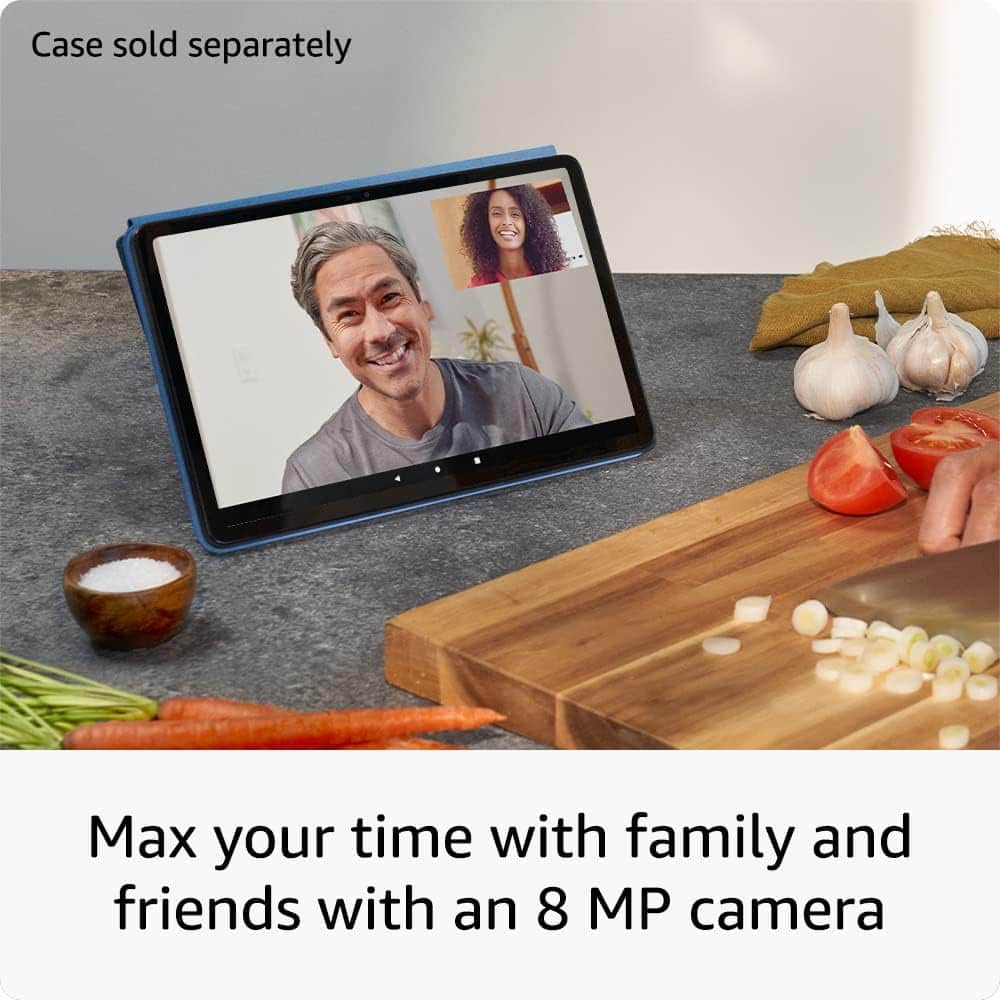
    • Answer Hello and thank you for asking this question. Calls can be made through Fire tablets in a few different ways. There are hundreds of third party apps available to download from the app store that allow calls as well as the Alex application which can be set up to allow calls to phone numbers and other Alexa/Echo devices. I hope this answers your question and that you have a great day.

      Answered by Amazon Devices Customer Support

  • QuestionDoes this support and if supported, what SIM card size do they use?

    Asked by Anonymous.

    • Answer Hi there! The Fire Max 11 tablet supports Micro SD cards with up to 1TB of storage, but does not feature a SIM card slot or the ability to connect to cellular internet. I hope that helps, have a great rest of your day!

      Answered by Amazon Devices Customer Support

  • Questioncan i view blink cameras with his tablet

    Asked by william.

    • Answer Hello William, yes you can view your Blink Cameras using the Amazon Fire Max 11. You just need to download the Blink App from the Amazon App store and log into your account. Have a great day!

      Answered by Amazon Devices Customer Support

  • QuestionIs there a way to stop this fire max from freezing up when playing a game

    Asked by Gene.

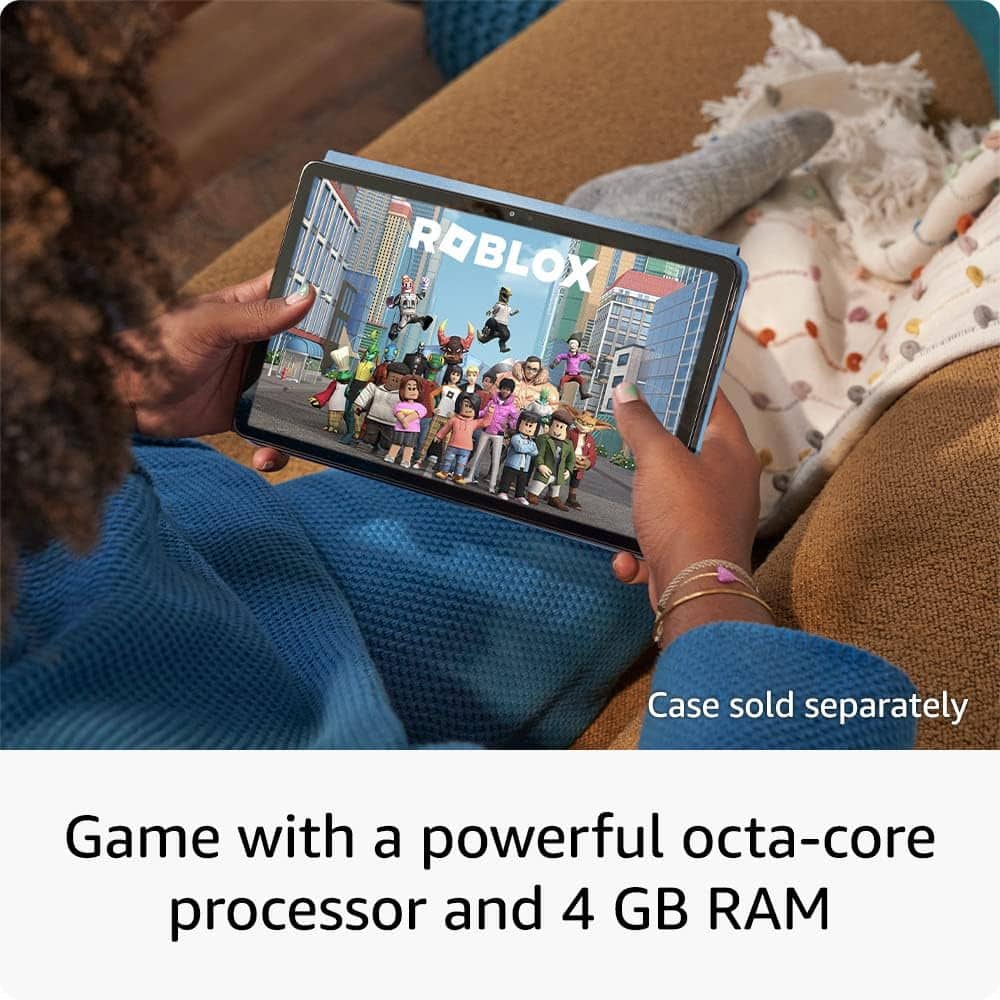
    • Answer Hi Gene! A few ways to prevent your Fire Max tablet from freezing when playing games include; clearing the cache and data for the game app, force close other apps, and ensure your device and apps are up to date. I hope this helps!

      Answered by Amazon Devices Customer Support

  • Questiondoes this support excel and word?

    Asked by Anonymous.

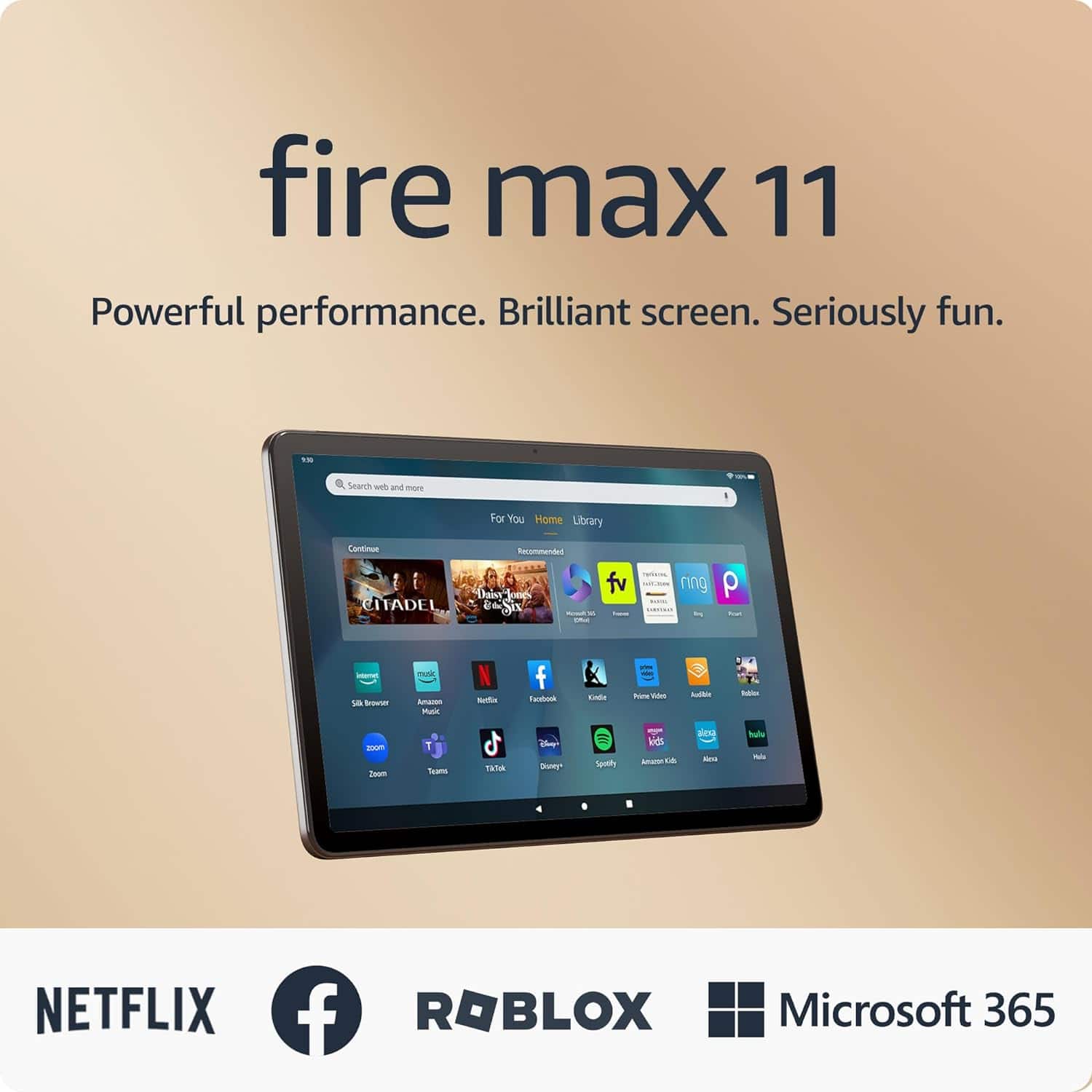
    • Answer Hi there, the Fire Max 11 Tablet does support excel and word. To get started, simply download the excel and word app from the App Store. You will be asked to sign in to you Microsoft account and have an active 365 subscription. I hope this helps, have a great day!

      Answered by Amazon Devices Customer Support

  • QuestionIs a subscription required to operate the device?

    Asked by John.

    • Answer Hi John! There's no subscription required to operate the device, though you'll need a free Amazon account in order to complete setup and install apps from the App store. Specific apps, like Netflix, might also require subscriptions to access features or content. I hope that helps clear things up, have a great rest of your day!

      Answered by Amazon Devices Customer Support

  • QuestionDoes this model come with a charger? Which charger should be used?

    Asked by jmo1.

    • Answer Hello jmo1, Yes the Fire Max 11 Tablet does come with a USB-C Charging cord as well as the 9W power brick. From what I've found messing around with my own Max 11 is that any USB-C Cable will work for charging and most 9W universal bricks will work as well, however I've had the best results with the battery life using the one provided in the box. I hope this answers your question!

      Answered by Amazon Devices Customer Support

  • Questiondoes the kindle app allow text to speech work on this device"?

    Asked by dpj.

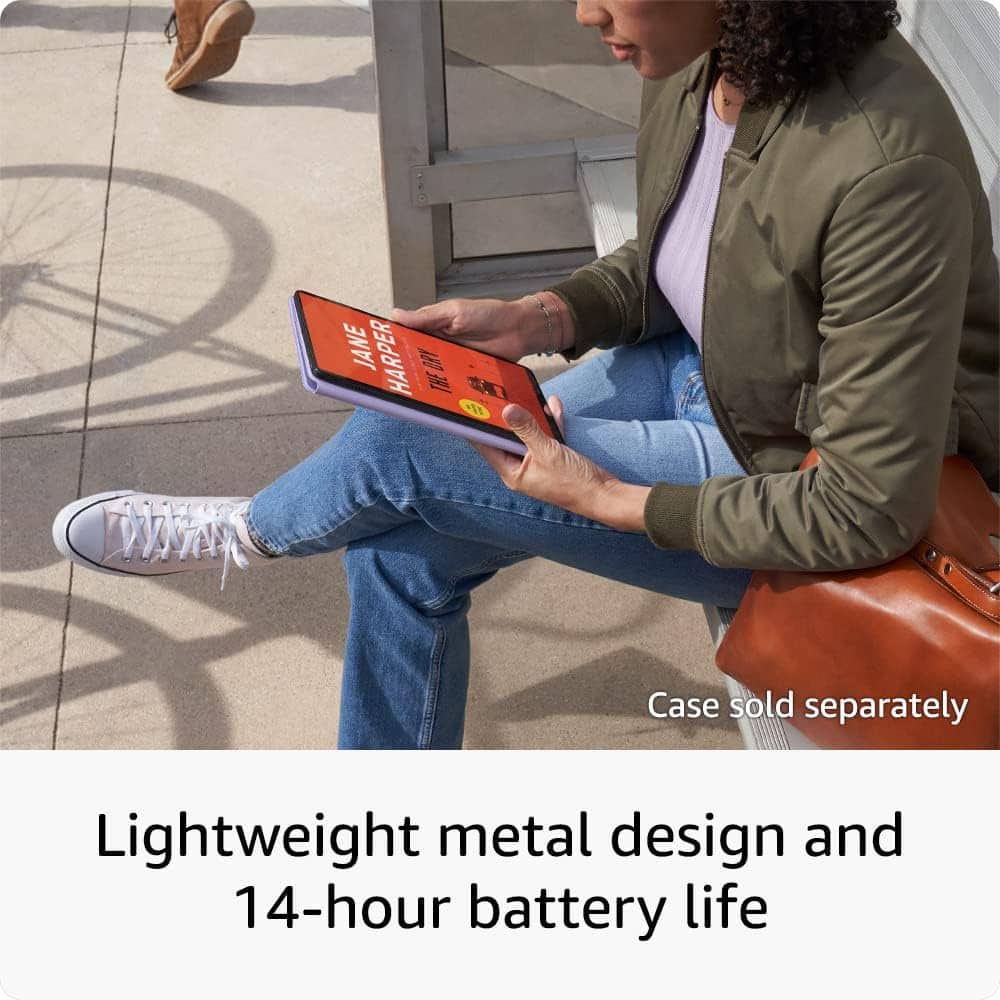
    • Answer Hello dpj, Yes, The Kindle app does have an Assistive Reader Function. It will work on any Amazon, IOS or Android Device. Assistive Reader is available on any books purchased from the Kindle Store, Borrowed from Kindle Unlimited or Prime Reading or Shared in a family Library. I have attached the directions below on how to turn Assistive Reader On: 1. Open the content where you'd like to use Assistive Reader. Once you turn on Assistive Reader, it remains available until you turn it off again. 2. Tap the top center of the screen, and then select the reading settings menu, Aa. Select More, and then turn on Assistive Reader. 3. To display the player controls, tap the screen. You can control the reading speed, or rewind by 30 seconds using the player controls at the bottom of the screen.
      Answered by Amazon Devices Customer Support

  • QuestionSo every time I search kindle fire, I am shown Amazon fire tablet, So does that mean this is a Kendall or does that mean this is an Amazon tablet? Can I download all streaming services on them? Can I buy an extra HD card to download bc I won’t have wifi.

    Asked by NameClarification.

    • Answer Hello, NameClarification. The Fire Max 11 is part of the Amazon Fire tablet lineup. With the Fire Max 11, you can watch popular shows with apps like Netflix, Prime Video, Hulu, or Max, or catch your favorite streams on Twitch. You can also purchase an SD card (sold separately) to expand storage by up to 1 TB. The Fire Max 11 does not support a mobile connection and requires Wi-Fi for some applications to work. I hope this information is helpful. Have a great day!

      Answered by Amazon Devices Customer Support

  • QuestionCan you download the WhatsApp app on the Amazon fire max 11 tablet without activating a phone number and use the Wi-Fi to make phone calls? Does it have a slot for a sim card? Can you use it in Europe and South America?

    Asked by Effenbert.

    • Answer Hello Effenbert and thank you for your questions! Unfortunately, the WhatsApp app is unavailable in the Amazon App store, so you would not be able to download or use on the Amazon Fire Max 11 Tablet. The Fire Max 11 tablet does not have a sim card slot, and can only connect to the internet via a Wifi signal. The Amazon Fire Max 11 can be used overseas, however there may be some features and services that may have geographic restrictions and may not work if detected outside of the US. Hope this helps! Have a great day

      Answered by Amazon Devices Customer Support

  • QuestionCan you download WhatsApp app without having an active phone number and use Wi-Fi to make calls?

    Asked by Anonymous.

    • Answer Hello and thank you for your question. WhatsApp is currently unavailable in the Amazon App store to download or use on the Amazon Fire Max 11 tablet. Hope this helps! Have a great day!

      Answered by Amazon Devices Customer Support

  • QuestionDoes the Fire Max 11 have text to speech capabilities.

    Asked by Speakprob.

    • Answer Hello. Thank you for your question. To enable features that personalize Alexa to your abilities, go to Settings → Accessibility. VoiceView screen reader enables access for customers who are blind or visually impaired. • Kindle Read Aloud will have Alexa read your Kindle books aloud. • Fire tablet Accessibility features also include settings for Closed Captioning, Font Size, Display Size, High Contrast Text, Color Inversion, Color Correction, and Convert Stereo to Mono audio. (Captions are not available for all content.). Hope this helps. Have a great day!

      Answered by Amazon Devices Customer Support

  • QuestionHow much will it cost to turn it to versatile laptop package?

    Asked by Mike.

    • Answer Hi Mike! There are a few different ways you could use the Fire Max 11 more like a laptop, the easiest of which is the Magnetic Keyboard Case. The Keyboard Case attaches directly to the Fire Max 11 and doesn't require it's own power supply or batteries. Additionally, the Keyboard Case has a built in track pad for a more laptop style experience. Alternatively, the Bluetooth on the Fire Max 11 means that it is compatible with a wide range of Bluetooth keyboards and mice letting you choose your own accessories. The Keyboard Case has an MSRP of $89.99, but there are plenty of options to get the most out of the Fire Max 11. I hope that helps, have a great rest of your day!

      Answered by Amazon Devices Customer Support

  • Questionis the 11" screen size measure width wise or diagonal?

    Asked by flop.

    • Answer Hello Flop and thank you for your question! The Fire Max 11 tablet has an 11" screen size that is measured diagonally. Hope this helps! Have a great day!

      Answered by Amazon Devices Customer Support

  • QuestionCan you use bookmarks on Mac 11

    Asked by Anonymous.

    • Answer Good morning - Thanks for reaching out. You can add add a bookmark to your Amazon Fire Max 11 tablet by clicking on the 3 dots in the upper right hand corner and selecting the bookmarks option. This will allow you to create a bookmark name. The bookmark tab on that page will turn black to let you know the bookmark has been created. I hope this helps, Have a great day!

      Answered by Amazon Devices Customer Support

  • QuestionCan Windows 11 be installed on tablet?

    Asked by Renee.

    • Answer Hi Renee, Yes! Windows 11 is part of Microsoft 365! You can try Microsoft 365 Personal for 3 months (auto renews for $6.99/month after free trial, eligibility and terms apply) to take notes, revise spreadsheets and docs from anywhere on the Fire Max 11 Tablet! Hope that helps!

      Answered by Amazon Devices Customer Support

  • QuestionDo i need word excel and power point if using for playing games

    Asked by kat.

    • Answer You do not!Save the space on your tablet and just download things you want.

      Answered by Anonymous