Black Friday is hereShop new DoorbustersShop now

Main Content

Questions & Answers

Your price for this item is $19.99
Clearance
The comparable value price is $49.99
Page Showing 21-40 of 195 questions
  • QuestionI want to get rid of cable. Is there an app that you can subscribe to get Cardinal baseball or rhe Golf channel?

    Asked by Oldcodger.

    • Answer Hi Oldcodger, You can stream both the cardinal baseball and the golf channel via the Fire TV Stick 4K! You can stream each of those through different apps. Each app you download on the Fire TV Stick 4K from the Amazon Appstore does have its own subscriptions and fees that apply. Each app will also require a log in and password you will be able to set up when prompted! For your two specific asks, FuboTV carries all the channels you need to watch Golf on FireStick without cable. The list includes all the ESPN channels, CBS Sports, Golf Channel, and other 200+ live TV channels. If for some reason, you don't want to go with Hulu + Live TV, fuboTV can be an ideal option for you! Hope that helps!

      Answered by Amazon Devices Customer Support

  • QuestionCan Turner Classic Movies (TCM) be viewed with this fire stick?

    Asked by Danny.

    • Answer Hi Danny! You can download Sling TV, Hulu Live TV, YouTube TV, and DIRECTV STREAM onto this Fire TV Stick. These services support TCM. Apps can be easily downloaded from the main screen on your Fire TV device. Here are the steps: 1. Use the main menu on your Fire TV to search for apps. You can also use your voice to search for specific apps. Just press the voice button on your Alexa Voice Remote. 2. Select the app you want to download. 3. Select Get or the shopping cart icon to start your download. Have a great day!

      Answered by Amazon Devices Customer Support

  • QuestionIf I use a fire stick to subscribe to You Tube, will You Tube give me channels such as NBC, CBS, FOX, and sports channels, ESPN etc?

    Asked by GMaP.

    • Answer Yes, if you subscribe to You Tube TV

      Answered by ValarieP

  • QuestionHow many GB RAM?

    Asked by Logesh.

    • Answer Hi Logesh, The Fire TV Stick 4K has 1.5 GB of memory, 8GB of storage, and Quad-core processor supporting the folowing: CPU 1.7GHz, GPU 650MHz. Hope that helps!

      Answered by Amazon Devices Customer Support

  • Questionhow to select a favorie? how to retrieve? thx,

    Asked by skip.

    • Answer Hi skip! To select a favorite or most used app, scroll over to the "my apps" option. While viewing my apps, select the app you would like to show up in your favorites and use the menu option to select "move". From there, you can move it to your favorites that will show on the home screen. Hope this helps, enjoy your day!

      Answered by Amazon Devices Customer Support

  • QuestionCan I stream Paramount Plus?

    Asked by Eddie.

    • Answer Hello Eddie! Yes, that app is available on the Fire TV Device. Apps can be easily downloaded from the main screen on your Fire TV device. Here are the steps: 1. Use the main menu on your Fire TV to search for apps. You can also use your voice to search for specific apps. Just press the voice button on your Alexa Voice Remote. 2. Select the app you want to download. 3. Select Get or the shopping cart icon to start your download. Have a great day!

      Answered by Amazon Devices Customer Support

  • QuestionDoes firestick offer sling.

    Asked by Ann.

    • Answer Yes

      Answered by Rere

  • QuestionWill it work with a projector ?

    Asked by NanoFett.

    • Answer Hello NanoFett! This device will work a projector as long as the projector has an available HDMI port to plug this into. It requires an HDMI port and access to an electrical outlet for power and a WiFi signal. As long as those are available then you should be good! Thanks so much for your question and I hope your have a fantastic day!

      Answered by Amazon Devices Customer Support

  • QuestionWill i need to buy Alexa to use with firetv.

    Asked by mailbag.

    • Answer Hi mailbag! The FIreTV Stick will work independently! It does have Alexa built in to the Voice Remote as well. If you'd like, you can add an additional Alexa device to control some features hands free! Hope this helps, enjoy your day!

      Answered by Amazon Devices Customer Support

  • QuestionWill it work off a hot spot, Bluetooth, from a cell phone?

    Asked by HPMKEV.

    • Answer Hello, HPMKEV! Depending on the strength of the internet, yes. If the signal is not strong, you may encounter some buffering or things not playing at their highest capabilities. If the signal is good, you can use it just like if you were connected to a normal WiFi connection. I hope that helps. Have a great day!

      Answered by Amazon Devices Customer Support

  • QuestionDoes the fire stick work on old tv without cable connection

    Asked by Anonymous.

    • Answer As long as the TV has an HDMI connection, the Fire TV Stick should work just fine. The Fire TV Stick requires HDMI, power and a WI-FI connection to operate. Have a great day!

      Answered by Amazon Devices Customer Support

  • QuestionWill this work on a smart tv that in a bedroom with no cable? I have a smart tv in my family room that has cable

    Asked by Turtle.

    • Answer Wifi is all you need

      Answered by Bob502

  • QuestionDoes, Amazon - Fire TV Stick 4K with Alexa Voice Remote, Streaming Media Player require an active Amazon Prime account?

    Asked by Golfer.

    • Answer Hi Golfer! You don't have to be an Amazon Prime customer to use the Amazon Fire TV Stick 4K, but you do have to have a regular Amazon account. I hope this helped answer your question, have a great day!

      Answered by Amazon Devices Customer Support

  • QuestionWhat generation firestick is this? Is this the 2021/ 3rd generation release ?

    Asked by newLGuser.

    • Answer Hi trippyblack76! Yes, this is the 3rd gen Fire TV Stick 4K model released in 2021. Thanks for the question, have a great day!

      Answered by Amazon Devices Customer Support

  • Questionwhat local stations do these get if any

    Asked by boobear.

    • Answer None

      Answered by CherylT

  • QuestionI can't create my Alexa home theater?,

    Asked by Broke2233.

    • Answer Hello, Brooke2233! You can create a home theater group with a Fire TV device using your Alexa app. Follow these steps to set it up: 1. Set up your Fire TV and Echo devices, then check for software updates. 2. Open the Alexa app . 3. Open Devices . 4. Select Plus and scroll to the bottom of the screen. 5. Select Set Up Audio System. 6. Select Home Theater. 7. Select your compatible Fire TV device. 8. Select up to two compatible Echo devices to use as speakers. 9. Select left and right speakers when using two Echo devices. 10. Name your home theater and assign it to a room in your house. 11. Devices in your speaker group should be in the same room as your television. 12. Follow the directions on your TV to finish set up with Fire TV. Hopefully this information is helpful. Have a great day!

      Answered by Amazon Devices Customer Support

  • QuestionI have ATT/DirecTV stream in Florida and want to use my service in NY. The DirecTV stream app is not available on the NY TV. Can I access it with a Firestick? If so, which one?

    Asked by haley.

    • Answer Hi Haley, Thanks for the question! You can access the DirecTV Stream app from an Amazon Fire TV Stick by following these steps. Once you register your Amazon Fire TV device and connect it to the internet, add the DIRECTV STREAM app. Search for DIRECTV STREAM in the Amazon App Store. Select Get to install the DIRECTV STREAM app. Select Open to start the app. Make sure you have your DIRECTV STREAM credentials ready so you can sign in. Hope this helps, have a great day!

      Answered by Amazon Devices Customer Support

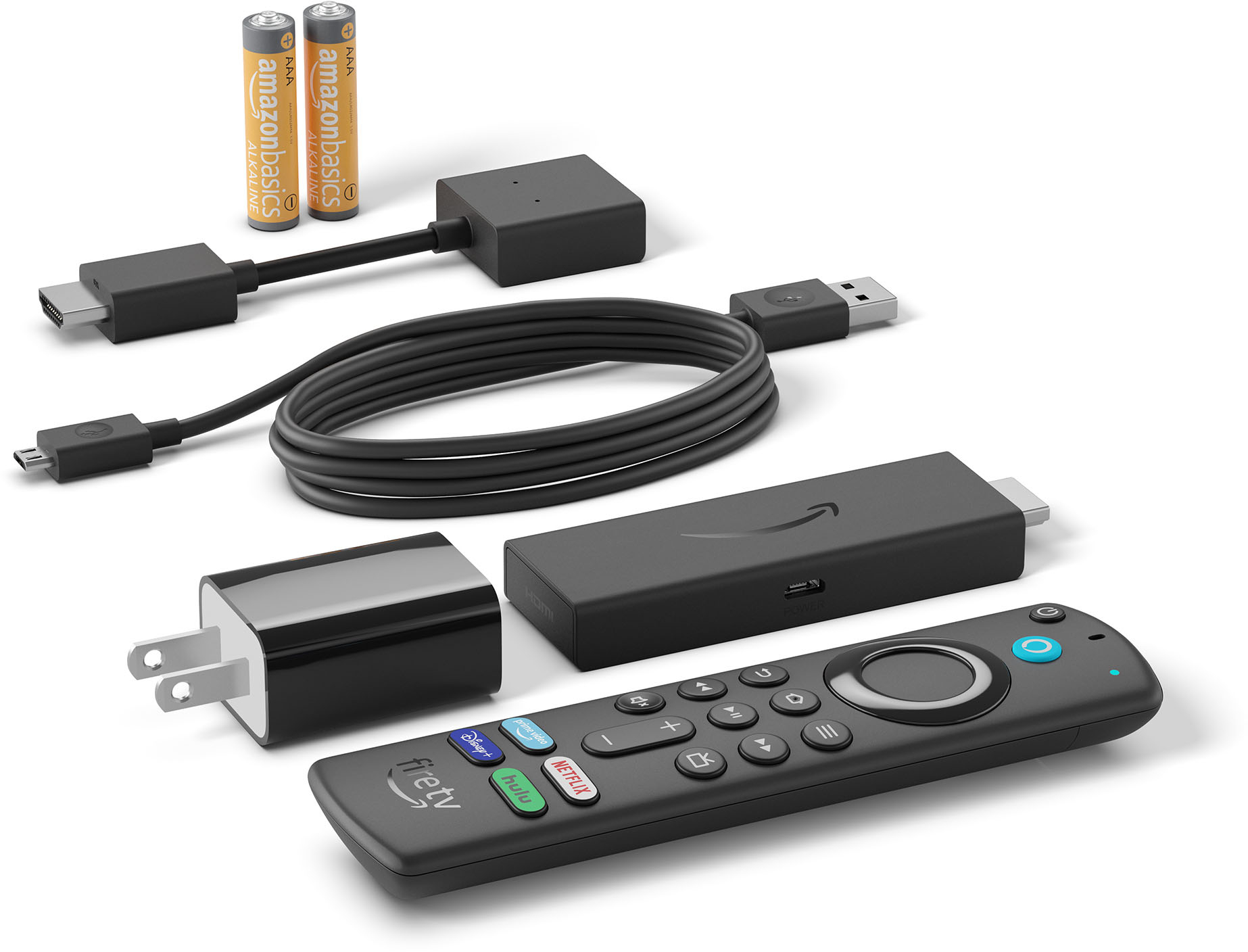
  • QuestionDo I need to buy the power cord for it?

    Asked by Ed.

    • Answer Not necessarily. We use an old cell phone charger to plug it into the wall. It does work better plugged into the wall for power vs getting power from the tv.

      Answered by TeresaG

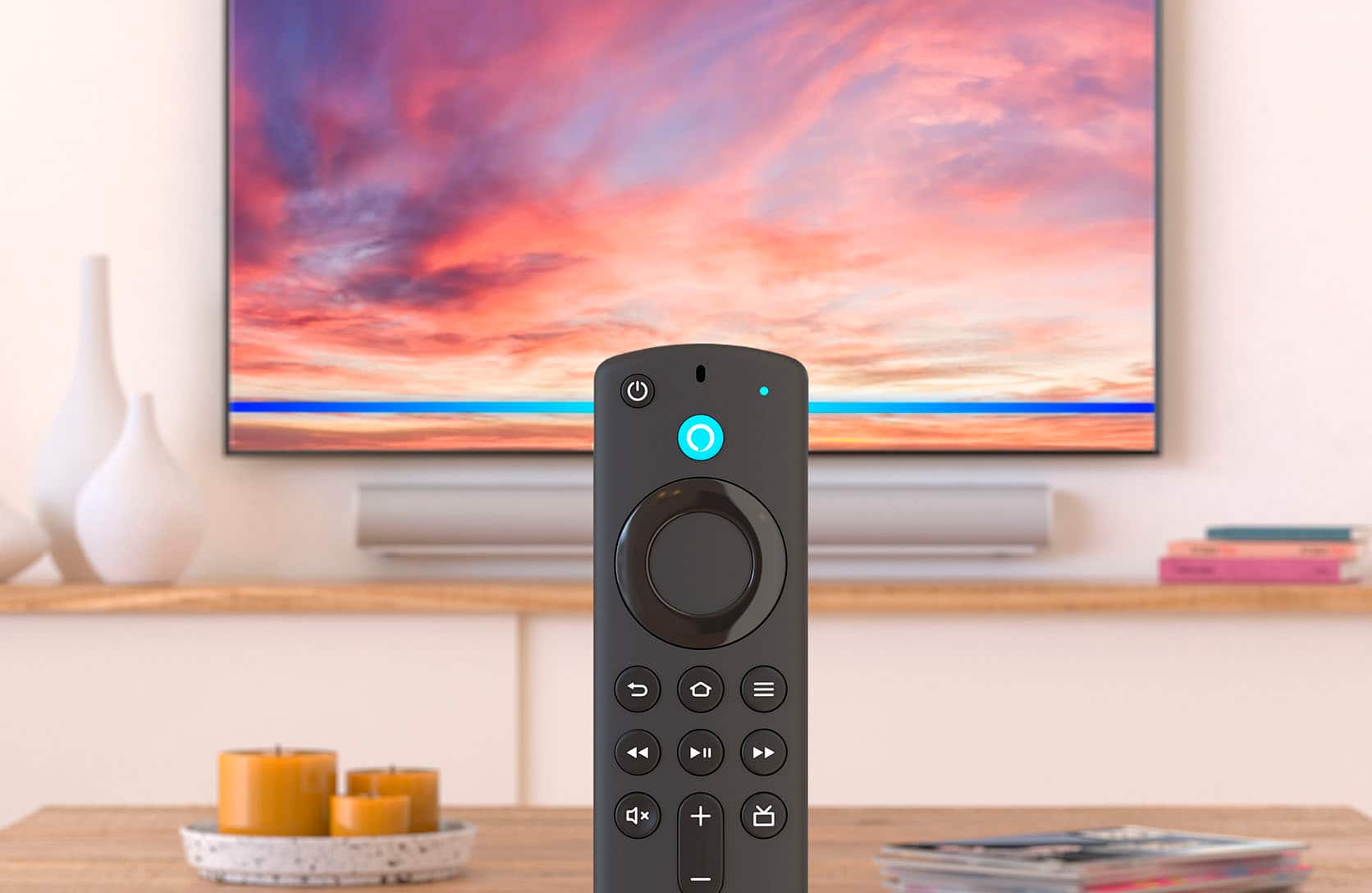
  • Questionwhy is not a vol control available on a fire stick?

    Asked by bobbo.

    • Answer The basic edition of the firestick doesnt have volume control. The newer versions do.

      Answered by TeresaG

  • QuestionWhen downloading from one FireStick to another what are the steps to do that. And do I need to have both FireSticks hooked up to the same tv?

    Asked by Fuzz.

    • Answer Not sure about your question. You don’t need to be on sane tv. Need to be on same network. Like both need to be on 5G.

      Answered by Mike