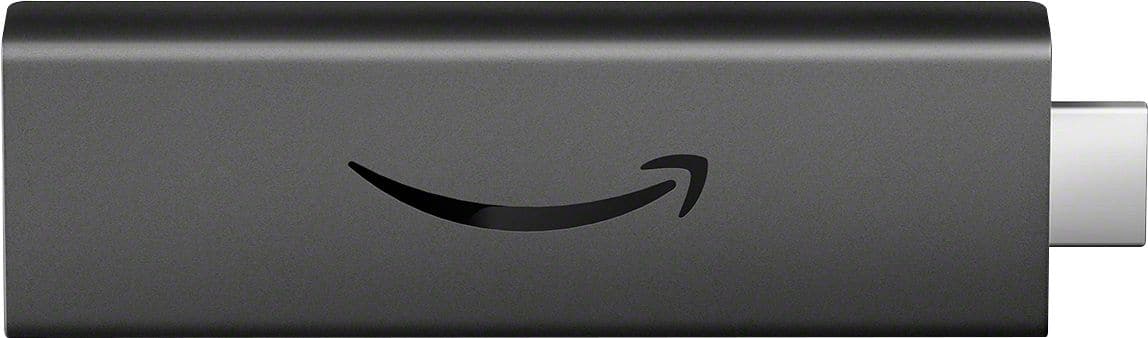
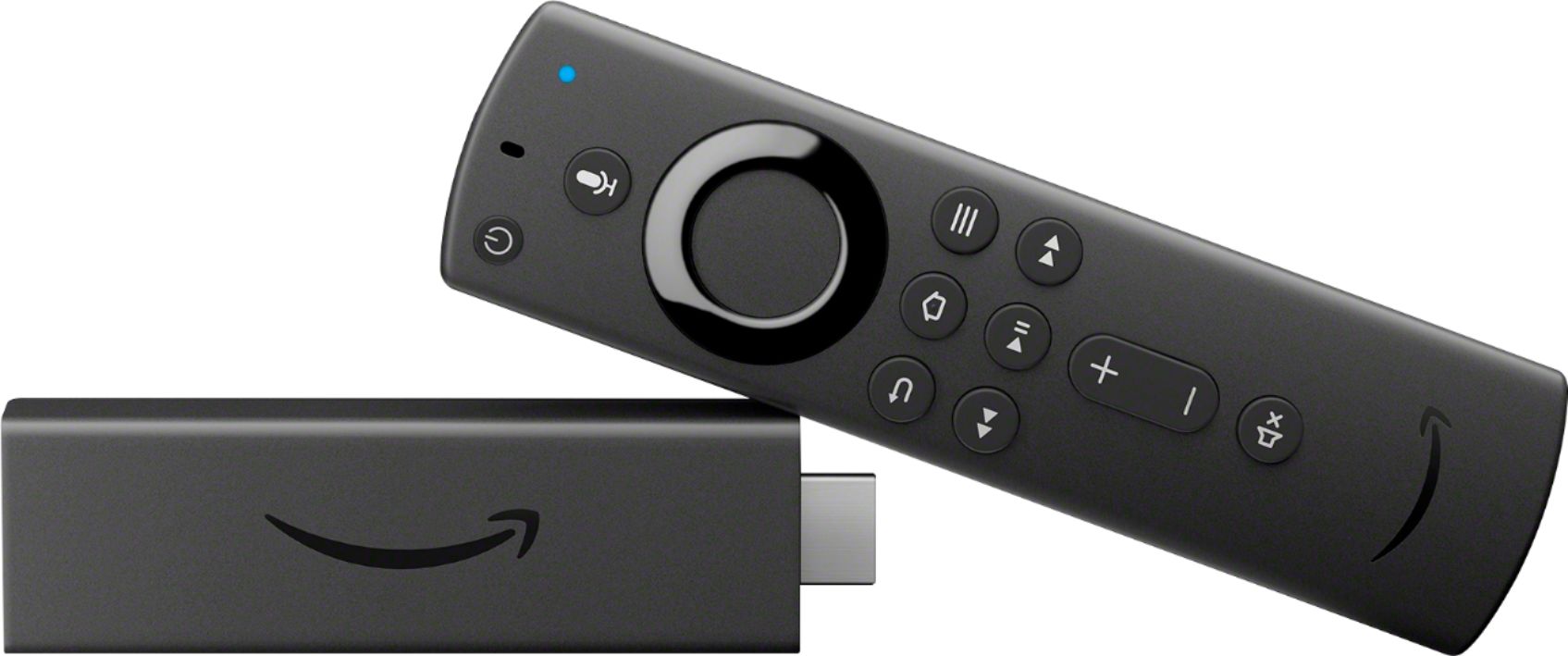
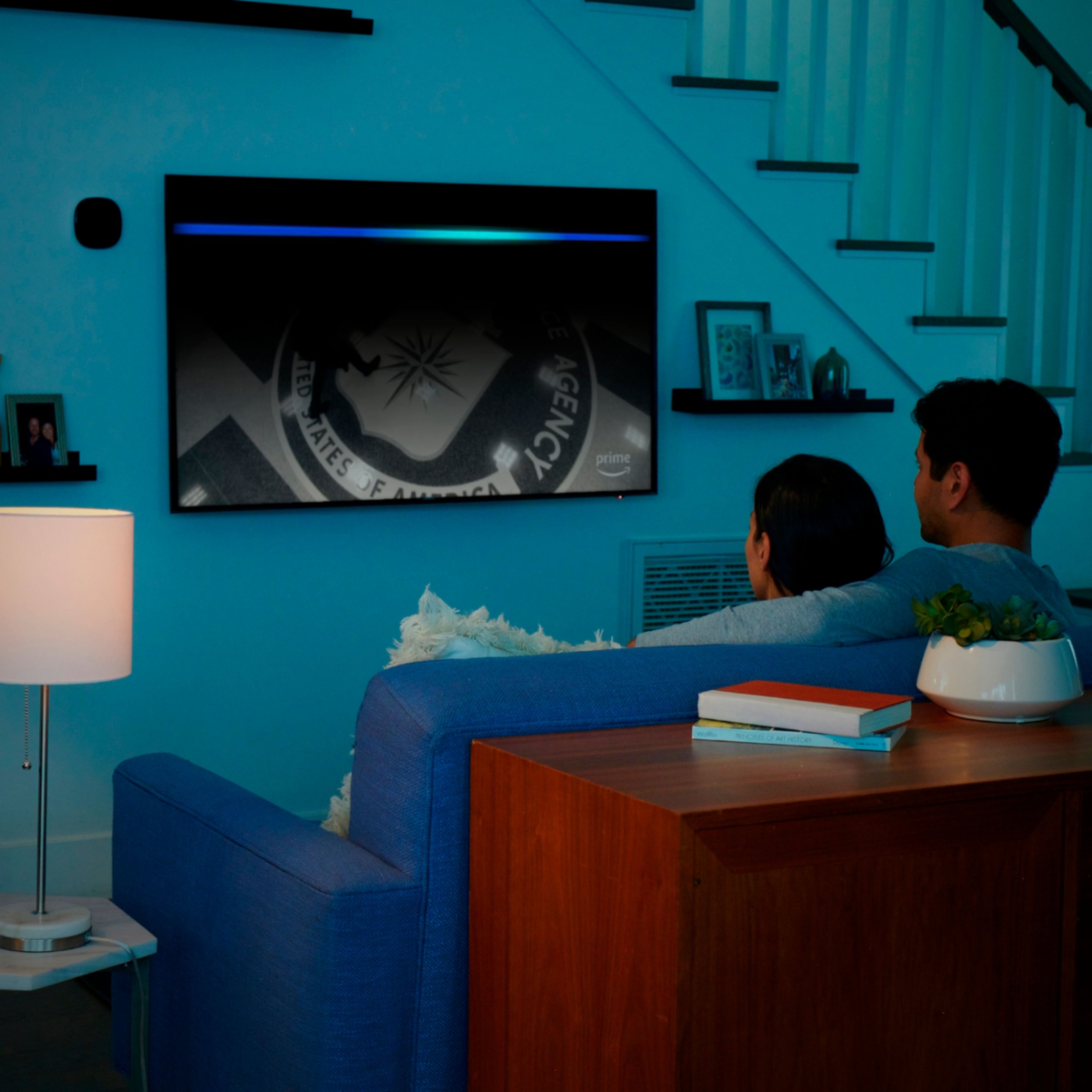
A:AnswerNo, you can not pick up local channels with this device. It doesn’t matter where you are, it’s not an Antenna. This device needs to be connected to wifi and has apps to watch Some shows that come on local channels but it does not have local live channels.
A:AnswerTV, Router, Modem., Wi-Fi is the life for the Fire Stick. If it can be determined, the strength of your Wi-Fi at its desired location(TV) you may want to consider Boosting your Wi-Fi for streaming purposes. Remember, WI-FI (and an electrical outlet) provides life to the Fire Stick.
A:AnswerYou can use it anywhere you have an internet Wi-Fi connection just make sure you use a VPN with it if you are going to use side-loaded programs such as Kodi. To use it with Amazon Prime or any Amazon program it will ask you your country of origin during setup.
A:AnswerYes and if you are considering an upgrade to your TV in the future you'll be one step ahead. You should know that most cable networks broadcast in 1080i. You can I believe upgrade your Netflix to 4K if you want to pay the extra cost.
A:AnswerDuring my initial use I saw Netflix, Youtube, Prime and couple other apps. There are options to download additional apps like HBO, CBS etc.
Refer this site for the complete list - https://www.amazon.com/Fire-TV-Apps-All-Models/b?ie=UTF8&node=10208590011
A:AnswerI don’t think that there are any that are preloaded but once you set it up it is so fast and simple to download apps! You can have it all set up with your apps writing 10-15 minutes (depending how many apps you are installing)