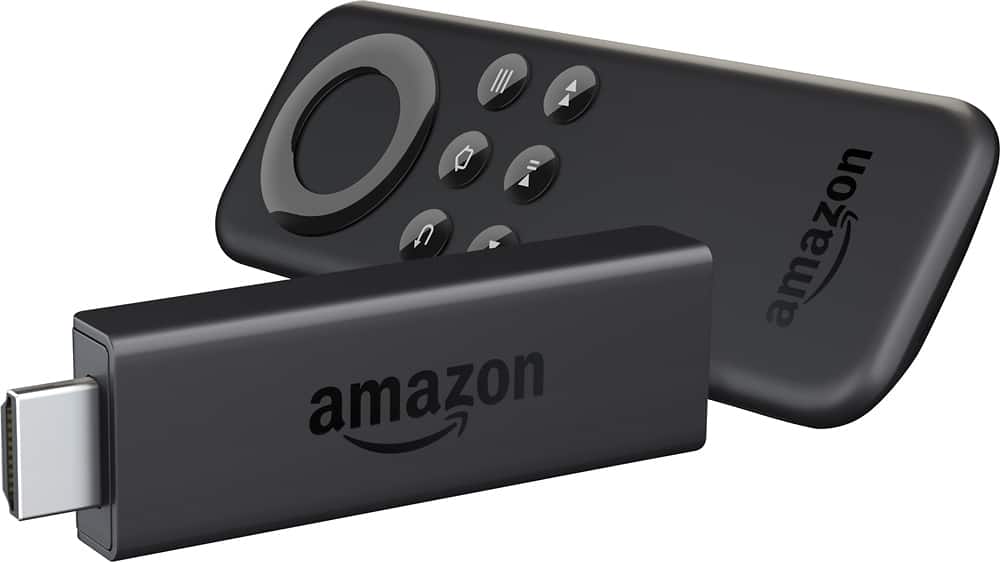
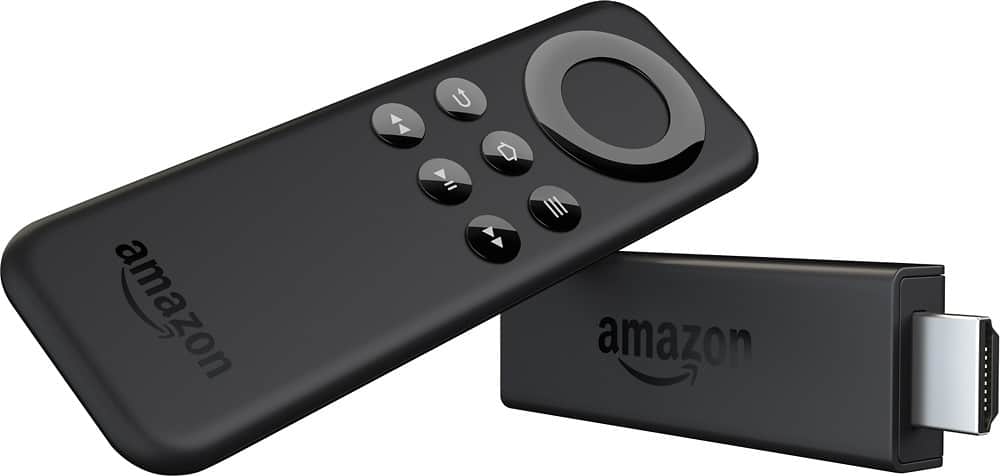
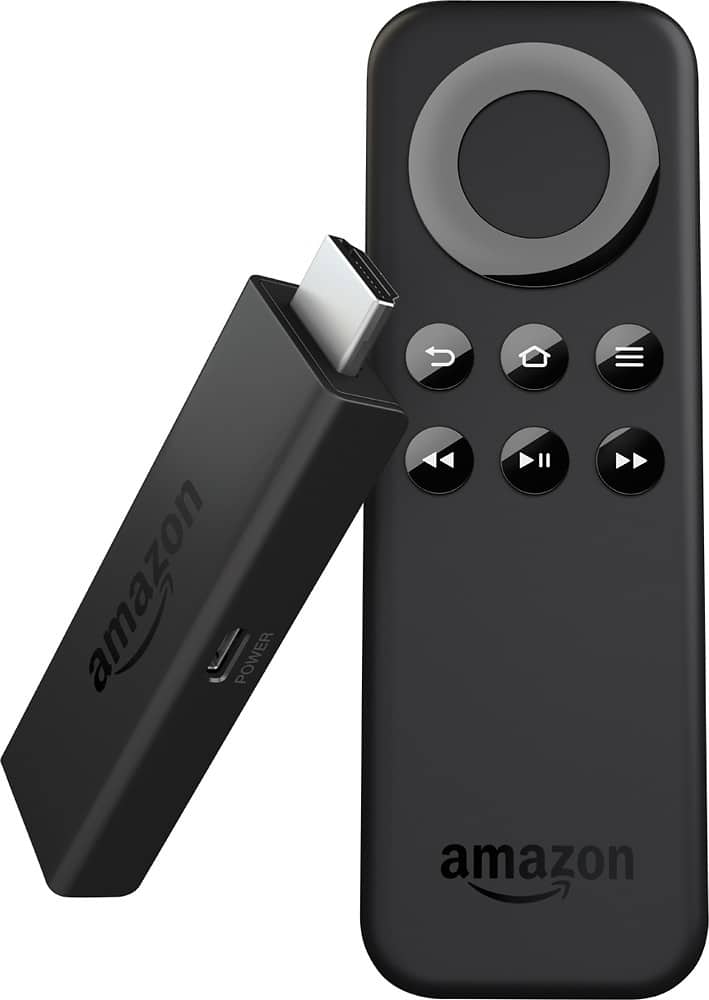
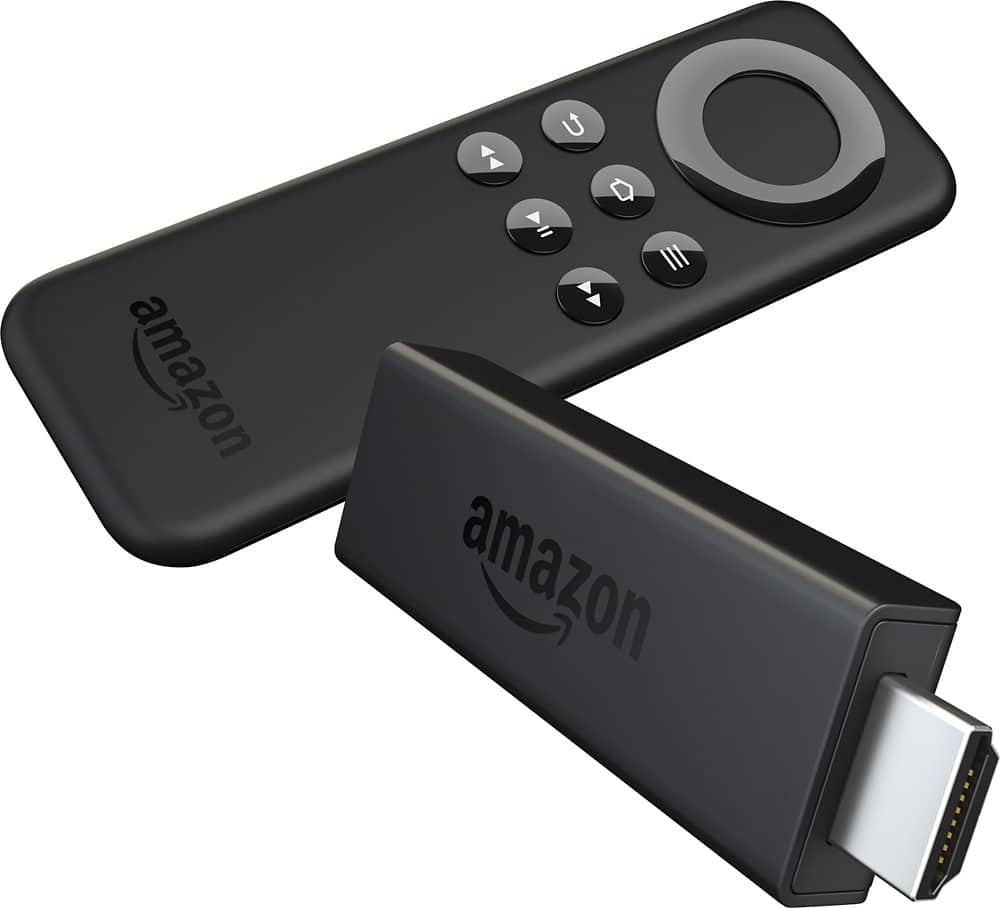
A:AnswerYou can do this very easily. Install the free program called Plex on the computer that has your movies on it. It acts as a streaming server. Then you install the Plex app on the Fire TV Stick (and your phones, tablets, etc) and the app will link to your "server" from step one and you can watch everything back very easily.
I think the Plex App costs a couple bucks but it's easily worth it for what it does.
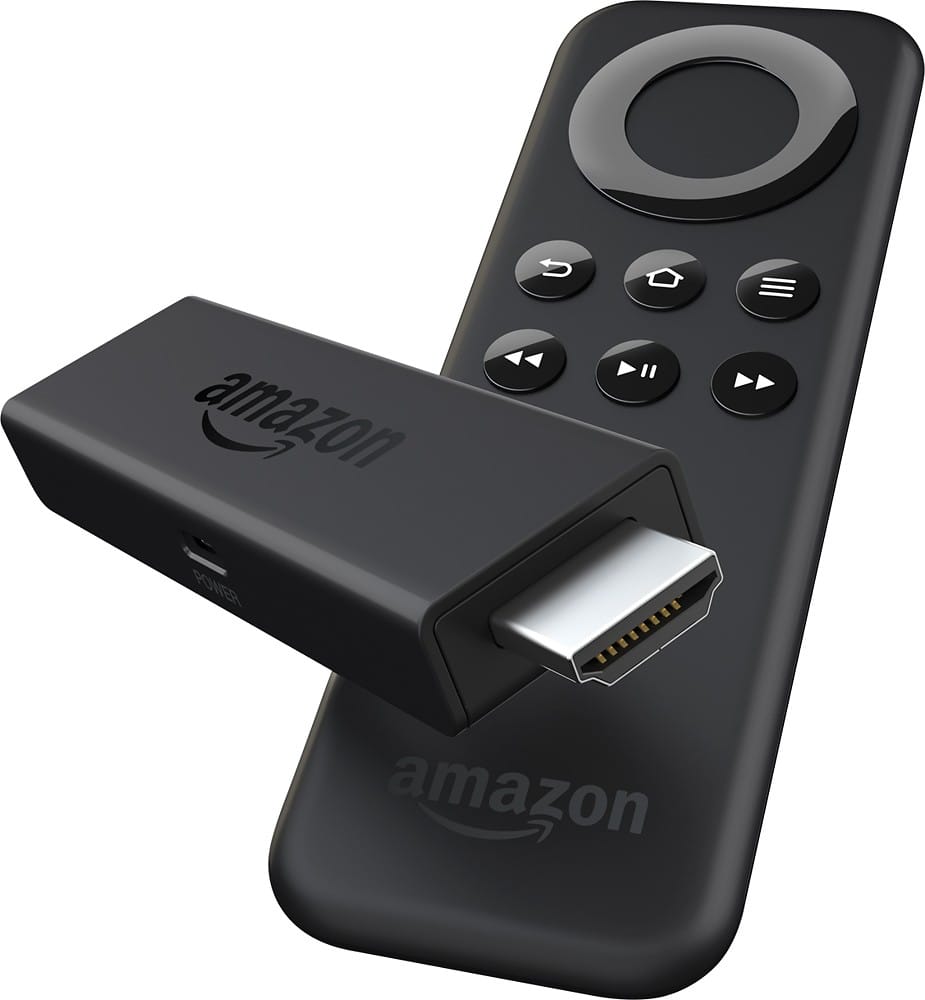
A:AnswerIt depends on the TV. My Insignia brand TV does nothing when I am on another input and press a button on the Fire remote, but I read another user was able to switch inputs by pressing the Home button on his Fire remote. It may be that my TV is not HDMI CEC compatible and that may be required for this feature to work.
Any remote that will switch TV inputs will work though. Your universal remote should be able to switch your input to the Fire TV and from there yo could use the Fire remote or a mobile device to control.
A:AnswerI would highly recommend purchasing Slingbox. This device will let you stream all content from your cable/satellite provider through the internet using a smartphone, tablet or laptop (including recorded shows). Essentially you are watching your own television remotely.
I have a Slingbox 350 and love to watch my recorded shows when I am traveling for work.
Hope this helps.
A:AnswerThe FireOS is based off Android, which means someone would root it, not jailbreak it. Neither is necessary to install 3rd party apps on it. It is not rooted at purchase.
A:AnswerI think the firestick, ROku has been around for awhile, but for 40 bucks the fire stick is portable and pretty easy to install, Amazon has lots of cash and makes sure their product is on point