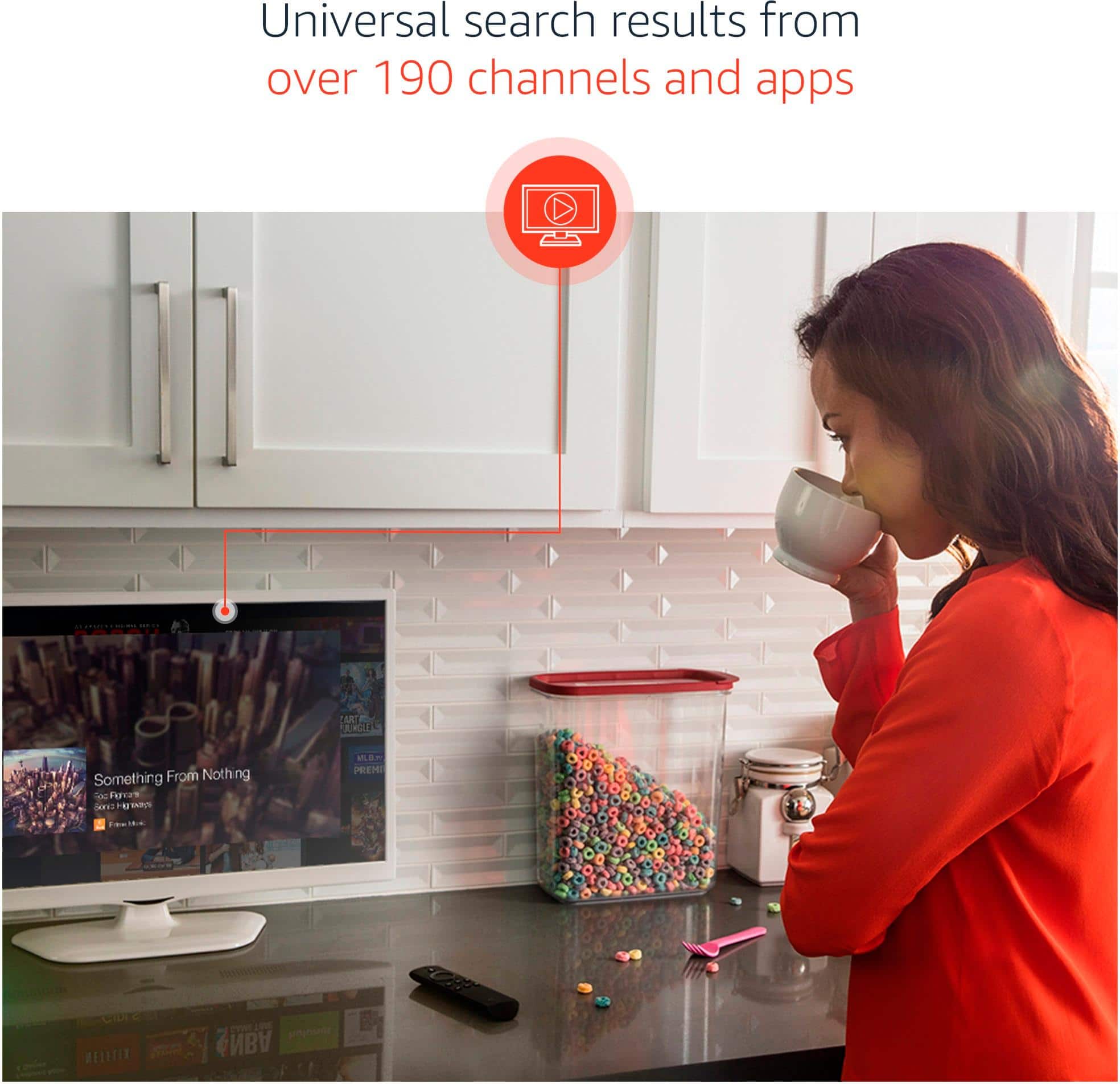
A:AnswerThere is access to a large number of channels. Check the list. Some require subscriptions;others are free.
Live TV Channels are on my TV. I switch to the TV when I want to watch any of the 55 live channels my TV Antenna picks up. I do not subscribe to any satellite or cable services due to my limited budget. On my Fire TV, I have a FireFox app with YouTube and NHK World News in English...the free channels with ads. The NHK channel gives news on the hour 24 hrs per day and has outstanding documentaries. I get CNN and local TV Breaking News on my mobile phone apps. YouTube gives actual footage of events around the world viewers upload. It provides the music I enjoy...K-Pop, J-Pop and M-Pop...Asian performances.
A:AnswerSometimes you just need to unplug it for a few minutes and sometimes it's the extender you can take that off and try the firestick without the extender.
A:AnswerNo, it is HDMI. The USB ports on TVs are mainly to allow for more storage time for DVRs and the like. I don't think many other boxes connect via USB.
A:AnswerI have not done this personally but have been told there are addons that you can get to watch locals but it has a monthly fee from what I understand.
A:AnswerYou shouldn't need a new line, WiFi box may be cheaper than using your cell WiFi hotspot. I'd call T-Mobile and see what they say about that. Great alternative to cable though! Been off cable/satellite over a year and don't miss it.
A:AnswerUnfortunately Not, Although depending on your TV you may already have Bluetooth Settings for Audio built in. It's very rare for TV's to have this unless you spent like 2k plus on a TV. Your best bet is to buy a bluetooth transmitter. It will plug into your TV usually with a 3.5mm headphone back but you can convert that to RCA, then you can get a Digital Optical to RCA converter to have your audio out of your TV which is usually Digital Optical convert over to that headphone jack so you can have your bluetooth. Keep in mind the more conversions you do the sound quality make lessen. This however would work and allow you to sit comfortably and listen to your TV through your headphones. (PS don't forget to buy the Digital Optical cable as well if you decide to do that)
A:AnswerBuy coaxial antenna 20 bucks, plugs in the back and readily accessible through your tv or fire stick depending on your tv. If you don't see it on your fire stick choose sources on your tv remote and select antenna.