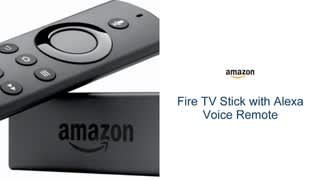
A:AnswerInitially when I purchased this product for my son a few months ago I use my hotspot. However, it does use a lot of your Hotspot data therefore you may want to invest in getting internet in your home.
A:AnswerTake the batteries out of the remote and put them back in and then try it again. You can go to settings then scroll to Bluetooth and controlers. There will be instructions on how to link your controller to your fire stick but I think you're doing it right. If the controller still does not work you can always download Fire TV remote to your cell phone or to a tablet and you can control your fire stick from that also it's on the Google Play store or the Apple Store and it's free. It's a good temporary solution but kind of a pain when you get a phone call or have to make a text.
A:AnswerThey both basically do the same thing but Apple uses the Apple store for you to purchase movies and Amazon uses the Amazon store for you to make purchases the one difference there is is Apple you're forced to get all applications from them but with Amazon they allow 3rd party apps so you can get apps from anywhere and install them..
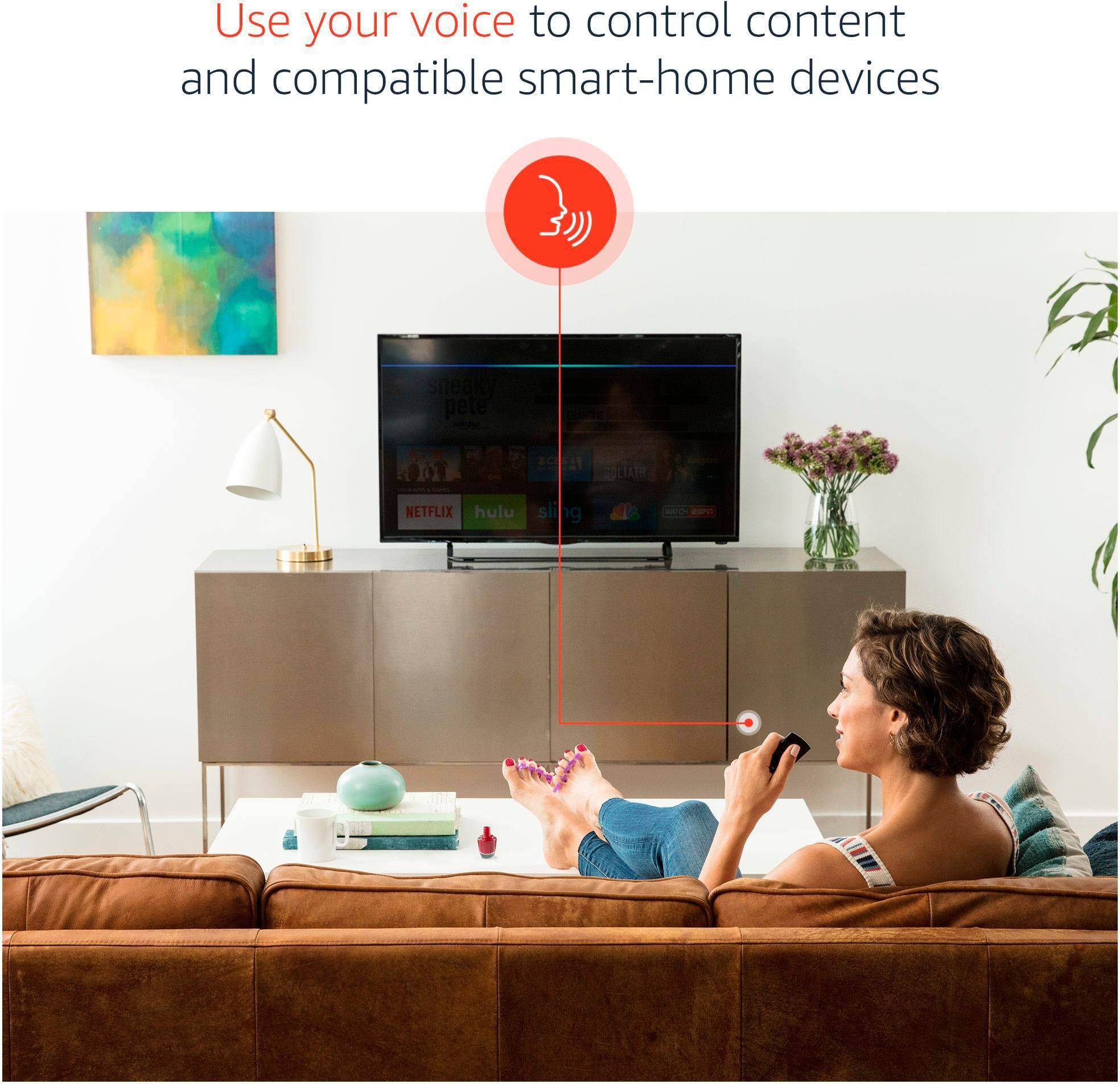
A:AnswerYes it does. USTV Now, PlayStation Vue, SlingTV, and others. There are ways to get iptv with other apps as well and you can just add it to one of the apps Amazon provides.
A:AnswerIt shows an app called Pure FLix so you might have to have an account with pureflix already set up. I'm not familiar with the app but it is listed as available.
A:AnswerIt seems to stay out-of-stock at my local Best Buy. But it is usually in stock online, so I just order it online and have it shipped to my house. It comes in US Mail.