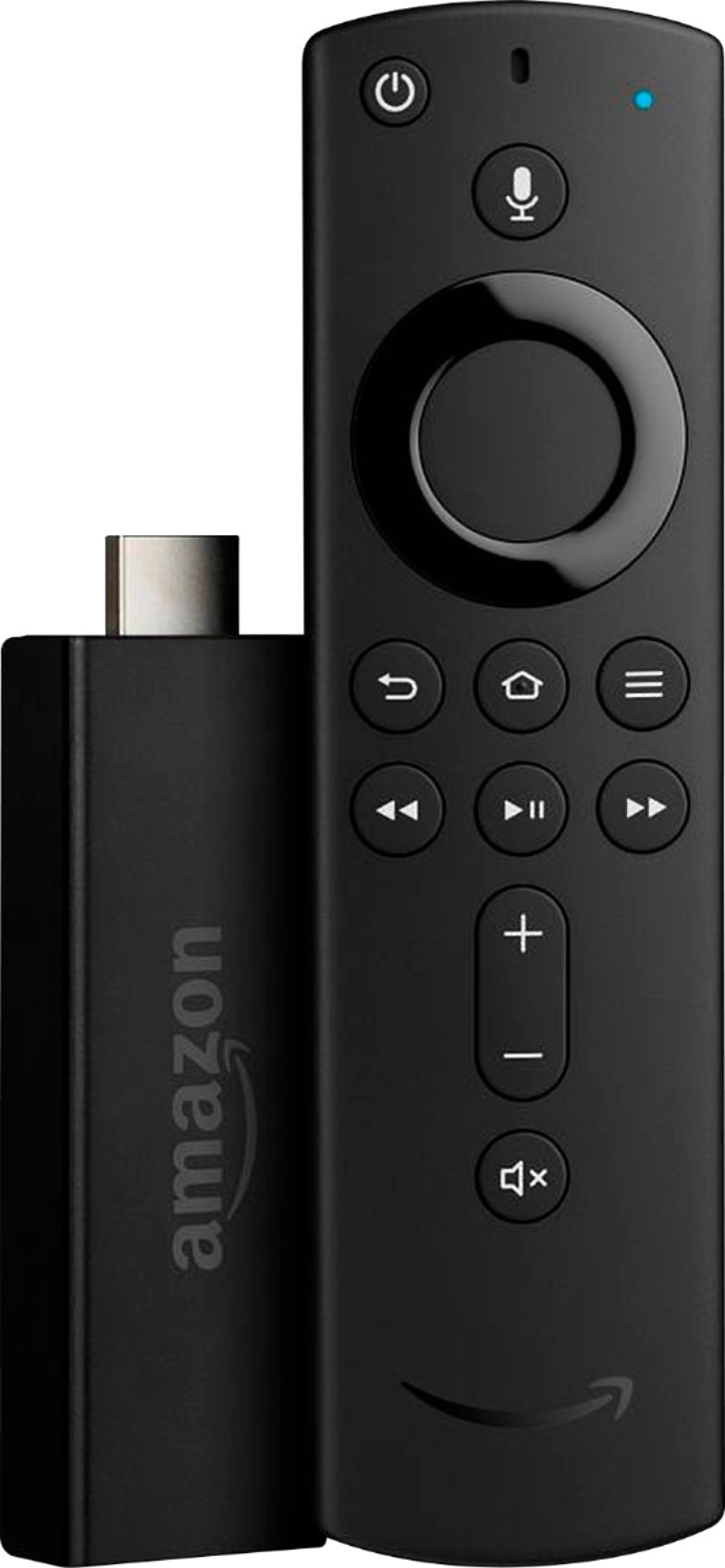
A:AnswerThe 4K version does. My other 1080p version does not. Warning though some shows and movies, (I think due to bad audio post production techniques), lose their vocals on the 4K version Fire TV Stick. It can happen literally scene to scene in a production. I don't think the fault is Dolby or Amazon in these cases. The old 1080p version plays all vocal audio loudly without issue. Also be aware that leaving the 4K version in 4K mode will result in increased bandwidth usage. Make sure your provider allows you to use that much, or simply change the setting to 1080p. Enjoy!
A:AnswerStarting on October 24, 2019, Fire TV Stick (2nd Gen) and Fire TV Stick 4K customers all around the world can download and begin using the all-new Apple TV app. Inside the Apple TV app, you’ll have access to your entire iTunes library, including all of TV shows and movies that you’ve already purchased or rented from Apple, and soon Apple TV+ (more on that below). Best recommendation is to first validate your compatibility to ensure your TV & Fire Stick are compatible. I would next try the stick on a separate TV if available and use the extension included with the Amazon Fire Stick to bhelp prevent interference of the signals.