Questions & Answers
- Model:
- B0CFPJYX7P
- |
- SKU:
- 10736630
Q: QuestionCan this version charge wirelessly?
Asked by Ivonne.
- A:Answer Hello Ivonne and thank you for your question! No, the Amazon Kindle Paperwhite does not wirelessly charge. The device charges via the included USB C cable. Hope this helps! Have a great day!
Answered by Amazon Devices Customer Support
Q: QuestionIs this the newest version of Paperwhite? 12th Generation October 24?
Asked by KakoDar.
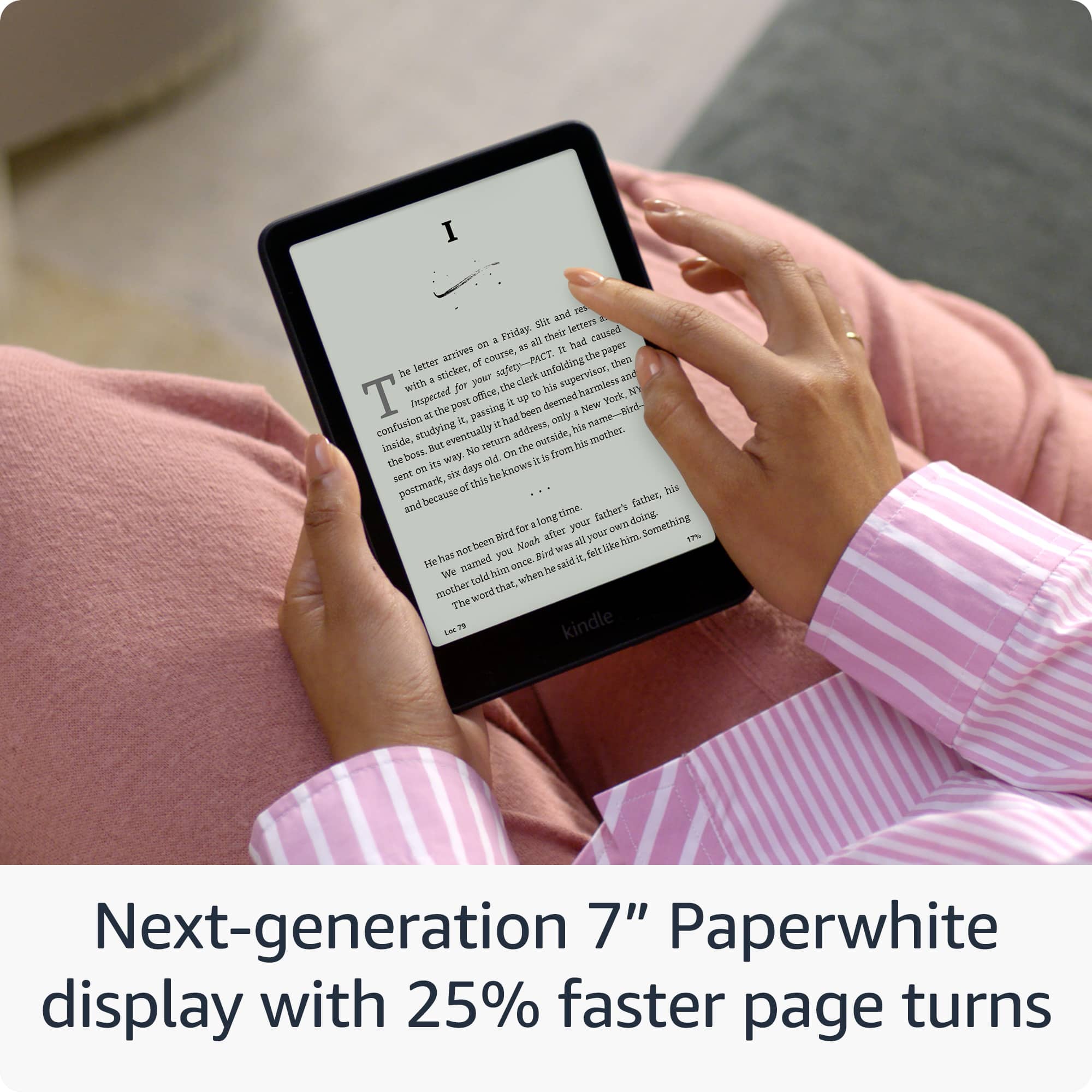
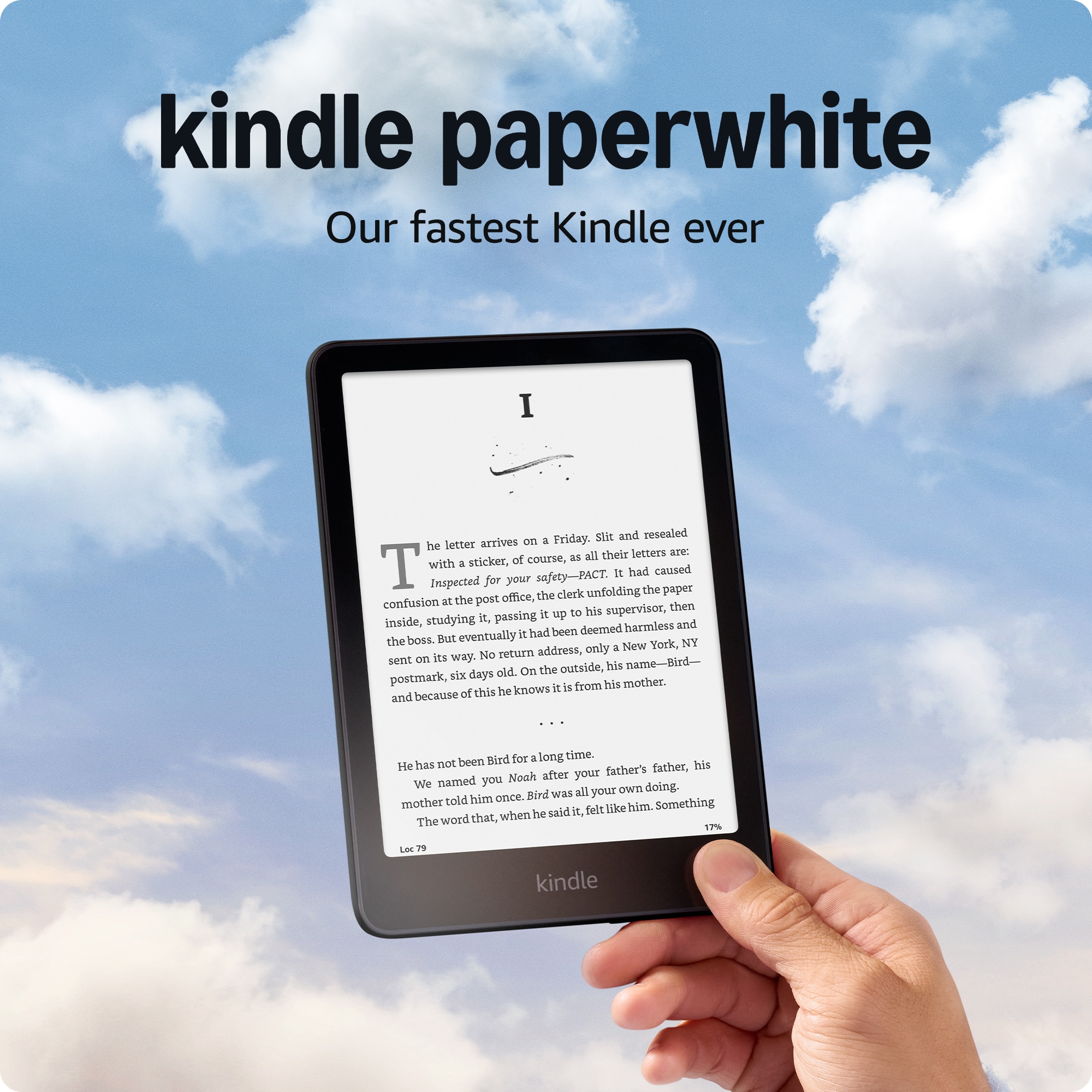
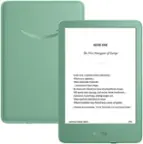
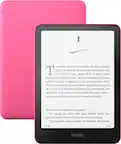
- A:Answer Hi KakoDar! This listing is for the newest version of the Kindle Paperwhite, now with a 7" screen over the previous generation's 6.8" screen. Additionally, this new generation has 25% faster page turns as well as a higher contrast ratio. I hope that helps, have a great rest of your day!
Answered by Amazon Devices Customer Support
Q: QuestionDoes this have lock screen ad removal is this a 11th generation kindle?
Asked by lori.
This question was asked about the related product: Amazon - Kindle Paperwhite (16 GB) - 2024 - Black
- A:Answer Hello lori, Thank you for your question. The Kindle paperwhite is the 12th generation. Yes, you can remove ads from the lock screen of a Kindle Paperwhite by making a one-time payment to unsubscribe from the service, here are the steps to do that once you've purchased your kindle paperwhite: From your Amazon account, -Go to Manage Your Devices -Select Devices and then your Kindle -Under Special Offers, click Remove offers -In the pop-up window, select End Offers and Pay the Fee Hope this helps have a nice day!
Answered by Amazon Devices Customer Support
Q: QuestionCan I download library books
Asked by Ron1.
- A:Answer Hello Ron1 and thank you for your question! Yes, eligible library books are available in the United States through a digital service called OverDrive. You would have to confirm whether your library branch participates and offers Kindle books. If your local library branch participates: -Get a library card and a PIN from your local library. -Go to the website of your local public library and search for "Kindle books" or "eBooks." -At checkout, sign in to your Amazon account and select the device to which you want to send the book. -Connect your device to Wi-Fi and download the title from the Archived Items or Cloud. Some titles may require USB transfer from your computer to your supported device. Hope this helps! Have a great day!
Answered by Amazon Devices Customer Support
Q: QuestionCan I access the Internet and browse like I do on my phone
Asked by Anonymous.
This question was asked about the related product: Amazon - Kindle Paperwhite (16 GB) - 2024 - Black
- A:Answer No. You can buy books while connected to internet, but it does not function like a tablet.
Answered by Becky
Q: QuestionCan you write on the kindle
Asked by Teresa.
This question was asked about the related product: Amazon - Kindle Paperwhite (16 GB) - 2024 - Raspberry
- A:Answer Hi Teresa! You can't write on the Kindle Paperwhite with a pen or stylus in the same way you would on a Kindle Scribe, but you can highlight text and add text-based notes, which are then saved and accessible within the book or through a dedicated notes section. I hope this answers your question!
Answered by Amazon Devices Customer Support
Q: QuestionCan I download any apps or something on it except books?
Asked by Artem111.
- A:Answer idk('-') I want to use google chat on my kindle but I guess you need the app or something cause it is not working. The promblem is that I just can not download it. Does anyone know how to do it?
Answered by Anonymous
Q: QuestionWill Best Buy help me to set up the Kindle and provide some basic instruction?
Asked by AL11242022.
This question was asked about the related product: Amazon - Kindle Paperwhite (16 GB) - 2024 - Black
- A:Answer Nobody offered this service
Answered by FIRE
Q: QuestionCan I get the 3 months kindle unlimited subscription free like offered on Amazon when I purchase from Bestbuy?
Asked by BamBam.
- A:Answer Hello BamBam, Yes, you can get a free 3-month trail of Kindle Unlimited when you purchase a new or certified refurbished Kindle. Hopefully this answers your question. Have a great day!
Answered by Amazon Devices Customer Support
Q: QuestionCan you adjust the font?
Asked by Sanman.
This question was asked about the related product: Amazon - Kindle Paperwhite (16 GB) - 2024 - Black
- A:Answer "Hello Sanman! Yes, you can change the font size on your Kindle. To change the font size, follow these steps: 1. Open a book on your Kindle. 2. Tap the center of the screen to bring up the reading toolbar. 3. Select the Aa icon. 4. Choose the text size appropriate for your reading comfort level. Have a great day! "
Answered by Amazon Devices Customer Support
Q: QuestionCan you use other e book apps on this besides Kindle? I.e. audible?
Asked by John.
This question was asked about the related product: Amazon - Kindle Paperwhite (16 GB) - 2024 - Black
- A:Answer Buy it from somewhere else, do yourself a favor.
Answered by HomeofficeMN
Q: QuestionWhat accessories come with the Kindle Paperwhite an what additional accessories, membership etc, do i need to buy
Asked by RickyB1113.
This question was asked about the related product: Amazon - Kindle Paperwhite (16 GB) - 2024 - Black
- A:Answer This unit DOES NOT include the power brick the previous answer mentioned. It only includes the Kindle reader and the USB "C" power cable. You will need your own "power brick" to plug the cable in to an outlet.
Answered by Anonymous
Q: QuestionDoes this new Kindle allow for immersion reading? Where if you download a KU book with the audiobook, will it will highlight the ebook and listen to the audio at the same time while it highlights the text? Amazon rep says yes but I can’t tell.
Asked by JellyJubilee.
This question was asked about the related product: Amazon - Kindle Paperwhite (16 GB) - 2024 - Raspberry
- A:Answer As far as I know, it does not. I just purchased a new paperwhite and I can only listen or read at any given time on the device. It's very frustrating, because the assistive reader generates a robotic voice that highlights the text as it reads, but this feature does not work with a purchased, professional reader. It will not even play the audio at all, from the same device as reading.
Answered by Kindlepwreader