A:AnswerHello, Lucy! It looks like the device you are looking at here comes with the special offers. Those Special Offers are displayed as a screensaver when your Kindle e-reader is in sleep mode. If you are wanting to remove them, here is how to do that: 1. Open your Alexa app and go to Manage Your Content and Devices.
2. Select Devices, and then select your device.
3. Under Special Offers, click Remove offers. A pop-up window then displays the price to remove special offers. Select End Offers and Pay the Fee to proceed.
I hope that helps answer your question! Have a great day!
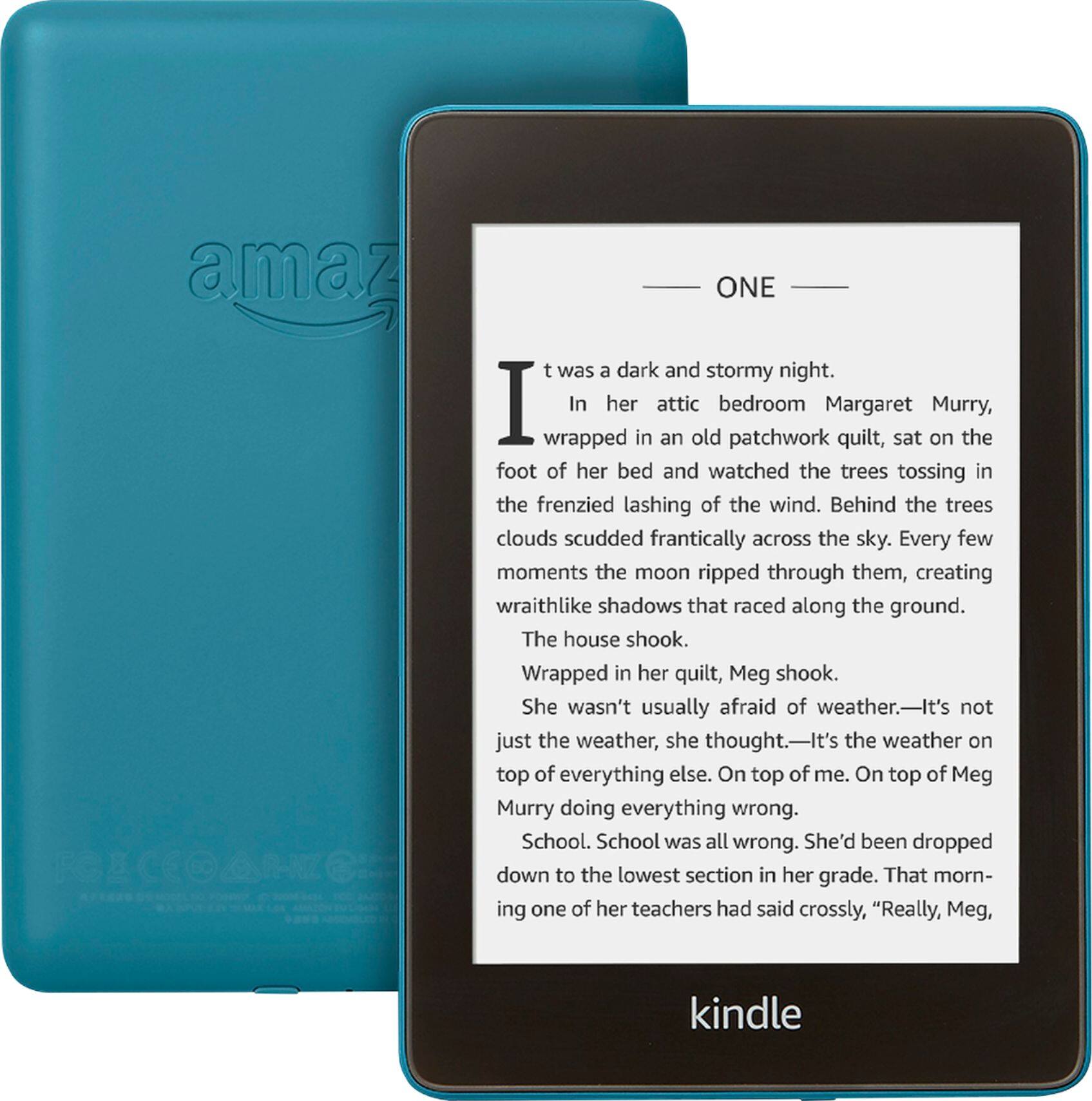
A:AnswerThe ebook is cheaper than a physical book. The author should be paid for her creative effort. You can borrow and download books from the public library for free. I wanted to make sure I could so I searched how to do it and tried it. And I was able to do it. Ask your local librarian.
A:AnswerHello, KMAKK! The Kindle Paperwhite is an e-reader with an E-Ink display. It only shows black and white, no color. To view in color, you could use the Kindle app on your mobile device or computer or a Fire tablet. I hope that helps! Have a great day!
A:AnswerHi Huey, you can remove special offers at anytime by following these steps: 1. Go to Manage Your Content and Devices. 2. Select Devices. 3. Select the Actions button to the left of the device name. 4. Under Special Offers, select Edit. 5. Follow the instructions to unsubscribe from Special Offers. The amount of the one-time charge appears before you confirm that you want to unsubscribe. Its typically $15 to $20 to remove. Please not that the special offers are not overwhelming so you can decide whether you want to remove them or not. Hope this helps!
A:AnswerHi Mouse99, The reason this Kindle is priced higher than some other models is because it comes with 32gb of storage, which allows for more storage of audio books. The base model Paperwhite comes with 8gb. This model is compatible with Audible.
A:AnswerHello, Reader!
You will want to look for a cover that fits the 10th edition of the Kindle Paperwhite. Each generation, the size and/or button locations change, so the covers are a bit different. I hope that helps! Have a great day!
A:AnswerHi Sheila! You can remove the special offers on your kindle tablet. To remove special offers from your Kindle, follow these steps:
1. Go to Manage Your Content and Devices.
2. Select Devices, and then select your device.
3. Under Special Offers, click Remove offers. A pop-up window then displays the price to remove special offers. Select End Offers and Pay the Fee to proceed.
Hope this helps, have a great day!
A:AnswerHi there,
There is no room for external storage in this device, but the power cord it comes with is micro usb at the end that plugs into the device, and USB at the other end, so you can move stuff from this device to local storage like a computer. Hope that helps.












