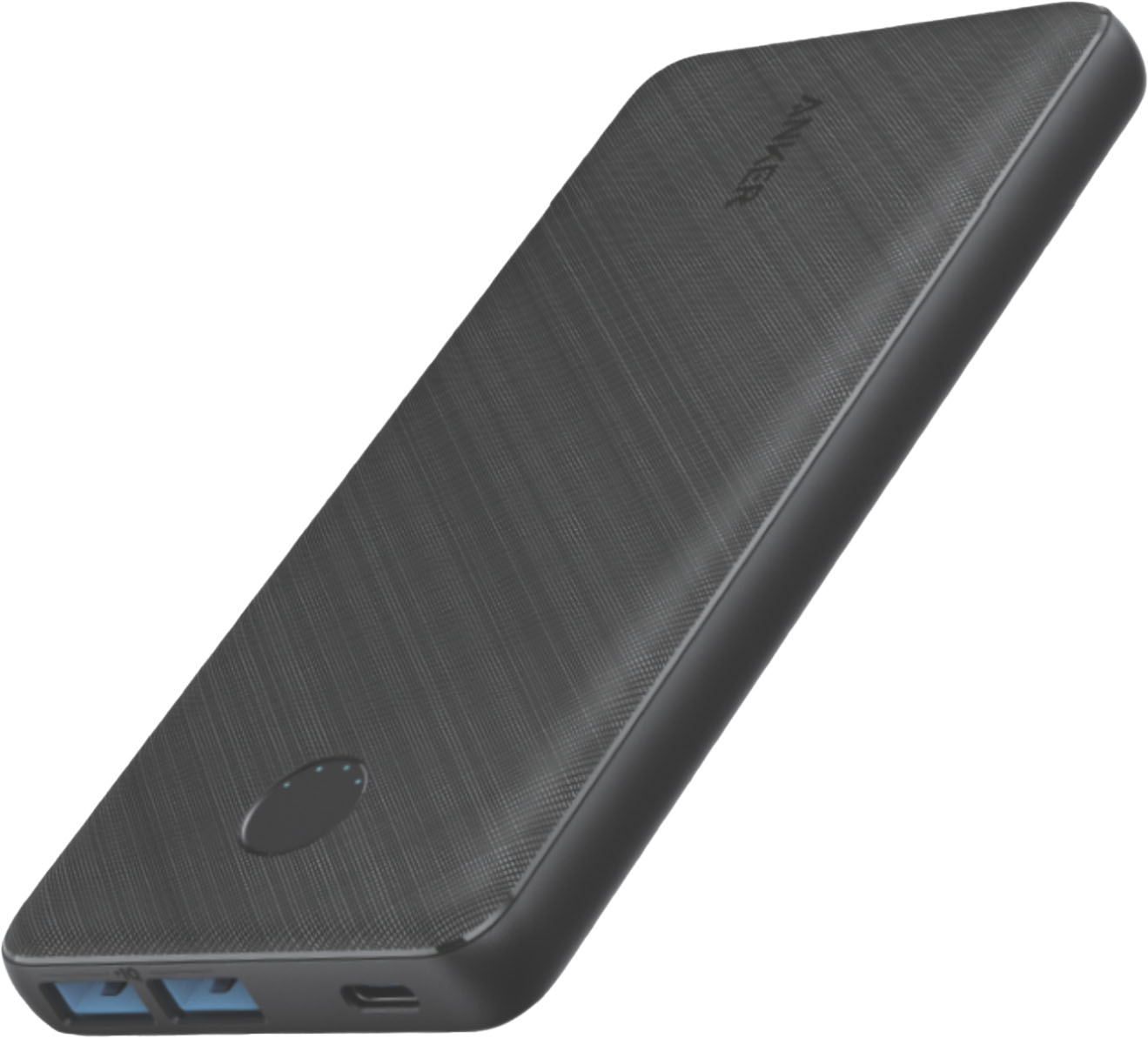
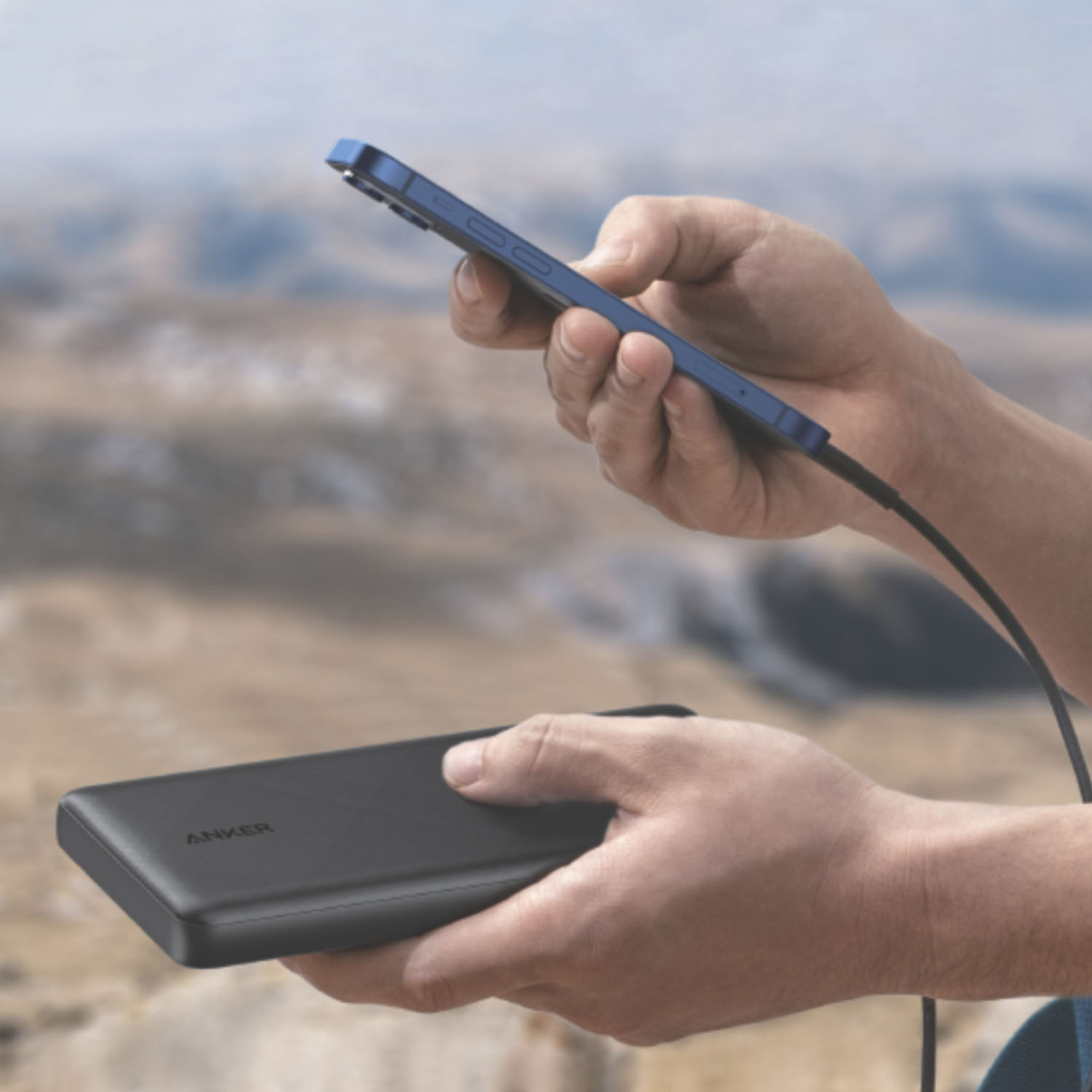
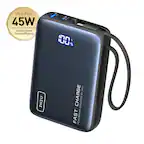
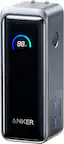
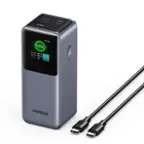
A:Answer We actually do not recommend charging our PowerCores with our solar charger because the power supply from the solar panel may not be consistent due to weather or other surroundings. Due to their large capacity, our PowerCores take a long time to charge even from a wall adapter offering a consistent current.
If charging is interrupted, you may have to reconnect the battery to get the charging start again, which is a problem for solar chargers since the power supply may be affected by the environment.
If you want to use a solar charger to recharge a powerbank, we recommend you select a battery with 10000mAh capacity or less. Any larger powerbank might not charge well with a solar charger.
Hope the above information helps; thank you for your interest in our products!
Please let us know if you ever need technical support, as we are always standing by ready to help.