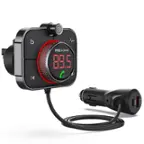
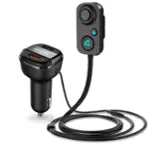
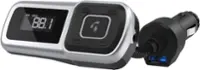
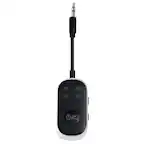
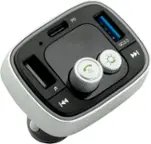
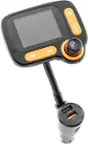
A:AnswerThis will drain the car battery incredibly slowly, due to how little power is used to power while idle. With that being said, we would still recommend unplugging it if it is staying on while your car is off
A:AnswerBecause I was intrigued by your question, I tried it. Short answer: Yes! Longer answer: I have two cars and I started the ROAV in one of my cars (it is older and has no Bluetooth, which is why I bought this) and then tuned the car stereo in my other car (which is only a few years old) to the same FM band and the music played through the speakers in that car. The cars are only a few feet apart and I did not start it and try to see how far the signal would reach, but it was loud and clear next to each other, like they would be in a parking lot.
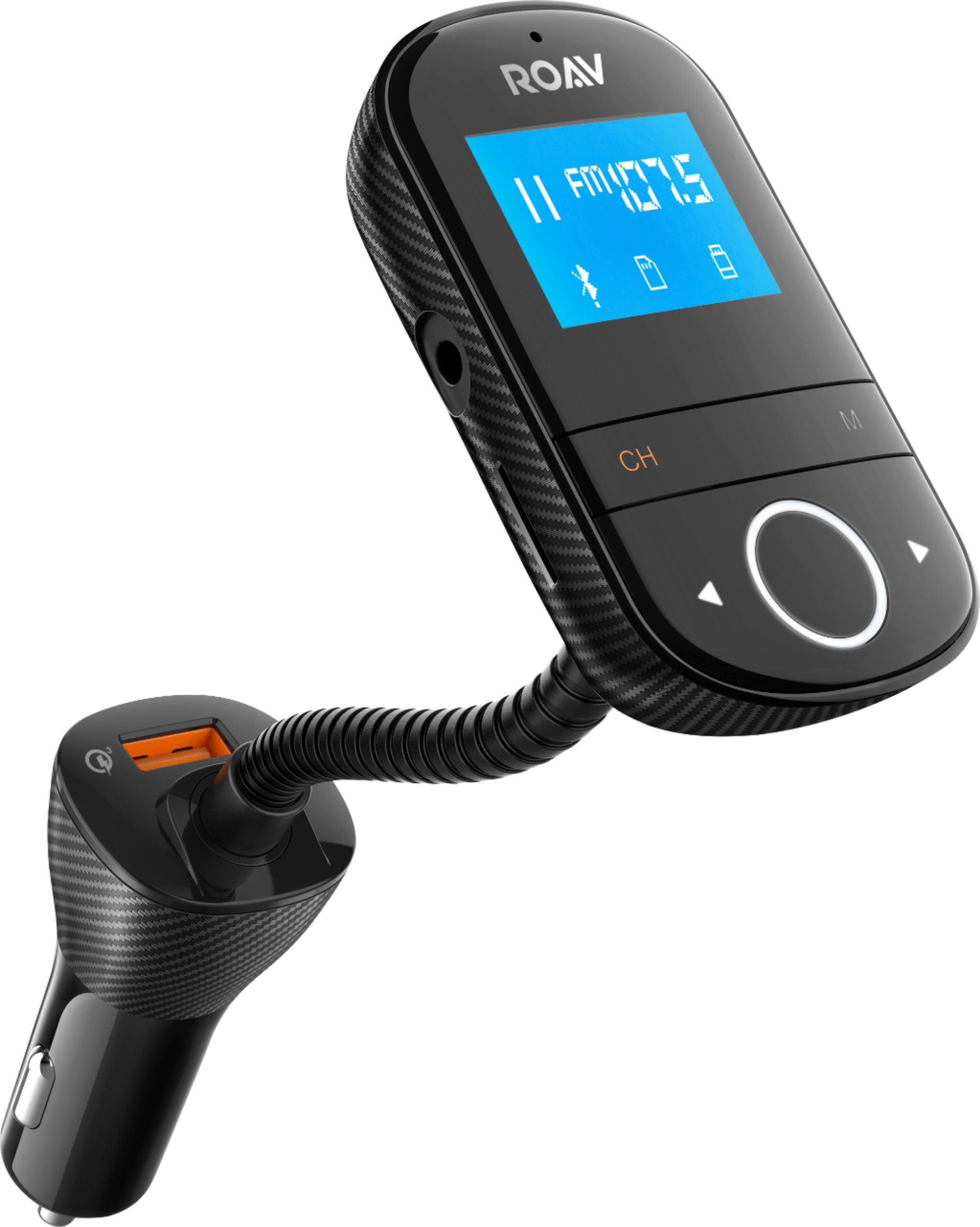
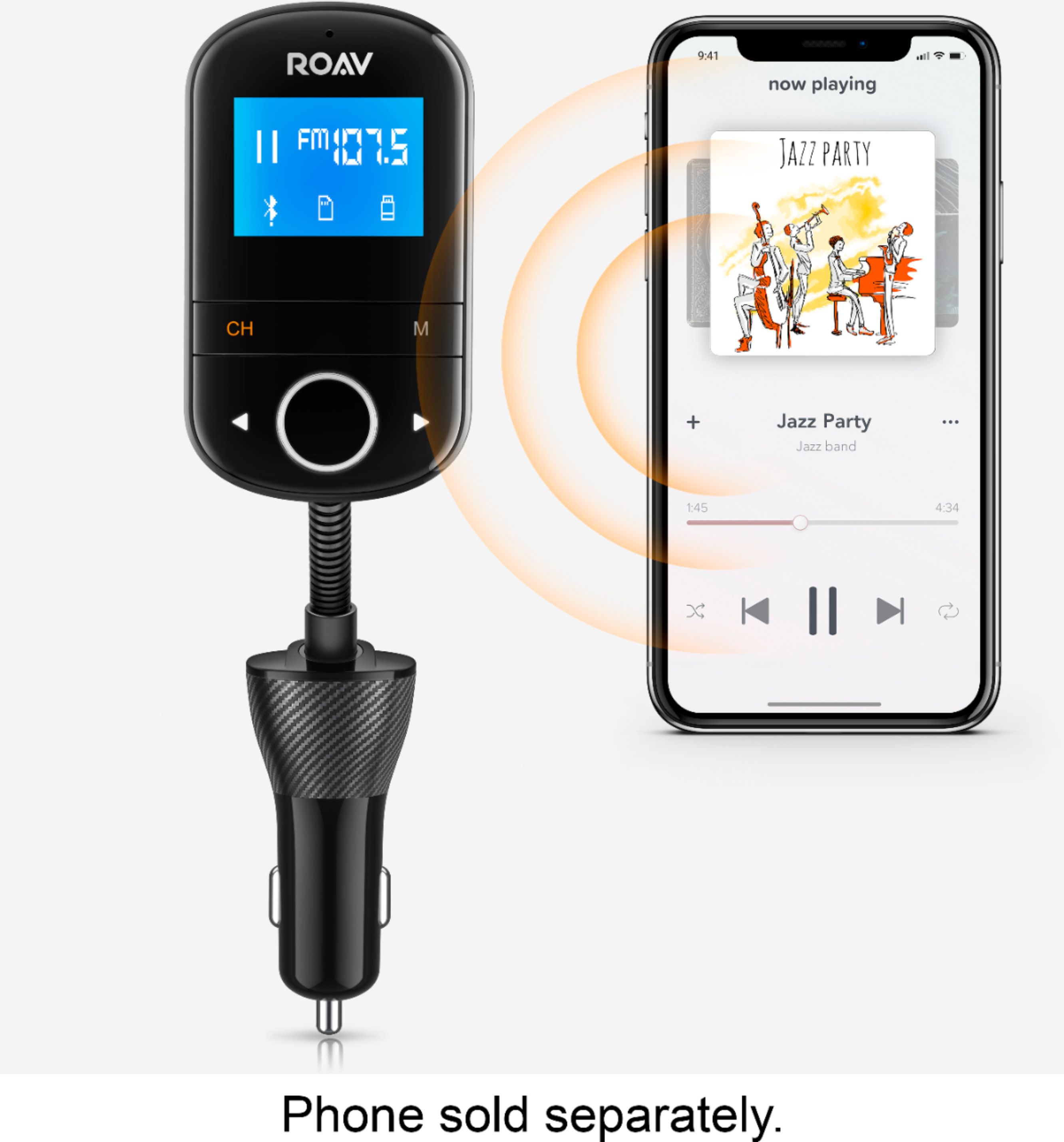
A:AnswerYes. I use Bluetooth on my phone. You will look for the device on your Bluetooth and they will start to pair. Once done you find the unused station on the radio to use and then you can start listening to your music.
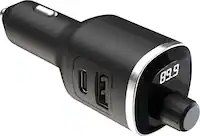
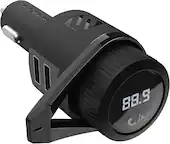
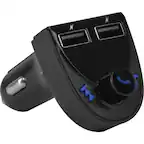
A:AnswerIt has two, 1 is only a charge port which is on the base of the 12 volt plug. The other USB port is on the transmitter itself, which can be used as a charge port or to plug in a flash drive. Hope this helps.
A:AnswerDepending on the iphone model/OS version, you should be able to fix this via your sound/audio, connections/calls or other settings albeit that may be relatively hidden within the options. Older phones I have had similar issues with and were forced to use a headset/Plantronics mono audio earpiece to take calls strictly to that device and then allowing me to stream my music or podcasts continuously through via Aux or dual audio bluetooth.
Regards,
M
A:AnswerYou probably need to change the station you're trying to connect to, if I have it set to a station that's close to a local station I get a lot of static. I would recommend using one of the lowest stations you get on your car fm. That's where I encounter the least amount of static.
A:AnswerTake it back and exchange it. The first one I left the store with was doing something similar. It would not seek out a clear station on its own and when I manually set the unit and the car to a blank frequency, it still did not work. Exchanged it and this one has been working great and been on the same frequency for weeks.
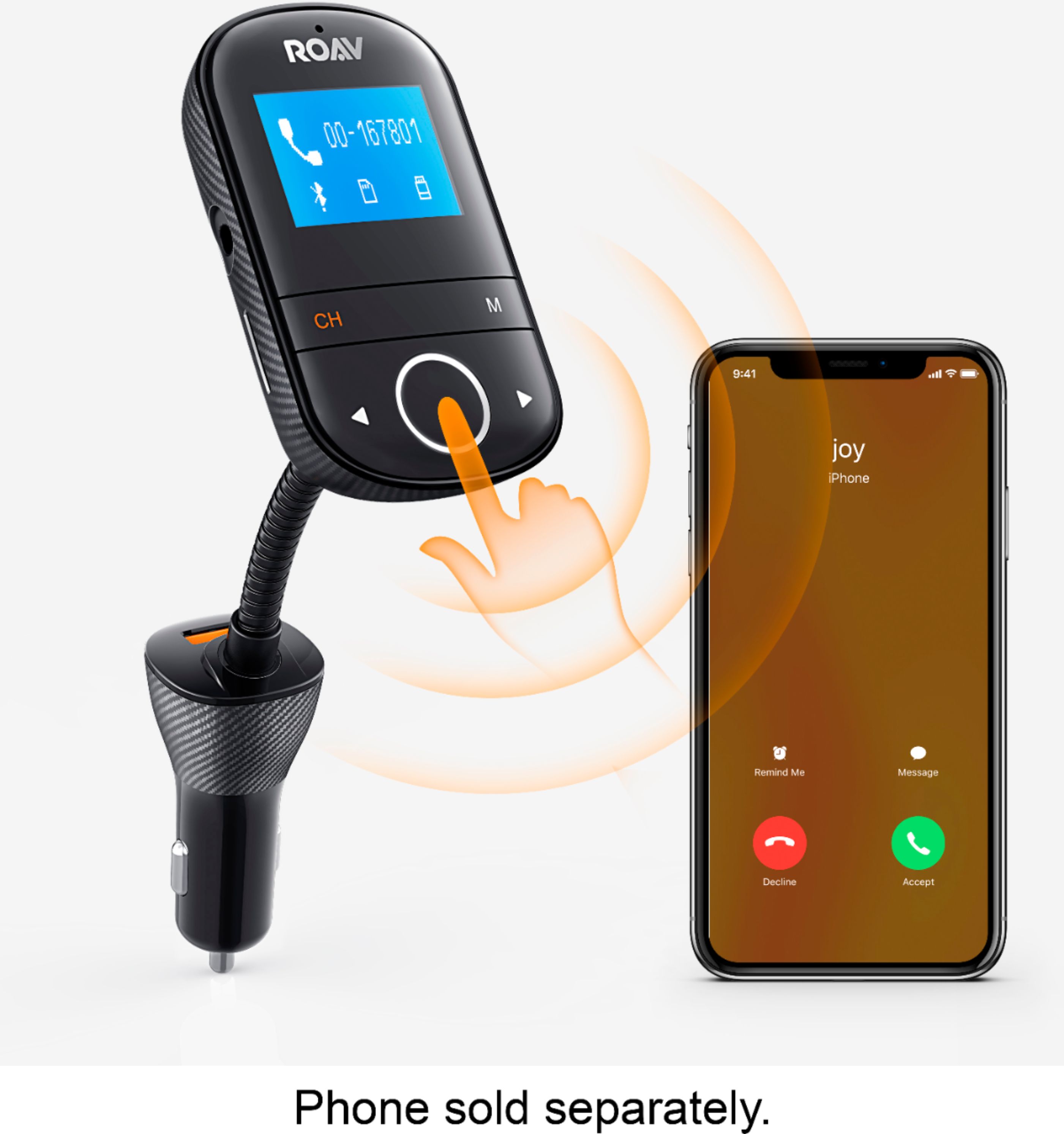
A:AnswerMine doesn't display the phone number but will display something like "on-going call" or "calling"... That's only if you're connected fully too for both calls and audio streaming (setup via Bluetooth settings for that connection & device). If you use aux then it may not say much of anything as come to think about it... When you do use AUX input, this Anker FM device doesn't even indicate anything is connected at all and simply flashes "not connected" (but it is).
Hope this helps a bit.
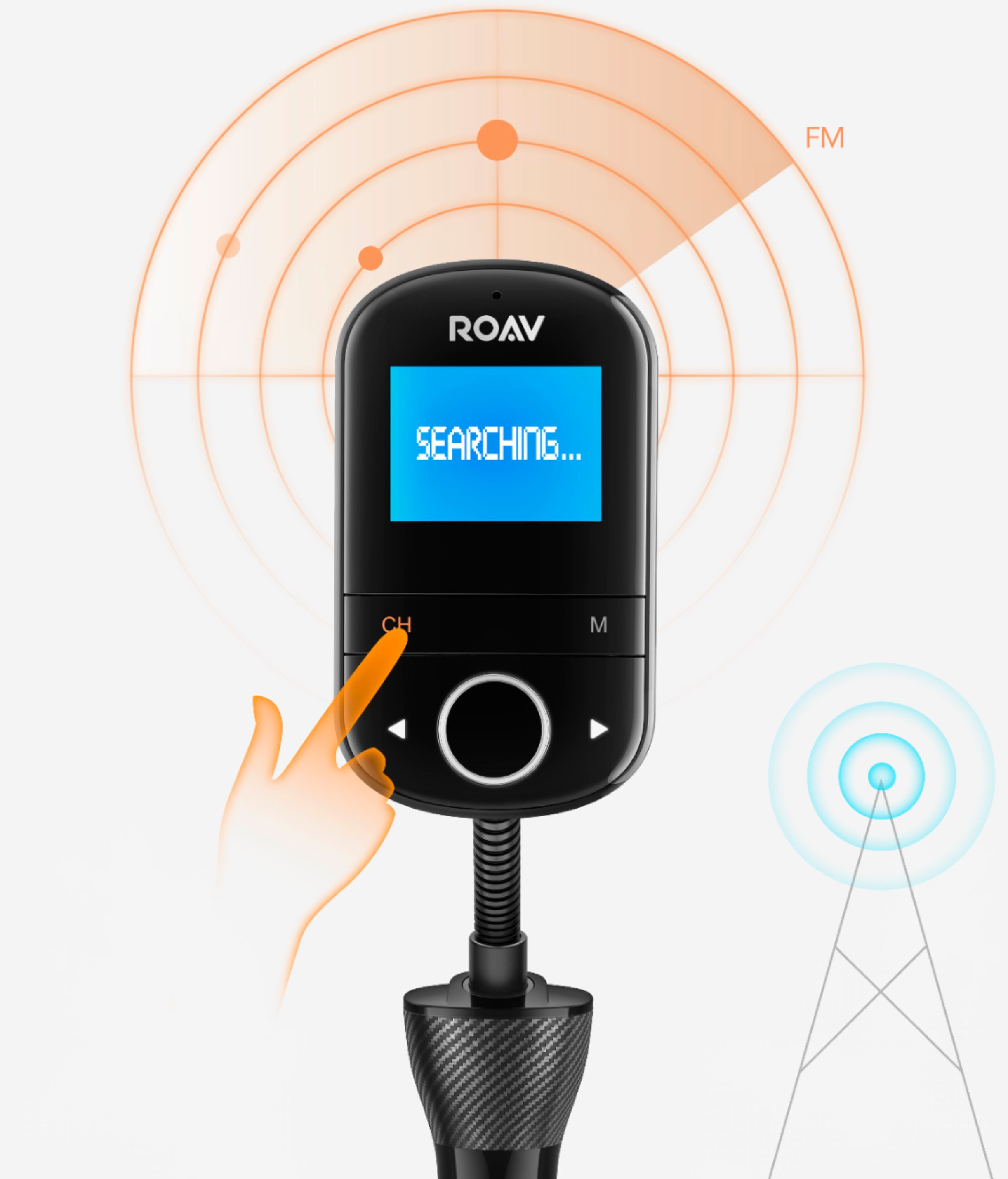
A:AnswerJust plug it in to your cigarette lighter & it’ll say in the devices screen what station to set your radio to, if it doesn’t you’ll have to scan from your device.