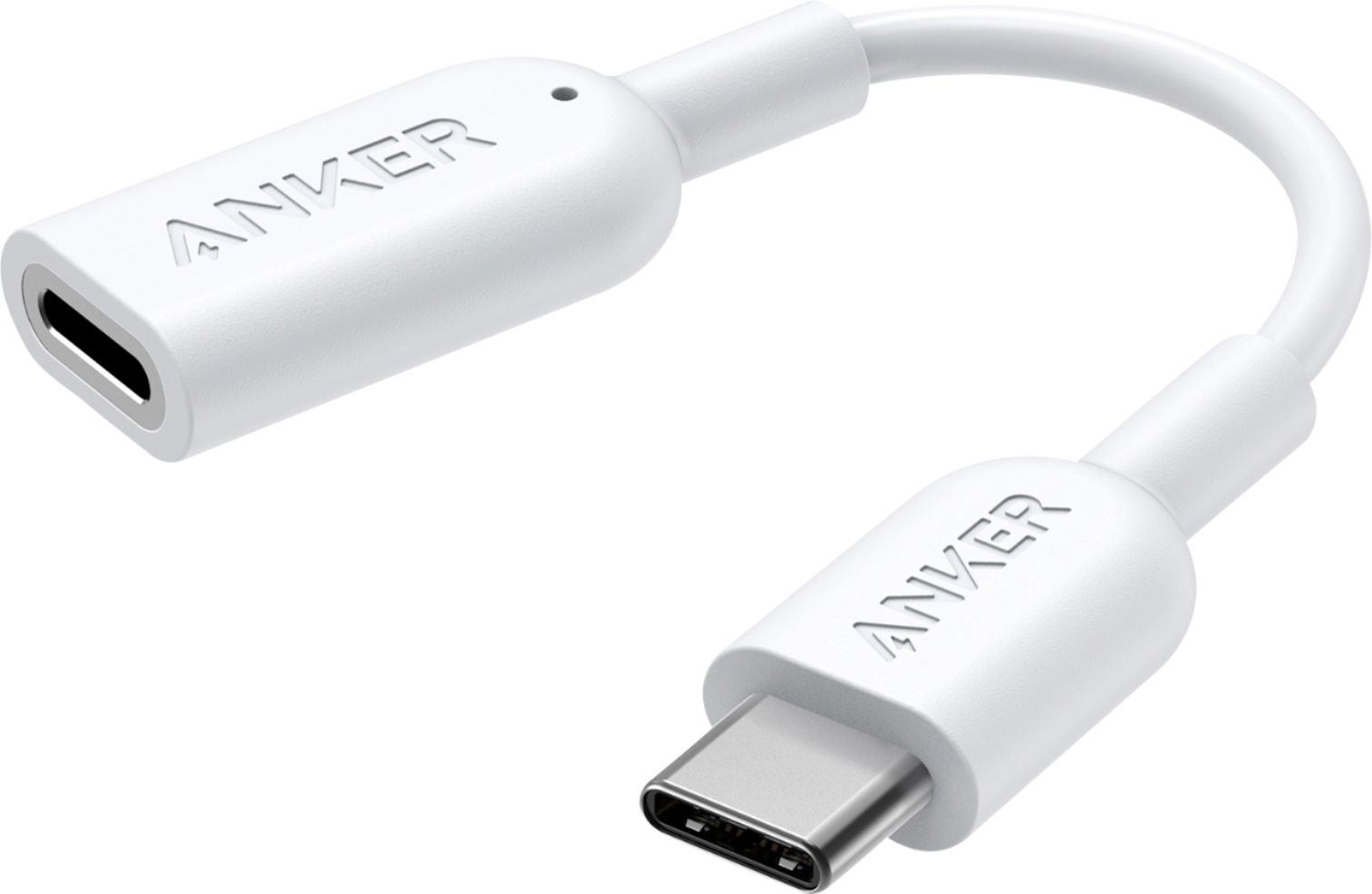
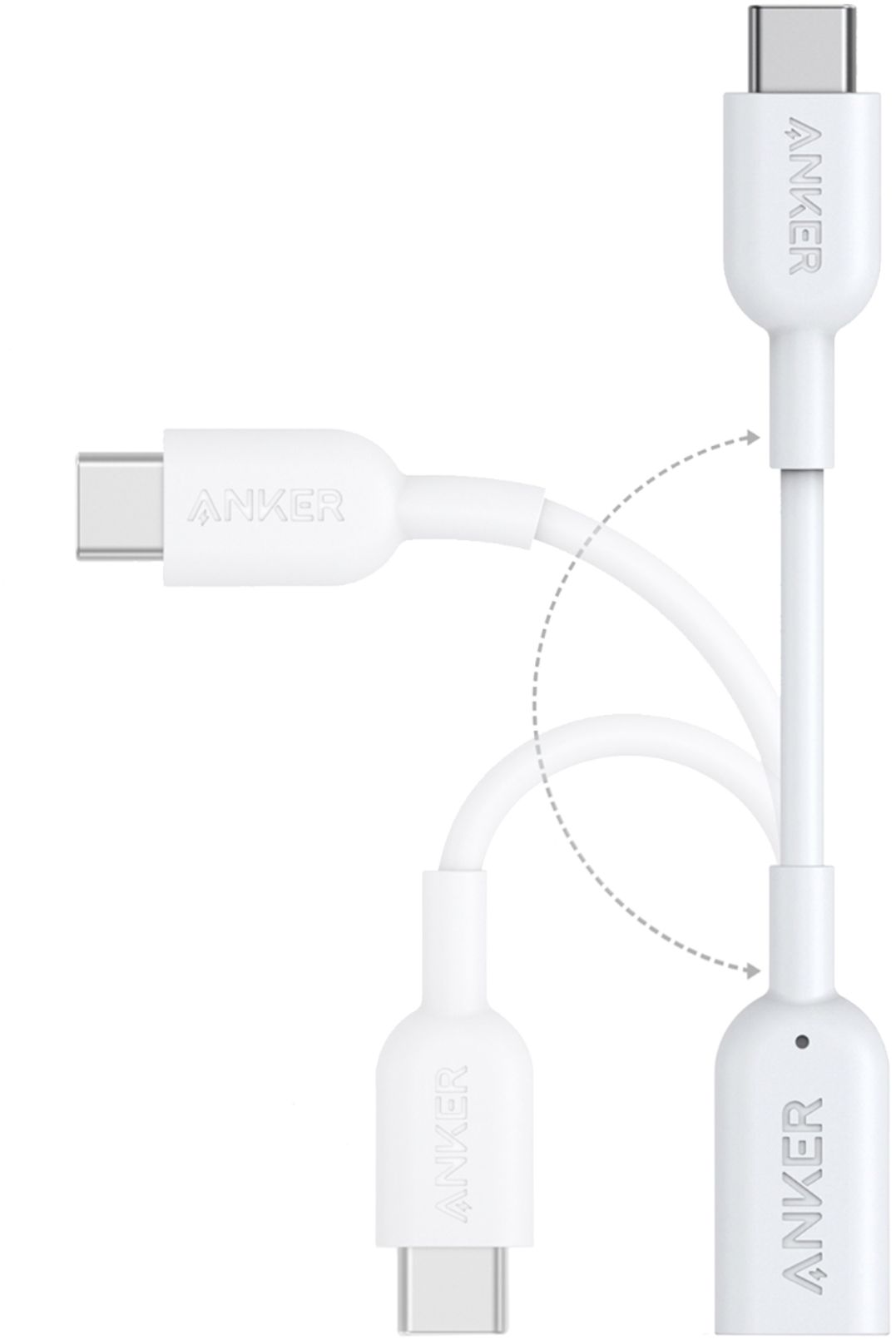
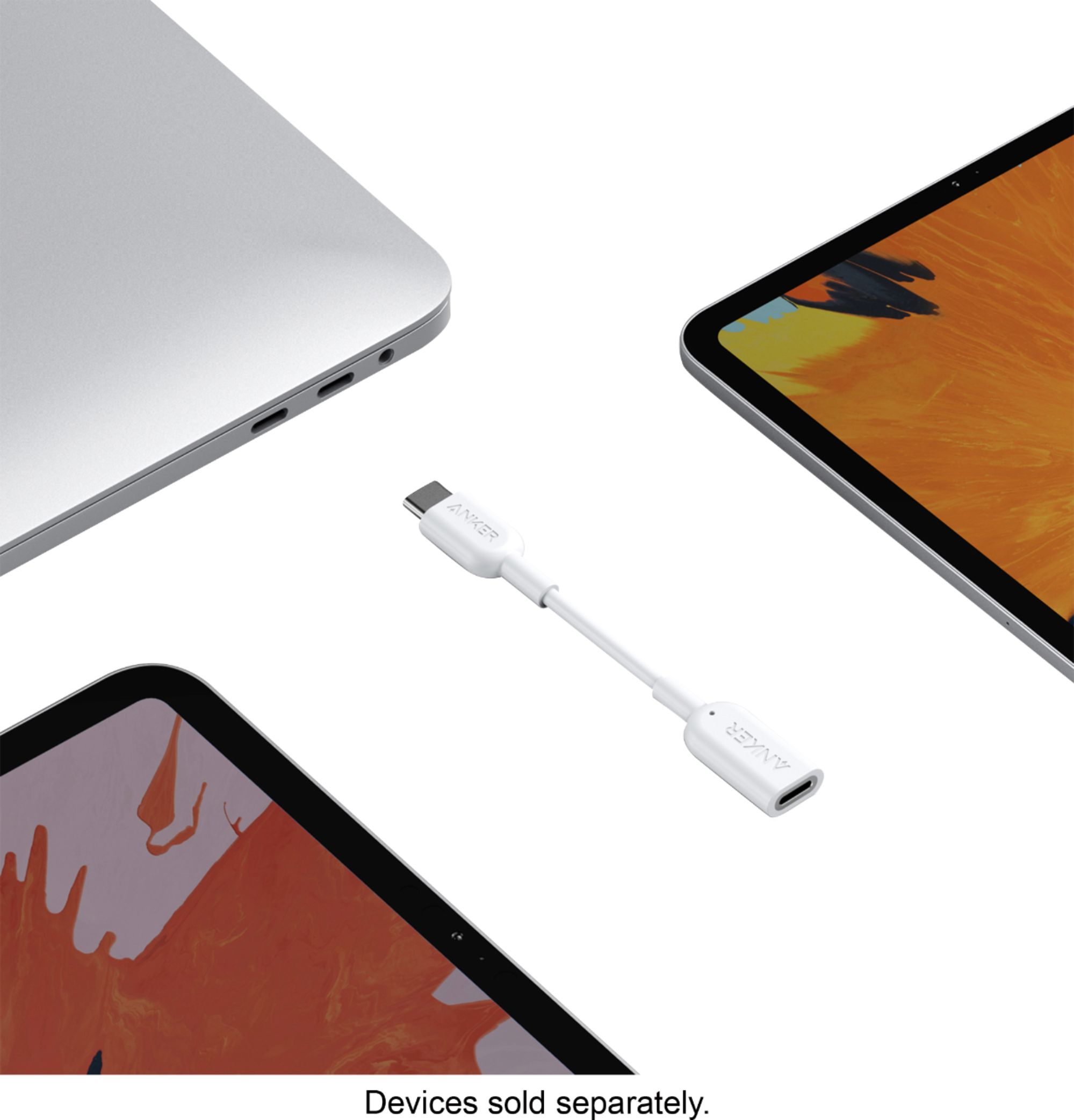
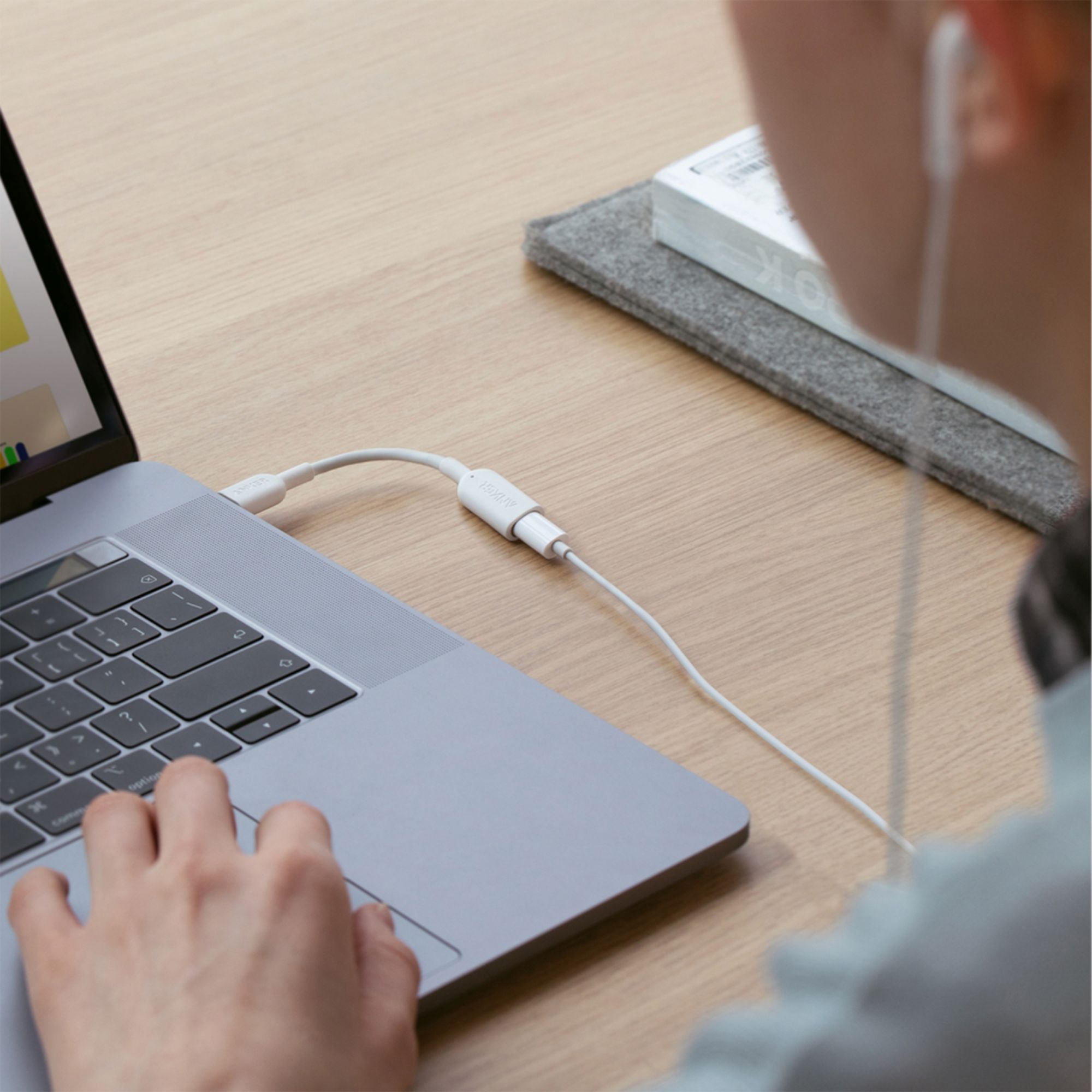
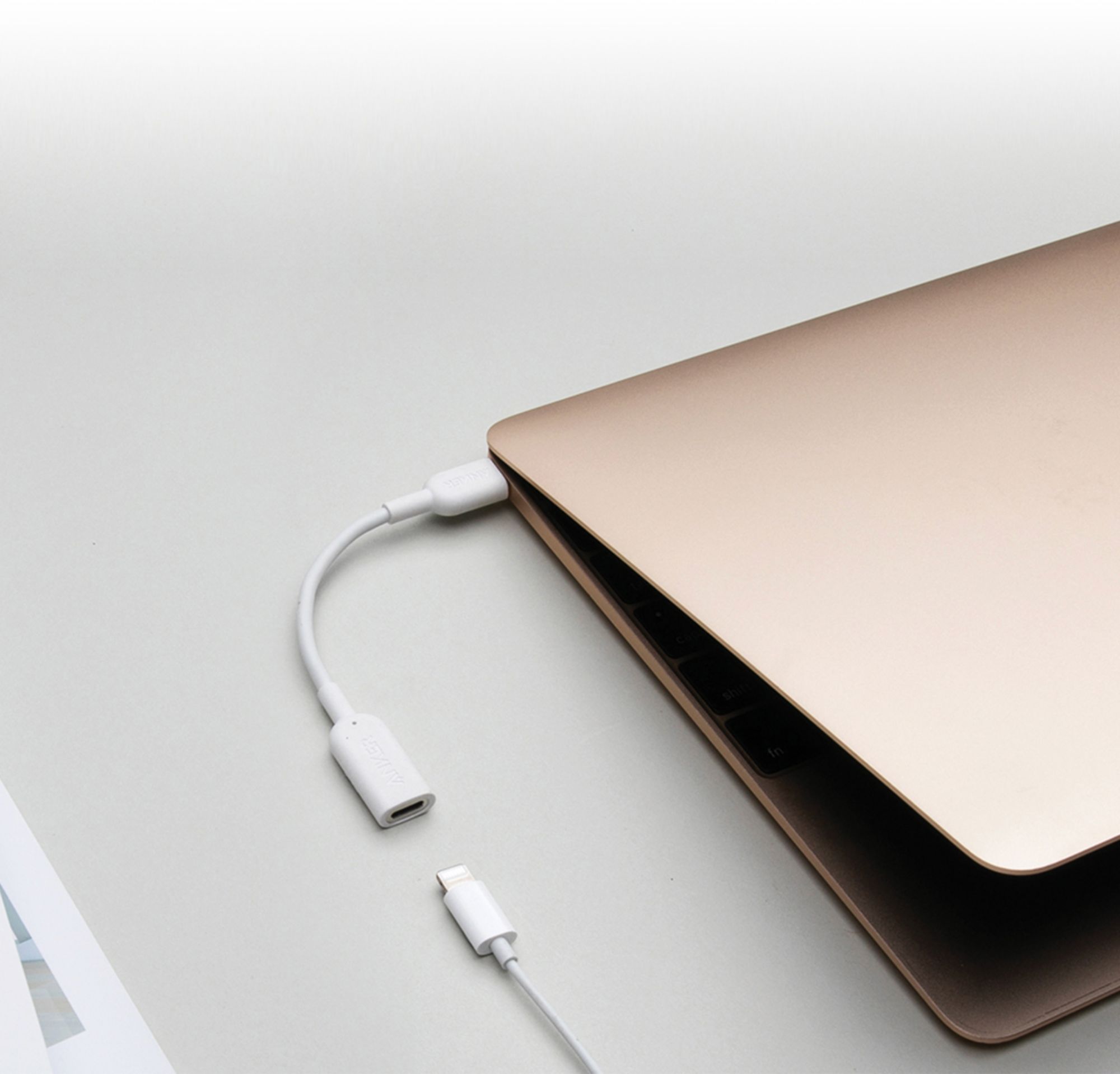
A:Answer Sorry, it can't.
Note:
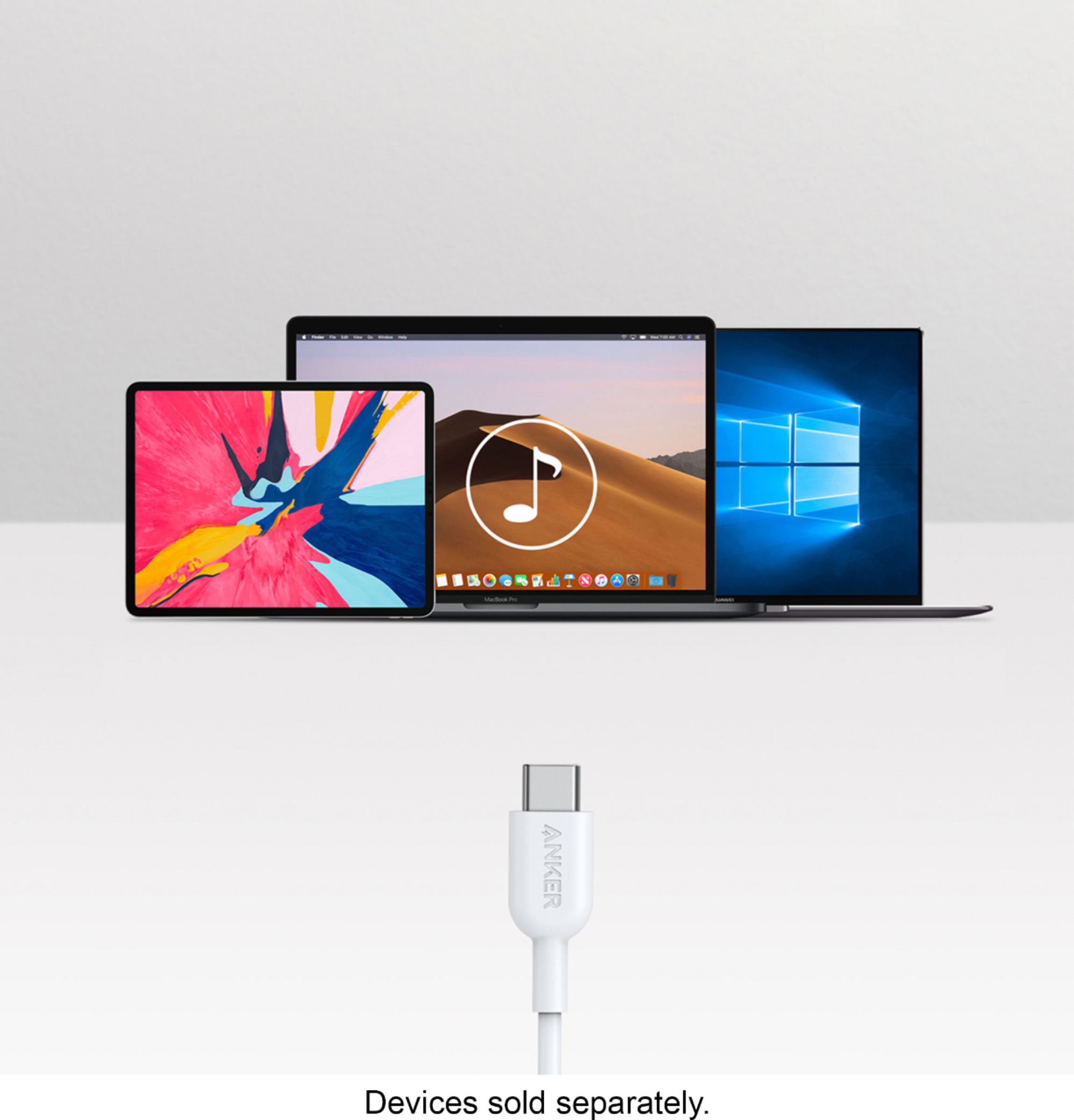
Not compatible with Windows 8 or earlier.
Not a charging adapter.
This adapter cannot be used together with the Lightning to Audio adapter that comes with iPhone 8.
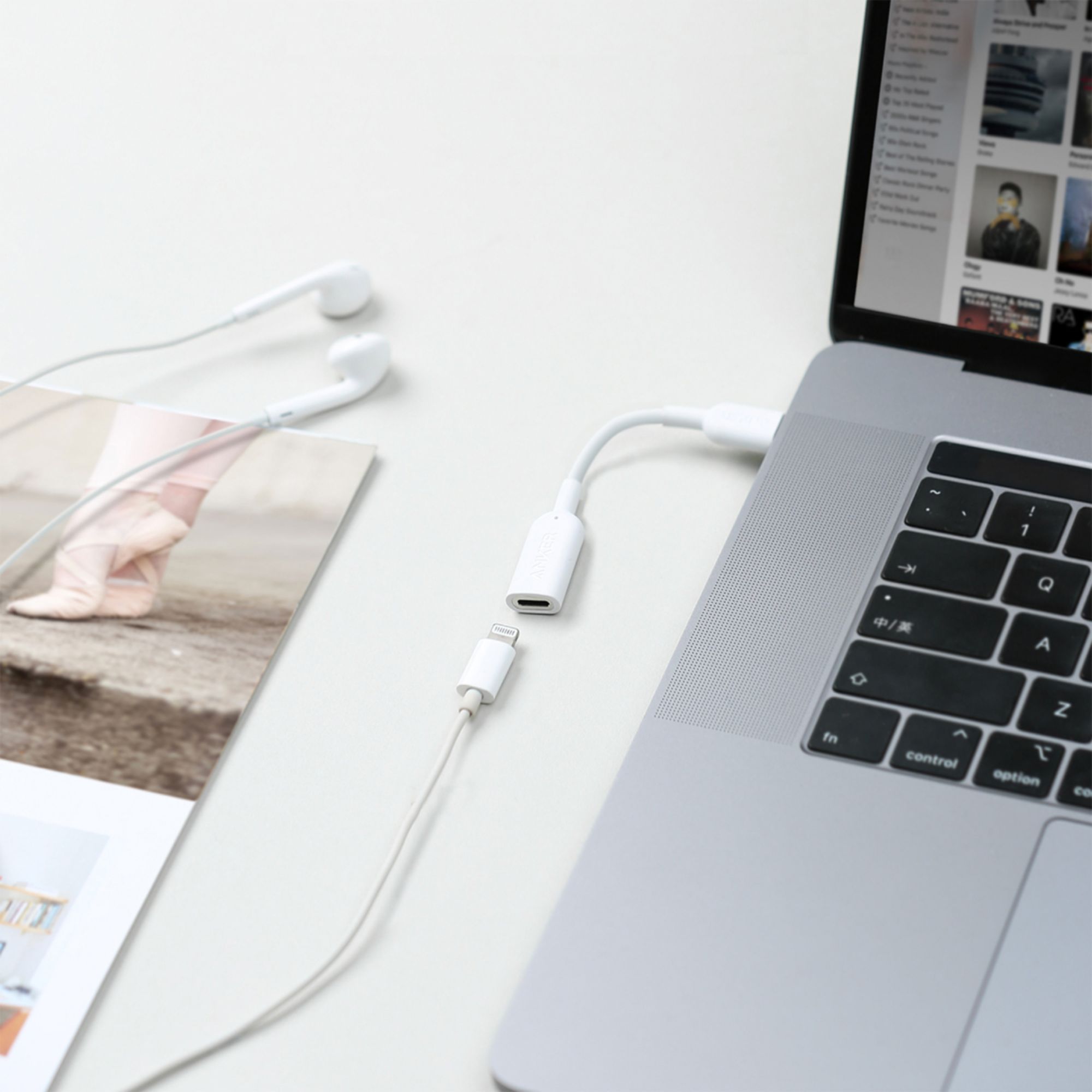
May need one-time audio device setup on Macs:
- Connect the adapter to Mac.
- Connect Lightning-headphone to the adapter.
- Choose Apple menu > System Preferences, then click Sound.
- Choose the Output tab and select "Lightning Audio Adapter Output.”
- Choose the Input tab and select "Lightning Audio Adapter Input.”
If you have any further questions, please feel free to contact us via support@anker.com or call us at +1 (800) 988 7973.