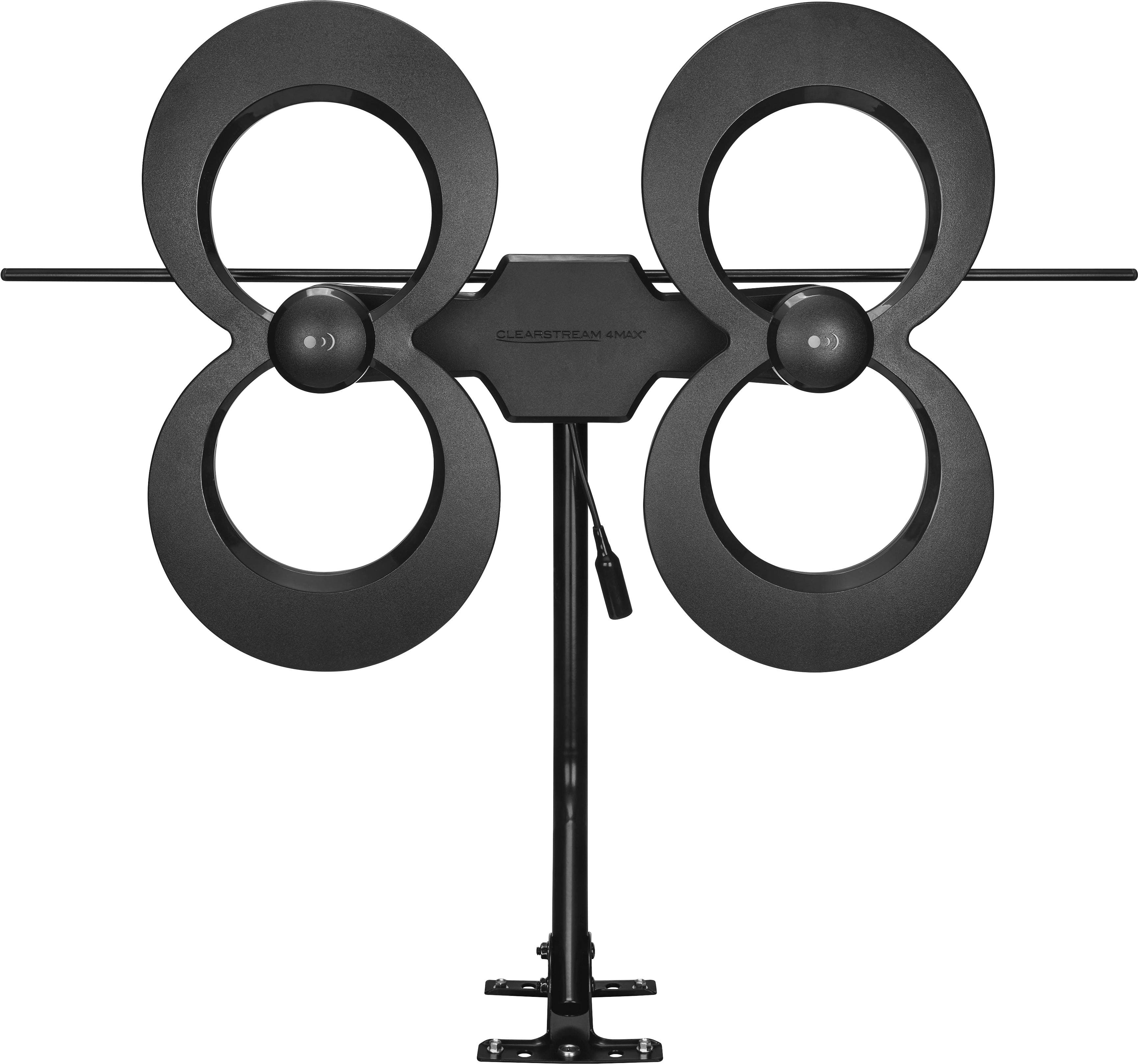
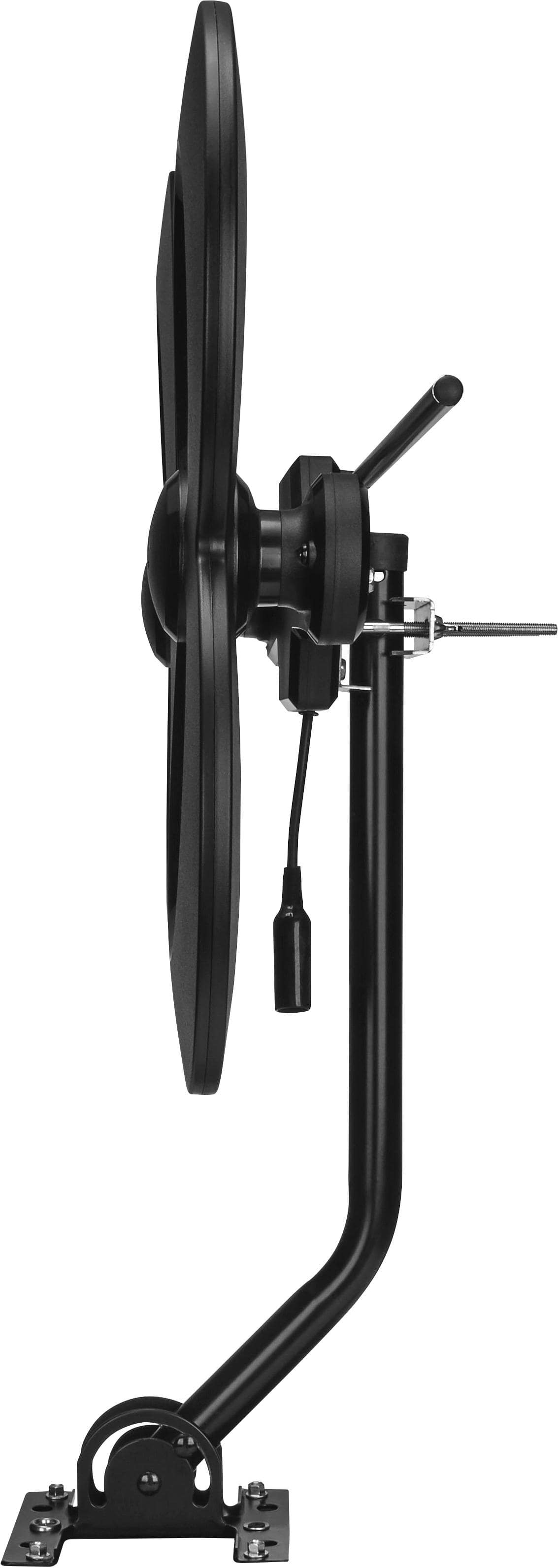
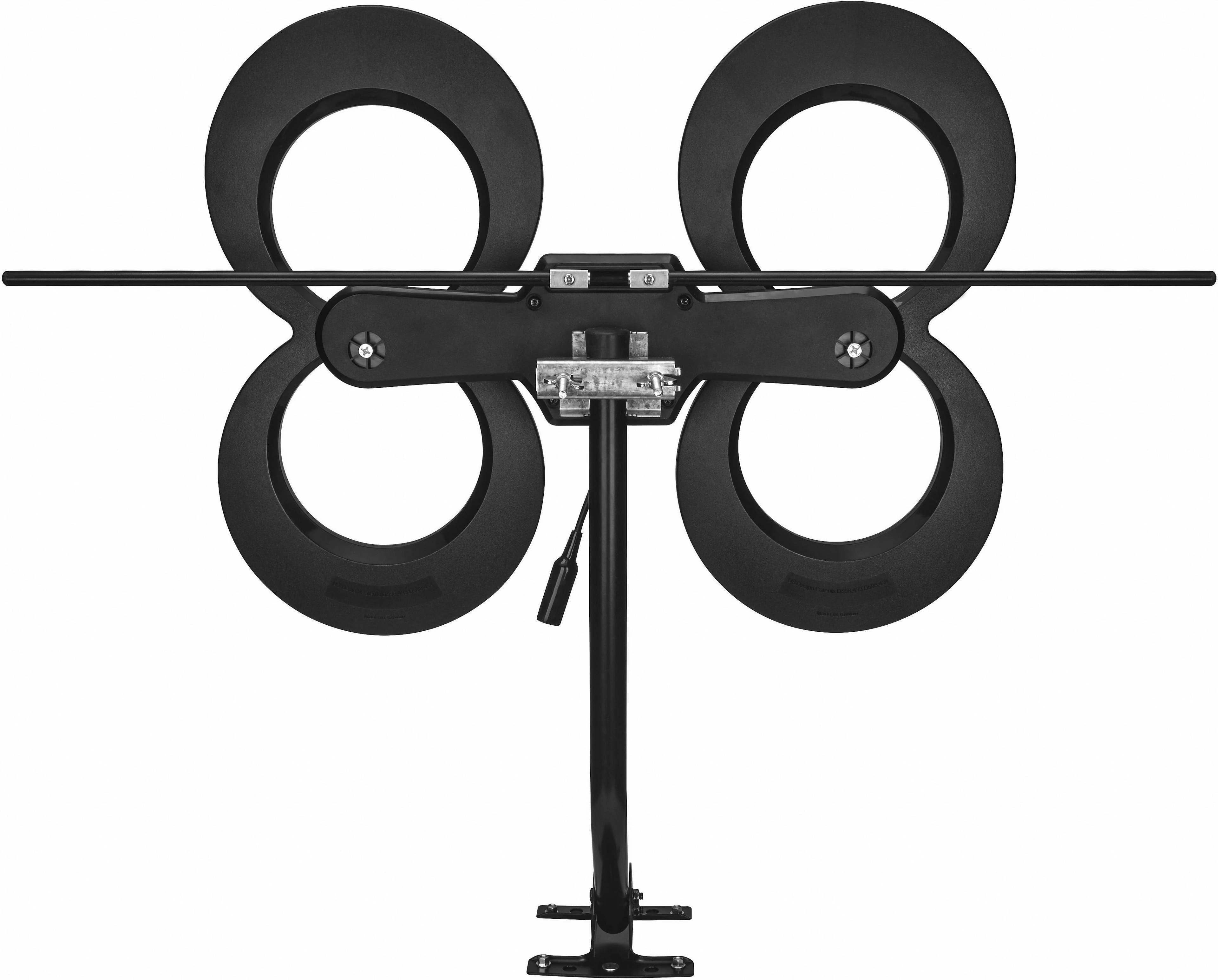
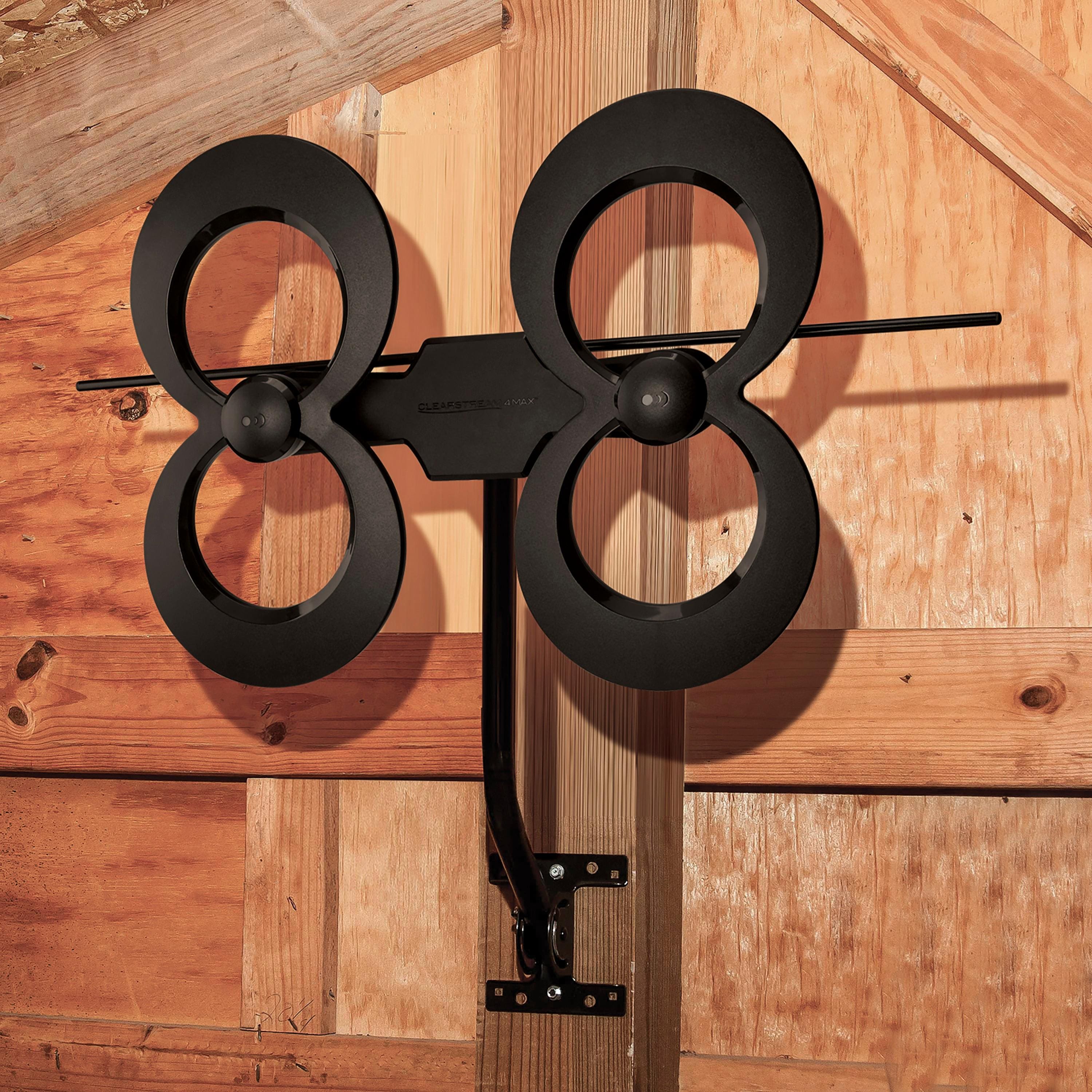
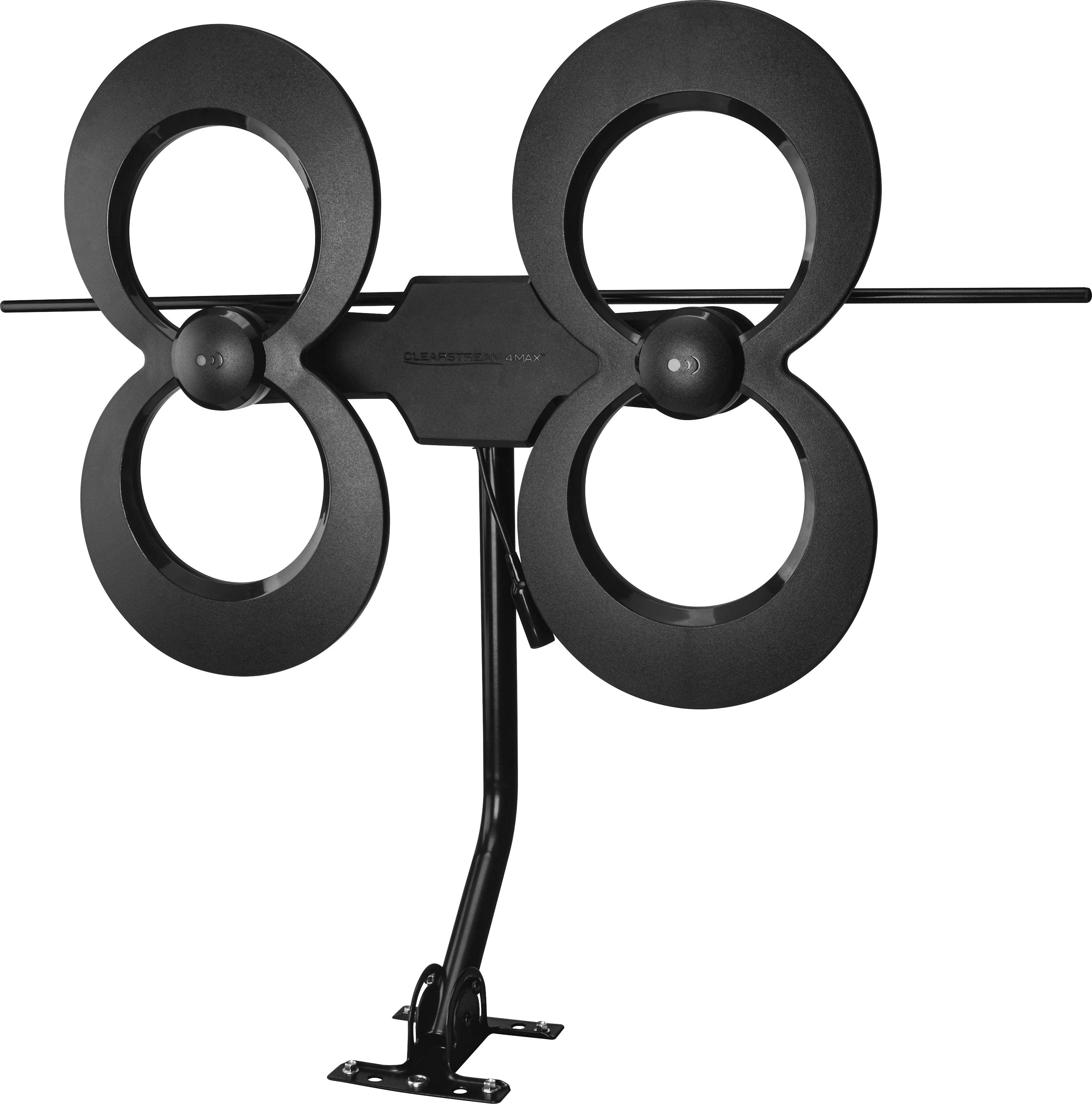
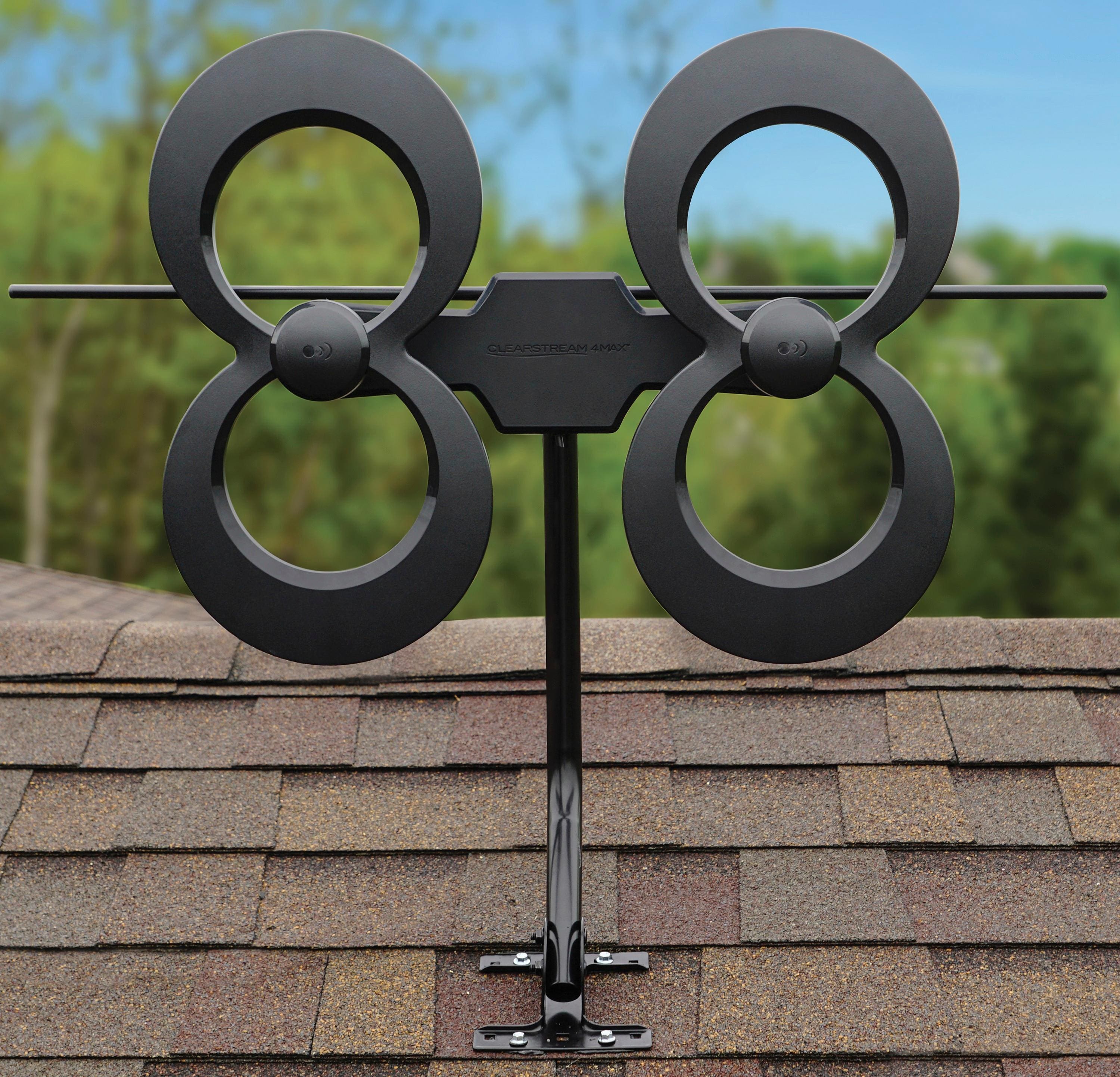
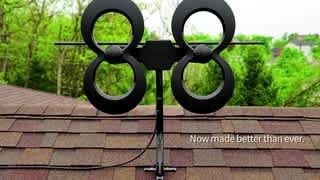
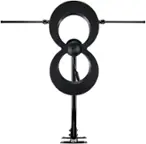
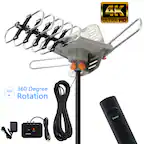
A:AnswerMy recommendation would be to verify that you can return the antenna if you purchase it to conduct testing for your specific location. All antennas work better outdoors because of the built in obstacles that indoor use involves. However, it is only with testing that you can determine if your reception is acceptable inside your structure. This is the testing method I used with this antenna and ended up installing it outdoors because the reception was better. While I do not live in Florida, I am taking a risk that wind damage could occur since we live in an area that can get high winds when a tropical storm comes through. Only time will tell if we experience any problems with storms damaging the antenna.
A:AnswerI could not get it to work. Tried it inside and outside could not get tv channels to sync up. Only wanted the News channels in case of power outage due to hurricanes and storms. There are a lot of trees in our area and the store sales person, said I may have trouble due to the trees. It is suppose to work better in open spaces? Hope this helps.
A:AnswerDepends on how many are near you? I get all of the local channels which like channel 2 it three channels 2.1 2.2 and 2.3 that’s three local channels in one like channel 5 I get 5.1, 5,2, 5.3, and 5.4
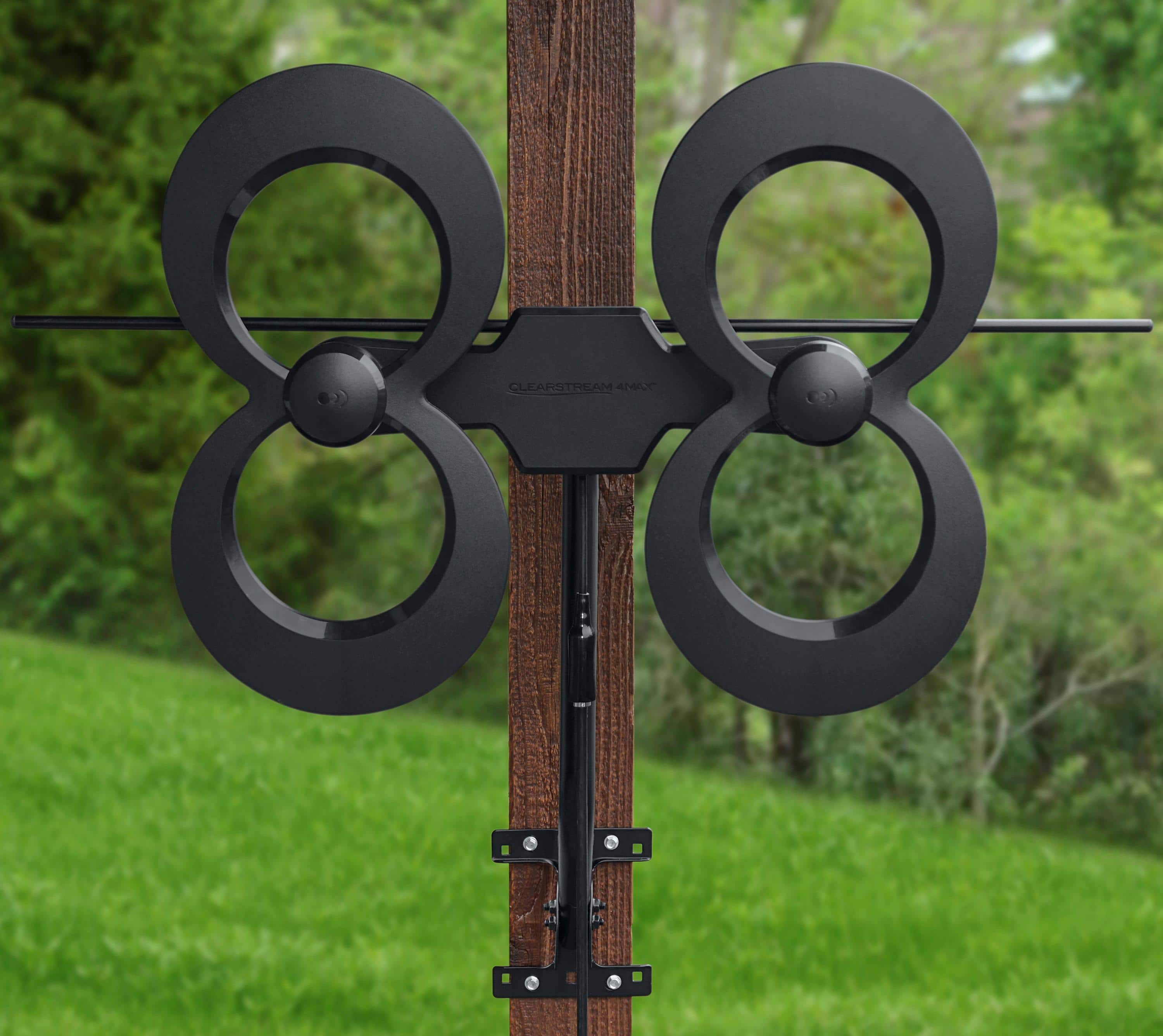
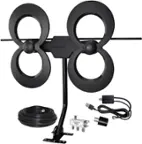
A:AnswerNo indoor mounting is included. I made a wooden floor mount to hold a 7/8 pipe that the antenna mounted directly too. Works perfect with great reception.
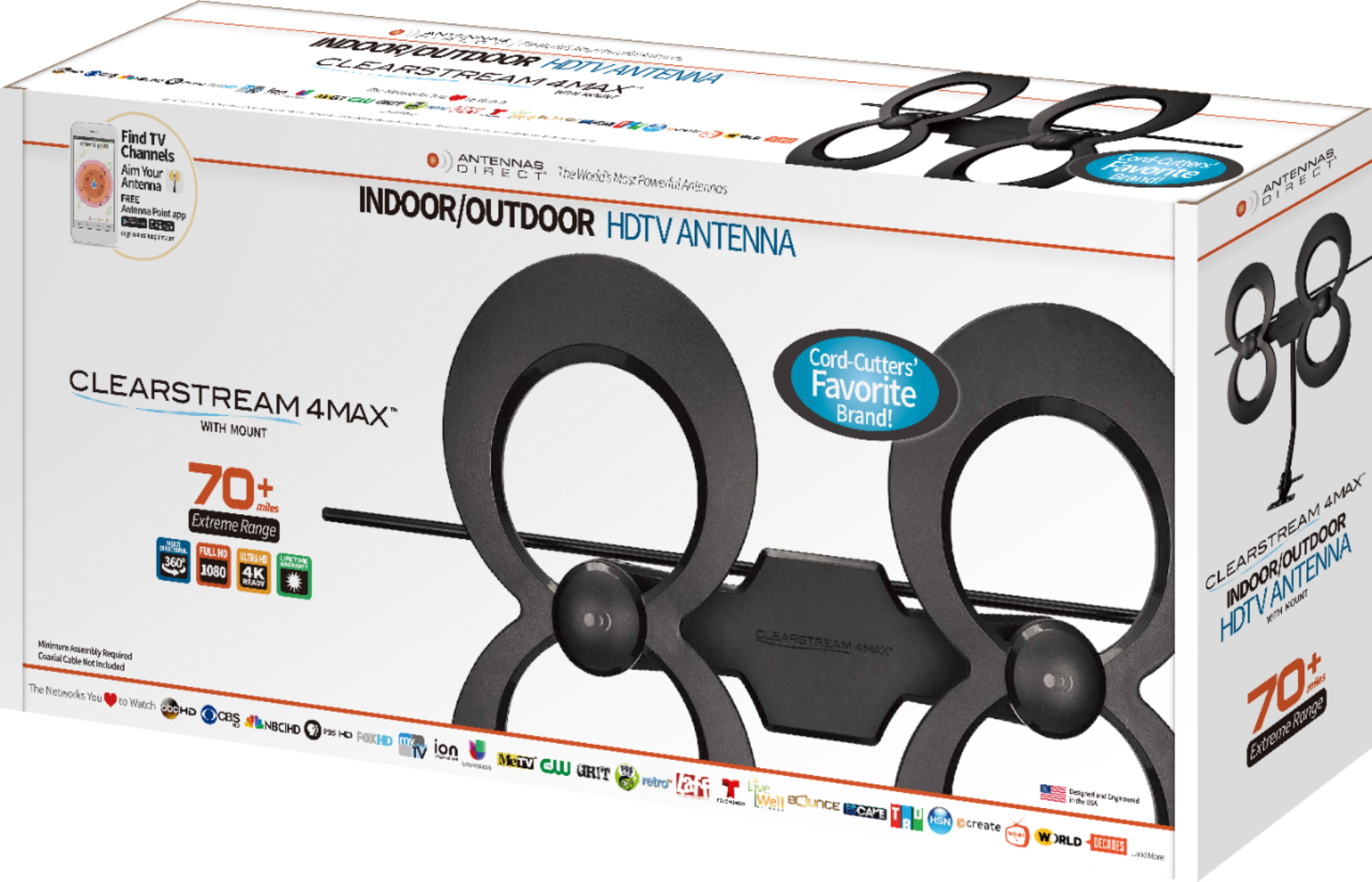
A:AnswerI will add - the package states, "An Outdoor Antenna Will Service Many TVs. If your residence ever had satellite or cable TV service, the coaxial cable needed to distribute an antenna's signal throughout the home is already installed."
So, the answer is yes - which is straight from the package and has a picture of a multi-level house with several devices inside.
A:AnswerThis antenna when used indoors is usually placed in the attic.
It is very easy to put together and all you have to do is attach the tv cable wire to your antenna and than the tv.
A:AnswerI haven't tried this myself, and so I can't really recommend a product, but I know there are devices like the homerun that should do the trick. Not sure if they make these wireless versions or you have to connect them into an access point/router via ethernet, but I would opt to run an ethernet cable or ethernet over power anyway to take out one leg of the wireless connection.
Antenna -> HomeRun <-> wifibridge <-> wifi -> AccessPoint/Router <-> Streaming device/Smart TV
vs
Antenna -> HomeRun <-> ethernet <-> AccessPoint/Router <-> Streaming device/smartTV
The second one saves some wifi bandwidth and you wouldn't need a wifi bridge which basically makes a hard wired device into wifi.