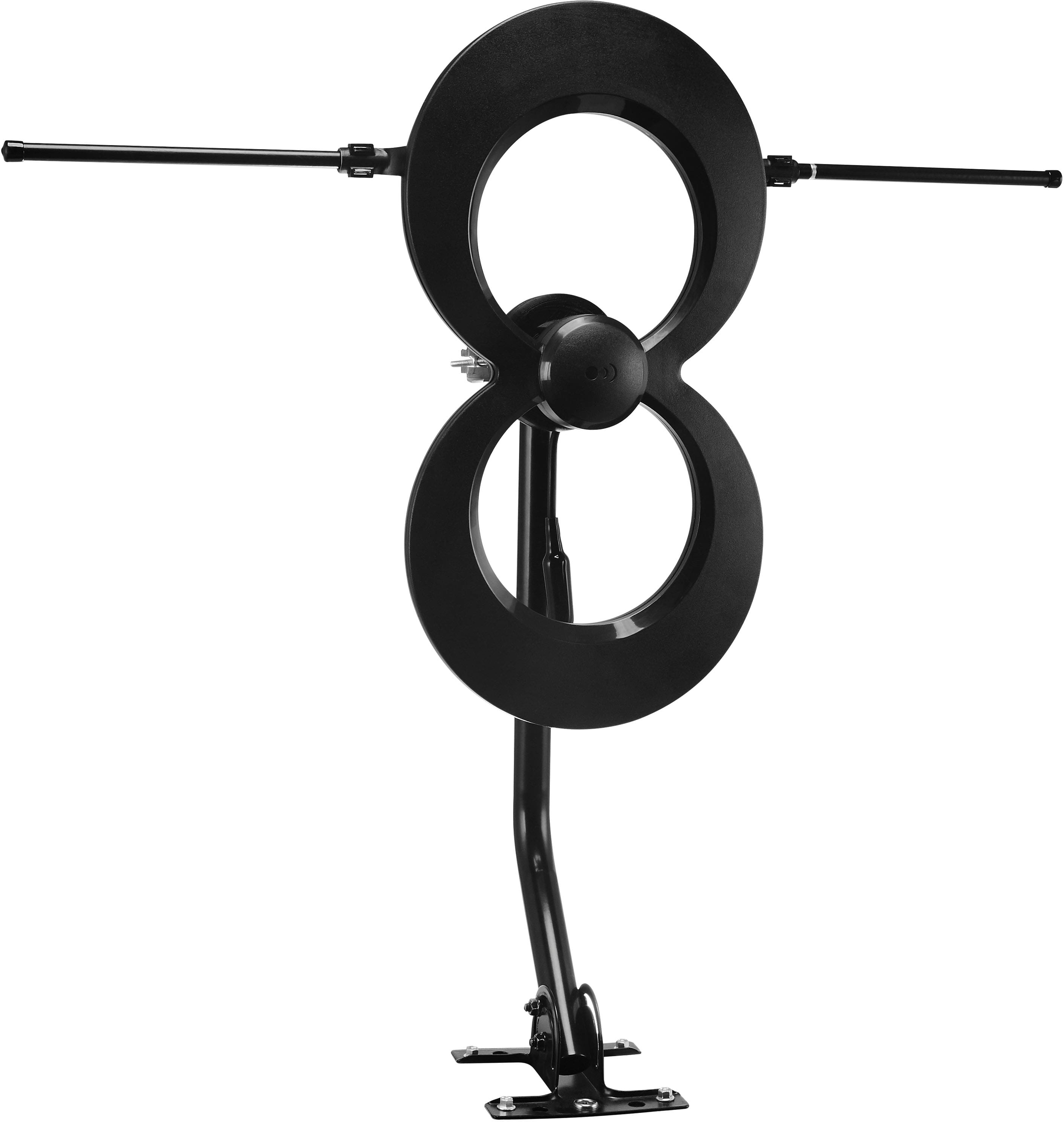
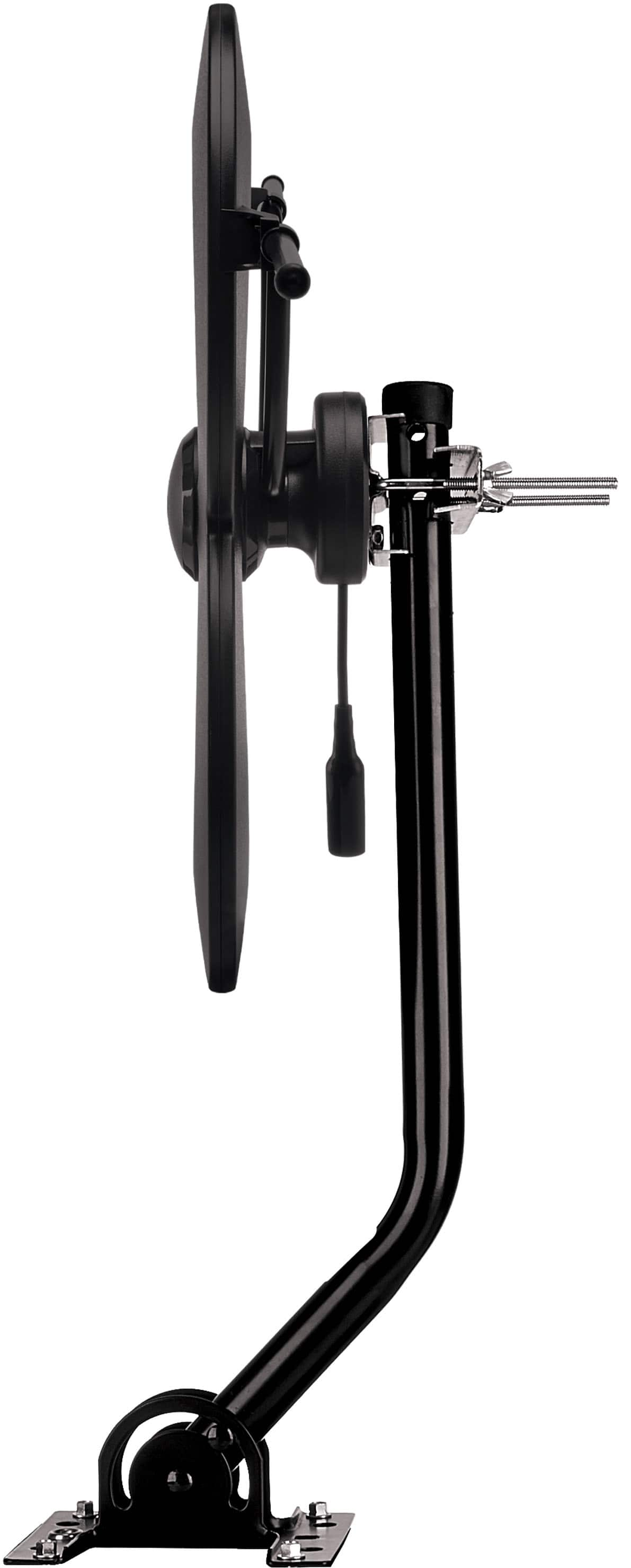
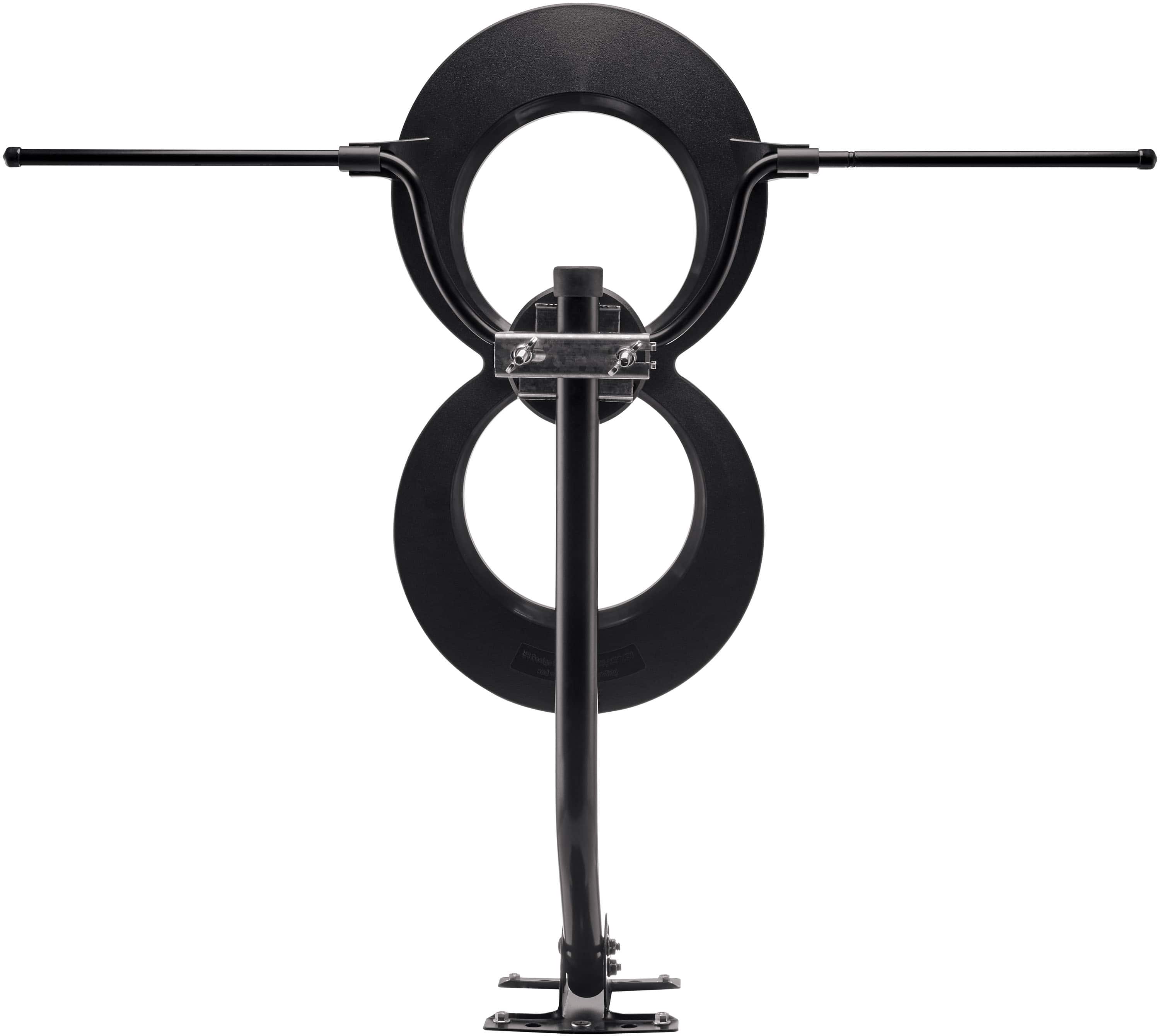
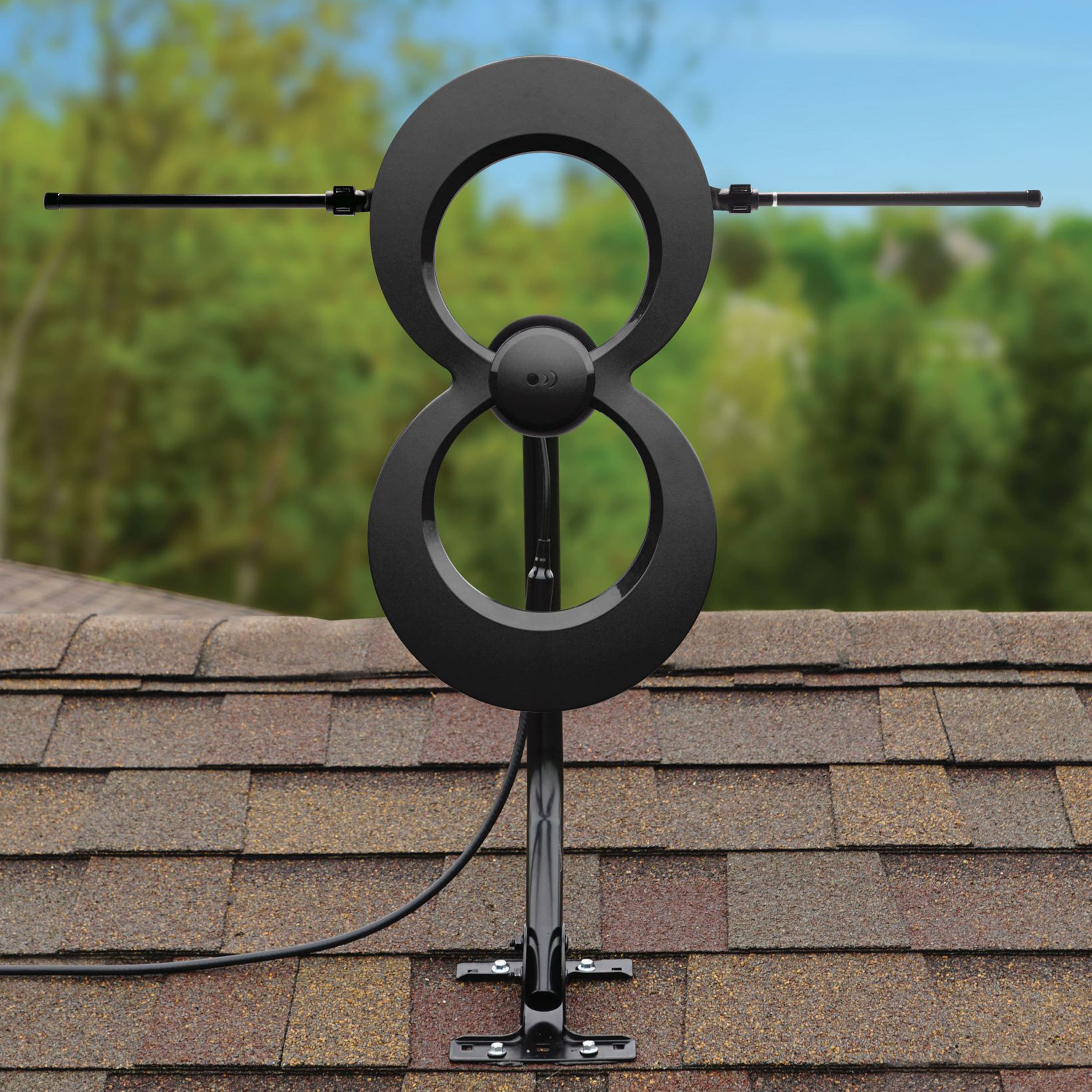
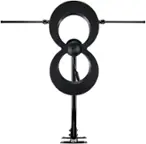
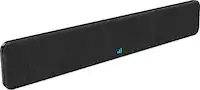
A:AnswerHi, we are not sure which video you are referring to. Please give us a call and we can help you figure out what the item is. We are available from 9am to 5pm CST at 877-825-5572.
A:AnswerHi there! All of our ClearStream antennas are multi-directional, meaning they can receive signals from the front and the back. Thank you for your question!
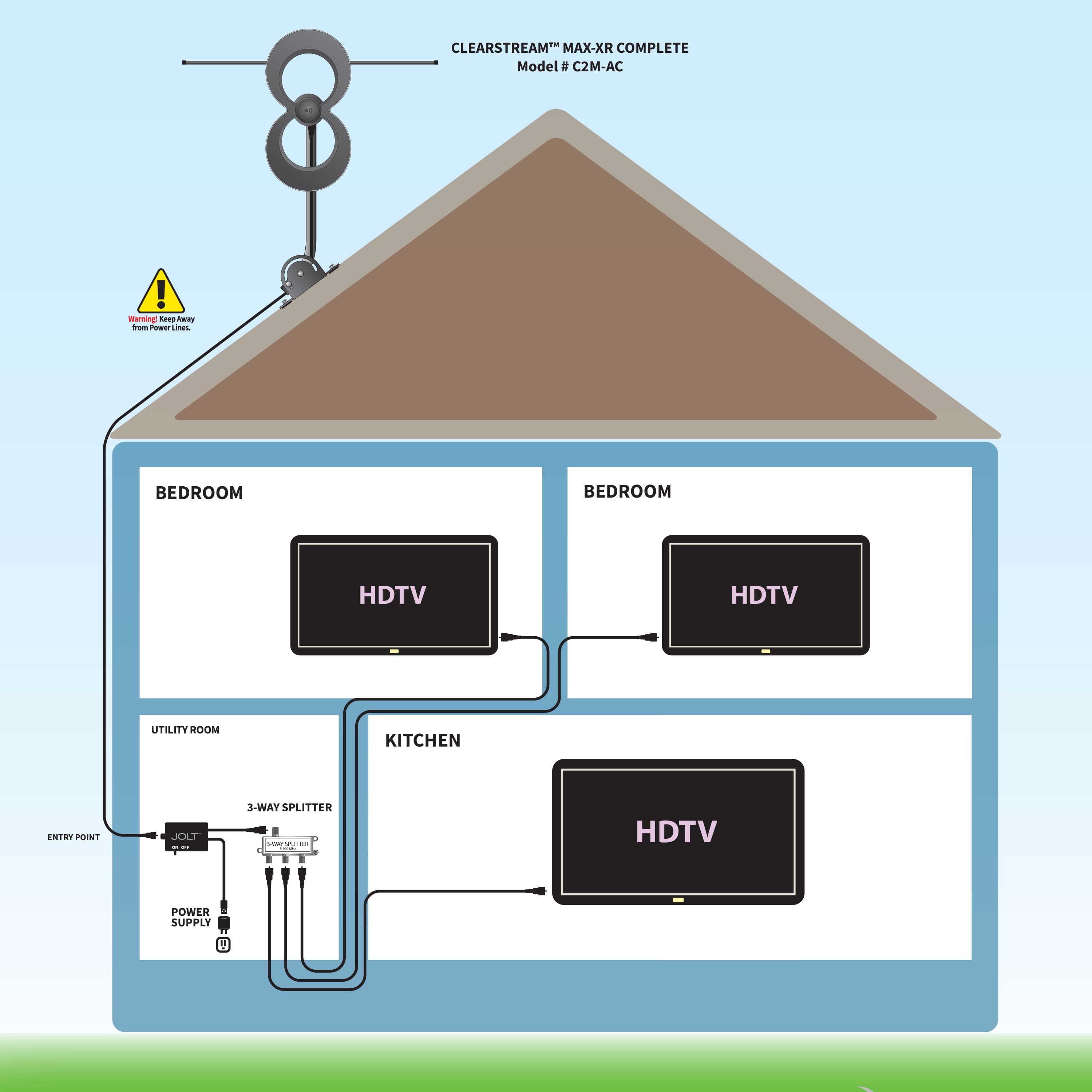
A:AnswerHi there, this antenna will work with the analog TV when using a converter box, since analog TVs do not have a TV tuner. You can purchase a simple converter box anywhere online. For the Smart TV there will not be any issues at all and the cable will connect to the f-connector on the back of the TV. You can connect all three TVs to the ClearStream MAX-XR regardless of it being an analog TV or smart TV. I hope this helps. If you have more questions, feel free to reach out to us on antennasdirect.com via chat or you can call us at 877-825-5572 9am to 5pm M-F CST.
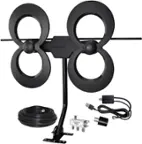
A:AnswerHi there, thank you for your question! We are unsure where you are seeing this amp at for $40. Our Jolt Amplifier by itself is only $24.99. This particular model with the amplifier, coax cable and splitter included is currently on sale for $20 off at Best Buy for $99.99 but is usually sold for $119.99. This same model by itself, with no amplifier, coax cable or splitter is originally $89.99. As with most products if you bundle them together you can receive them for a bit cheaper than normal and we happen to offer this discount with our MAX-XR TV Antennas. So essentially, you are receiving 3 extra products purchasing this antenna as a bundle for only $10 more.
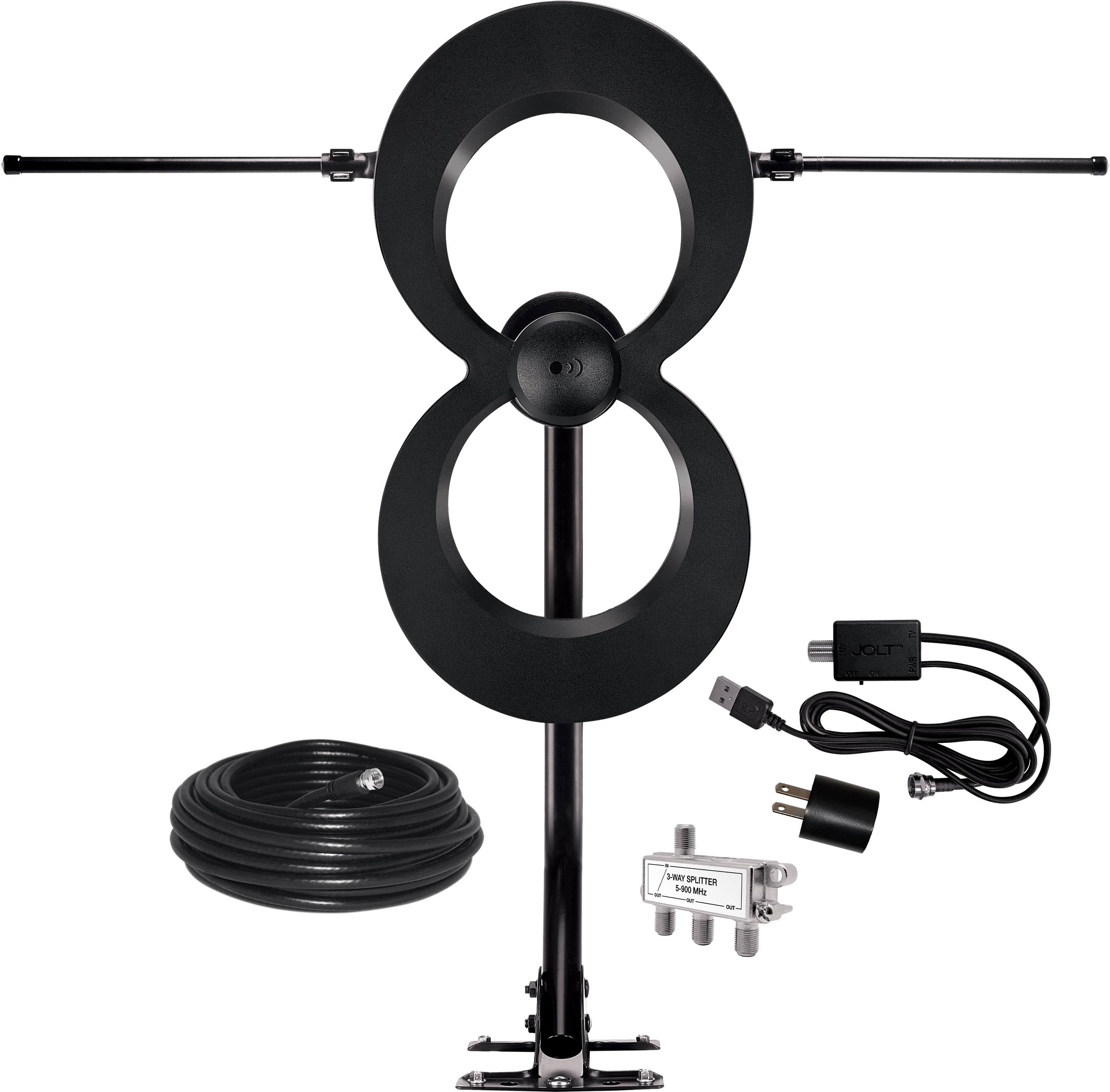
A:AnswerHi there! You do not need to use the splitter for 1 TV. The splitter is only necessary to split signals to 3 TVs. You should install the USB Amplifier at the TV connection, not at the antenna. If you have any other questions, give us a call at 877-825-5572, we help you get setup!
Thank you
A:AnswerHi Eileen, yes we absolutely do! There is a lifetime warranty on our antennas and a 90-day warranty on all our accessories. I will post a link below with all the details: https://www.antennasdirect.com/lifetime-warranty.html. Thank you for your question.
A:AnswerGet a RCA SIGNAL APP by downloading it on your phone and will tell you where to point the antenna and it tells you how many miles from the tower's
A:AnswerHi there! Yes, the antenna / mast should be grounded. Please refer this grounding information: www.antennasdirect.com/cmss_files/attachmentlibrary/pdf/Grounding-Info.pdf. Thank you for your question!
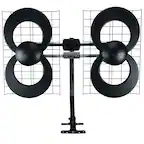
A:AnswerIt is an outdoor antenna with a short mast. You could mount it indoors pointed toward window, but you will get reduced reception. I hooked mine up this way to test it b4 mounting it outdoors. Range and signal (measured) quadrupled.
A:AnswerWorks just fine at my house. Put the booster in line from the antenna to a splitter and split three ways from there using the original dish coax that was run through the house. I live 10 miles from midsize city and can pick up channels from 60 miles away.
A:AnswerGreetings from Antennas Direct! When adding another TV Antenna, please keep the antennas at least 4 ft. apart. There may be another solution, so you do not have to purchase another antenna. Please give us a call at 877-825-5572 and speak to one of our experts. We are available to help from 9am to 7pm Mon-Fri CST. Thanks!
A:AnswerYou don't need internet connection and we cancelled our cable (which was a waste of money). Now with the antenna, we have all the local channels and even some new ones. For indoor use, one TV, you don't need the coaxal cable.