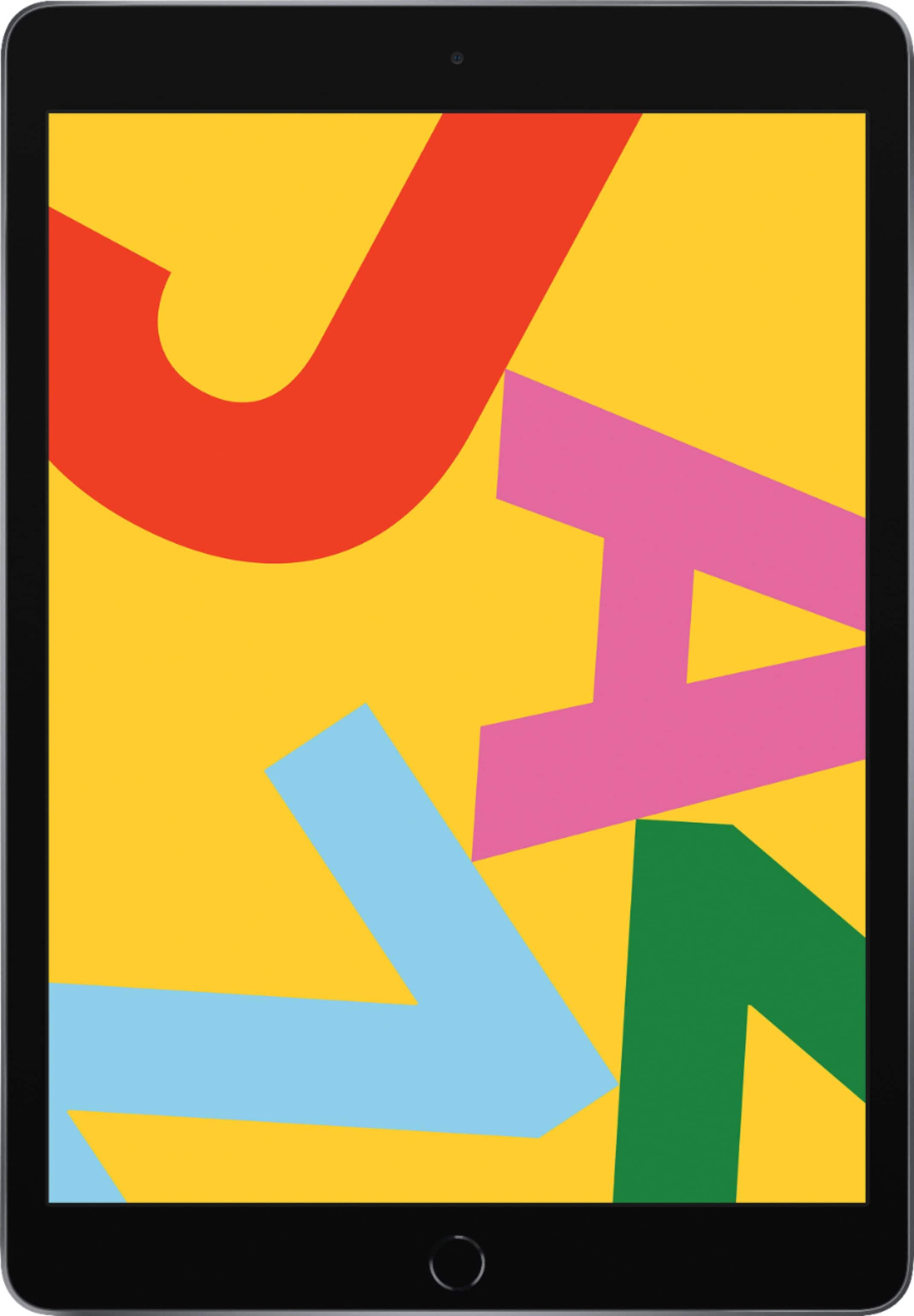
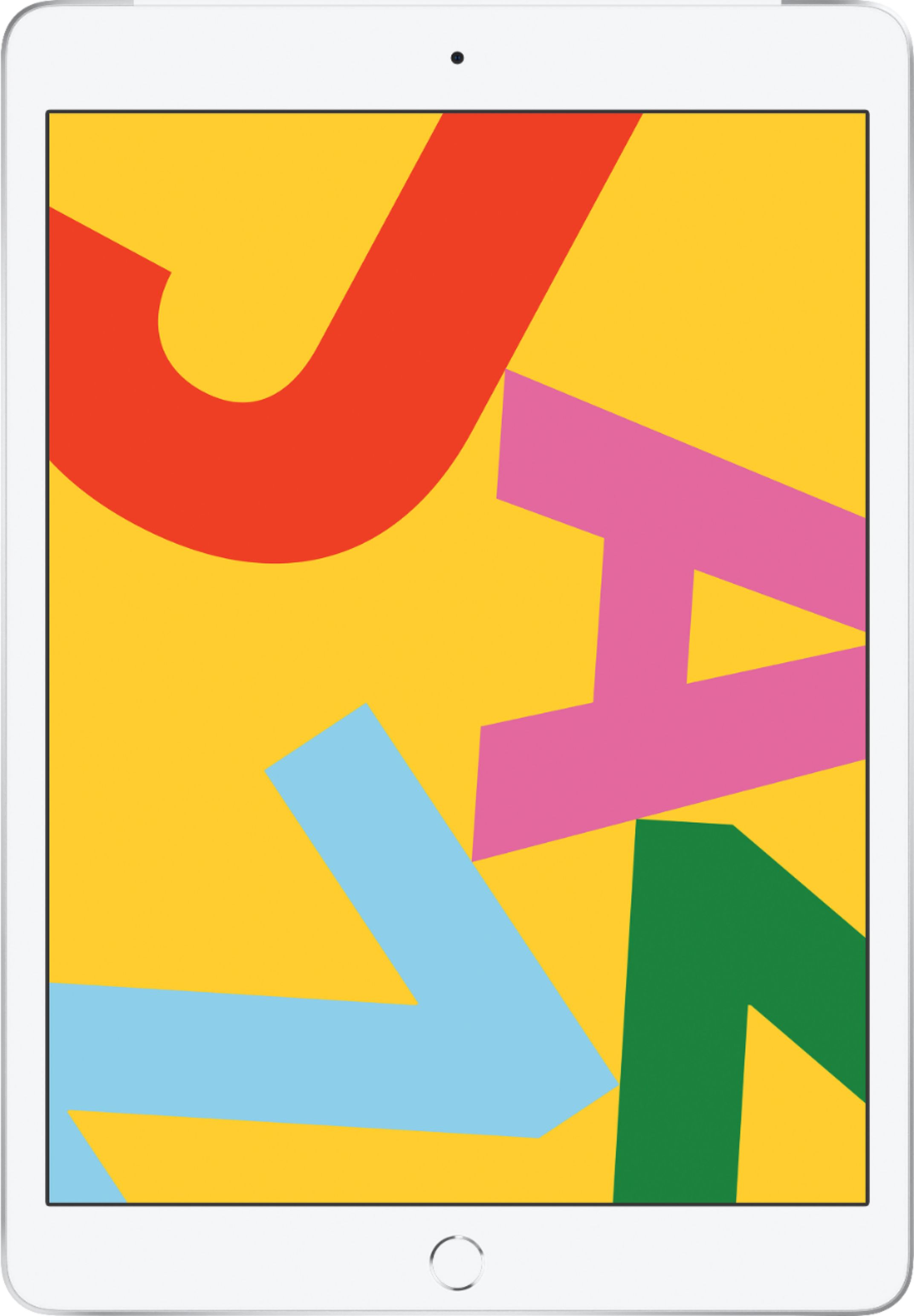
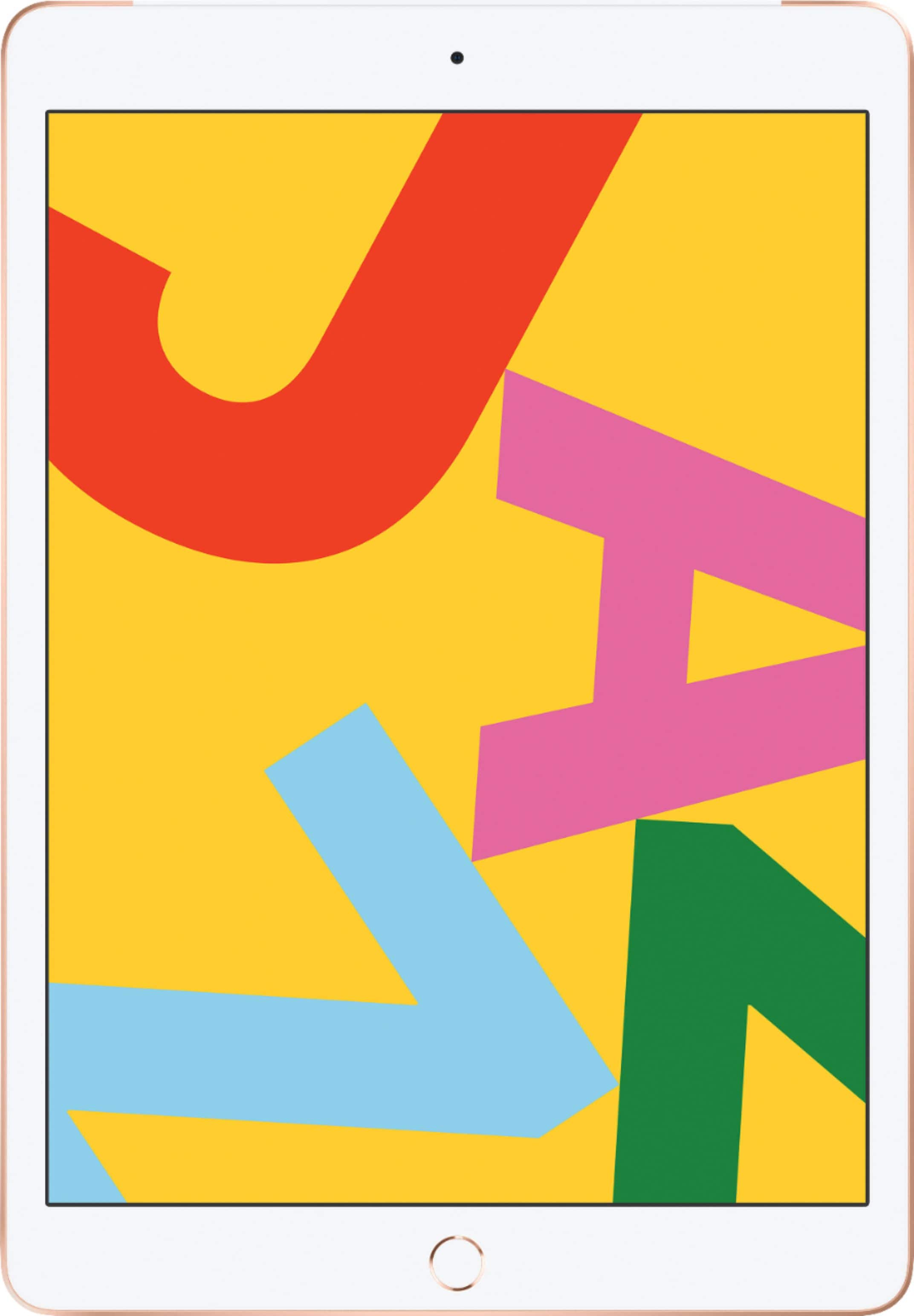
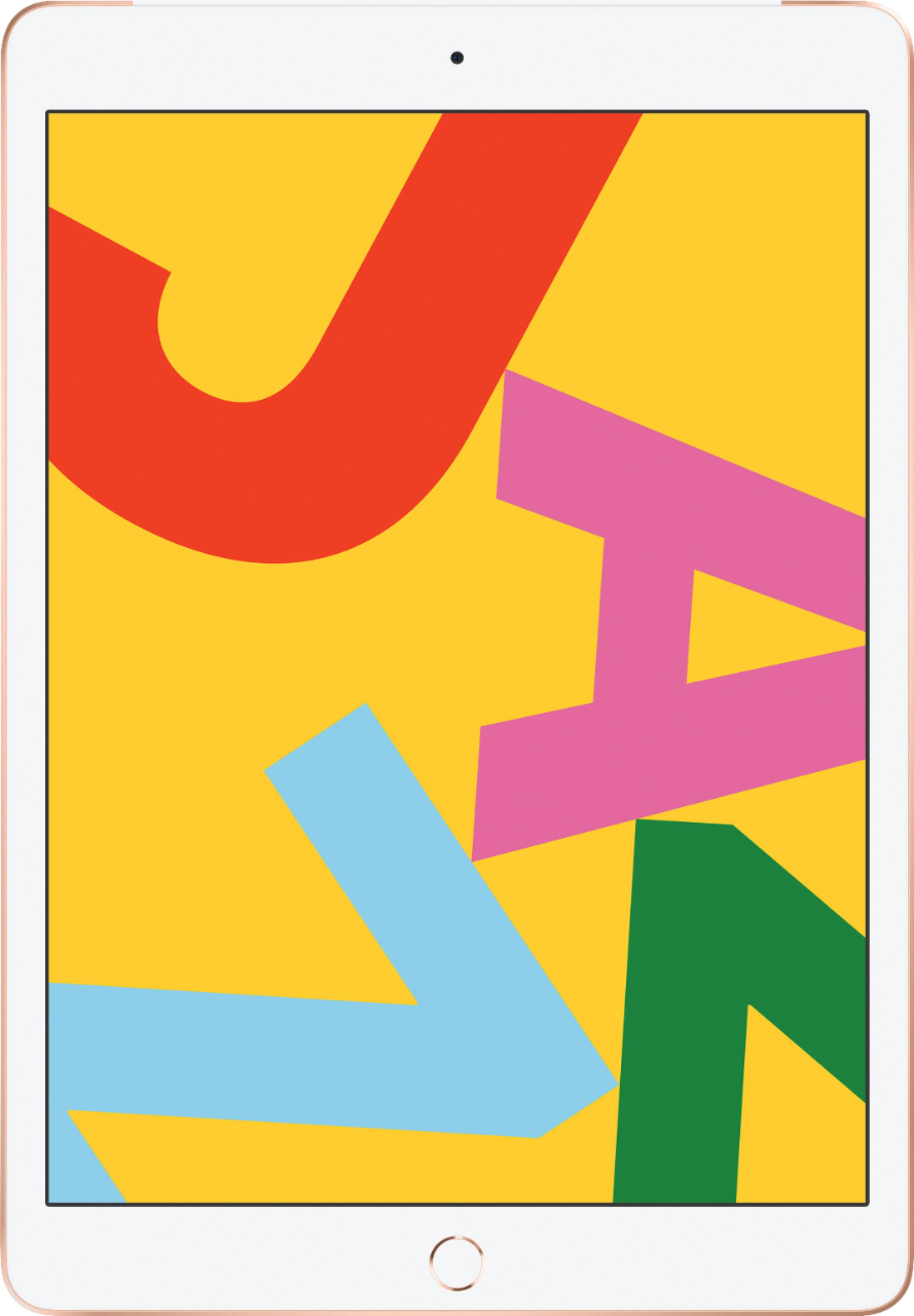
A:AnswerGreat for Zoom. We had to download the app for some Zooms to load and that makes it seamless. My daughter uses it to Zoom with her class now and likes using all the emojis that you have access to on the iPad.
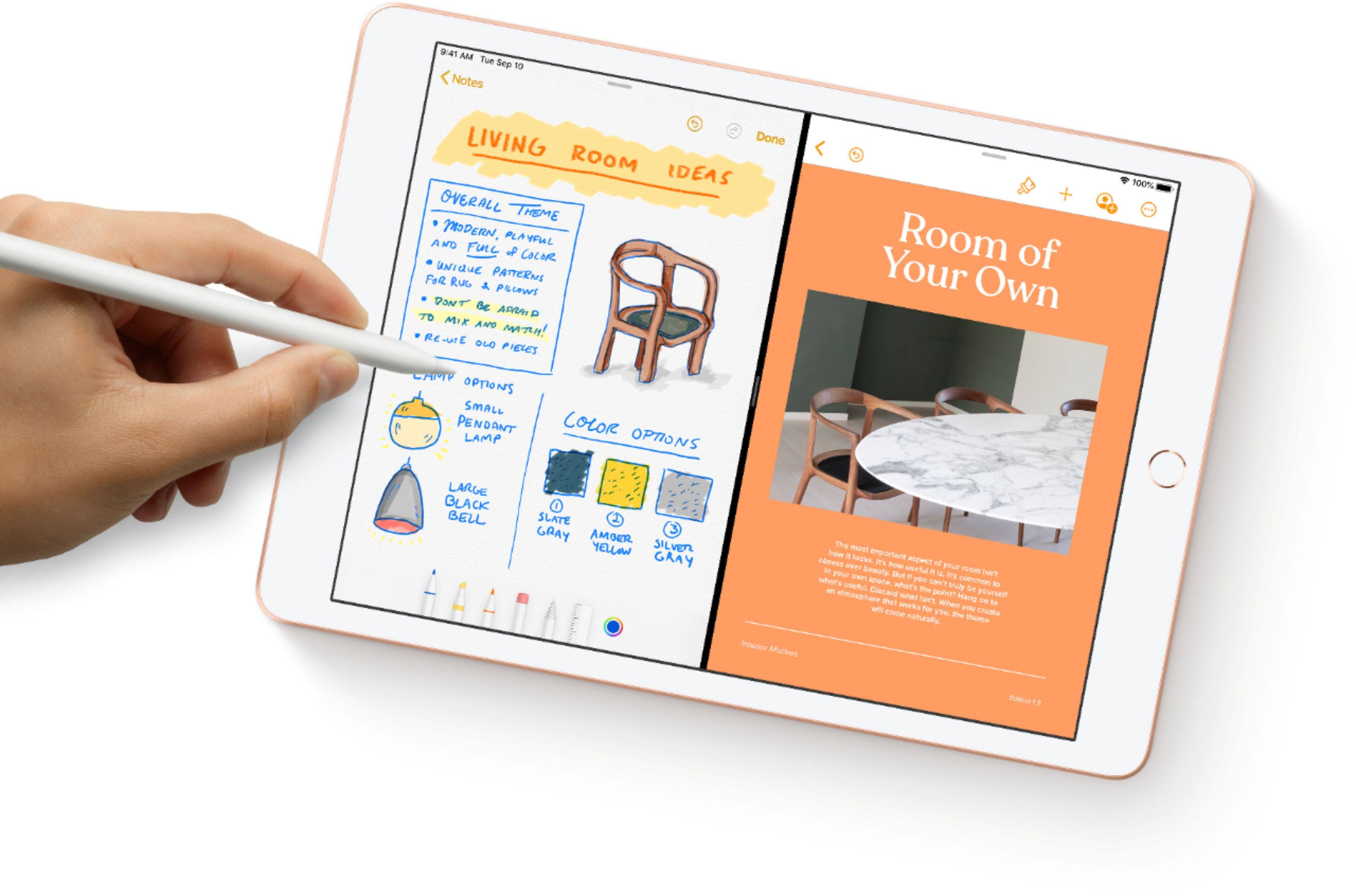
A:AnswerMy girlfriend is an artist and she used both the Ipad Pro 12.9 inch with the apple pen 2 and this model and liked the response from the apple pen 2 but not worth the 1200 price difference... so she the bought the apple pen 1 with this ipad and she loves it!
A:AnswerIt is very easy to set up; it walks you through the process step by step when you turn it on for the first time. If you have an iPhone it will even prompt you to bring your iPhone near it and it will automatically set it up on your account (if that’s what you want to do—don’t do it that way if the iPad is intended for someone else!). If you are coming from an iPad 3 (I had that generation, too) you will LOVE this 7th Generation iPad!
A:AnswerJust the basic Apple applications. Pretty much like the iPhone. You can sign in with your existing Apple ID and can install everything from the phone to your iPad or reinstall everything you had on a previous iPad under that I’d.
A:AnswerYes. Although some of those services allow you to download the movies to watch offline. This will take a little more space. But for just streaming 32GB is more than enough.
A:Answerno.
this model works with gen 1 pencil
the only ipads that work with the gen 2 pencil are
the ipad PRO models (the ones with no touch-id button on the front)
hope this helps :)
A:AnswerWhen purchased at Best Buy, you have the option to buy a warranty to the new Apple product. However, it does not automatically come with a warranty.