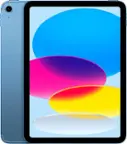
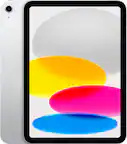
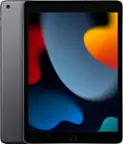
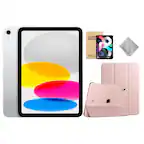
A:AnswerThe Wi-Fi model means it will only receive internet access through your home Wi-fi, or public Wi-Fi, such as a coffee shop. The Cellular model means it will receive internet access anywhere your phone will get internet. You have to pay to the cellular service, most people add it to their phone bill.
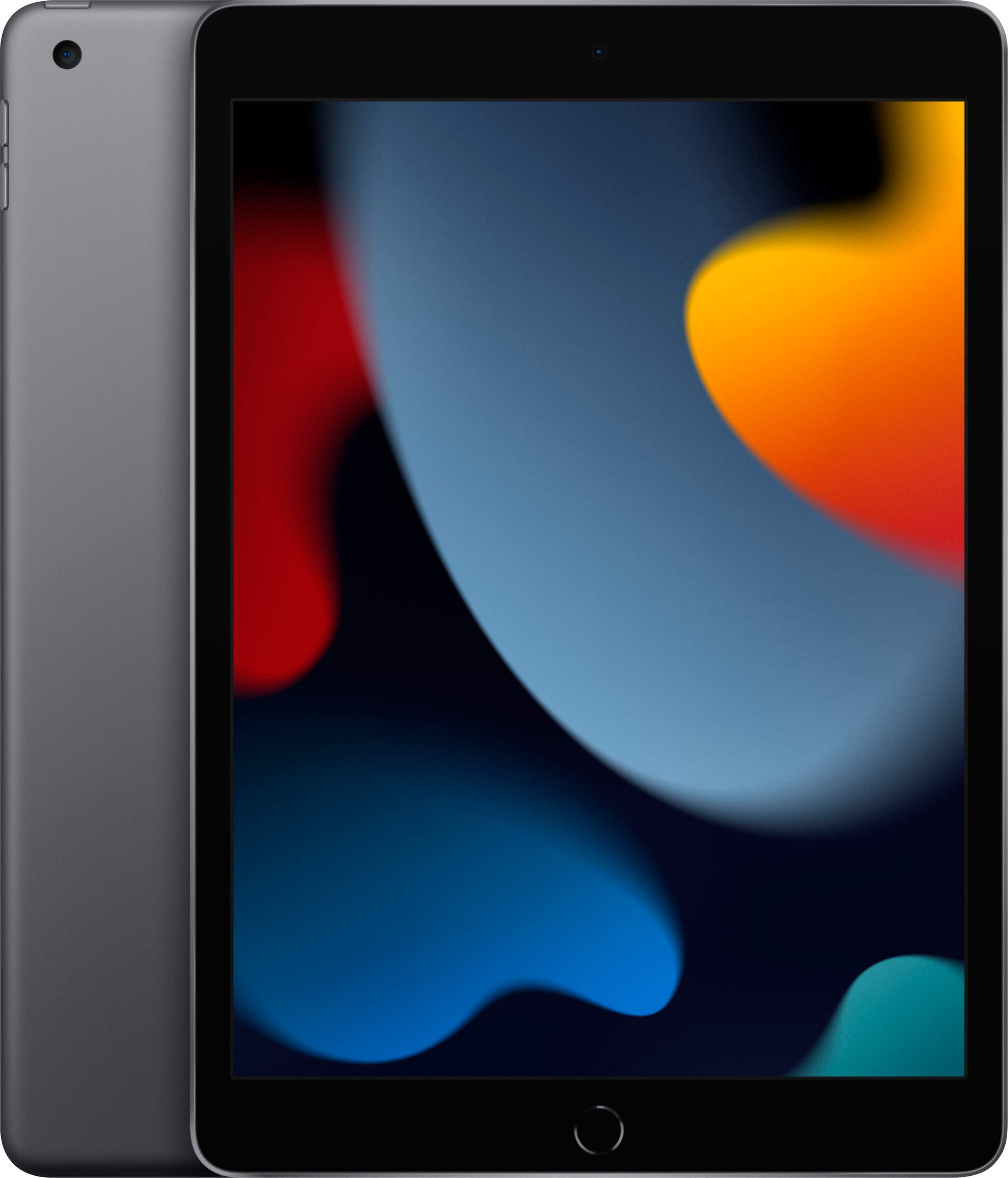
A:AnswerBecause it’s cheap for a reason! It will not hold a battery. Within 2 hours of being on line the battery is down to 42%. I can’t get it to hold a charge now matter what I do. This is the second one I purchased in 30 days.
A:AnswerTry Geek Squad, they may be able to assist you with that. Or if you have everything backed up to the cloud, you should be able to just sign in on the new iPad and everything will transfer from the cloud to your new iPad.
A:AnswerAll I had to do was call my service and tell them i wanted to add it with unlimited data on my plan. So i recommend calling your service provider
A:AnswerYes FaceTime works on iPads and as long as Wi-Fi is enabled you can make and receive calls. Cellular needs to be enabled if you want to use the iPad on the go or without the need for WiFi.
A:AnswerYes, it is. I prefer using my iPad for Design Space because I have my Cricut Maker set up across the room from my PC and I can have the iPad right there at my craft table. Connects via Bluetooth, and making adjustments with the Apple Pencil in the workspace is great!