A:AnswerIf you have a laptop, technically, Yes. Apple devices like iPad and iPhone act like mass storage devices, whose information can be loaded onto your Mac or Windows either through iCloud app or by connecting by usb-C cable (if you’re on Windows, use “Apple Devices” app to interact with your device). Once connected, you can copy over any information displayed in iCloud or Apple Devices (like files, photos, music, etc) onto your USB drive and vice versa. You just can’t directly put an USB drive into an Apple device as there is no port for that, to my knowledge. Hope this helps!
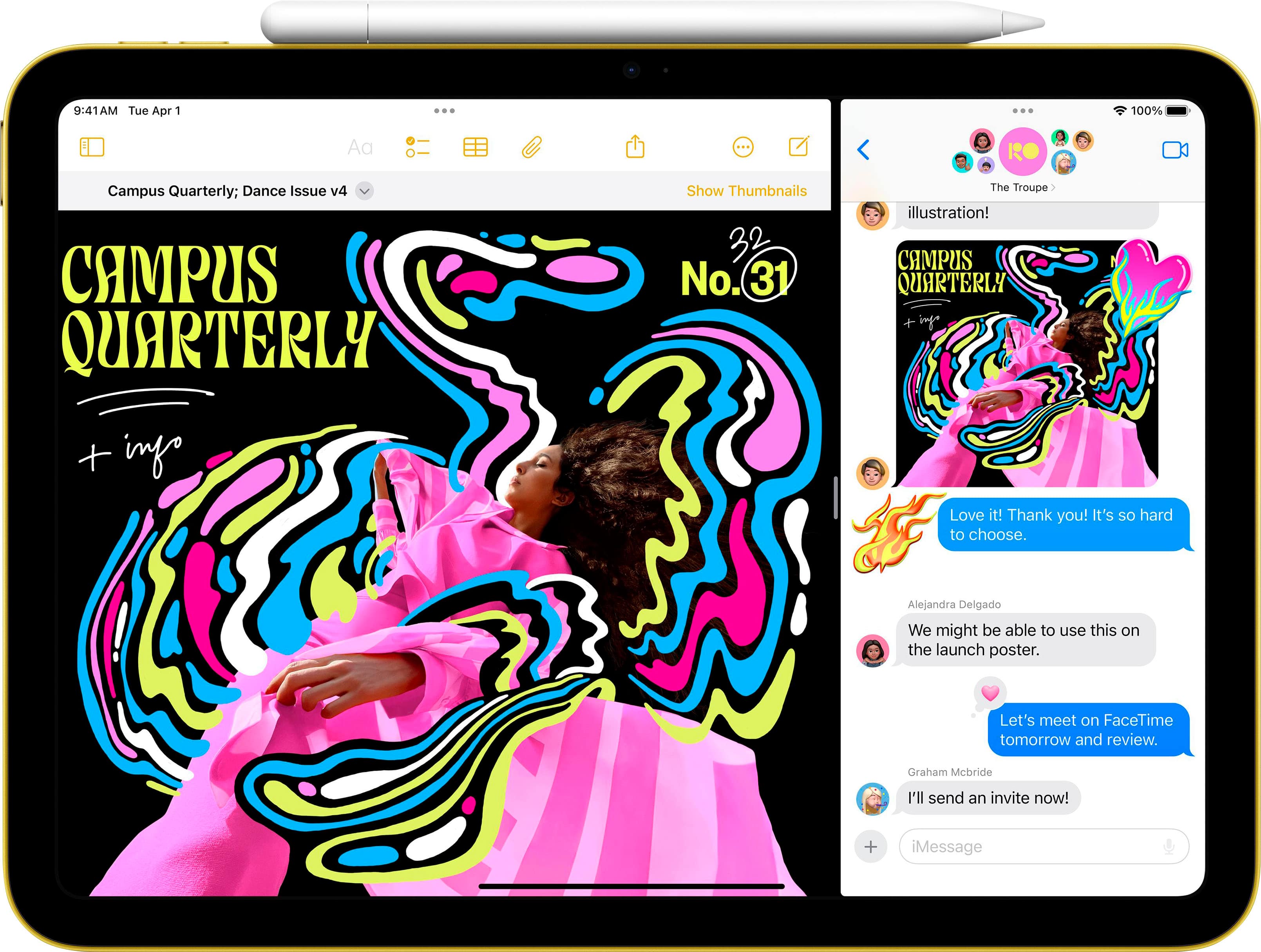
A:AnswerThe original and the new will work. However, if you’re using the Apple Pencil 1st gen, you will need an adapter for the port (it has one end that fits the old lightning style for the pencil, and the other end will connect to a USB-C cable which will go into the USB-C port of your new iPad). See pic for setup.