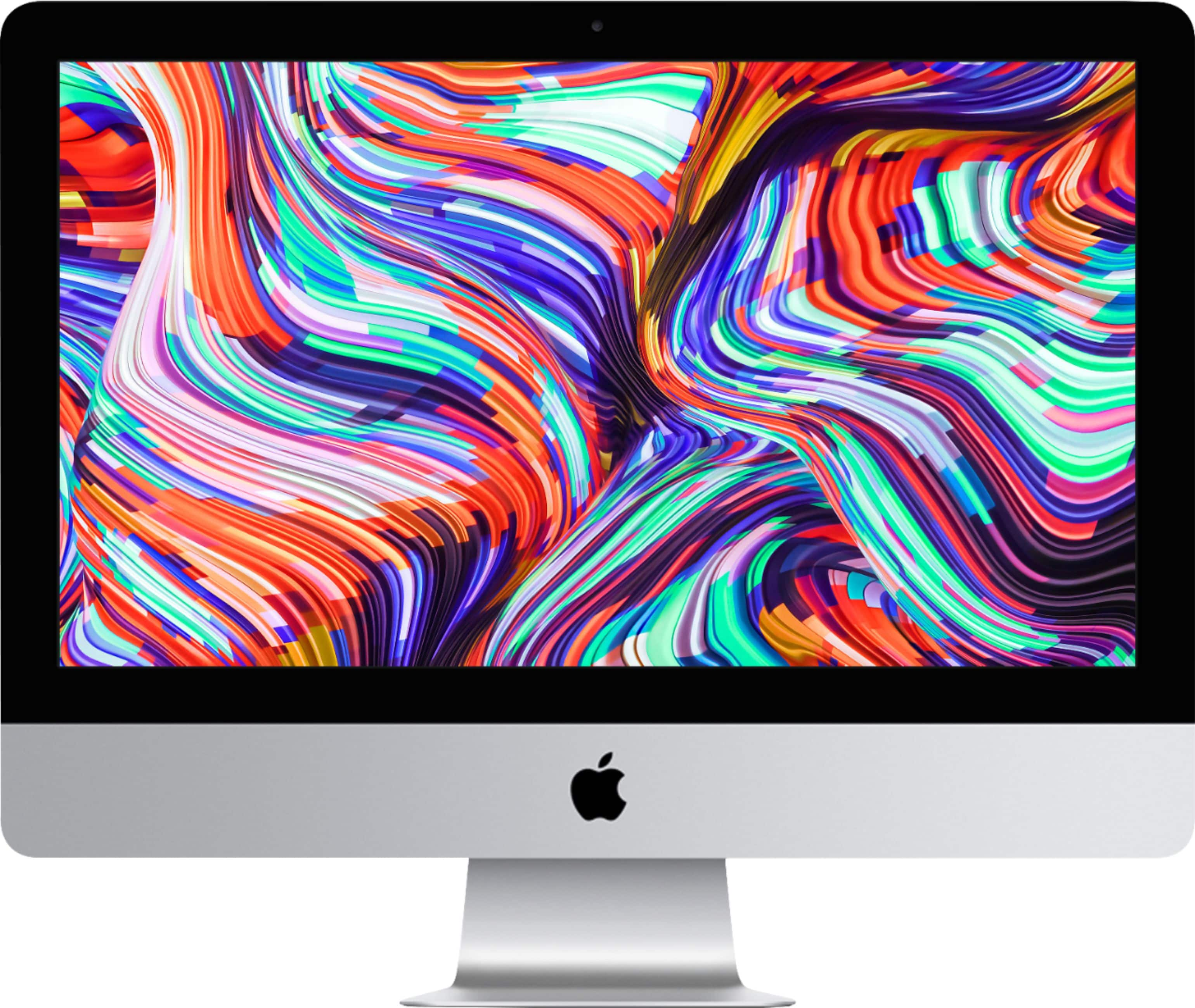
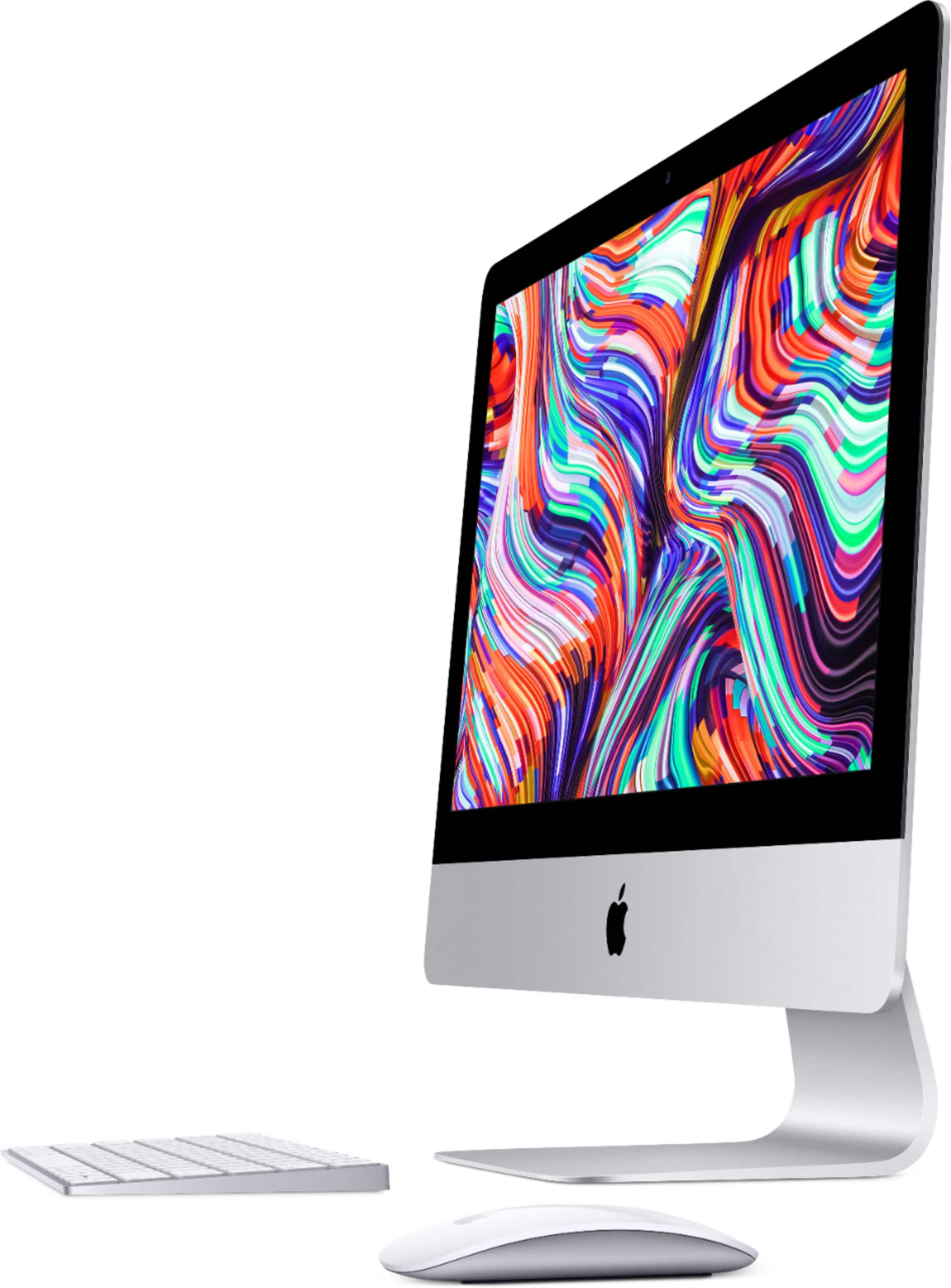
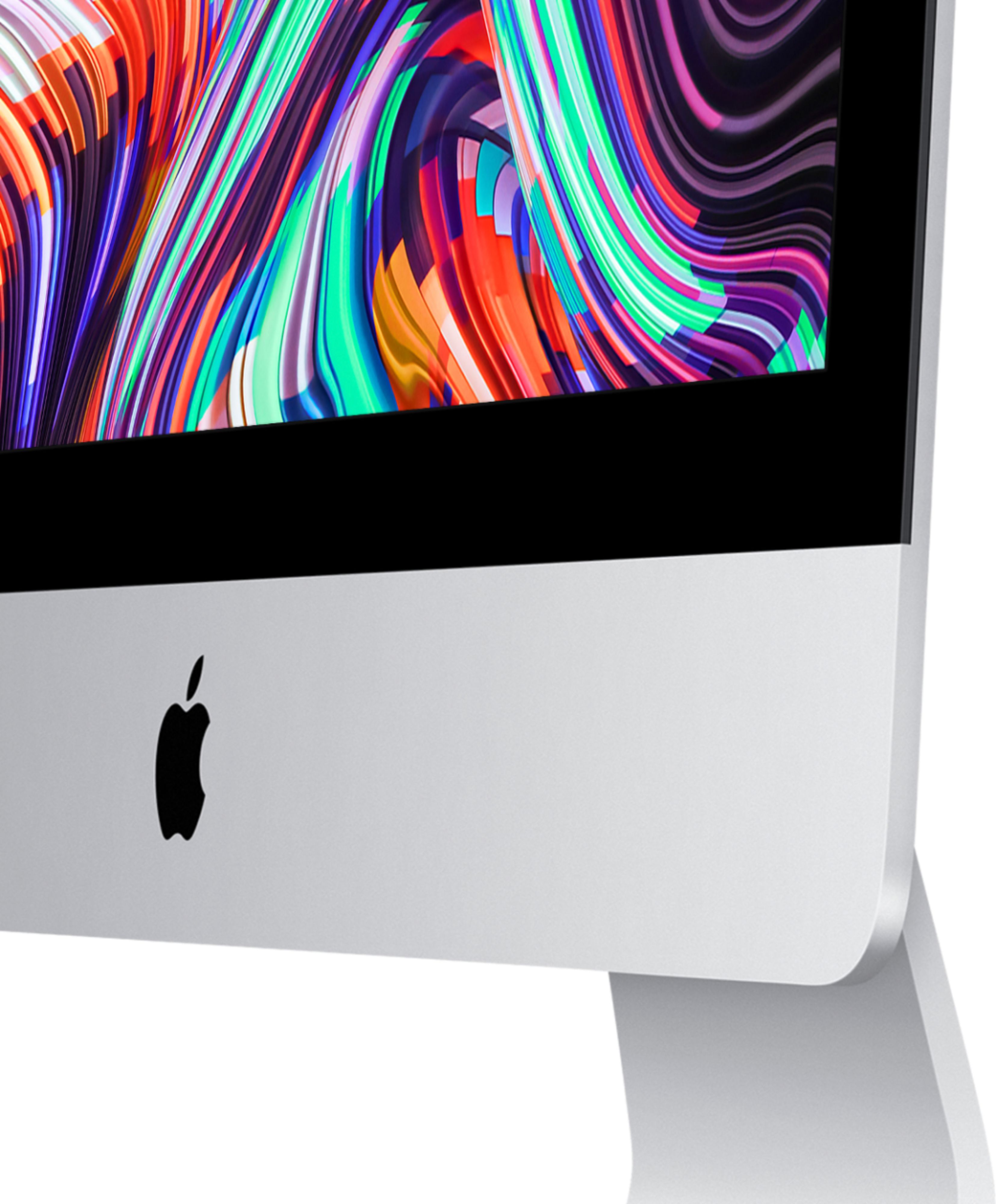
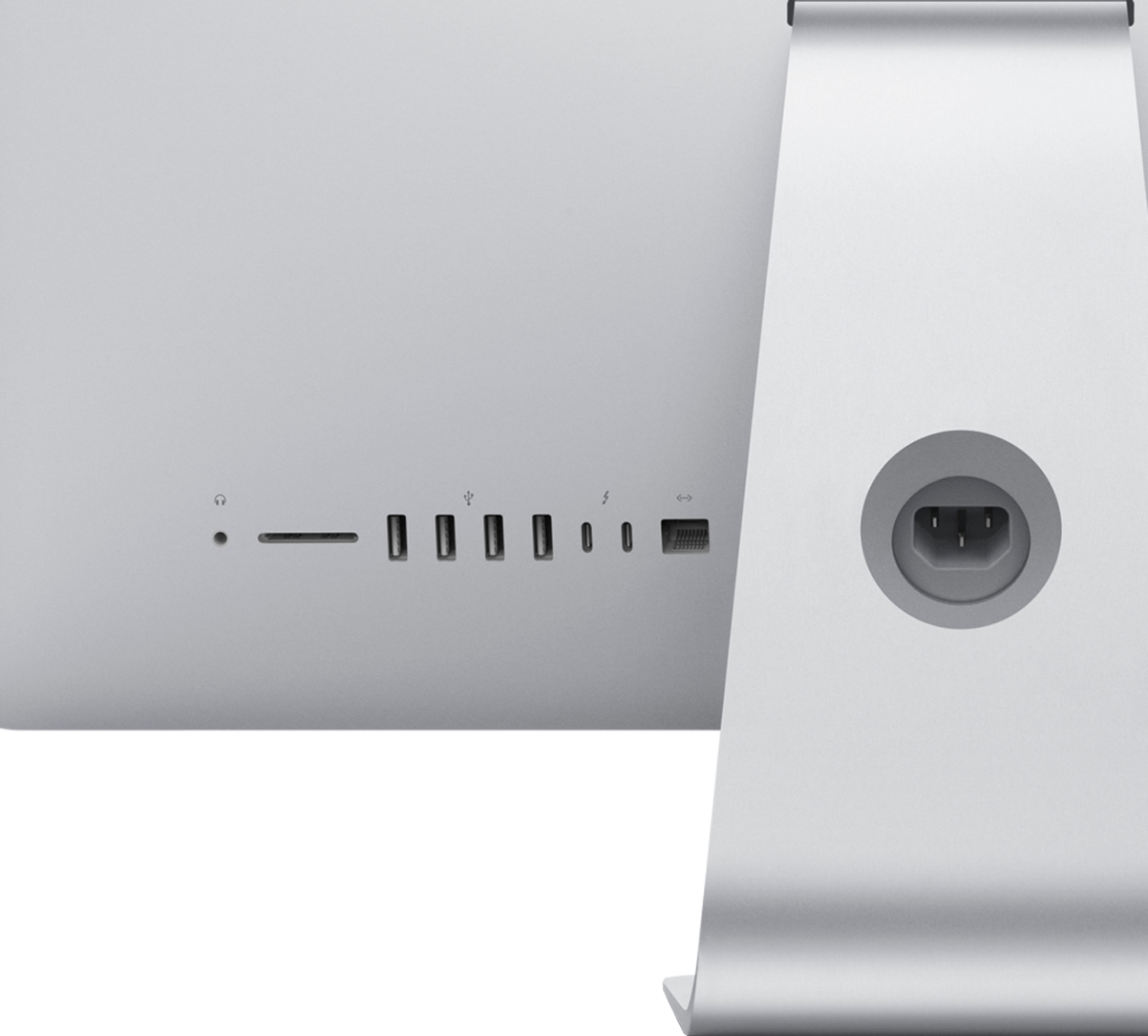
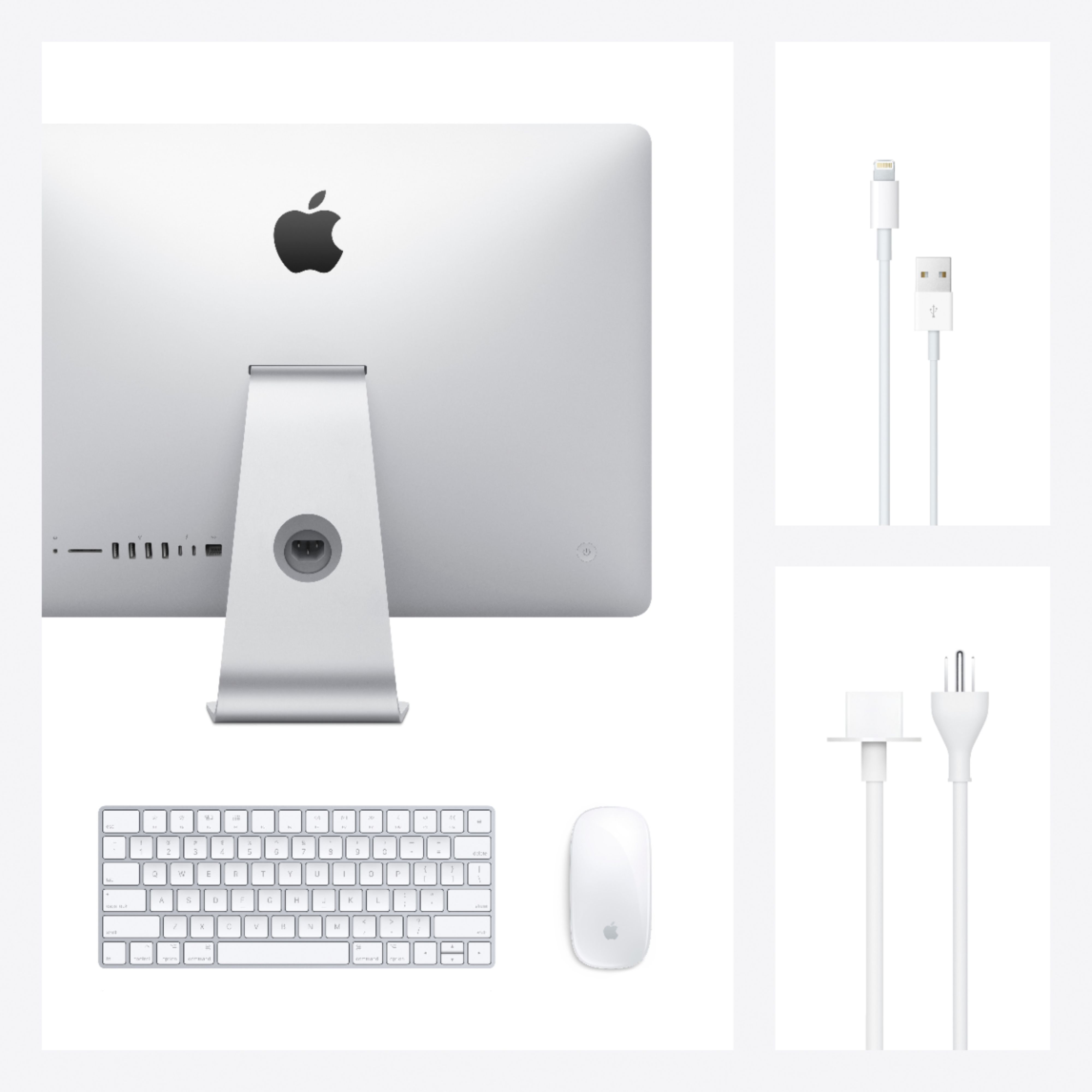
A:AnswerMy model has a power button on the back of the screen left lower corner area. Press down for a few seconds and you should see the MAC Apple come across the screen. Hope this helps.
A:AnswerMore than likely it is Big Sur. To be sure click the apple in left hand corner of your desktop and then click on "about this mac", it will give you the OS and version no. info.