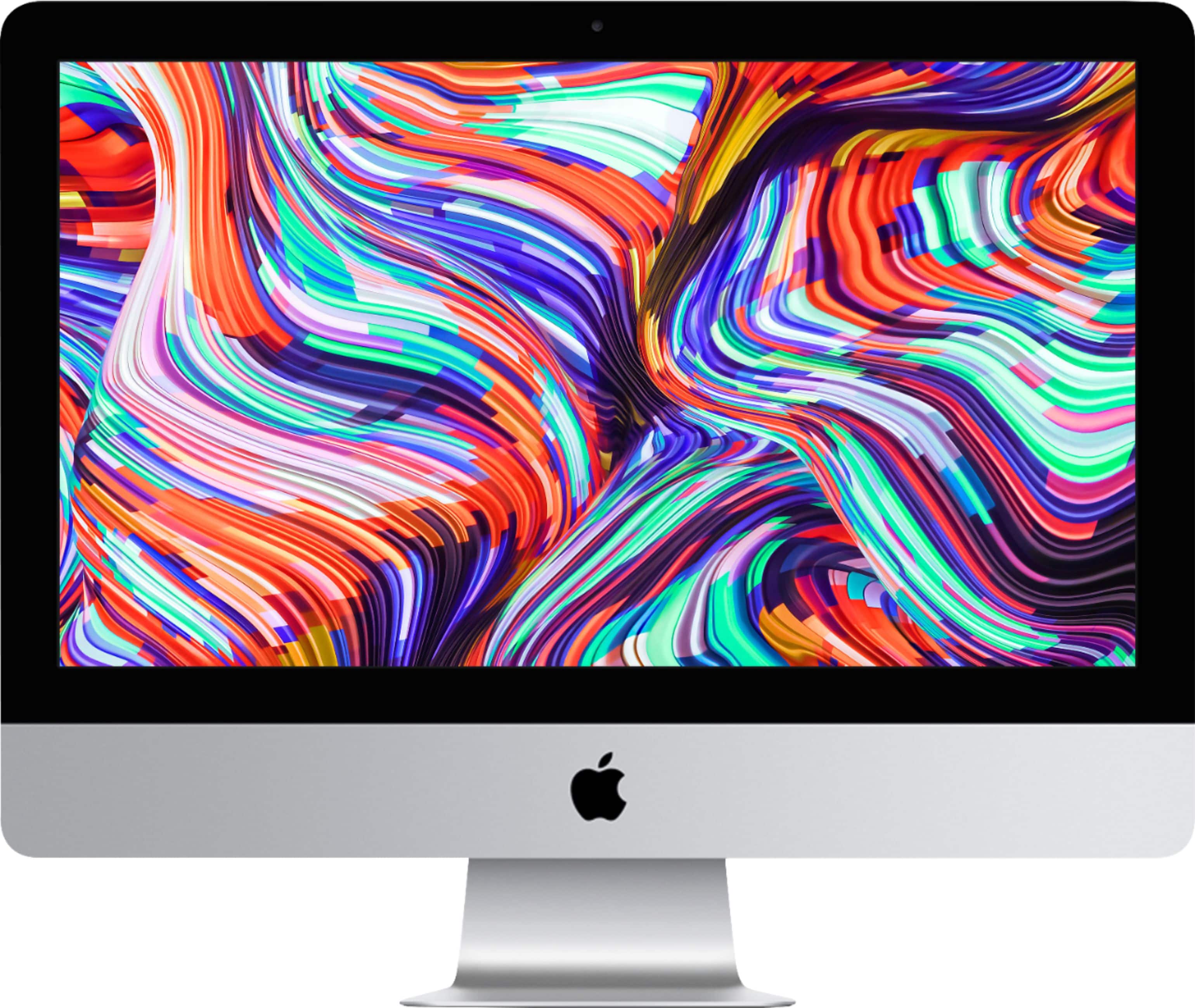
A:AnswerApple has never put a touch screen on any computer, only mobile devices.
You can, though, look online for the overlay that will plug in via USB and convert it into a touchscreen.
A:AnswerGenerally you can transfer everything from your old computer to the new. However, I have only transferred from Mac to Mac. I’m not sure what happens with pc Word transfers though my guess it should still transfer.
A:Answer"Best" is subjective. Depends on your needs such as high quality for photos, speed such as a laser, or best all around general printing. I am using two older HP all-in-ones without
any challenges.
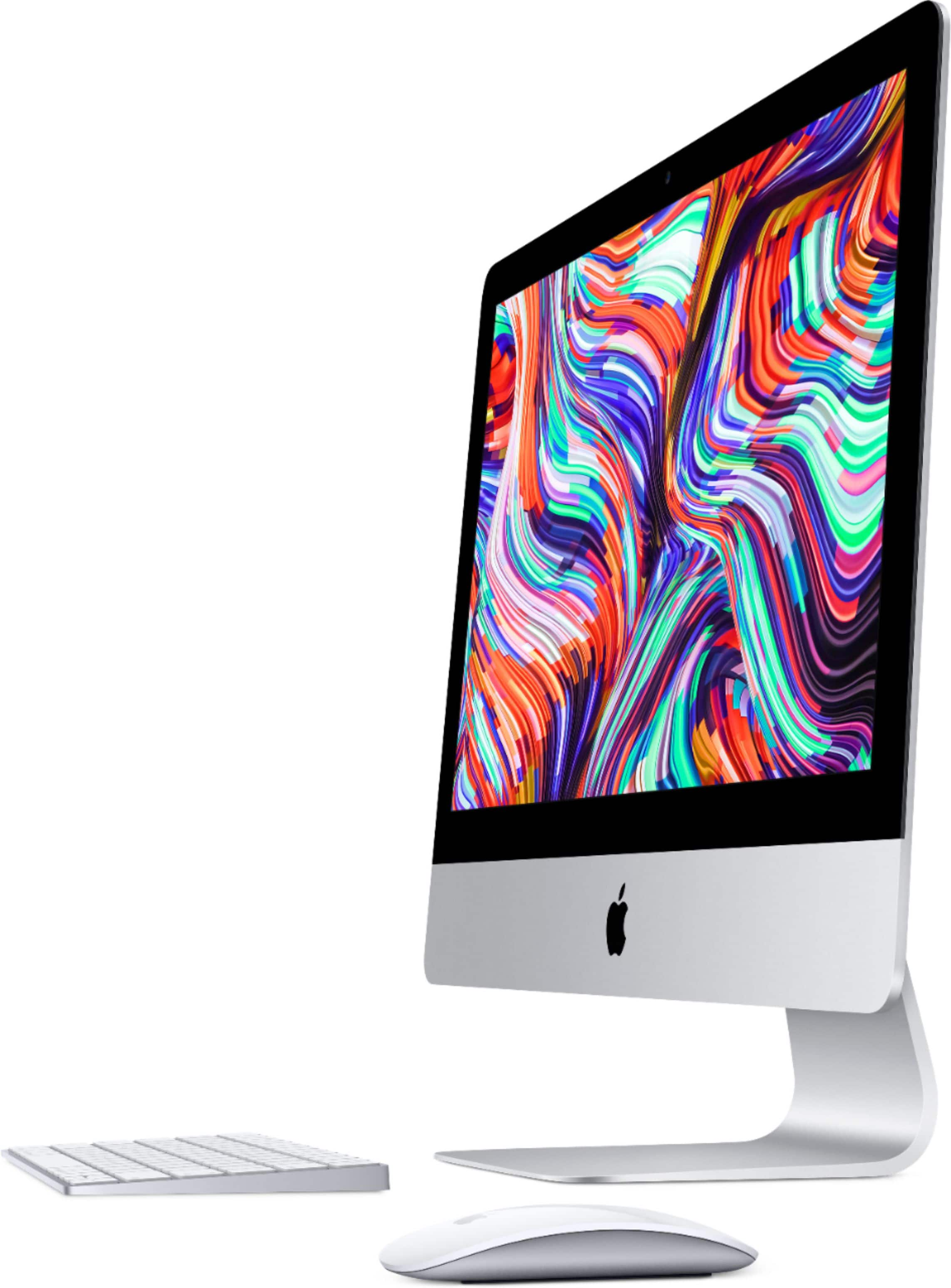
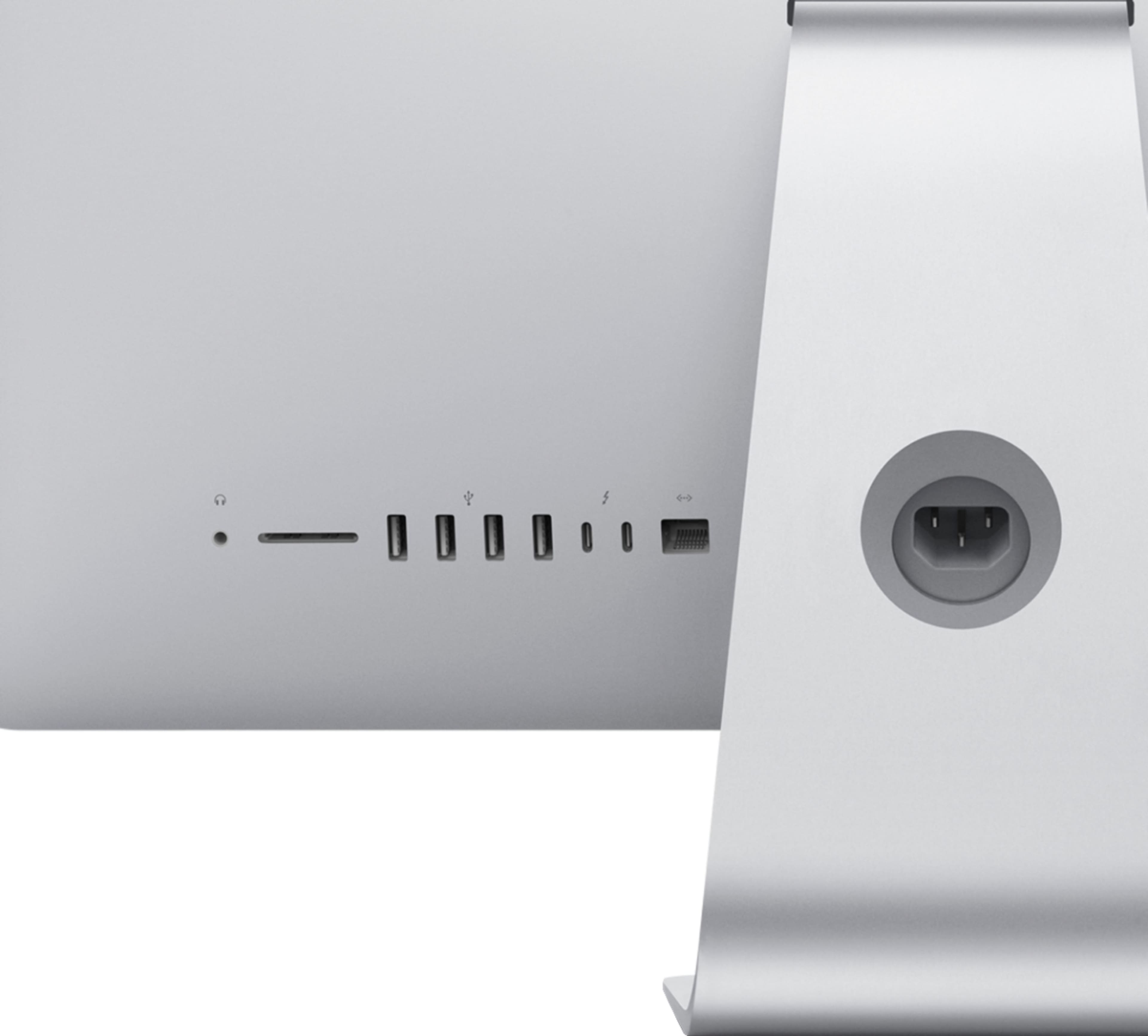
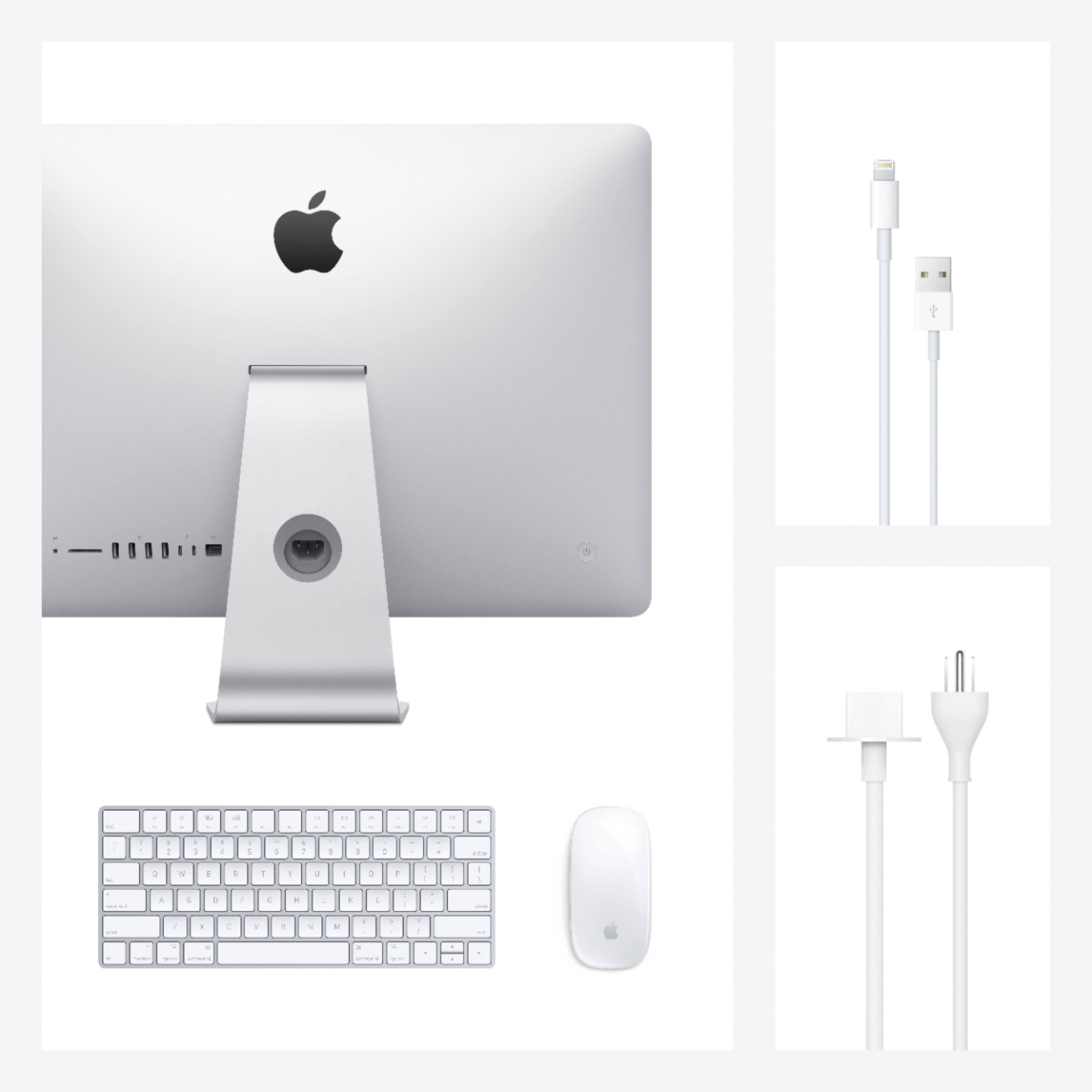
A:AnswerIt comes with both a wireless keyboard and wireless mouse. Both are recharged by connecting the provided wire from either one into one of the USB ports.
A:AnswerYes. I have my Canon printer and Bose external speaker connected to my Mac via Bluetooth/wireless function. I am not sure about a CenturyLink modem.