A:AnswerBestBuy does accept trade-ins. There is a place on their website where you can get a trade-in value estimation (https://tradein.bestbuy.com/client/#/catalog). You can also look at other places that accept trade-ins and compare what they are willing to offer for your device (such as Apple and GameStop). I traded in two devices (into BestBuy) to put toward the purchase of this one.
A:AnswerI really can't answer that for you, but that is an intriguing question. If I might offer a suggestion go to the Apple community website and see if you can get a qualified answer to that. I'm Sorry
A:AnswerYes. If you have this iMac select "About this Mac" under the Apple icon in the top menu line. Select Memory. Tells what type memory and a link to the instructions. Or go to Apple site https://support.apple.com/en-us/HT201191#install1 and select iMac (Retina 5K, 27-inch, 2017).
A:AnswerNo. Apple eliminated the CD or DVD drive. However you can buy an external drive that plugs into the USB port. There is Apple and other brands as low as $30.
A:AnswerNo it doesn’t come with final cut pro. Remember, when you go to any store to buy computers, tablets, or any electronic device, they usually have demos of tons of apps and things you can do for u to try them out on the device.
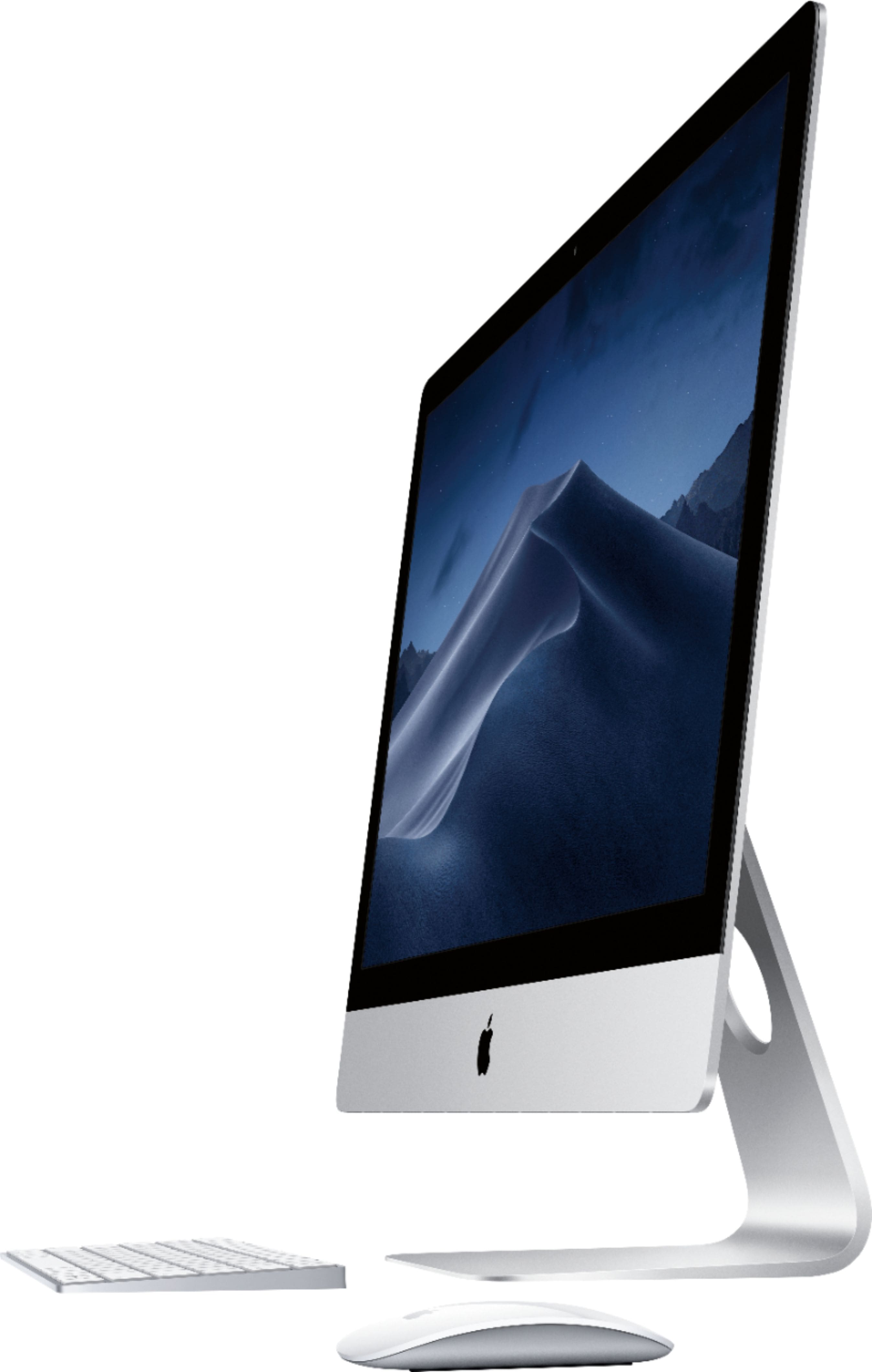
A:AnswerThe computer comes boxed with the magic keyboard and magic mouse. The keyboard does not have a numeric keypad, but Apple does sell one with the keypad so that can be purchased separately. As far as using any other bluetooth keyboard or mouse, I haven't tried this.. but I imagine they should pair just fine.
A:AnswerI got your question and really don't think it will matter which Mac you get. They are all running the same programs. I love the 27" mac that I got because I'm not looking at such a small screen. I think you just have to pick which one fits your budget. If you plan on storing a bunch of photos then you might want to get the one with the most storage!!
A:AnswerYou can connect a second monitor. I would use a thunderbolt 3 cable for the highest quality. You may need an HDMI adapter to thunderbolt 3. Apple makes one but I'm not sure how much it is.