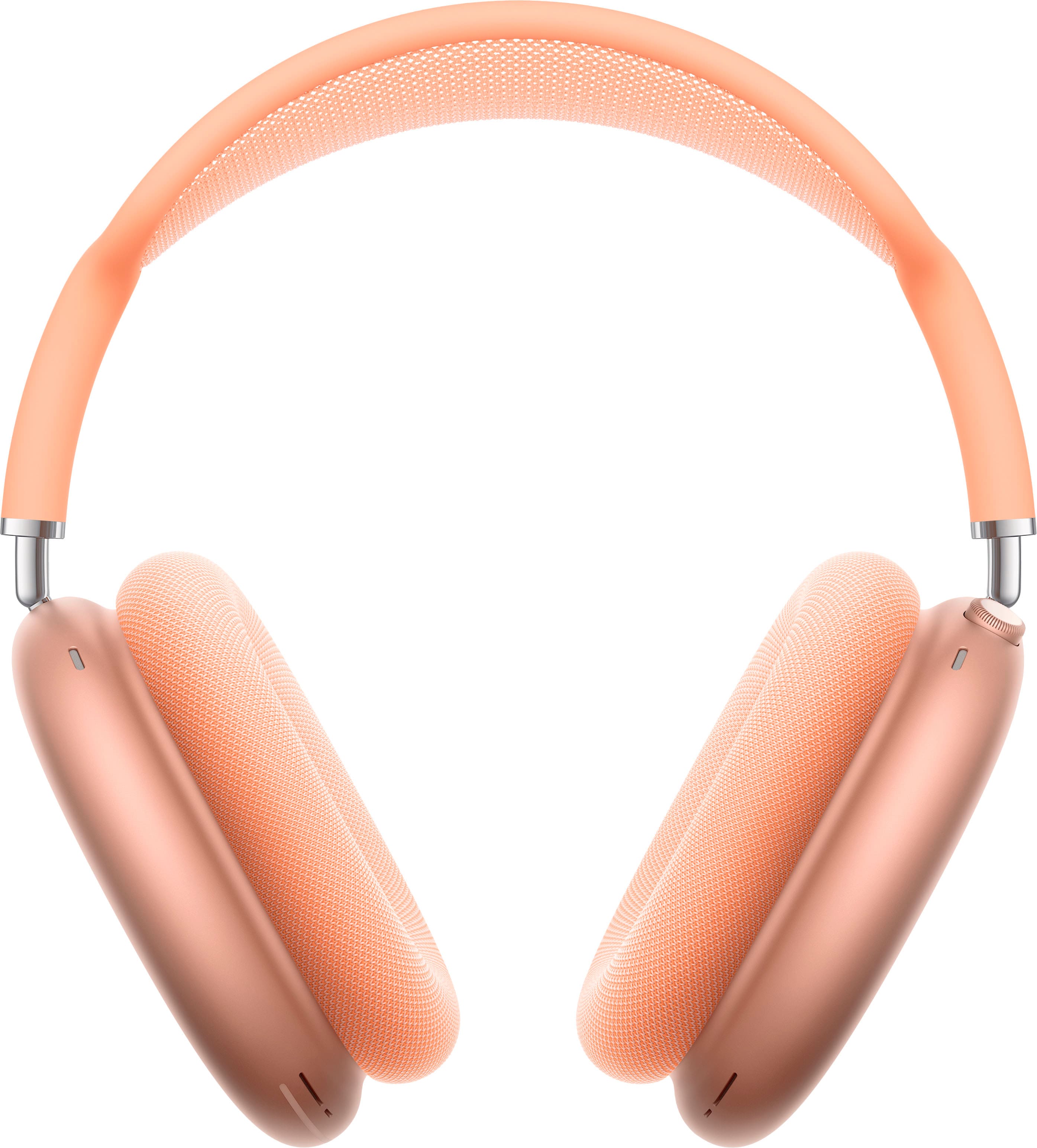
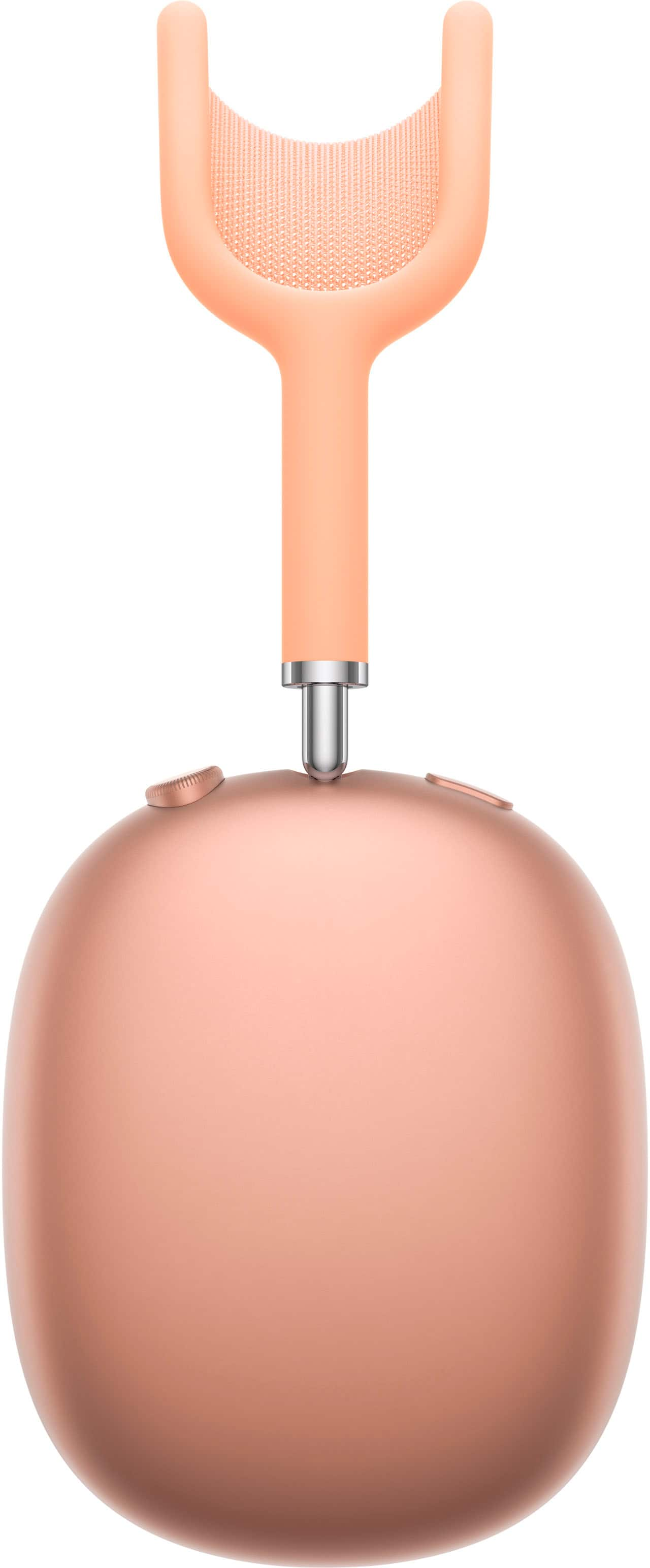
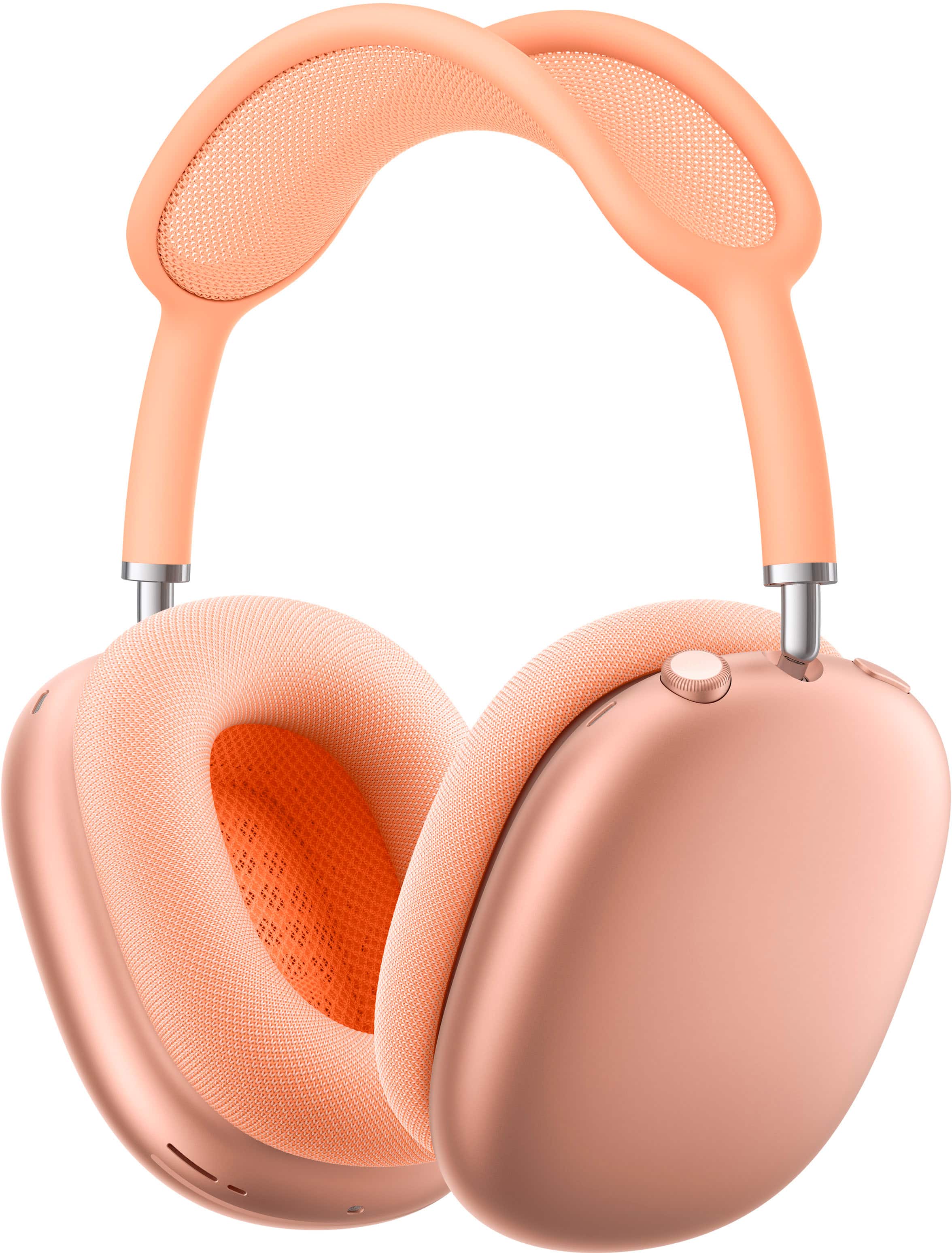
A:AnswerI have both. I mostly use the Airpods Max for daily casual things or just going out. I use the Beats Studio Pro mostly for the gym. In my opinion, the sound quality is better on the Airpods Max compared to the Beats Studio Pro and I think it is worth the extra money.
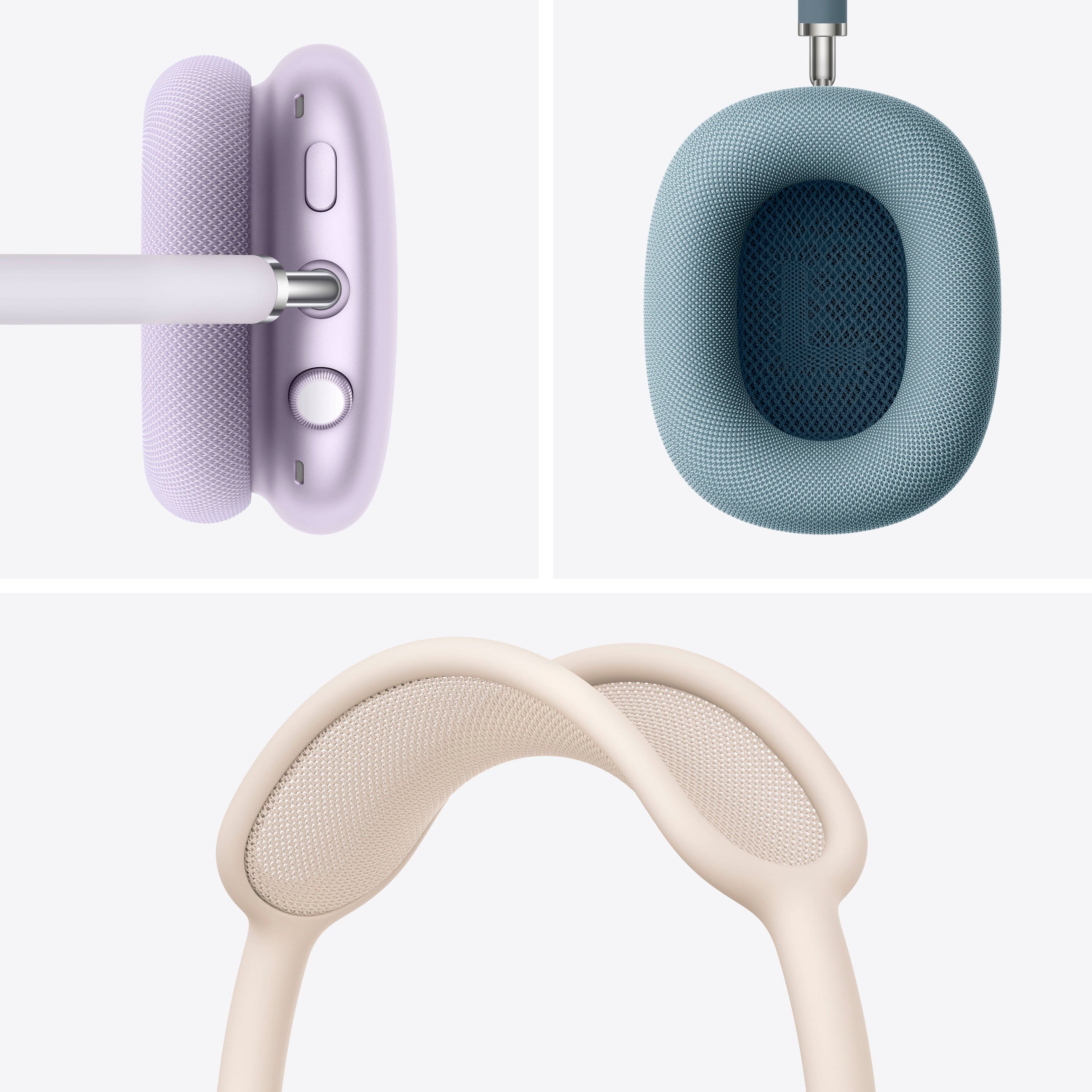
A:AnswerThey are not sweat proof but if you take off the mesh covers and put them in a laundry bag and wash them by themselves they’ll be good as new. Let them dry for 24 hours in a cool, dry place. Then wipe out the inner part of the headphones themselves with an alcohol wipe.
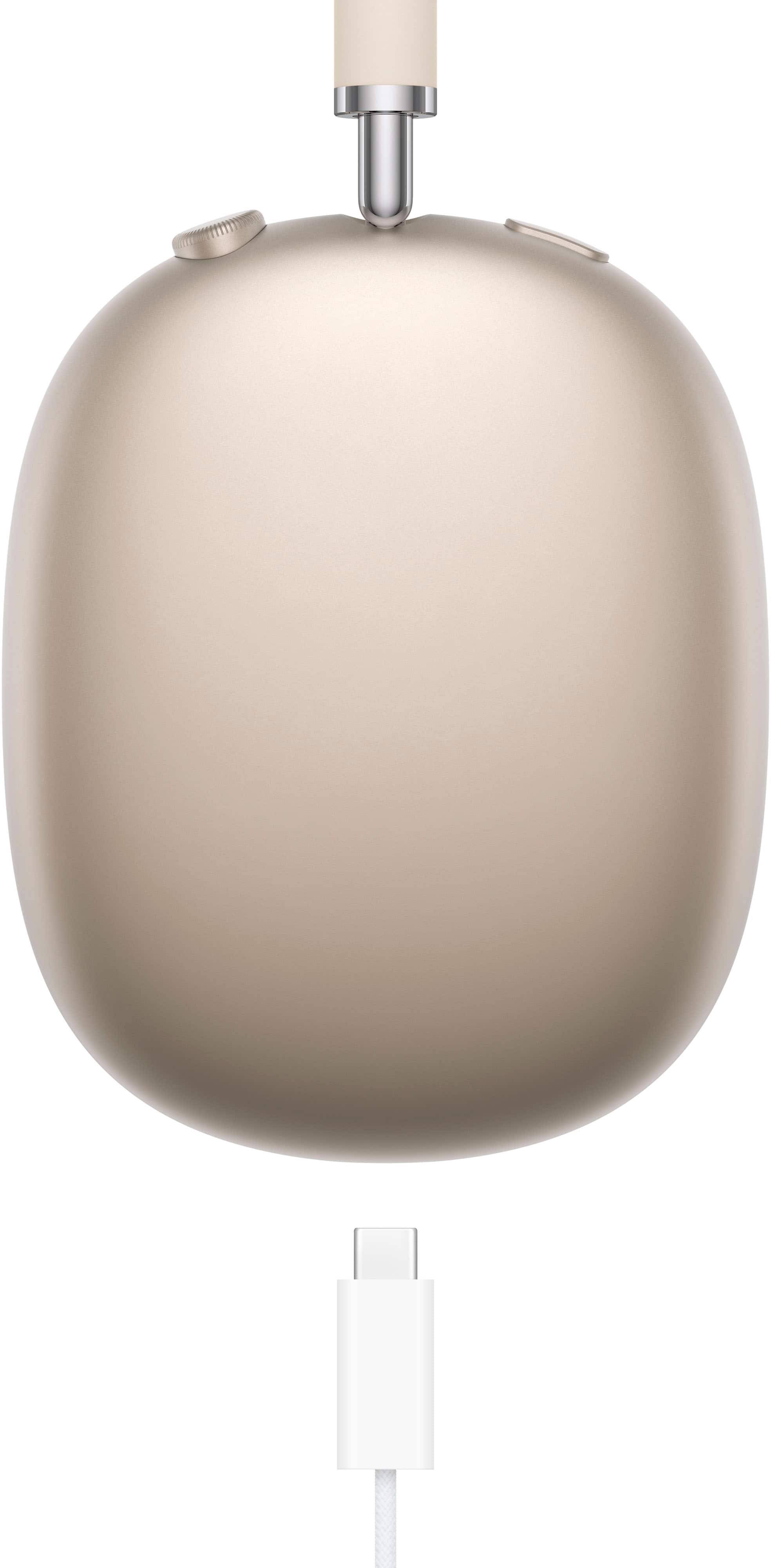
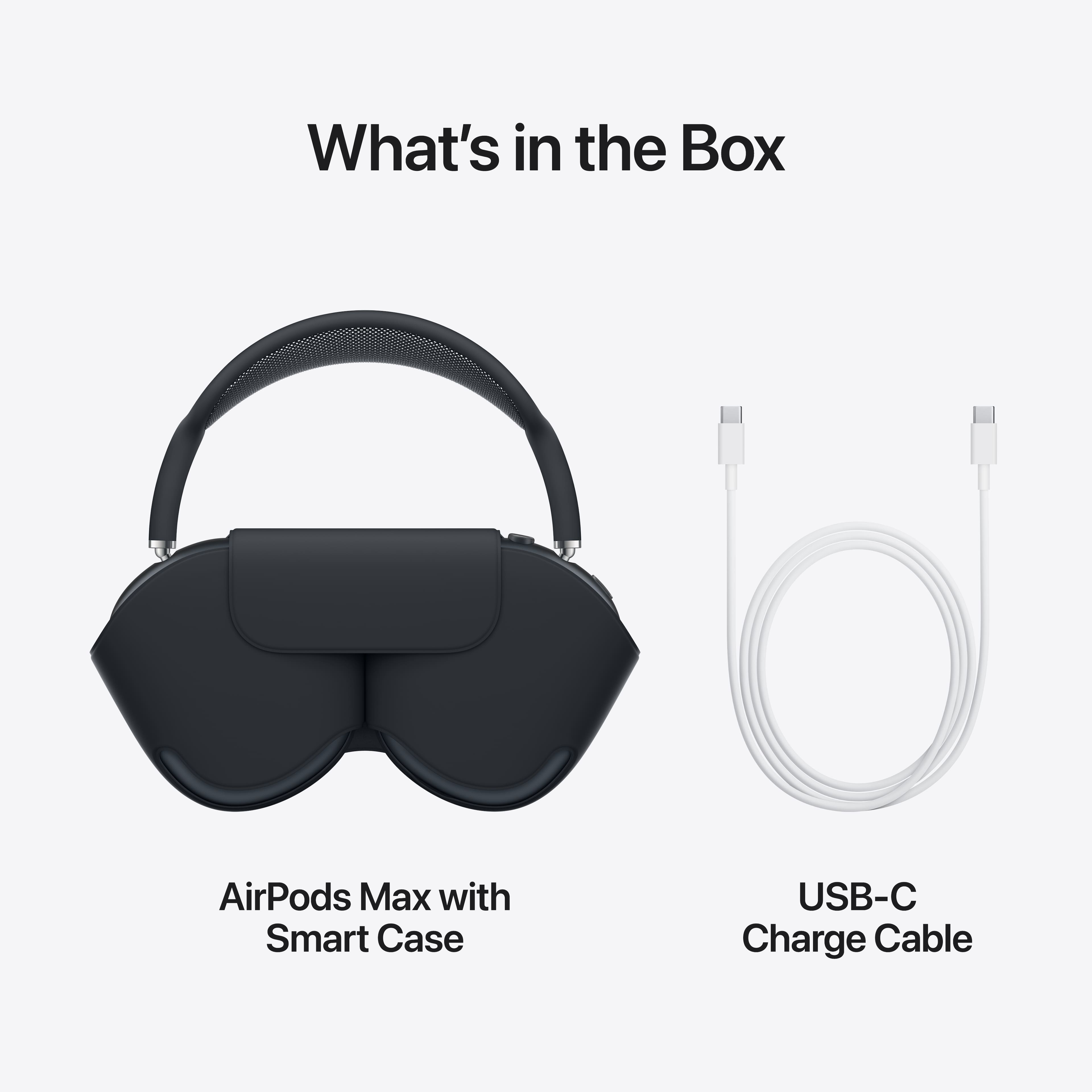
A:AnswerThe AirPods Max (USB-C) come with a braided cable with USB-C at both ends. However, you'll have to purchase a charging block separately if you don't have one yet.
A:AnswerNo, exactly the same these are not "Airpod Max 2" as some may try to label it, its essentially a reskin with a different port. Sound quality and build quality is still top tier but in terms of some of the features seen in the newer airpod pros these are not exempt since it is older internal hardware.
A:AnswerYes, they can be used with Smart TVs as long as the TV supports Bluetooth audio. You pair them like any other Bluetooth headphones. Keep in mind that some TVs may have slight audio delay (lip-sync) and you won’t get Apple-specific features like automatic device switching or Spatial Audio controls unless you’re using an Apple TV. For the best experience, Apple TV works the most seamlessly, but standard Bluetooth Smart TVs will still work fine for watching shows and movies.
A:AnswerYes, and the Apple AirPods Max does a remarkable job at it. I frequent a coffee shop where the noise level can become high. I've used these headphones to talk to people on my phone and I've asked if the person on the other side can hear me. Every time they have told me they easily could hear what I said. With the quality noise cancellation these headphones have I am able to easily hear the person on the other end.
A:AnswerHad the same issue. After attempting all steps they started to work with no return issues. Uninstalled pods from phone, Turn off headphones, install latest iOS version (iPhone), Turn on headphones, and re-connect (sync) headphones. Last suggestion step in an Apple Store and see how they can help if geek squad is not available.
A:AnswerYes, you can connect to android devices.
Special features may not be available like “Hey google”…etc since it’s designed for Apple devices.
When connected to iPhone and wearing headphones Siri is actively listening without carrying your iPhone. Headphones work with Siri to available commands even asking “Siri hang up” only when you activate the feature on your iPhone. As well, the noise cancellation works and off feature makes outside noise enhanced similar to earring aid.