A:AnswerIf you buy it in person just ask a salesperson they should help you, if you get it delivered to you then set it up yourself. Go to settings, and apple coverage should be the first thing you see, click on it and it should say you are covered. If you still have questions contact apple support
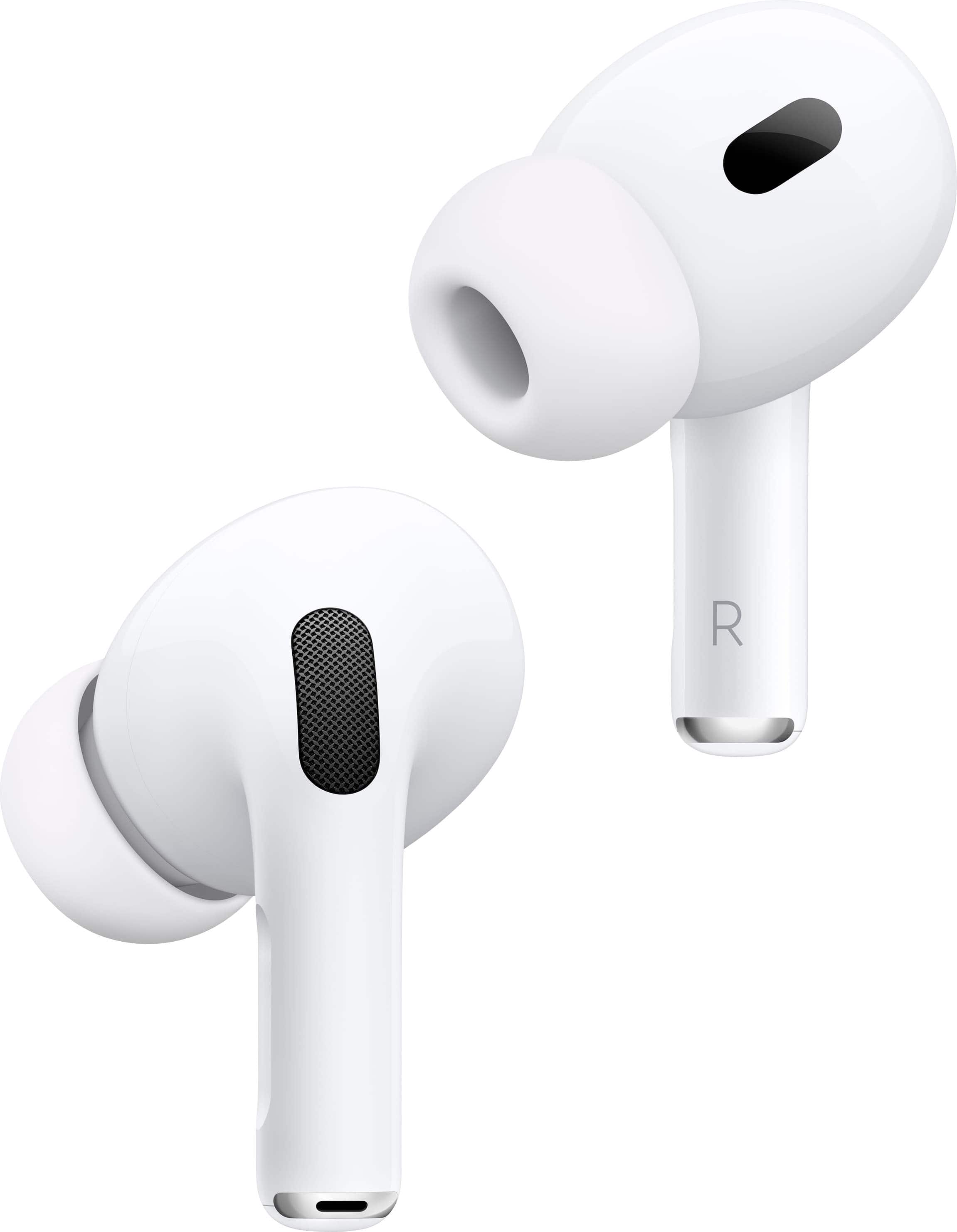
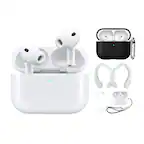
A:AnswerYes, Select Settings, select Bluetooth settings then choose Add device. After setting up it is just a case of picking the AirPods icon from the list when needed. This allows late-night use without disturbing others and is ideal for those rare YouTube videos that suggest using headphones for the best effect.
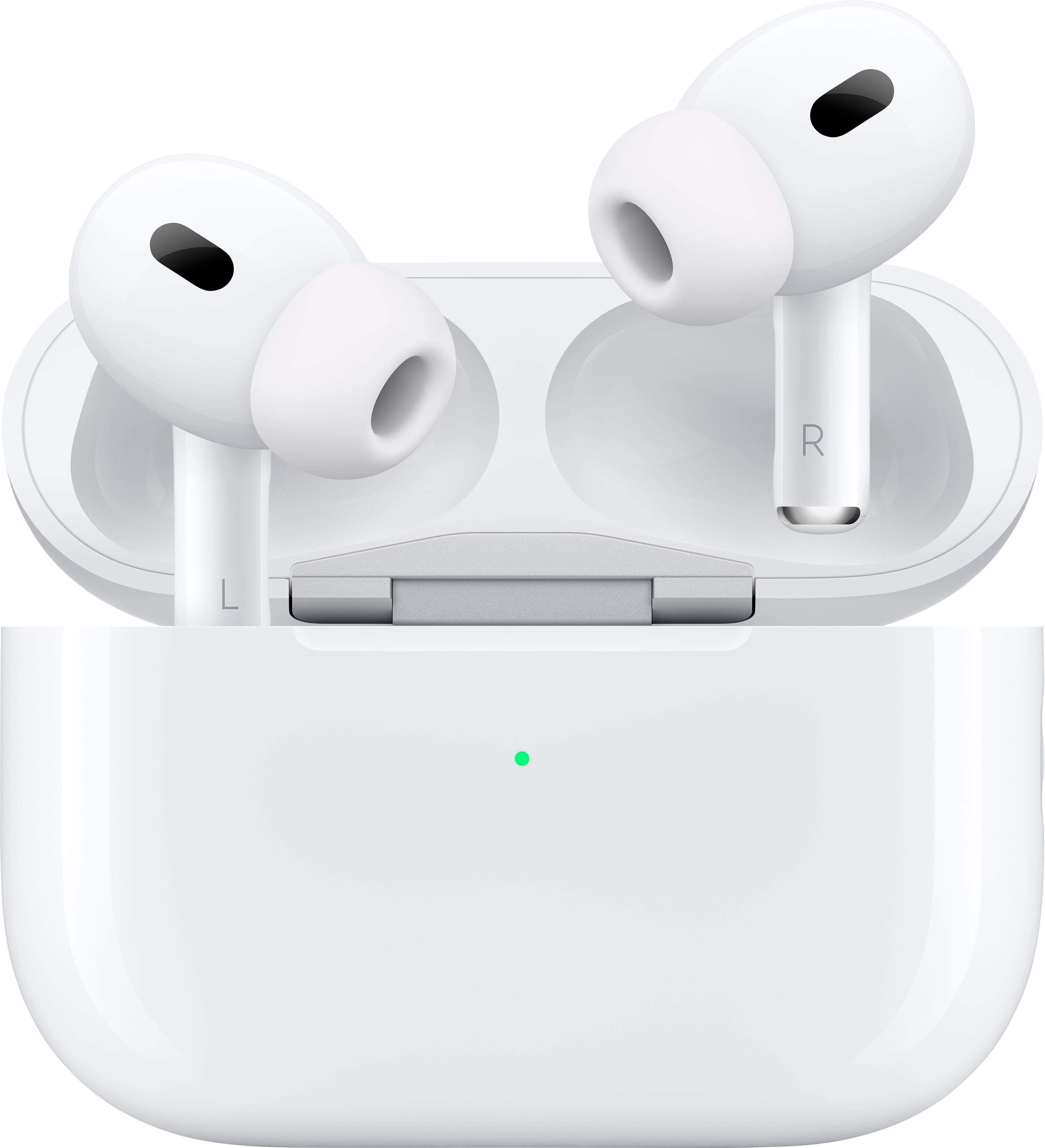
A:AnswerHold the side of the airpod as if you were going to pause your music and it will make a chime putting you in noise cancelling mode. or you can swipe down for the control center while they are in and hold down on the volume level and there will be a circle that says listening mode which will let you cycle between the different listening modes.
A:AnswerThe hearing aid feature uses the AirPods Pro 2 microphones to pick up surrounding sounds, then boosts and adjusts those sounds in real time to make speech and important noises easier to hear. You can customize amplification, balance, and transparency levels in the iPhone settings, and it works especially well for mild hearing loss or everyday listening situations. It’s not a replacement for medical hearing aids, but it helps improve clarity in conversations and noisy environments.