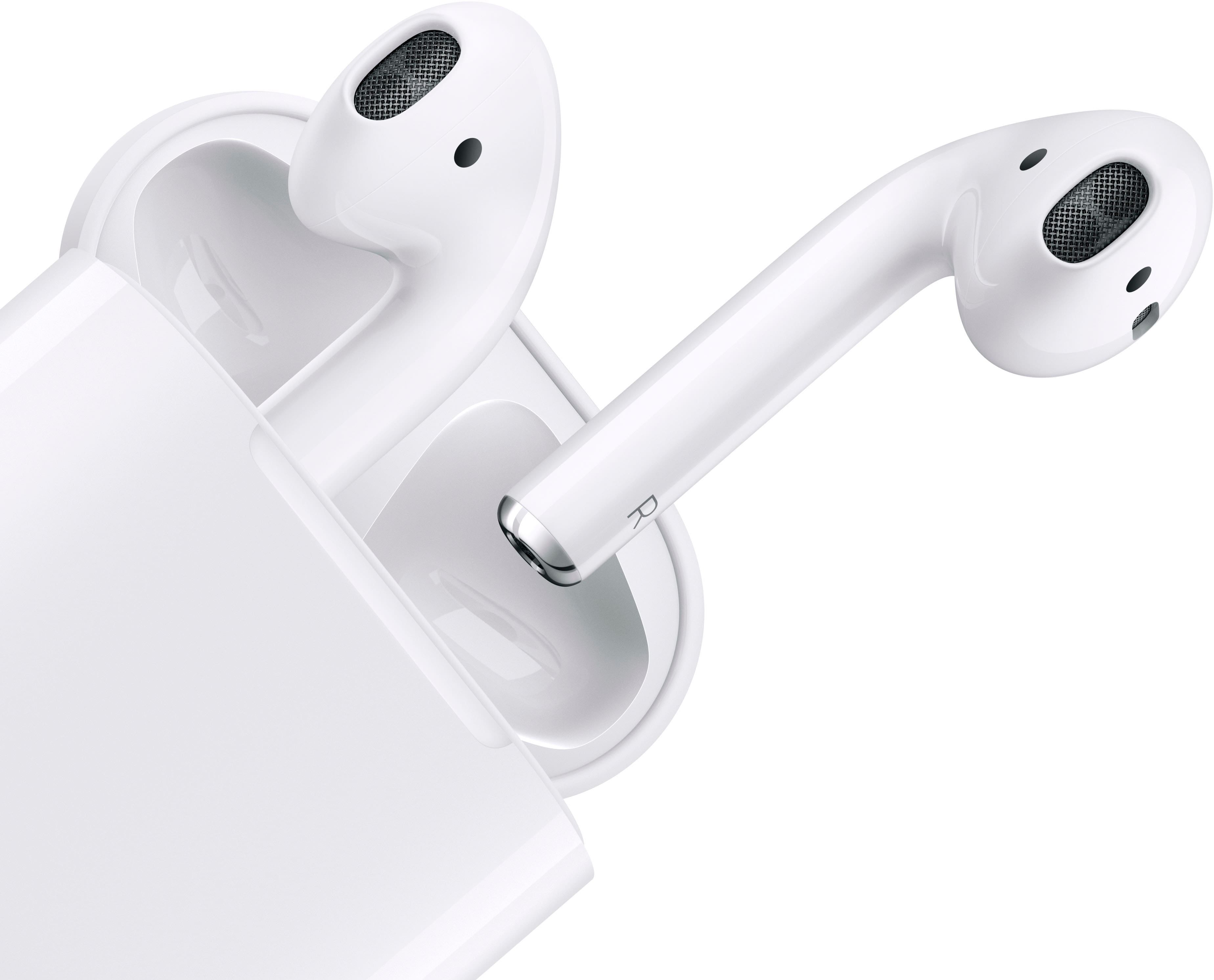
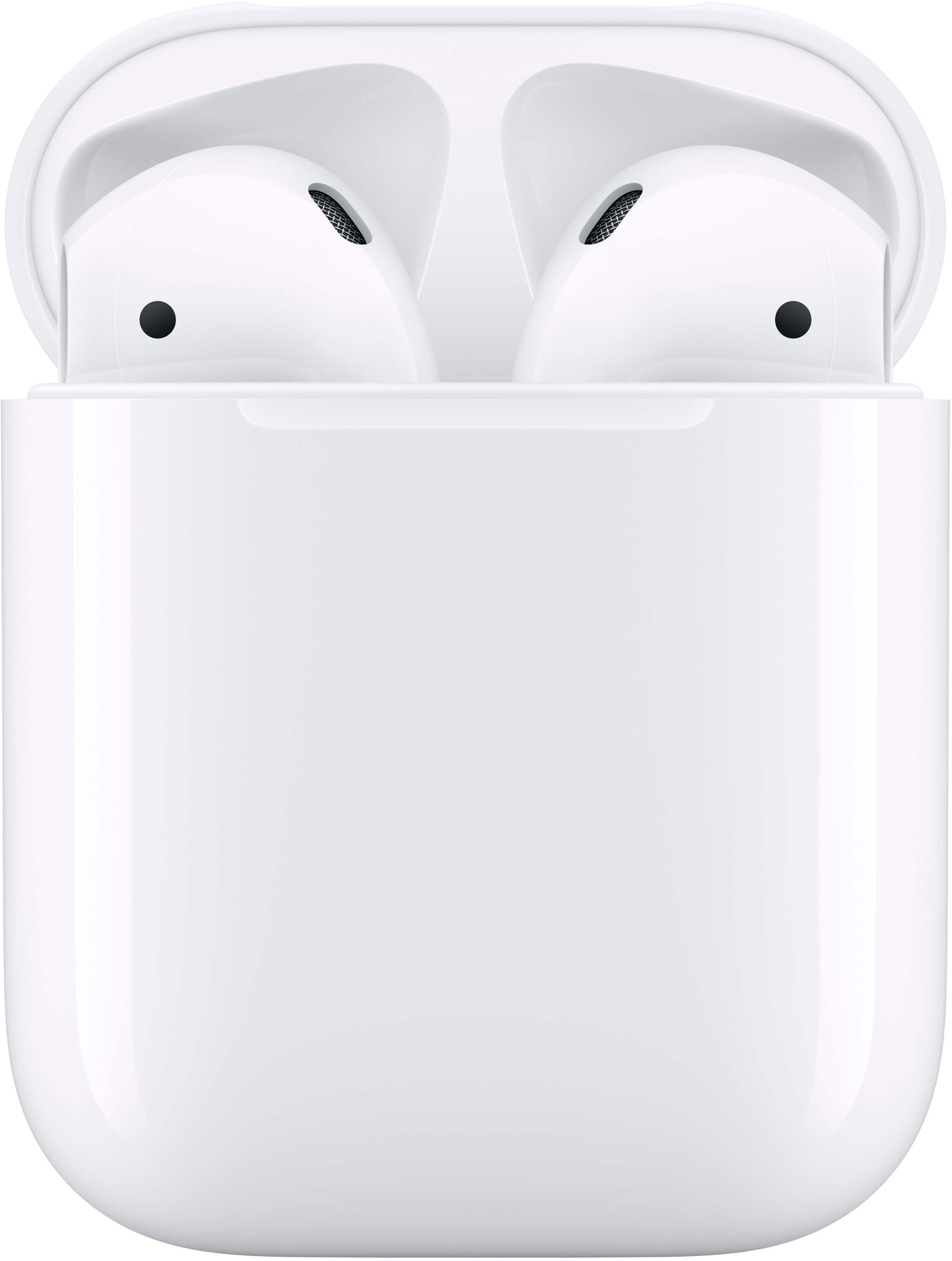
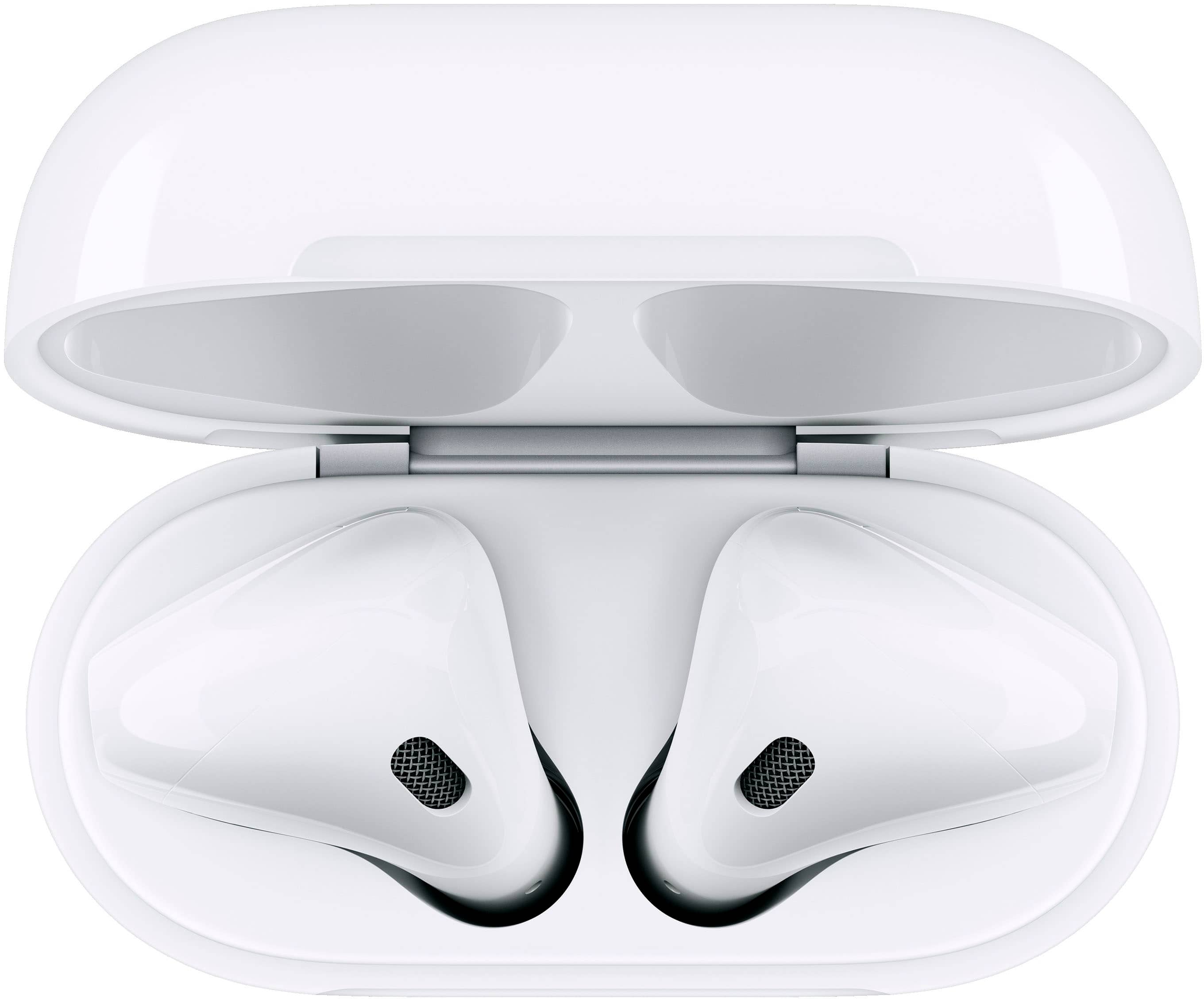
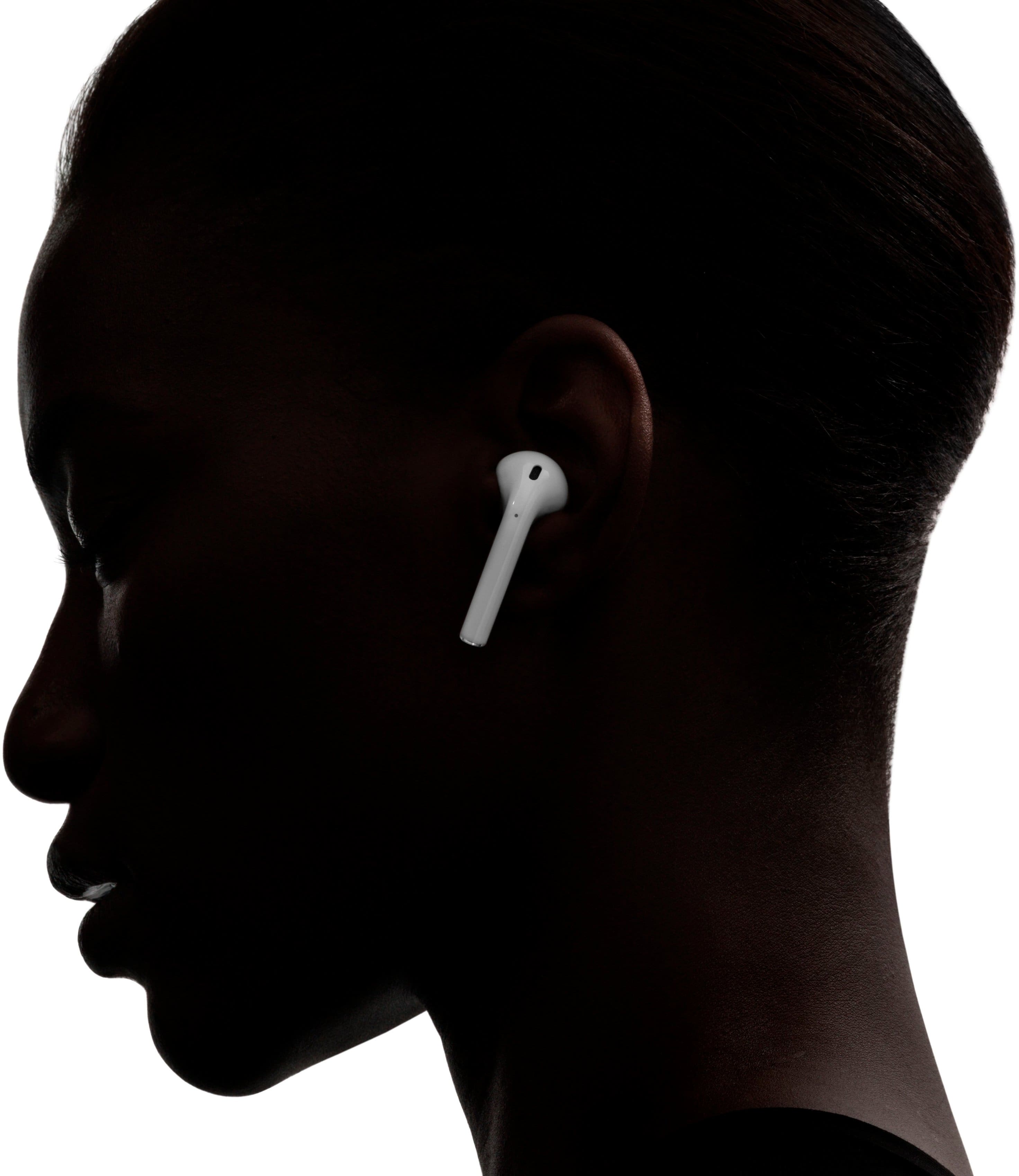
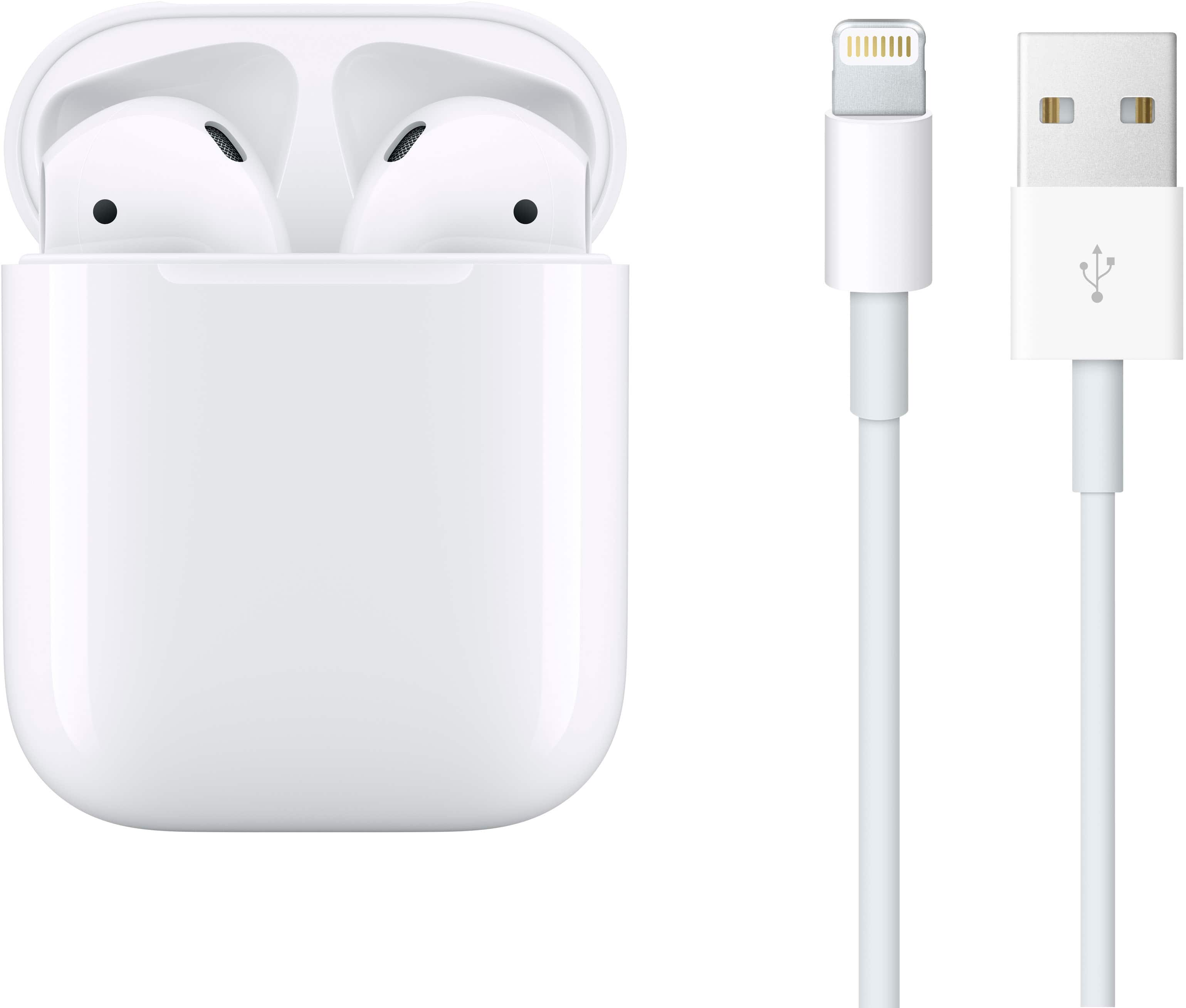
A:AnswerThey are the same size and shape as EarPods. Your comfort level will really depend on the size and shape of your ears. If you don’t like EarPods I wouldn’t drop the money on these.
A:AnswerYes, you can use the air pods independently. I have for example used the left air pod for music, phones calls, and the like. When the left air pod ran out of battery I simply pulled the right air pod and continued on with what I was doing. This method has also allowed me to have the ability to use the air pods all day, and have one ear open/unobstructed. Hope this helps.
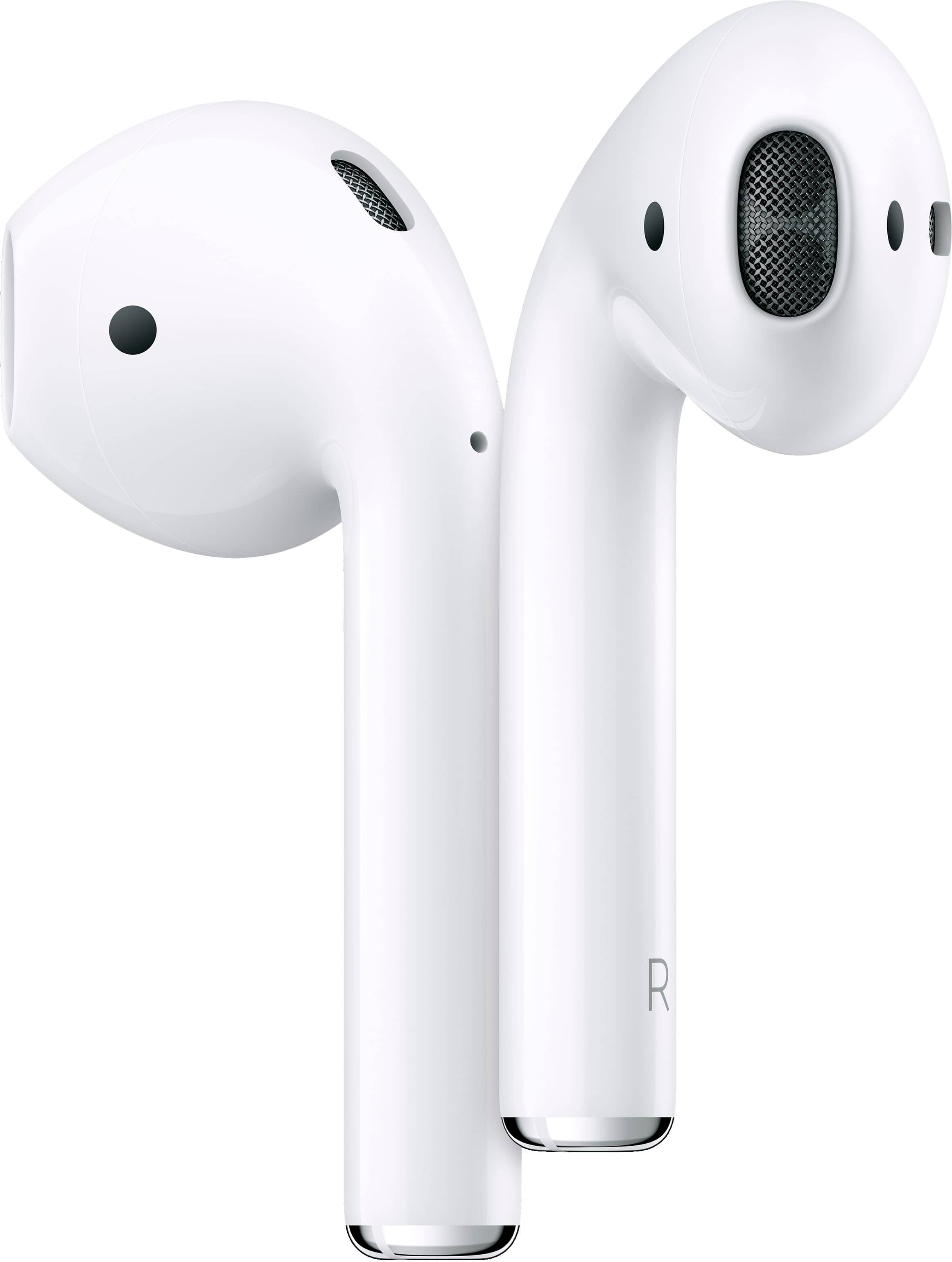
A:AnswerTry to put your phone on airplane mode, then turn it off and put your Bluetooth on. After a few seconds open the AirPod case next to your phone ( while your phone is unlocked) press the button on the back of the AirPods for two seconds. On your iPhone screen should appear a box that should say connect AirPods. Or you can Go to Bluetooth on iPhone and it should appear.
A:AnswerIt should, but if it doesn’t Apple made it compatible with other phones. There’s a button on the case to connect via Bluetooth to other phone brands like Samsung.
A:AnswerAirPods connect automatically when you open the cover next to phone or iPad. So to connect to your iPad you just need to open your AirPods next to your iPad and it won’t connect to your iPhone.
A:AnswerAnswer to both questions is a yes. You will be able to hear audible books and audios with great sound quality, but after a certain volume like a bit over half, people will be able to hear what you are listening to.
A:AnswerOnce you synced your AirPods with your iPhone, go to Settings->AirPod and configure either the left or right AirPod to Play/Pause on double-tap. Then exit Settings. Now when you double-tap that earpiece, it should start or stop your music.
A:AnswerThey're both charging cases. The cheaper one has to be plugged in, and the more pricey cannot be plugged in but instead can be used on a wireless charger.