A:AnswerIf you buy this product, take it home, and begin using it and it doesn’t work as intended, then you may be eligible via the warranty to take it back and get a replacement. In some scenarios the warranty even covers things that were totally your fault like spilling a drink onto it or other cases. With the warranty you will not be held responsible for these accidents.
A:AnswerWhen I need to restart mine, I typically just unplug it and plug it back in. If that doesn’t fix it then make sure your cord to the HomePod is plugged into the charging brick/block it came with in the box. The cord attached to the HomePod must be connected to the brick/block it came with in the box. And, said brick/block must be plugged into the wall/a power source.
A:AnswerYou can connect without QR,,
When the screen pops up on your phone, there is small text that says “other ways to connect”. Click that and it will show you a few more options that make connecting easy without a qr code
A:AnswerBest answer is “Probably”. You can route sound from iPhone to HomePods. The limiting factor would be the app itself and how it implemented sound integration.
A:AnswerActually, the HomePod mini is technically a base/Hub and can serve as a “border router” which operates as a hub, it controls smart home features..
in addition to connecting directly to your iCloud account.
A:AnswerThe HomePod Mini will connect to your wifi and play music without being connected to any other devices. It’s not just a speaker, it’s basically its own computer. I think you need an iPhone to set it up, but after that it’ll work without being connected to another device.
A:AnswerNegative. You would need An actual monitor or to use your phone as a workaround. This would open up a lot of "wiretapping" concerns if it was an inherent feature.
A:AnswerI, too, have had this problem, and the “Home”App is worthless! What I did was turn off ALL my devices, iPhone as well as ALL iPads and try again.
Let the ONLY device you are using connect to the internet—not just cell service—and see if that works.
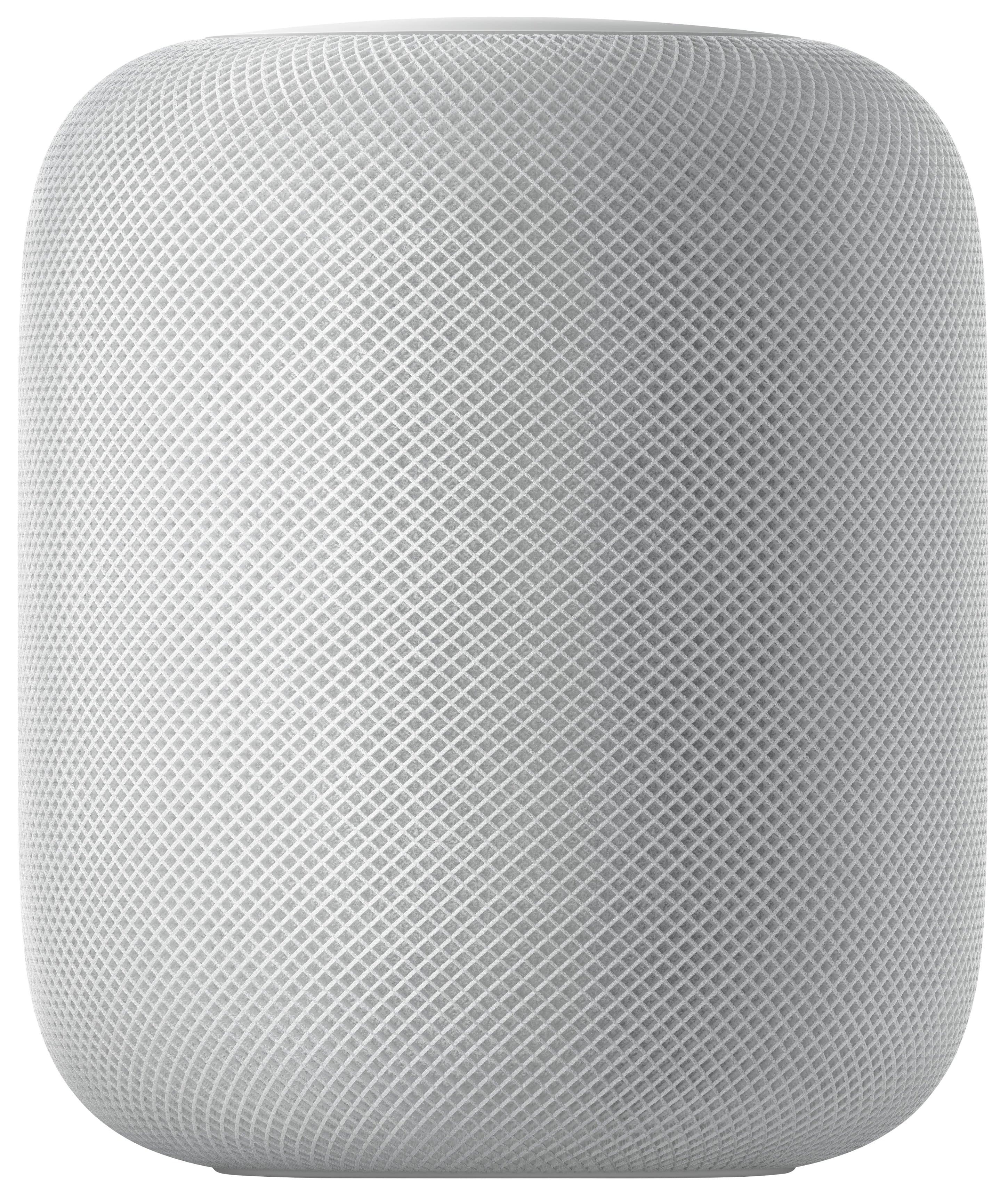
A:Answerafter its setup with an iOS device you can use it without a phone by just use siri, but there is no way (without a workaround https://www.digitaltrends.com/home/how-to-stream-music-to-a-homepod-with-an-android-phone/) to airplay with out and apple device computer, iPad, or iPhone
A:Answer20 watts, remember this speaker while it sound very good is NOT intended to be use as a power speaker home pod mini is perfect for like in an office setting where quality is more important than big sound