A:AnswerA WiFi model does not support Data and will need WiFi to do most task. If unlocked you will be able to switch carriers and have 4GLTE (Not Available Everywhere) and you will be able to do task without WiFi. According to Apple the Unlock Cellular+WiFi is recommended for most users.
A:AnswerBecause Apple hates you.
you could try and get an adapter to plug in a USB to your IPAD. That might work? I don't know what you are trying to do exactly.
A:AnswerYou have to go to settings and set up the cellular but I think you still need the verizon SIM card. Best bet would be to take to verizon as they need to give you a verizon SIM card. I believe it is the only one where you actually have to get a verizon SIM, at least that is what we have done in the past.
A:Answeryes. it took only a minute to do it. Just follow the instructions when you start setting it up! The only thing that does not transfer are the fingerprints.
A:AnswerI am posting because I know it is confusing and I happen to deal with these products on a daily basis. IMO the Air 3 has the most bang for your buck but the 6th gen is still a good device at a much lower price.
As of today May 2019 the models are as follows:
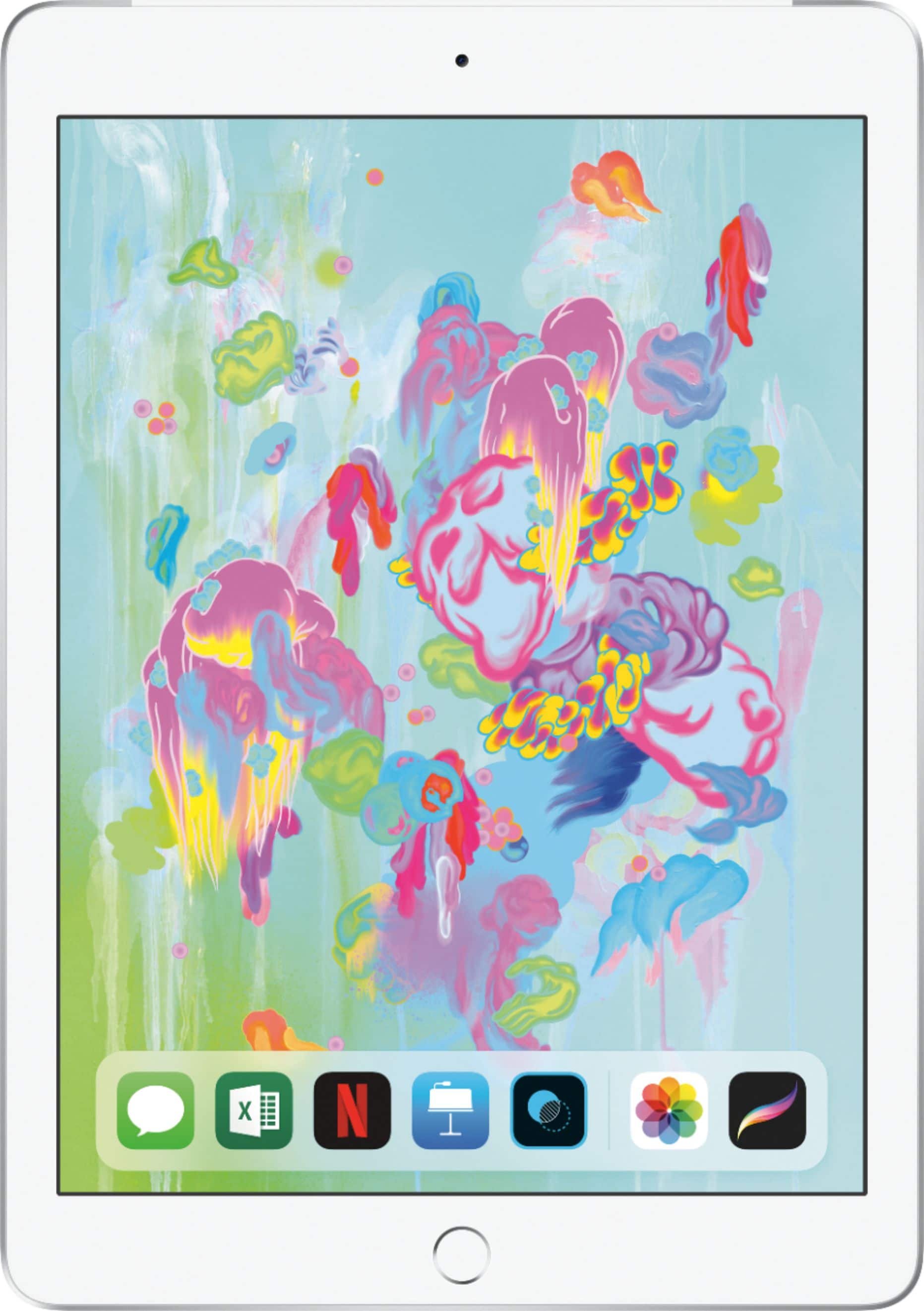
The main basic model iPad 6th gen
iPad Mini 5th gen
iPad Air 3 (same as previous 10.5 pro with a few upgrades)
iPad Pro (no home button and USB-C instead of lightning)
A:AnswerFrom what I can find the answer is no you cannot expand the storage. It’s suggested that you use an external device. There are quite a few on the market. You can store quite a bit in the cloud thus freeing up space on you iPad.