A:AnswerWe had an iPhone 5, and although the old SIM card fit in the new SE phone, it was too old to work with the latest network/carrier features. So we used the new SIM card from Verizon and transferred the number to the new phone through Verizon.
A:AnswerThere is an android version from Apple call "Move to iOS" that allows you to copy over your data, The only thing it won't be able to copy over are any mms that you've received. So, make sure to save all your mms prior to doing it.
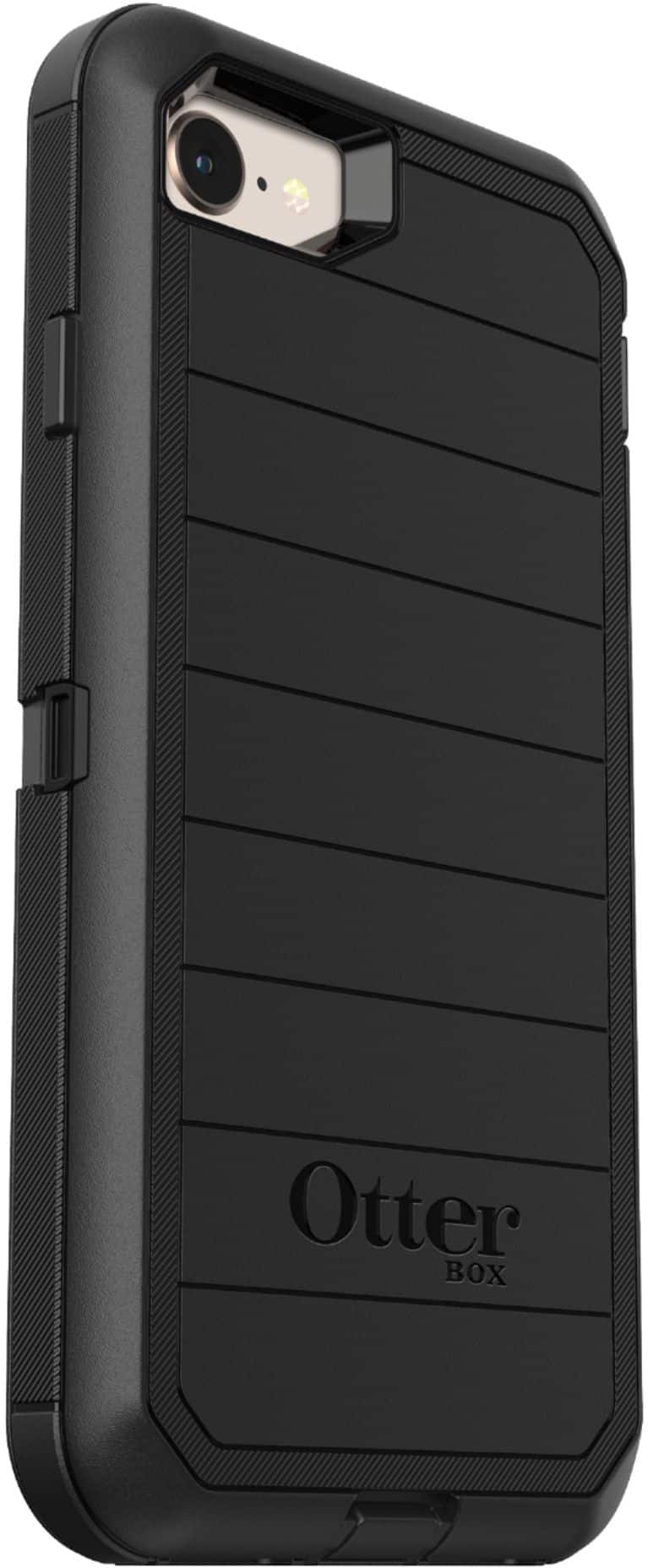
A:AnswerIt is sending real texts and phone calls and taking real pics. So pretty real. I got the Otter Box protective cover with screen to give it added protection, I am loving it.
A:AnswerIf your old phone is updated to iOS 12, if you bring your old phone to the new phone, it'll automatic set it up. Just follow the setup process and it'll handle the rest. It'll also transfer any wifi password you've set up so you don't have to re-enter each one again.