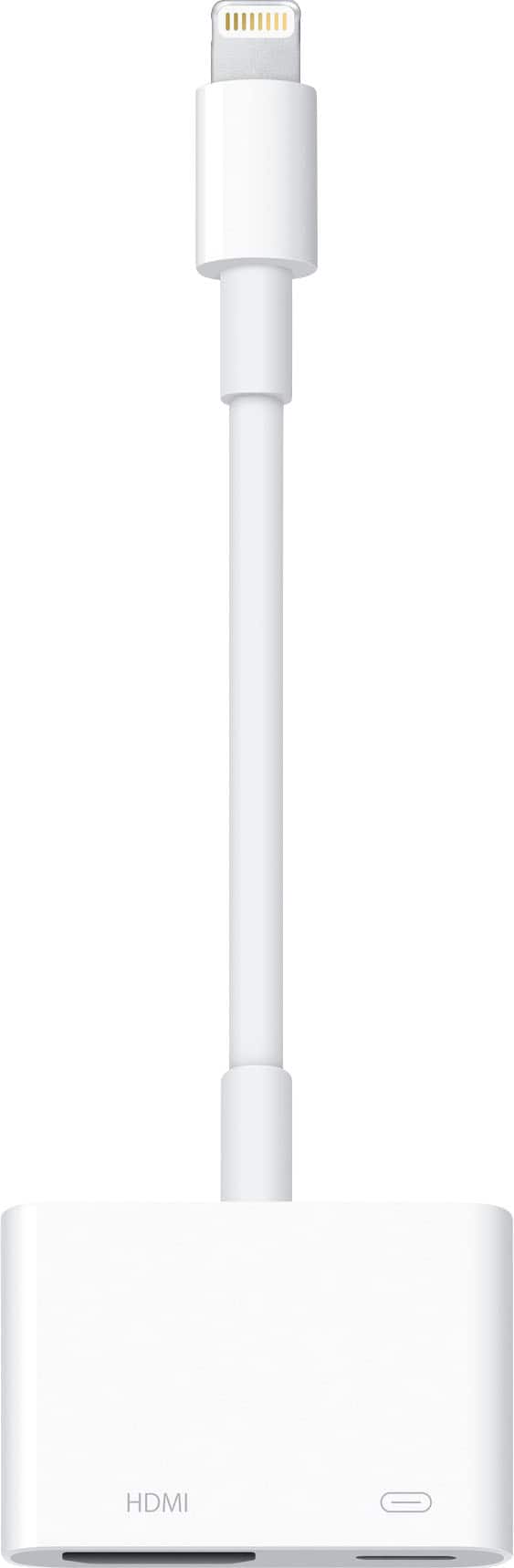
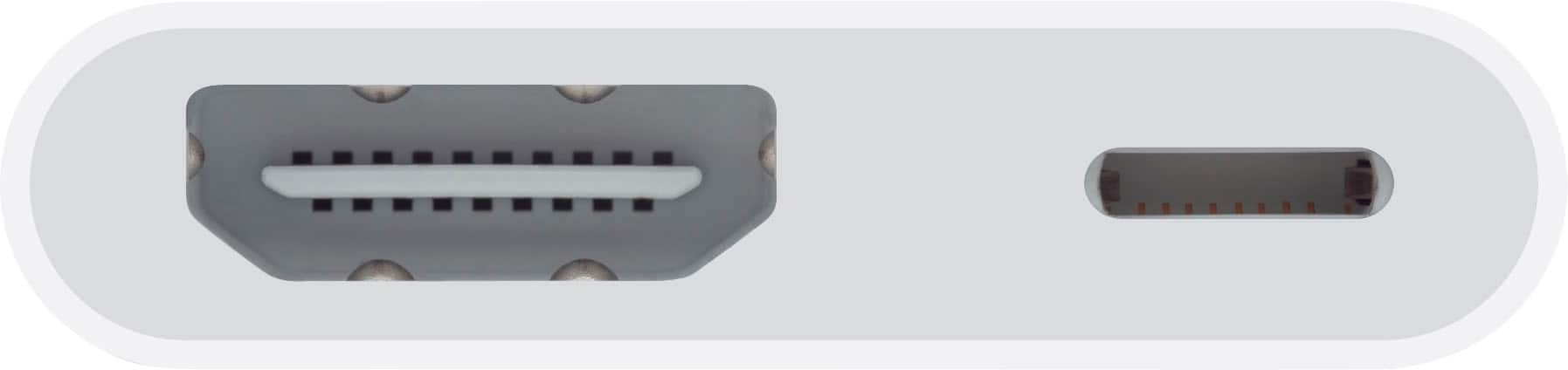
A:AnswerI do not have any experience with Apple car play but I would say No unless you have an HDMI port to plug into on the car play appliance, based on my experience with connecting to car stereos
A:AnswerIf you have downloaded the media to be viewed to your iPhone as you describe then you should be able to play this on a TV just as you would watch on your iPhone. Basically this allows you to use your TV as a monitor rather than watch it on your iPhone. WiFi should not be needed.
A:AnswerI’m not sure, but you Amazon may be sensing your old TV as a non-identified user. So you might have go to your account and identify it (if you can) as an authorized TV.
A:AnswerUnfortunately the setup is strange when using this adapter. Normally you just plug and play and the adapter provides video and sound directly. This setup only provides video in order to hear video you must use your Bluetooth option for the sound. Hope that helps you.
A:AnswerI’m going to go with a no unless your camera uses the same exact lightning power setup as the iPhone. This setup only works with apple products such as a iPad or iPhone to project them onto the tv screen or projected screen.