A:AnswerIn simple terms Retina display is just plain clearer brighter and colorful display than LCD or normal computer display ! That being said if your just using it for email and surfing the web you don’t need Retina display ! You will be satisfied with Apples regular display
A:AnswerTurbo Boost, a feature on some Macbooks, means the processor can turn off unused cores and increase the clock speed on the other cores when less than the overall number of cores are being used. It increases performance and can also reduce power used.
A:AnswerFor this particular model the 5th Gen i5 processor is not as strong. On the newest 13" Macbook Air, it has the 8th Gen i5 Processor while the same size Macbook Pro has a 7th Gen i5 Processor. Not really a huge noticeable difference. The differences are in the storage and speeds that each of them can run at. If you go to MacWorld.com it gives an excellent comparison and breaks down the differences.
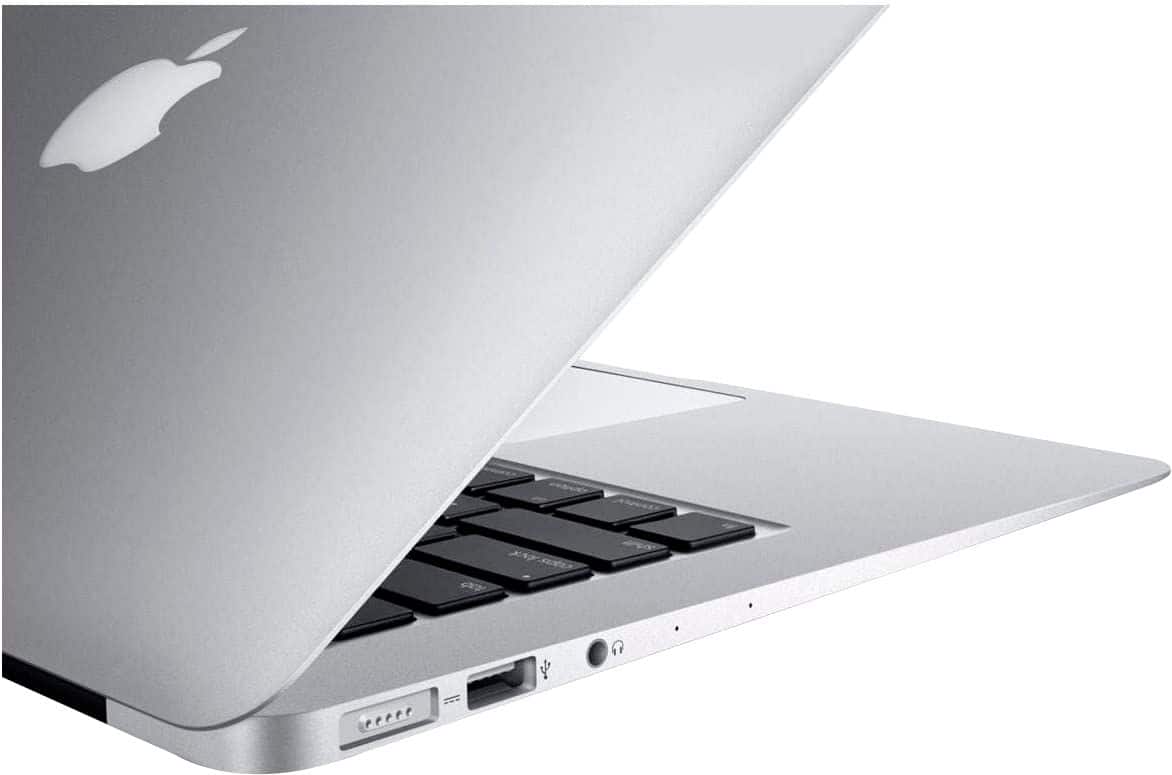
A:AnswerYou can buy an external hard drive - you would just plug it into the USB port. I did the same on my old MacBook Air — I bought this new one for my boyfriend and he doesn’t ever need to run a cd but it is absolutely possible. If you want to stick to apple products the USB SuperDrive for 89.00 will do the trick but there are cheaper ones too
A:AnswerMy daughter needed to sign up for the discount using her college .edu email address. Once that email address was verified, she got the coupon and I was able to use it.
A:AnswerI bought the protection plan but I'm not sure if it's really necessary. When I had a software problem I went to the Apple Store in my area and the techs helped me free of charge. I also had a problem with something because I never shut my computer off, Apple fixed it free of charge.