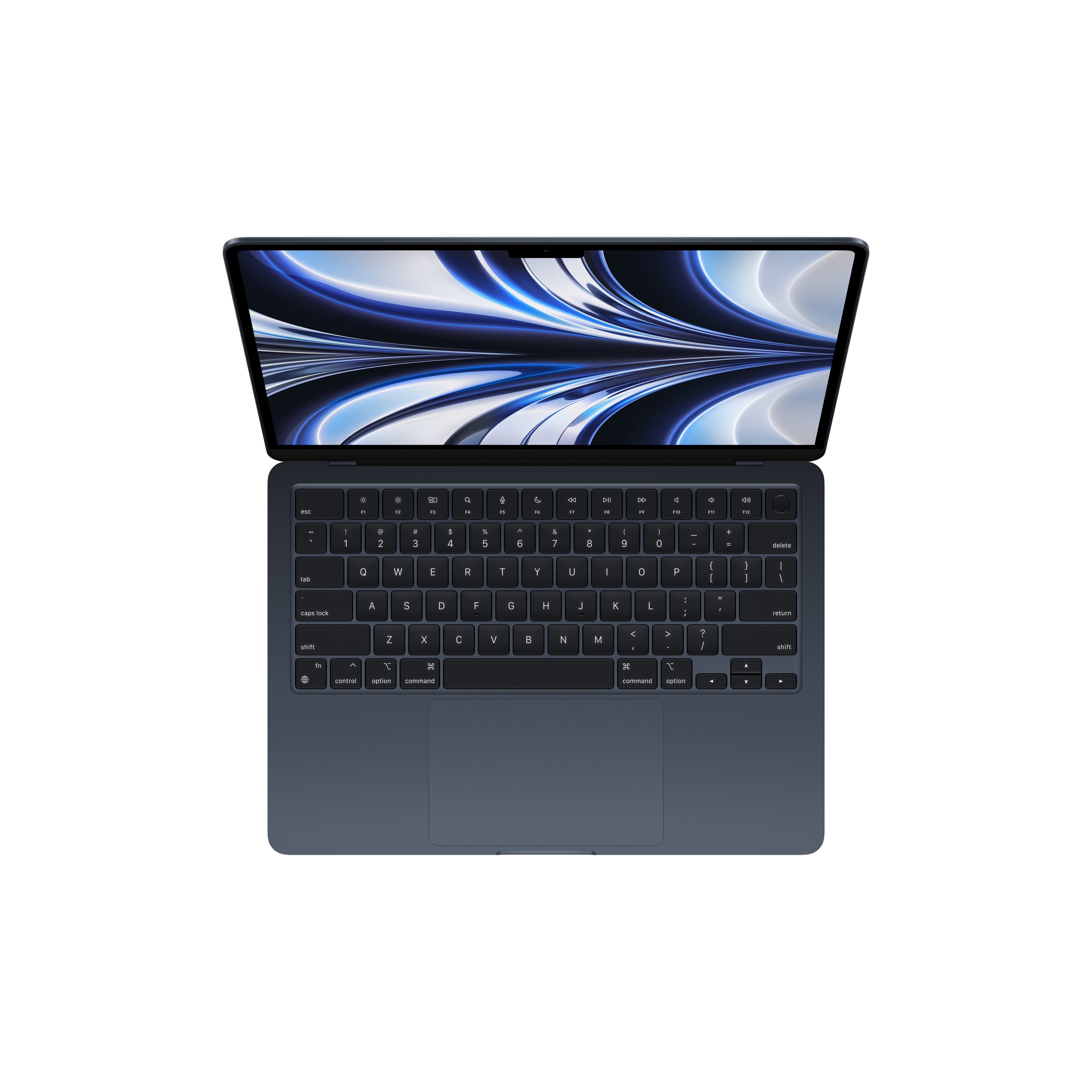
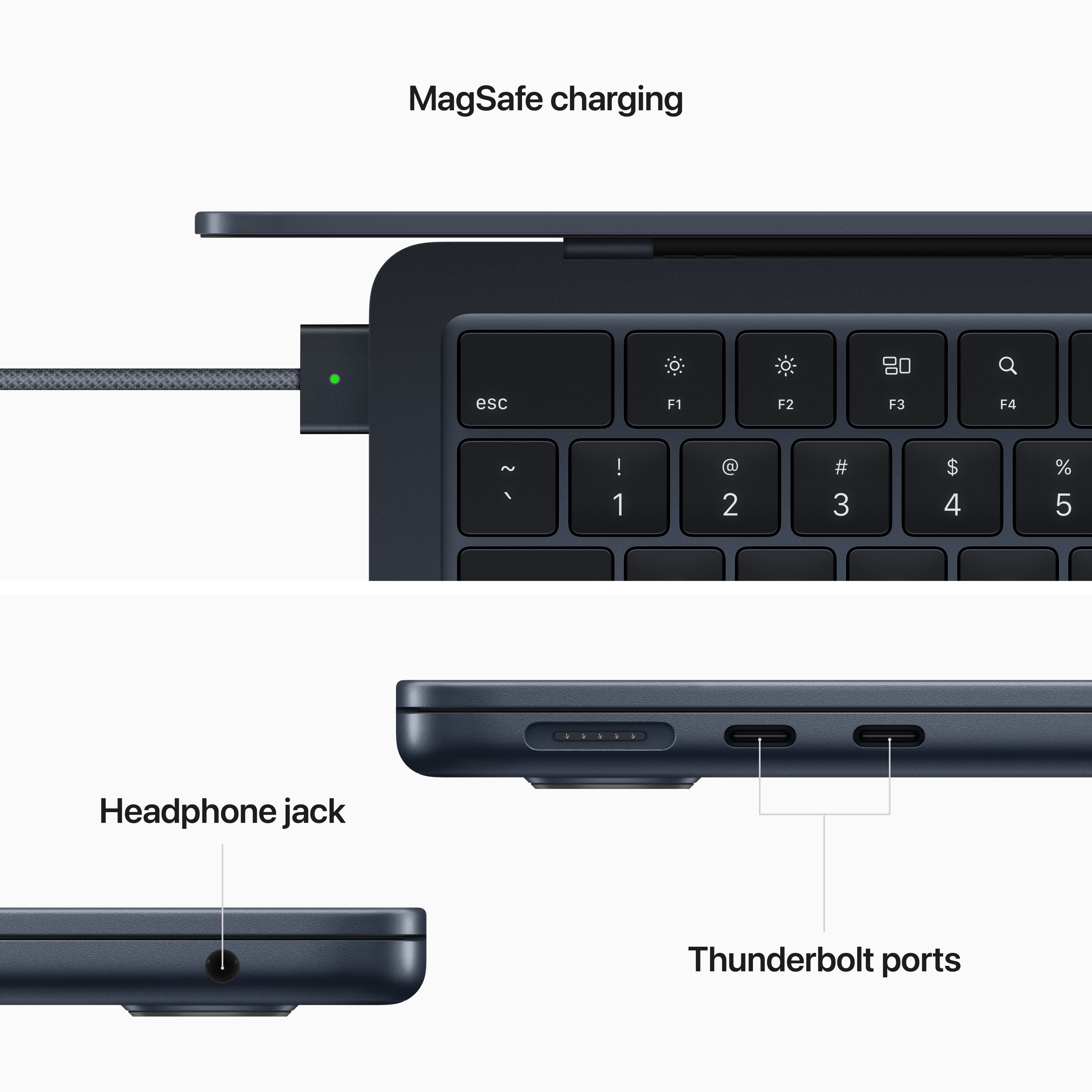
A:AnswerJust look for a dongle that's type c to whatever ports you need for example you mentioned HDMI so it would be type c to HDMI dongle. The laptop has two type c ports on it.
A:AnswerYou can if you order it directly from Apple. I’m not sure about Best Buy though. For the record the number of cores in a GPU has nothing to do with the amount of storage. The last answer was misinformed.
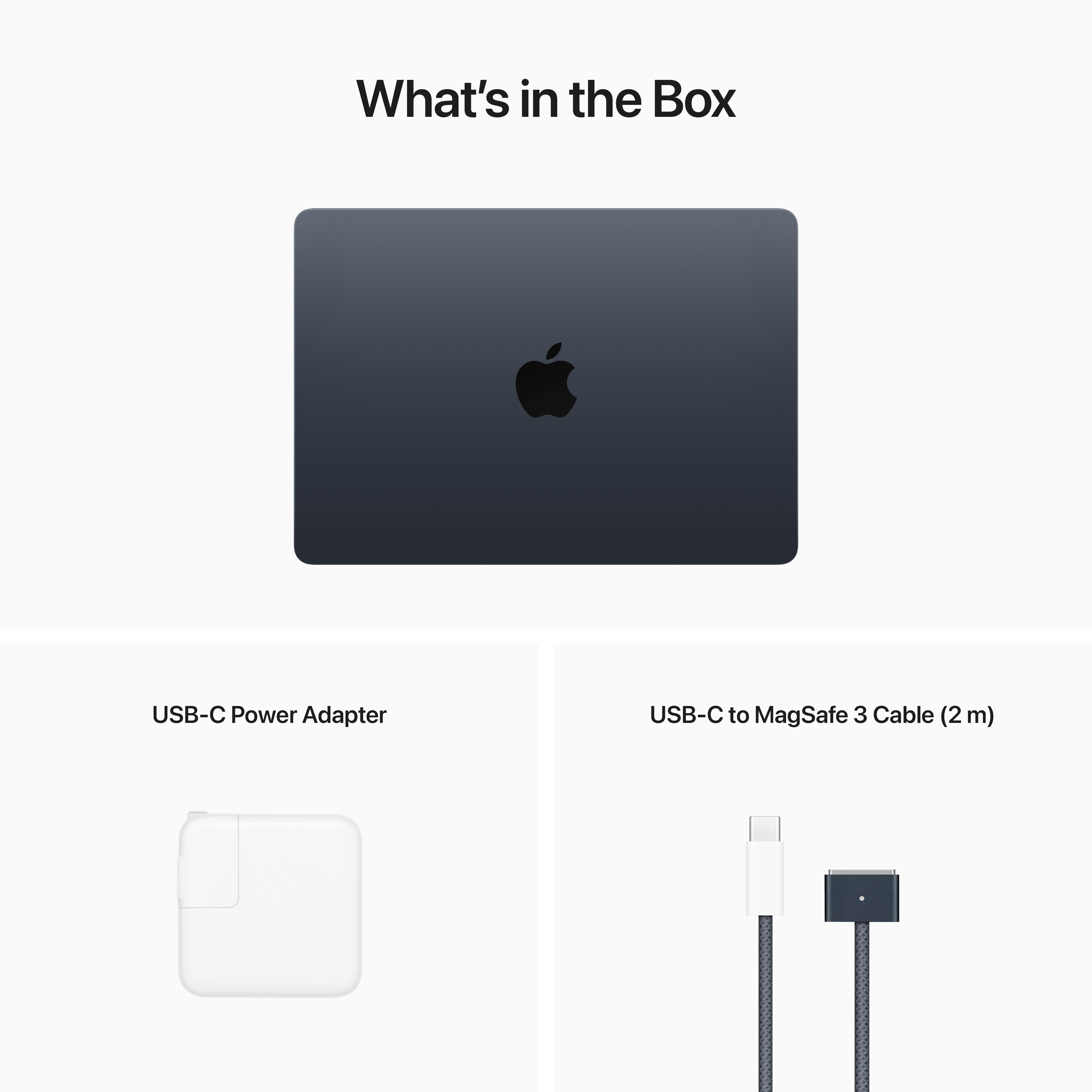
A:AnswerYou'd get the Magsafe one, very similar to the older Macbook chargers. I will say though. The older ones do not work on this one, but you can still use USB-C to charge it.
A:AnswerNot much. I can't tell hardly any difference. I previously had a MacBook Pro. It was going on 8 years old and decided to purchase my new MacBook Air. Got a real good price and a good trade in value for my Pro. The Air has a great lighted key board. The battery charger, the end that attaches to the Air is basically a magnet. Also has a monitoring light, dull orange color when charging then the will turn green when fully charged. So it tells you when it's fully charged. I thought that was cool.
A:AnswerMore internal storage is nice, but if you're on a budget add an external SSD drive. This can add a lot of storage at a low coast, and will have the extra benefit of making it easier to move large files on and off your MacBook and other computers.
A:AnswerHi Maryann
Any bluetooth mouse should work with a new laptop. My suggestion is bring it into the store and try to connect it to the demo version of your new laptop.
Joe
A:AnswerOnly B & H seems to sell the 16GB Model of the Air M2. Anybody else who says they did buy a M2 Air with 16GB of RAM is lying. The Base model MBP 14 and 16 is 16GB of RAM and Bestbuy does sell that.
A:AnswerSorry, I know you need adaptors for certain functions, however, unsure what they are. I did not buy any adaptors. You may want to ask via chat w/Best Buy Customer service.