A:AnswerYour college can advise you what is recommended for your major. (Check their technology link.)
Also, go with the largest amount you can afford - as Apple products are usually not expandable/up-gradable.
A:AnswerHello Kulle-
Because this is a laptop and a phone, there is no activation. Just like a windows laptop, once charged up and onto wifi is ready to go!
A:AnswerYou can program it when you set up your Mac. The keyboard will still be QWERTY, but you can type in any language that you program. If you really want to customize your MacBook Pro, you need to buy directly from the Apple Store
A:Answerin my personal opinion after having both windows and mac's, i have found that macs are way less likely to have viruses and malware even though i'm not so sure why.
A:AnswerI don't think that's your macbook pro doing that. It's probably the video - since you said that some works and some don't. I don't think you need to exchange it unless you believe that it is your pro causing this issue.
A:Answerhi!!
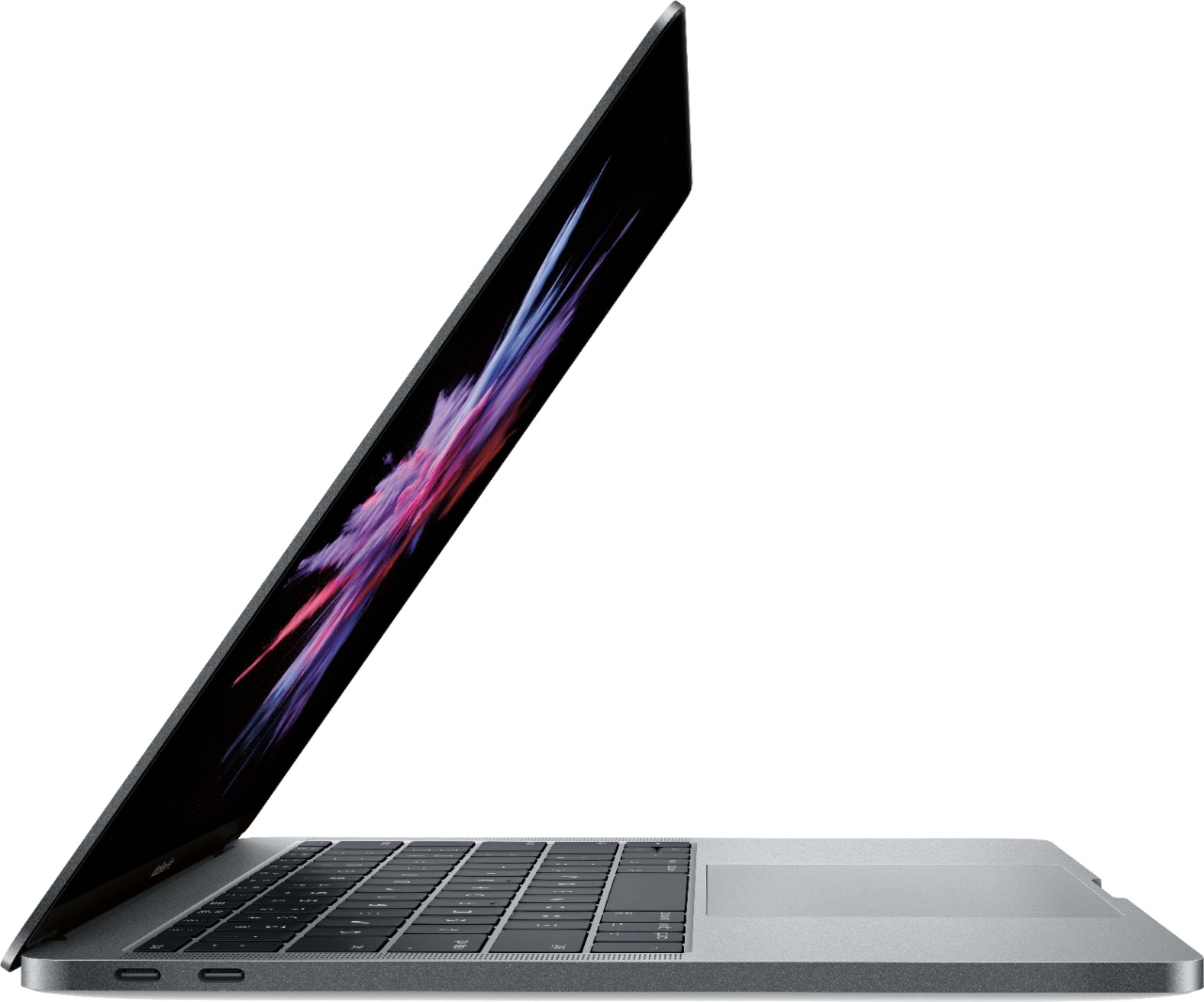
It seems to be late 2017 model (not sure), but you can get a software update which has been released recently. It has Butterfly 2 keyboard and it has 2.3 GHz Intel Core i5 Processor.
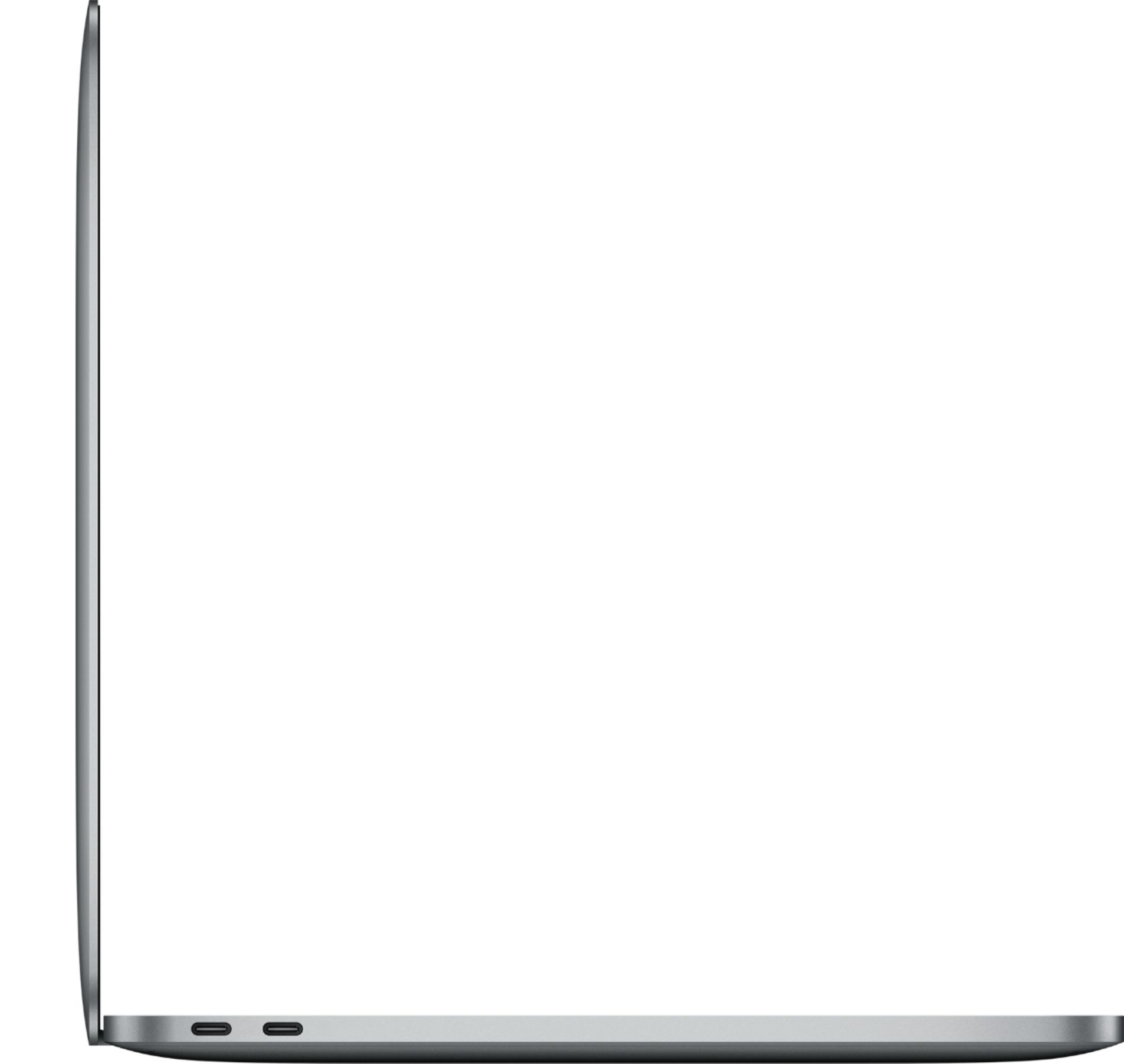
A:AnswerThe only two differences between the two are the number of USBC ports (one has 2 and the other has 4). The other difference are the buttons on the top of the keyboard that controls the volume, brightness, screens, etc. On one of the models its a touchscreen to control these functions, and the other model it is the old fashioned push buttons.