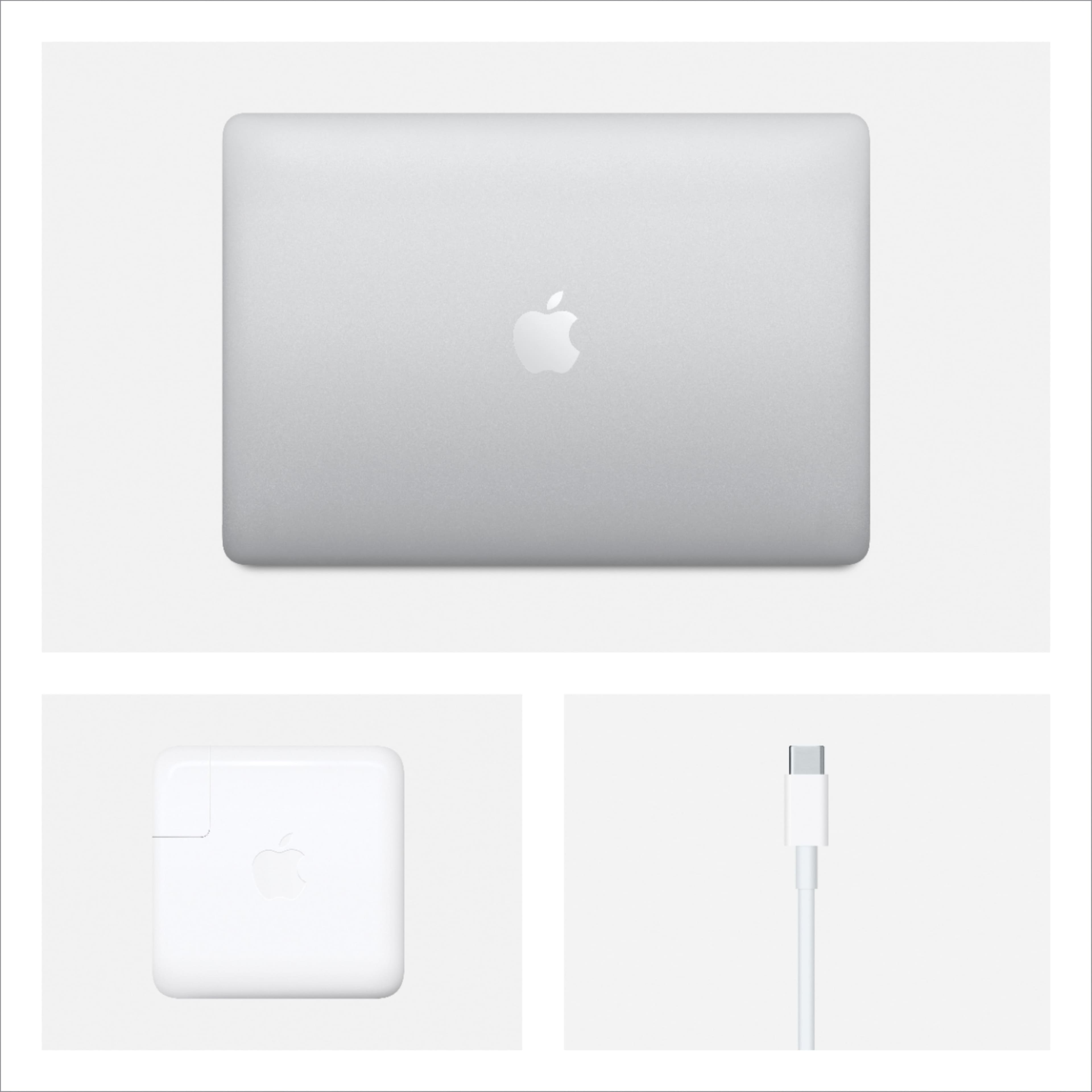
A:AnswerNot true about the "must buy from Apple" response. BestBuy honors the Apple Education discount--but you might need to have the salesperson speak to their supervisor.
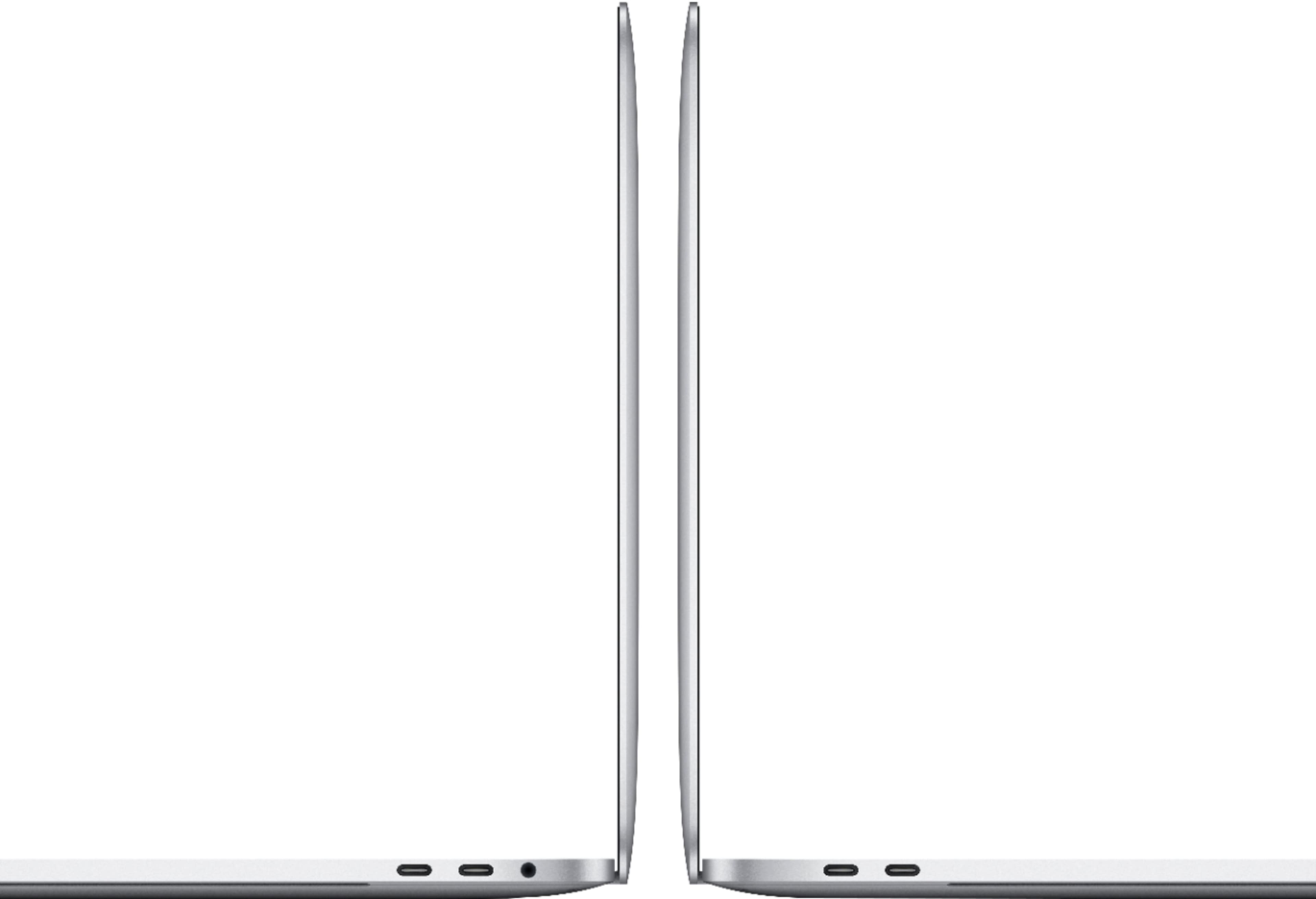
A:AnswerSure. Excellent battery life, great screen, great keyboard, good durability and reliability. Most college uses will be fine with the base $1299 model. This model has extra internal storage and newer processors as well as right hand usb c ports to make the total 4 ports.
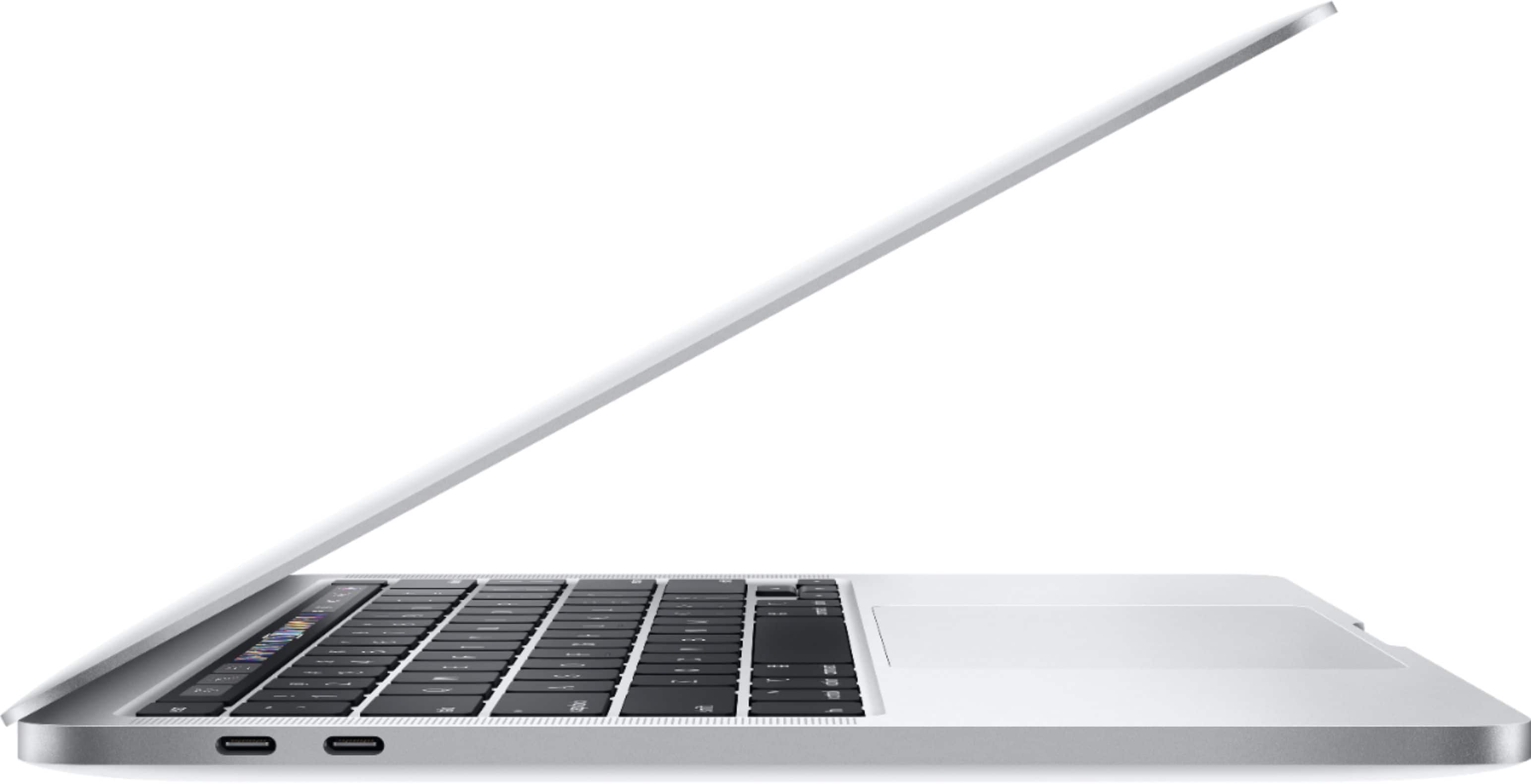
A:AnswerNo, you either need an adapter or a dock to access a memory card or usb flash drive. You can get one at most local or online retailers that sell electronics. Just make sure they are USB-C compatible. The Ports on all newer MacBook Pros are Thunderbolt 3 ports that will accept USB-C connections/adapters. The port specs have always been disclosed in pictures and description.
A:AnswerThat is 100% normal. The computer has a great processor and that will happen on any computer if you are running multiple applications or downloads at once.
Look up a few YouTube videos on the processor and check those out first. See if you like the reviews from “professionals” and check out their results.
A:AnswerYou can always contact Best Buy directly and ask but it's likely that they won't since you didn't complete your purchase prior to the sale expiring. They may tell you the general "please check back for our sales opportunities"...in which case you can definitely make note to check on Sundays and Mondays for new sales. I've noticed the sale occurring at least twice in the last 30-45 days. Also check online for other retailers to see if they are having a sale. Best Buy will price match eligible online and local retailers. Good luck!
A:AnswerI hated mine. Wouldn’t play sims. Constantly froze. Screen would go all pixally. Super slow running Adobe. I returned mine and got a Lenovo legion! It does both and no problem whatsoever.
A:AnswerI have an HP Envy 5250. It works beautifully with my 2015 MBP. I live in a 2000 sq ft house and it Bluetooths from my laptop on one side of the house to the printer on the other. Great color printer for my art business. It's a little slow on copying, but that's ok with me. Love the HP Instant Ink program. HP Envy was easy to set up, too, and I'm no techie.
Good luck.
A:AnswerThey sold the model that came right before the Pro and Air with the M-1 chip. I’m guessing that after the m-1 chip has been around for a while, Apple will let them sell the M-1 chip MacBook models.
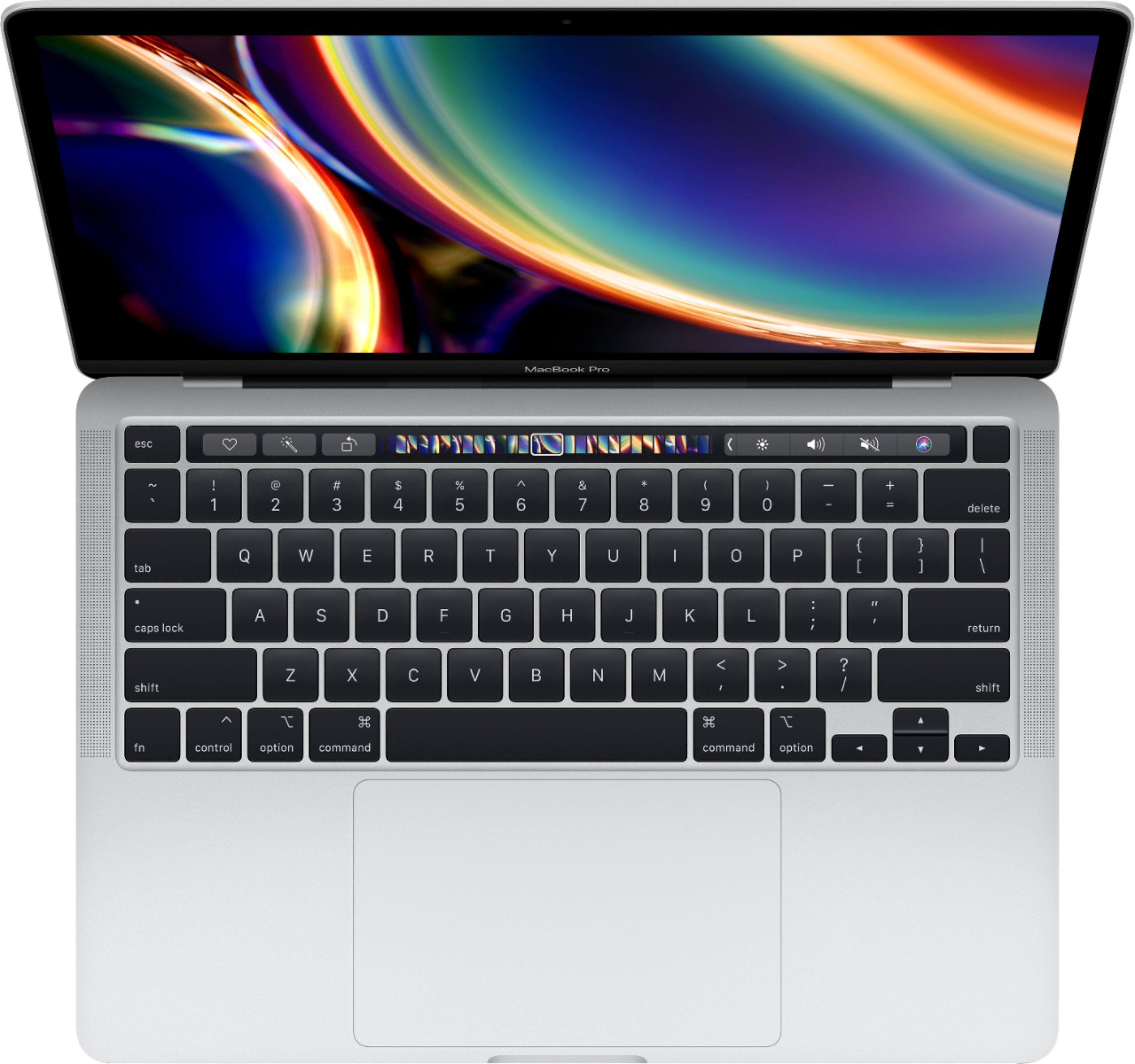
A:AnswerThe touchbar is basically the F1-F12 keys which on a PC allow the user to control the volume and brightness of the display on a laptop. The “bar” ( or keys on a PC) would normally control the pause, play, stop, repeat, fast forward and rewind while using any compatible video or DVD function on the computer. The Pro allows for such functions along with customizable features based on the app a user is using on the Mac.
Just think F keys and it will be easy to navigate, its not a new invention but a new way to interact with such keys.