A:AnswerYes, only if you're editing within iMovie or Final Cut Pro. Apple's propietary software are optimized to their hardware for efficient video editing. If you're using Adobe Premiere or DaVinci Resolve, you will notice that the fans kick in faster and louder and your ram usage is pretty much at full max. You'll have to optimize the imported media with a bunch of hocus pocus within 3rd party apps for smooth scrubbing. Stick to iMovie or Final Cut Pro within editing on a Macbook Pro. Hope this helps.
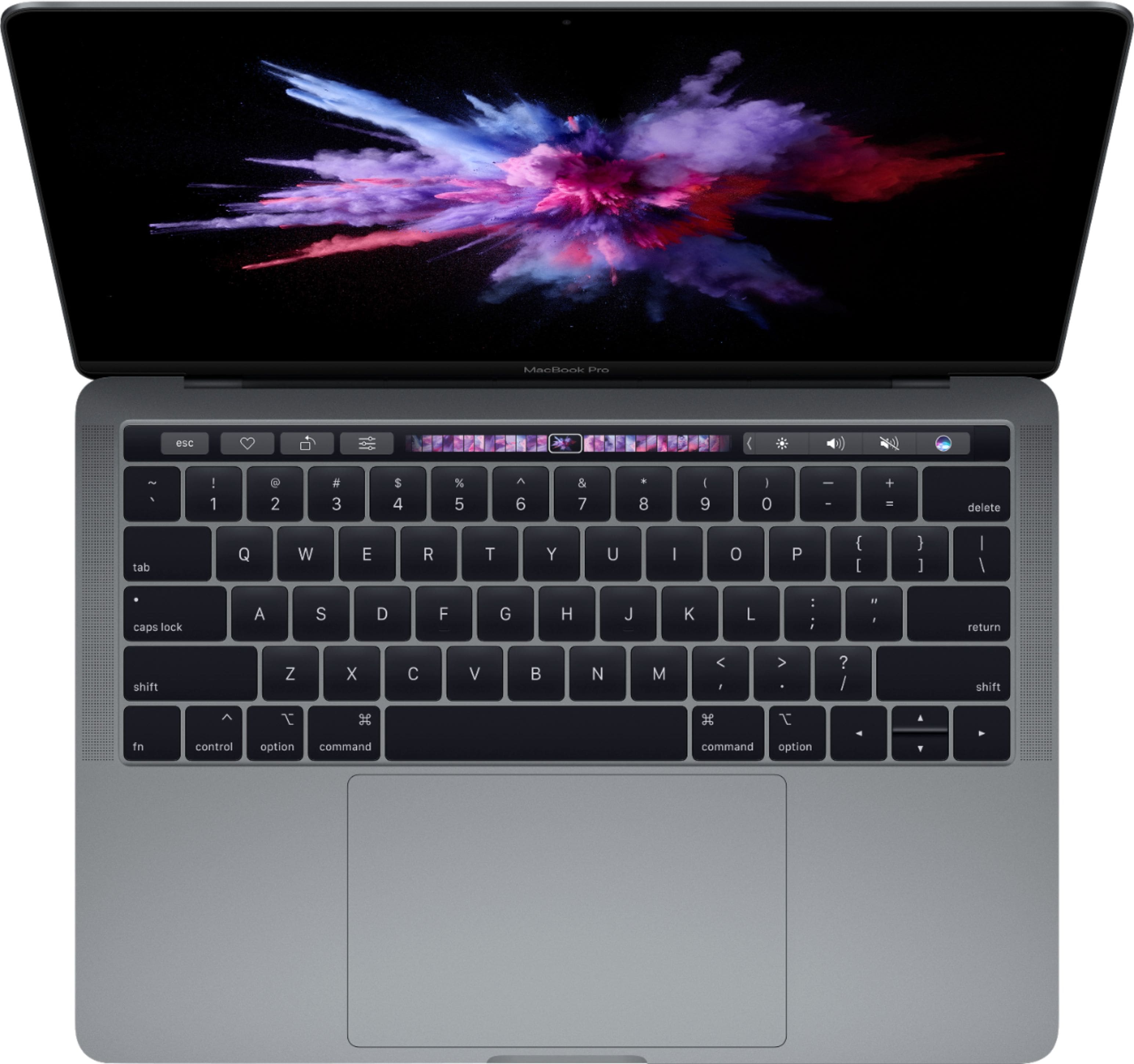
A:AnswerI personally had a hard time getting used to the keyboard. I went from an old macbook air to this macbook pro and it was a weird transition. At first it feels a little uncomfortable, but you’ll get used to it after a while!
A:AnswerThe 13 in MacBook Pro is good for teenagers! I got it on sale for $1,049, you should download the Best Buy app to check the price daily, on their flash sales days the MacBooks are usually on sale, sometimes $100 off or even $250!
A:AnswerA: They do have a financing option. I did use the credit card and I think you do have to have the credit card in order to use the finance plan.