Black Friday is hereShop new DoorbustersShop now

Skip to content
Gift Ideas
26 Cypress St
Williston, VT 05495
Open until 10 pm
Find Another Store
Main Content

Questions & Answers

Your price for this item is $2,039.99
Clearance
The comparable value price is $2,399.99
Page Showing 101-108 of 108 questions
  • Questionis this a good choice for a professional digital artist? can you use a pen/stylus

    Asked by Anonymous.

    • Answer it is a good choice, but you can't use a pen or stylus with it that im aware of.....

      Answered by love2cu1

  • QuestionIs it light weight

    Asked by Ray.

    • Answer Not really but it’s definitely lighter compared to your average pc

      Answered by DSizzLe

  • QuestionDoes it have an anti glare screen?//// And I would want a back lit keyboard to... Does it have a back lit keyboard? ///// Also decent speakers?...

    Asked by delta9rrr.

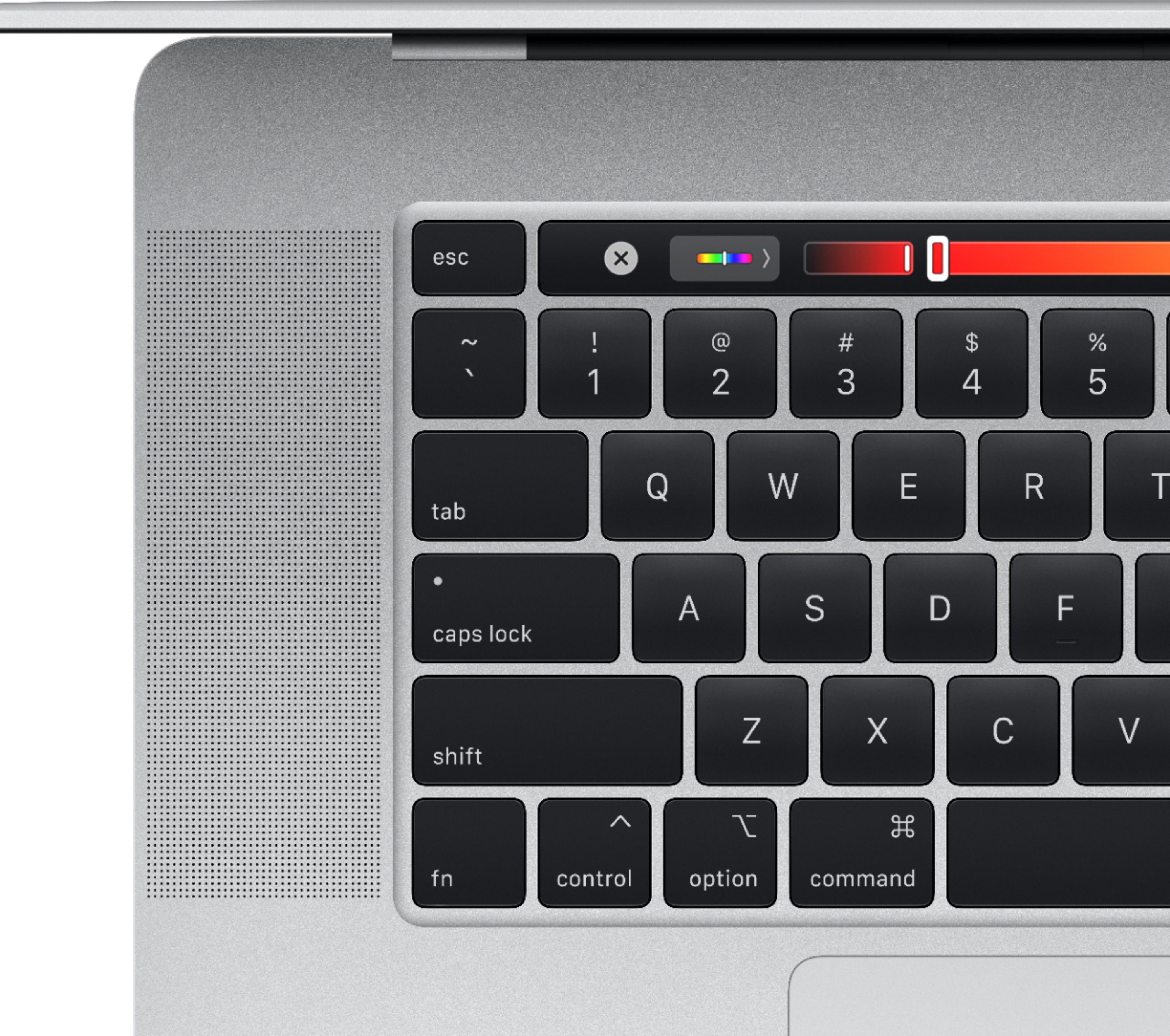
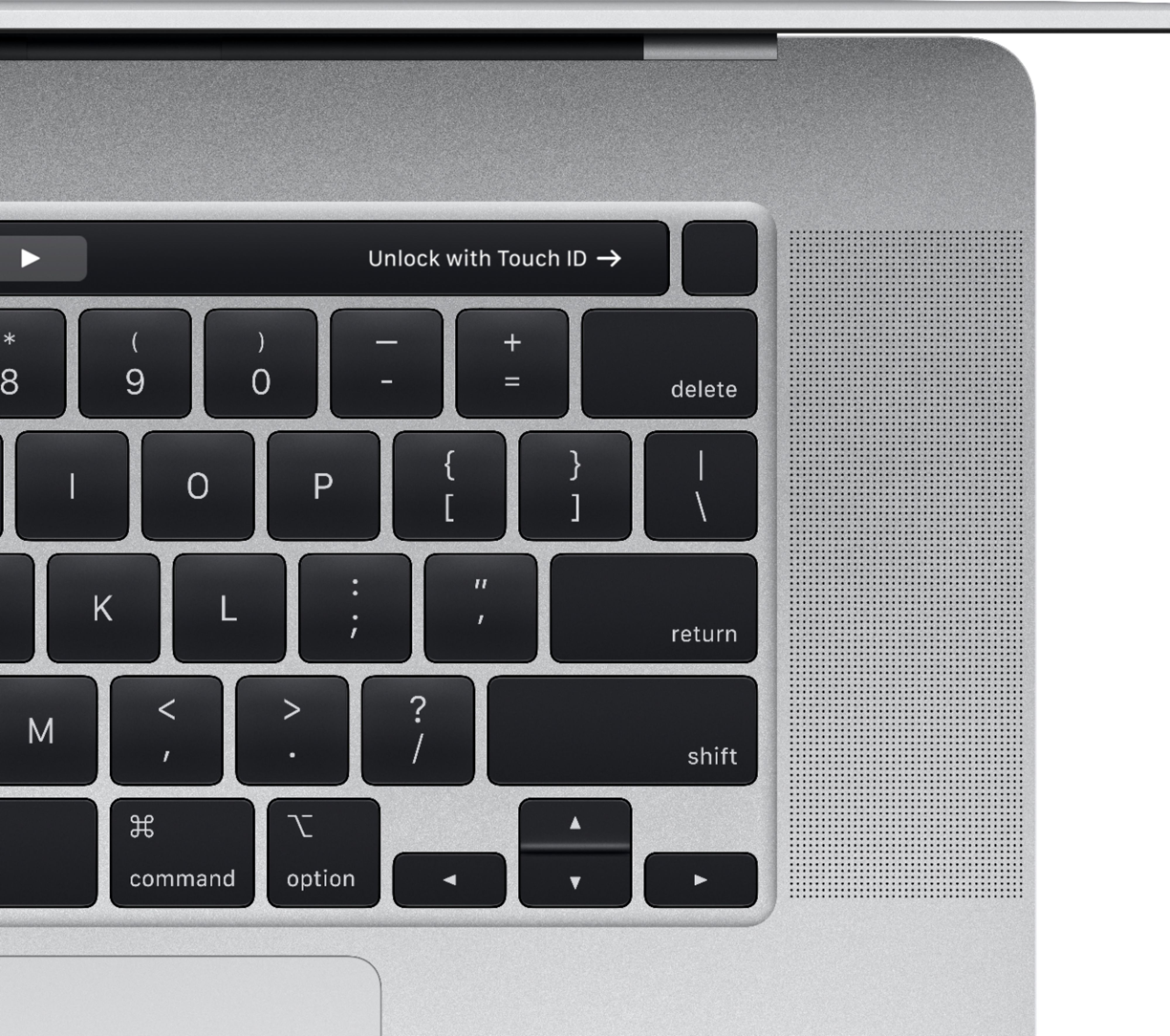
    • Answer The screen isn't really anti glare but the brightness on this MacBook is insane and allows it to overcome any glare I have experienced. It does have a backlit keyboard. The speakers on the new MacBook Pro are utterly amazing, best in any laptop ever.

      Answered by Braydon

  • QuestionIs this the newest model and when did it come out

    Asked by Chris.

    • Answer Yes, it is the newest model, November 2019

      Answered by JerseyGirl64

  • Questionwhat year model is this

    Asked by jj530.

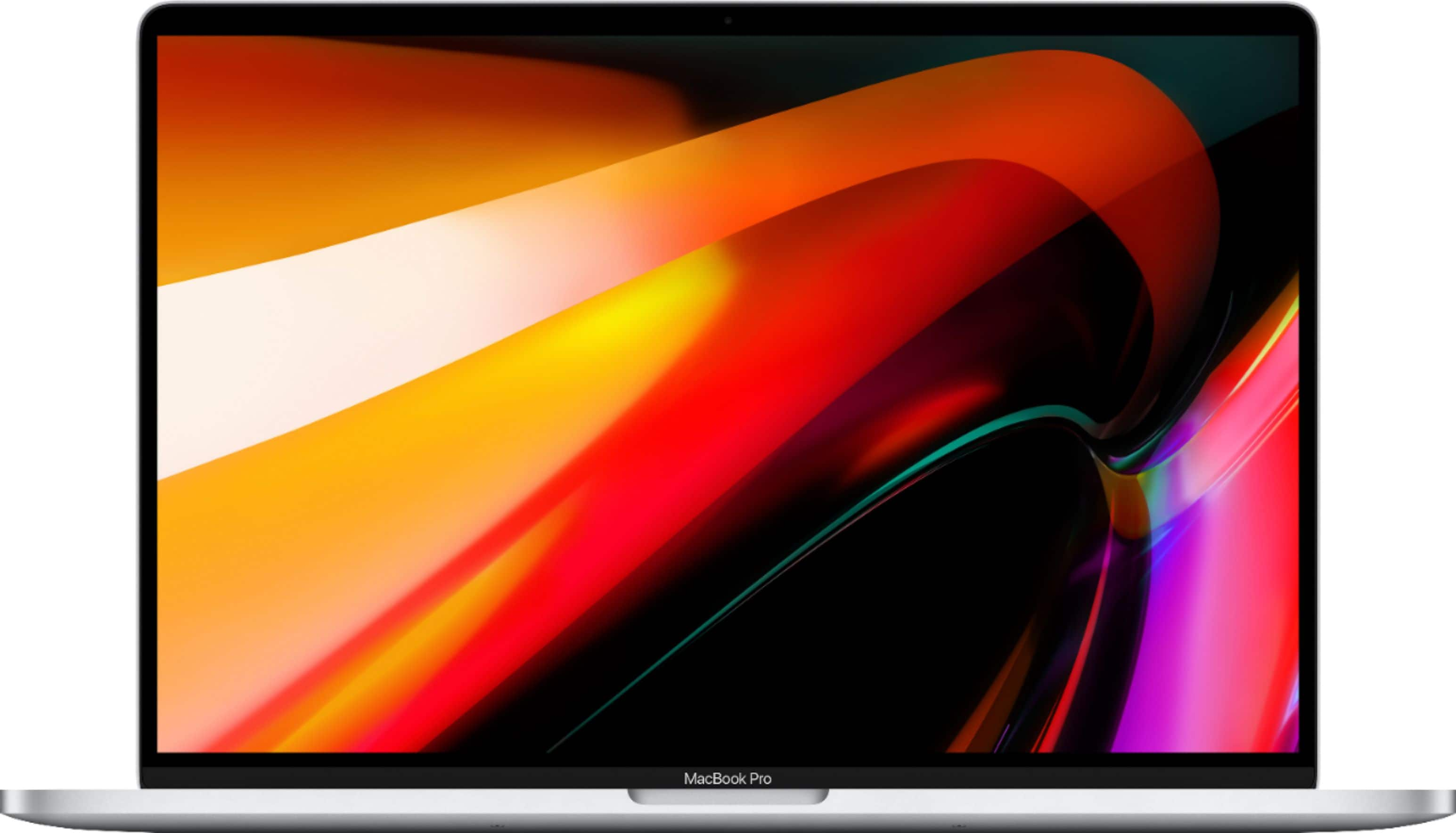
    • Answer Machine reviewed: MacBookPro (16 inch, 2019), 6 core Intel i7, 16GB 2667 MHz DDR4, AMD Radeon Pro 5300M 4 GB Intel UHD Graphics 630 1536 MB

      Answered by BarbR

  • QuestionI bought this Laptop last week. I noticed that the battery is draining so fast and charging also very slow. Do you have any suggestions to improve the battery performance?

    Asked by Anonymous.

    • Answer I can suggest many options: - Look into the screen time menu in System Preferences and try to see what program could be eating up the most battery. Maybe you aren't quitting out of an app correctly which is causing the app to keep draining your battery. - Adjust your brightness and consider putting it onto Auto Brightness mode. You can also adjust the luminosity of your keyboard. Maybe your keyboard's lights are on all day long. I recommend using them when you are in a situation of poor lighting and can't see the keys very well, only. - Try closing every app and force quitting the ones that won't quit. Ignore Finder because THAT WILL ALWAYS BE OPEN. Then, shut down your laptop. At this point, your laptop should be able to just focus on charging and charge quickly. Mine charges very quickly with the cable and adapter that came in the box. - Maybe you have like 5 things plugged into your outlet which could be slowing down the adapter's charging speed. With my Apple products, I always use the included cables and always plug them straight into the outlet. - I honestly don't know what you are doing wrong so I don't know what to recommend...
      Answered by VDawg2019

  • QuestionDoes it come with an international warranty?

    Asked by Pol.

    • Answer Yes

      Answered by Dave

  • QuestionCan I buy this laptop with Spanish Keyboard Layout? I don't see any option to select keyboard layout.

    Asked by Hades.

    • Answer This option is available through the computer's keyboard settings after setting it up. If you are worried about your accént mârks, dòn't be. This laptop has a function where you hold down a letter and you can select the accent mark from the touch bar. I don't know if Best Buy sells the Spanish keyboard option, though. Try getting in touch with someone in Geek Squad or just try calling Best Buy. I know Apple's website gives you that keyboard option at checkout, but I don't know where it is on Best Buy's website.

      Answered by VDawg2019