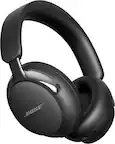
A:AnswerAs long as the internet connection is stable, 10Mb is more than enough to look good. Most 1080p content is like 3-8ish Mb for streaming (and all streaming services lower the bitrate and resolution if they need to). Most 4K streaming content needs like 11ish-15Mb, but again if it doesn’t get that it’ll just degrade to 1080p and still look great. (AppleTV+, Apple’s new streaming service is apparently the highest bitrate service, going as high as 60Mb/s apparently, but again works fine on much much less).
I used to have a 6Mb service and streaming looked good/worked fine, and would be at 720p or 1080p. I’ve even streamed stuff at 1Mb/s, though that looked rough, worse than NTSC broadcasts, though even that wasn’t totally unusable.
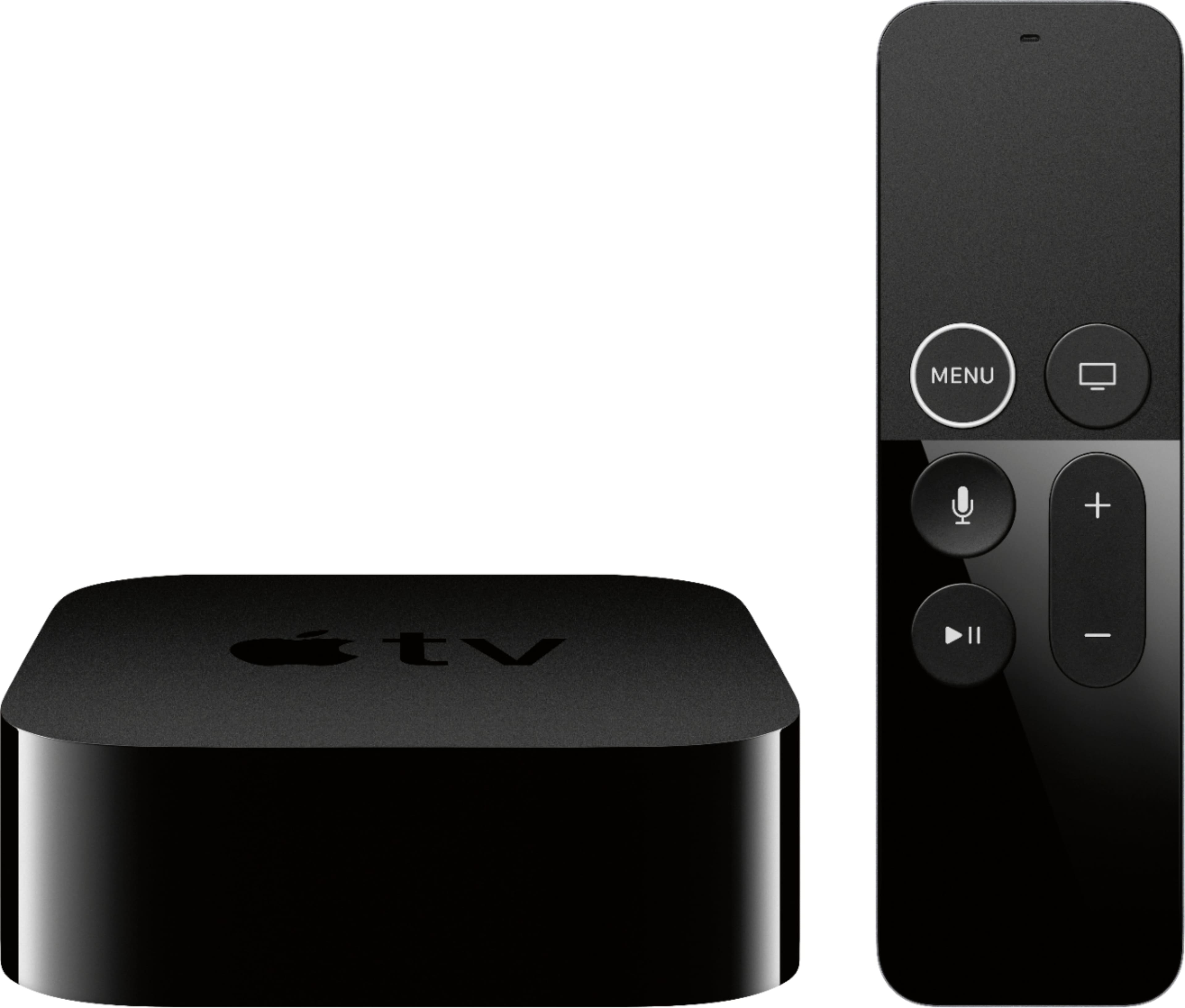
A:Answeryes. I was able to hook up my Bose quietcomfort 35 headphones. It took a couple of tries but it did work. Sounds good and the volume control on the Apple TV remote will control the volume on the headphones when connected.
A:AnswerIf you mean 20MB/ sec, you have more than enough bandwidth for a couple TV’s. Just get the non 4K Apple TV unless you are going to upgrade your Tv’s
A:AnswerWe bought this not only because we love Apple products but because it would be 4K ready when we upgrade our TV. It works just beautifully on our LG HD tv until that time!
A:AnswerIf by “outside service” you mean a typical internet service provider (ISP) then yes, you can get a mobile hotspot from various vendors/carriers. They come prepaid or attached to data plans. This option is going to be much more expensive than traditional ISP’s and be strongly subjected to data caps and thoroughput (speed) limitations.
If, however, you simply want a local network (LAN) that is NOT connected to the entire world wide web (WAN) you can buy any router and connect wifi enabled devices to it. This will enable things like wireless printing and some smart home control within the confines of the home that don’t need the internet to work. A router will simply create a small wireless local network if it is not connected to a wide area network (WAN) source like a modem. A modem converts either a cable or telephonic line to ethernet. Ethernet is the wire that carries internet once it’s in the home. If a router is hooked up to a subscriber modem then it will take that LAN and give it access to the WAN. Without a modem with service from an ISP, only a local wireless network can be created.
Hope that helps. Pretty sure you’re just looking for free internet though. There’s no such thing as “free” internet.
A:Answer1st connect your TV input to your receivers HDMI output. Then connect your Apple TV to an HDMI input on your receiver. I use a Yamaha receiver (RX-V385BL) and I have my Sony 65" connected to the HDMI output. I connected my Apple TV to HDMI 2, my DVD to HDMI 1. I hope this answers your question.
A:AnswerStreaming difficult cause the Weather could hamper your television viewing pleasure but I’m a gambler and would say the Apple TV HD 4k will always be your Best 1080p visual, Stay with the HD if all possible (Apple)
A:AnswerYou need something to provide 4K content to your 4K TV, if it’s a Smart TV there is plenty available on Netflix.
You would also need it if you use iTunes to purchase movies. If not and you have APPs to connect to Netflix or another streaming service then you wouldn’t necessarily need an Apple TV, although Netflix and other streaming sites are available on Apple TV
A:AnswerThe AppleTV is for watching stuff on a tv or monitor, it wouldn’t be for watching things on your MacBook, though you can end stuff from the MacBook or windows to the AppleTV.
You may be able to watch stuff from spectrum on your MacBook through a web browser (or not), and spectrum may have an “app” for AppleTV to watch stuff on your tv (or not). Comcast doesn’t, though that may be because they’re trying to push their own “flex” box that I don’t want.
A:AnswerThe Apple TV doesn’t have a cable input or anttenea hookup so any live TV would come from an app that streams the feed. Locast is free and available in some markets. I use AT&T TV Now as my tv provider and stream all my live TV.