A:AnswerNo you can't add celluar in the future. So if you want cellular you have to buy it that way. If you are always near wi-fi like most people you don't need it but great if you are active and want to take a run and leave your phone at home.
A:AnswerYep! The box is very long, and mine unfortunately didn't come with an Apple sticker. Regardless, since it's an Apple product, it'll come in an Apple-style box. They've got great packaging uniformity.
A:AnswerI'm not sure the exact footage, but I'm able to keep my phone charging and walk around the house without any disruption to the watch. I've left the phone in the car to walk to the ATM and lost connection, but I wasn't parked right next to the ATM bank. It stays connected when I'm in my back yard and in the garage. When I'm out and about, I normally carry my phone in my pocket or purse, so I've only "tested" it that once at the ATM.
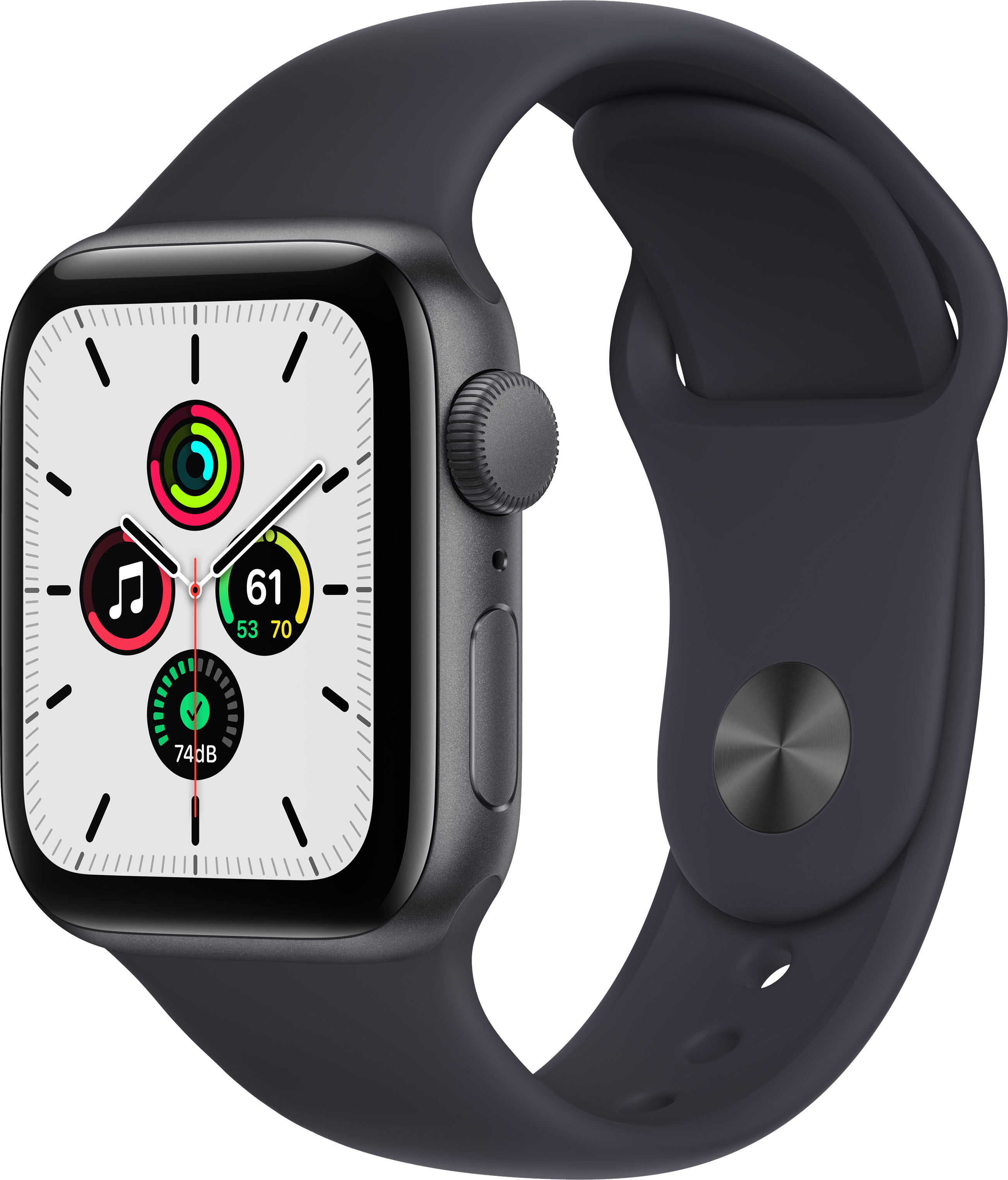
A:AnswerI wouldn't. You can wear this watch in the shower and some people wear this in the pool. The water ejecting feature of the watch just makes a sound which vibrates the speakers and pushes some of that water out. The watch isn't completely liquid proof, so some of that chlorine and salt water could damage the casing or even internals of the watch.
A:AnswerIf someone in your family has an iPhone then they can do the family setup feature (https://support.apple.com/en-us/HT211768) and can set up Apple watches for the whole family. If not, it can not work by itself.