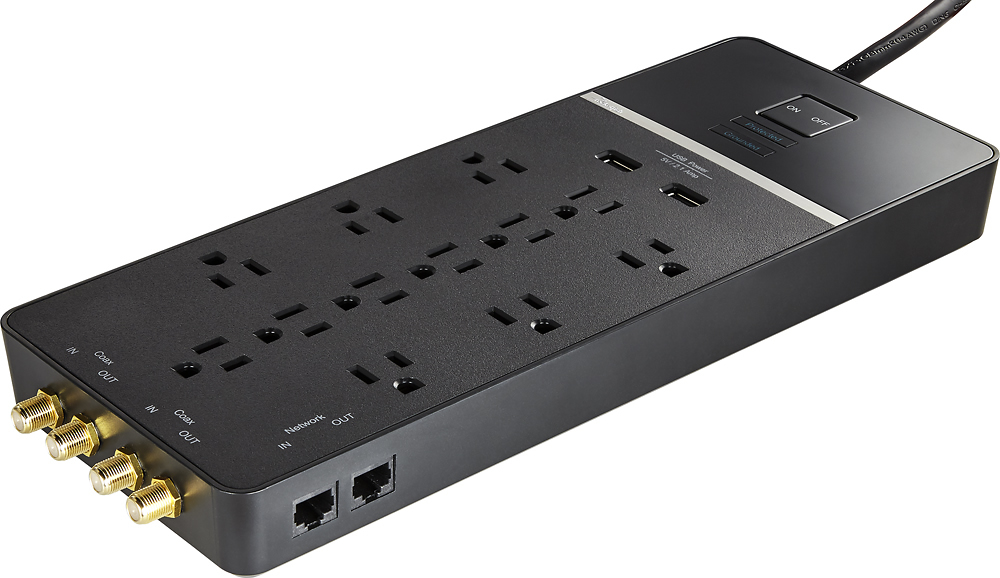
A:Answer Make sure everything is securely plugged in and you have plugged it into a high end surge protector. Flip the surge protector ON and NEVER flip it off!! If you have a power surge it may fry the surge protector, but at least your computer will be protected. It’s wiser to invest $60-$80 in a good surge protector than to spend nearly $2,000 on a new computer. You just paid a fortune for your computer, don’t make the mistake of not plugging it into a high end surge protector. If it still doesn’t boot up, plug it into another surge protector, because the cheap ones burn out without any warning, due to a power surge. The iMac On/0ff button is on the lower left back side, which you can reach from with your fingers from the front without having to move your monitor. If you still have trouble and have checked all of the above, try reading the instructions. I hope you were wise and purchased the AppleCare protection and a high end surge protector. A couple of years ago, a power surge fried 6 of my high end surge protectors, but all of my electronics were okay. As a last resort you can take it into Best Buy, but, as I was warned the APPLEcare warrantee is good for only 2 repairs within my 3 year APPLECare protection. Ask your dealer where you purchased your iMac how many times you can bring it in on the warrantee and how many years is your warrantee in effect? If you have another source for the Internet type “How to operate the new iMac 27” computer” and watch the various YouTube videos. It will help you to familiarize yourself with your new iMac.