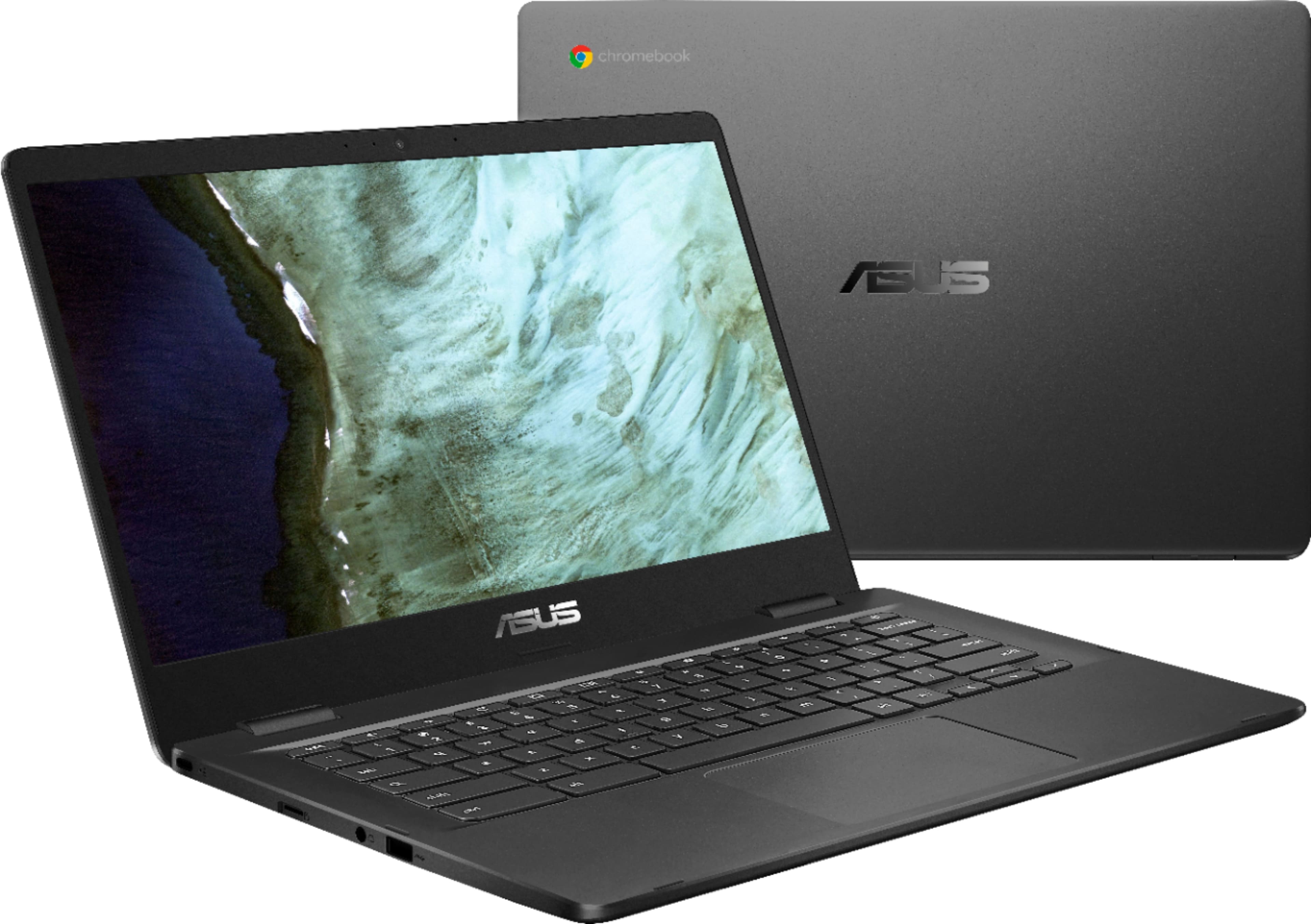
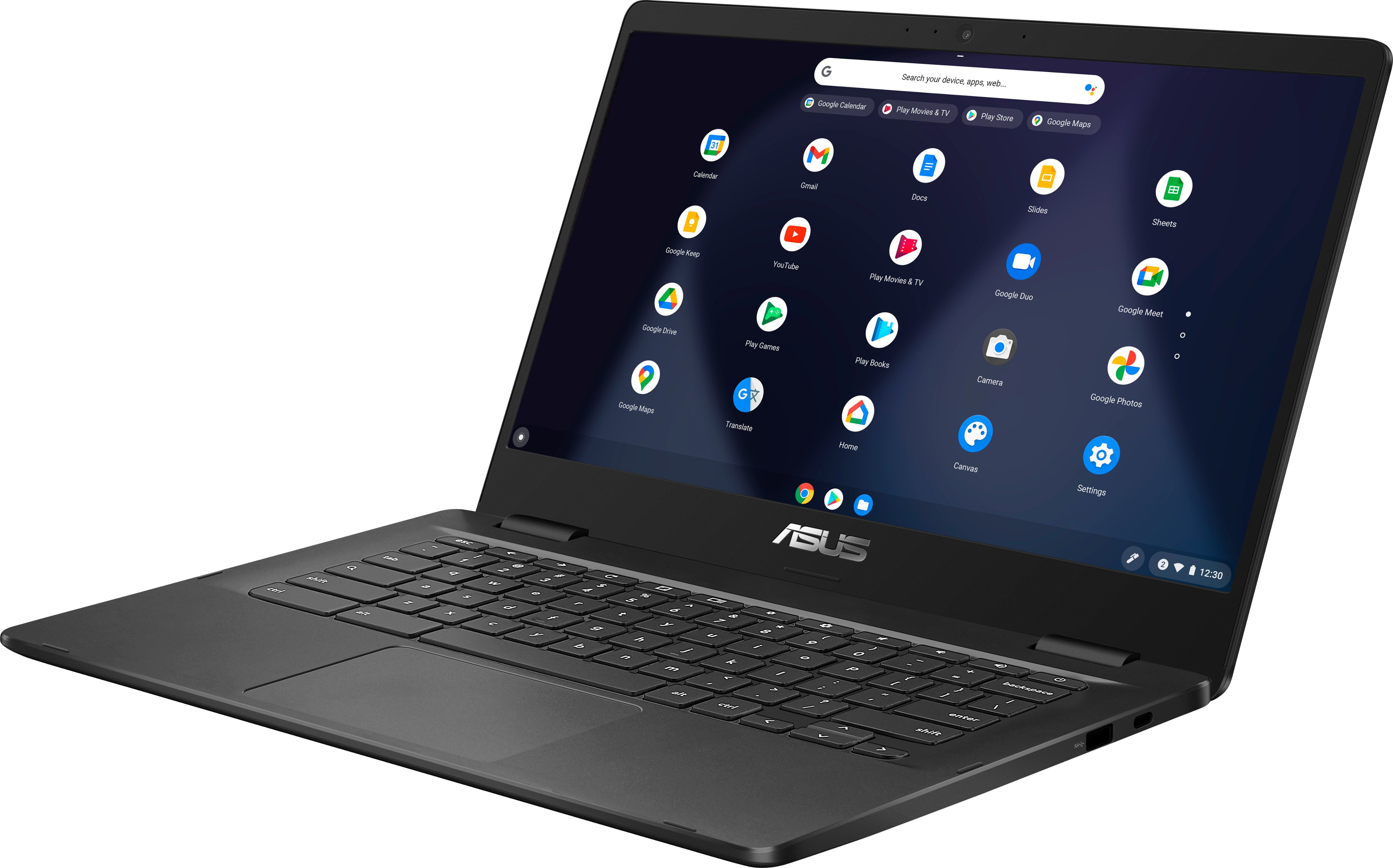
A:Answer Usually, the following can be performed if the Chromebook will not boot up, or just getting a blinking light with no video.
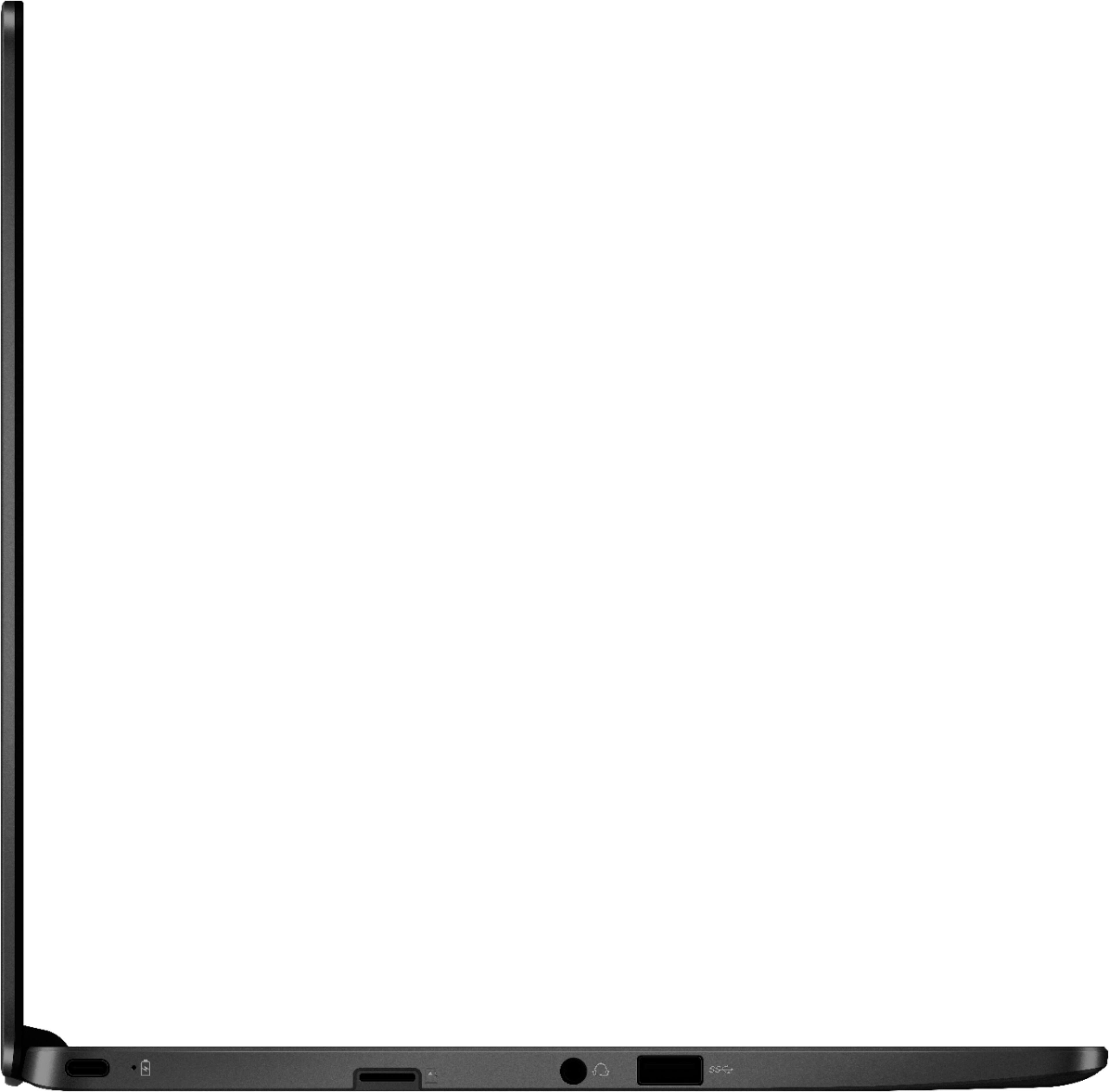
Please verify if the AC adapter is properly connected from the Chromebook to a known good, working surge protector or AC outlet.
If running it with battery only, please make sure the battery has an ample amount of charge.
If this was tried to no avail, please try to disconnect the AC adapter and let the unit drain for 24 hours to clear the memory and reset the hardware to default settings.
After doing this, please reconnect your AC adapter, do not power on the Chromebook until the battery was charged.