A:AnswerMagnifying Glass for Google Chrome™ FREE! The magnifying glass displays the zoomed area on the web page, making the selected area visible in detail. This magnifying glass extension shows a zoomed in area within the radius of the magnifying glass, without affecting the rest of the webpage.
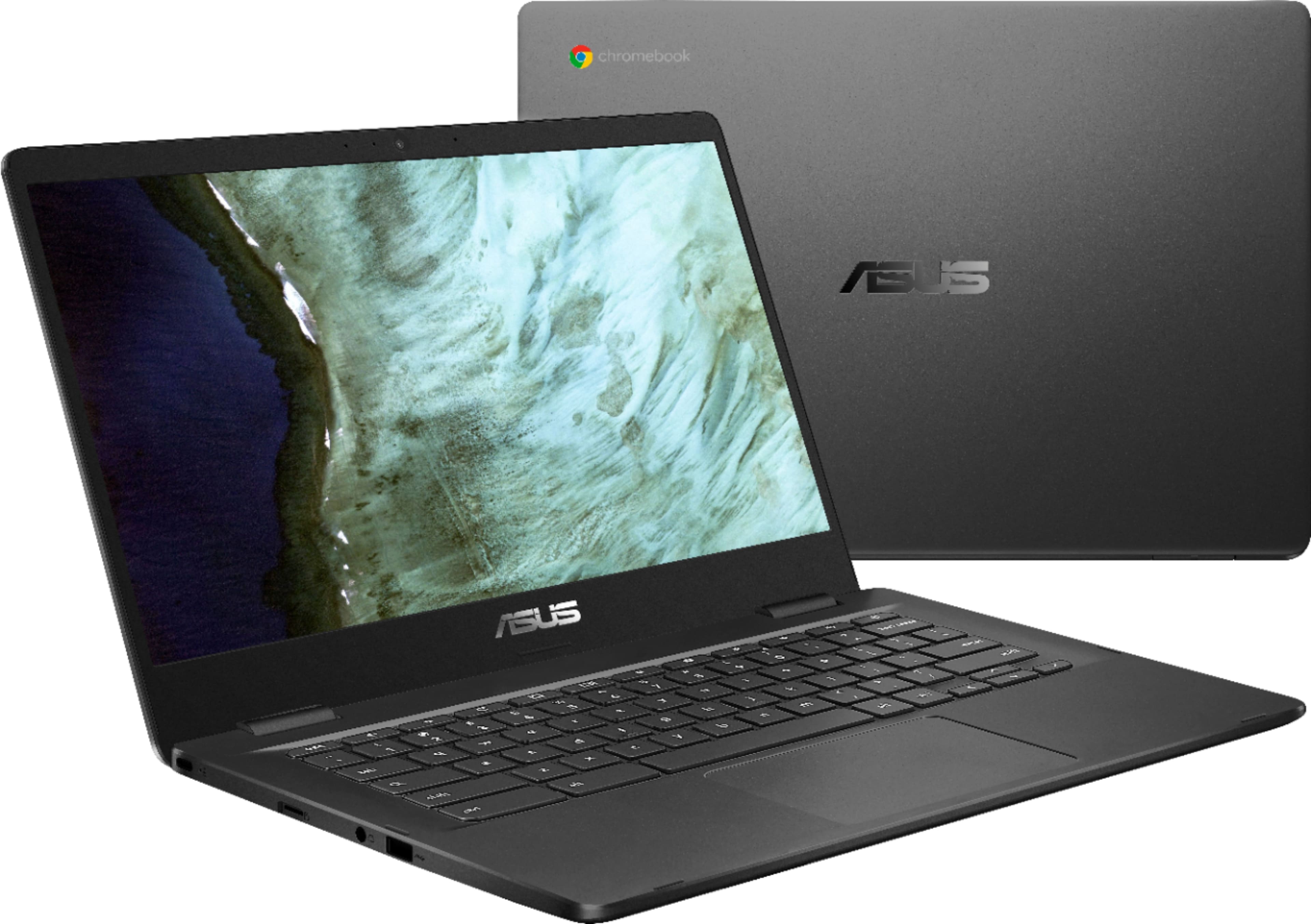
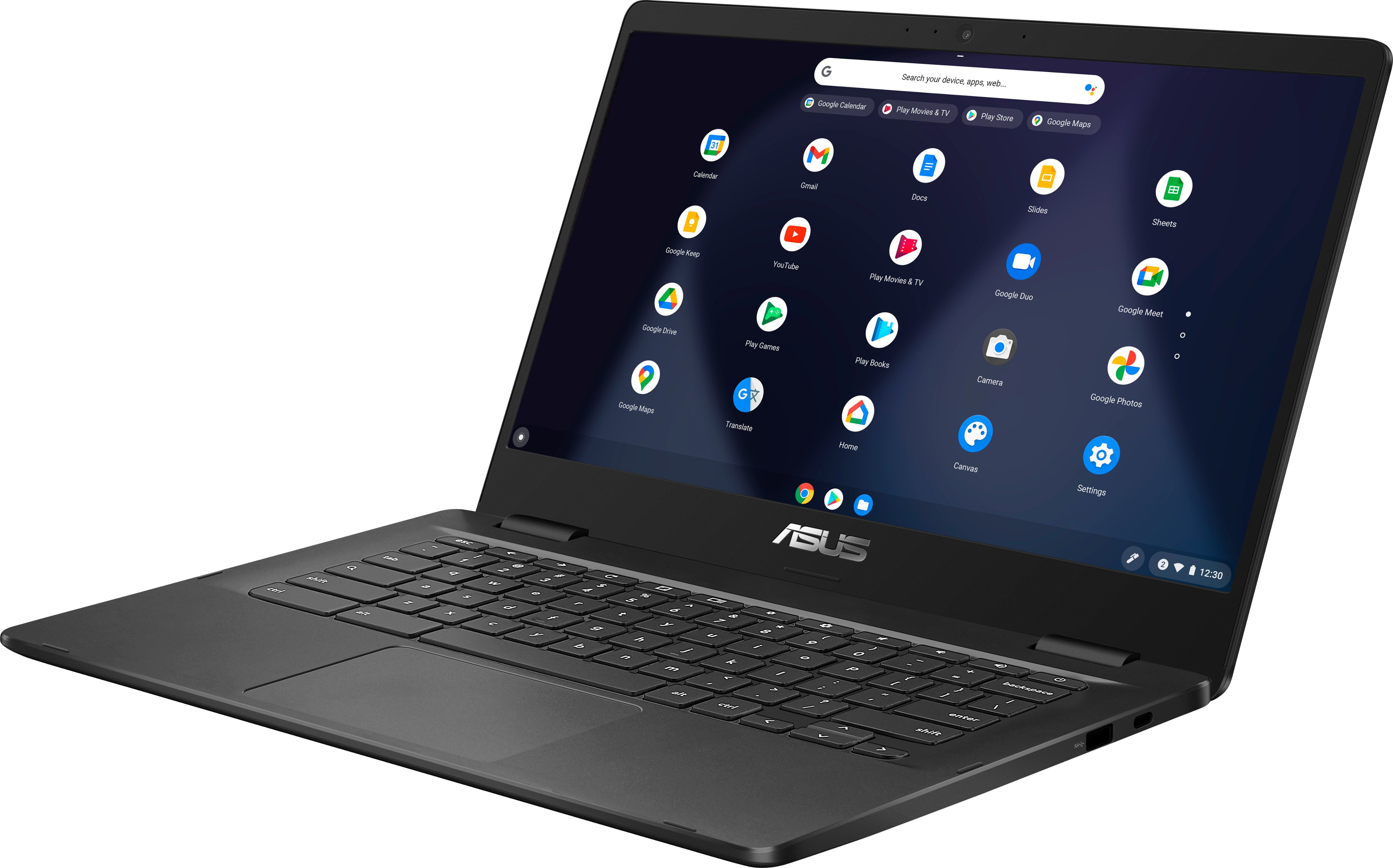
A:AnswerHello Re. Thank you for your question. Based on the information provided on the retailer's website, this Asus Chromebook is not touch-screen. Bear in mind that we always recommend verifying this information directly with the retailer support. You can contact Best Buy's support team using the link below:
***https://www.bestbuy.com/site/electronics/customer-service/pcmcat87800050001.c?id=pcmcat87800050001***
You can also chat with a Best Buy agent by clicking the chat button that is located in the lower right corner of the retailer website.
Thank you for choosing Intel!
A:AnswerHello NotBob. Thank you for your question. Based on the information provided on the retailer's website, this Asus Chromebook is not touch-screen. Bear in mind that we always recommend verifying this information directly with the retailer support. You can contact Best Buy's support team using the link below:
***https://www.bestbuy.com/site/electronics/customer-service/pcmcat87800050001.c?id=pcmcat87800050001***
You can also chat with a Best Buy agent by clicking the chat button that is located in the lower right corner of the retailer website.
Thank you for choosing Intel!
A:AnswerChromebooks have a built-in Flash player that you can enable in site settings when you click on the lock in the address bar. Chromebooks have Adobe Flash built in. Sometimes if you click download Adobe Flash, it will say "Your Chromebook automatically has the newest version of Flash.