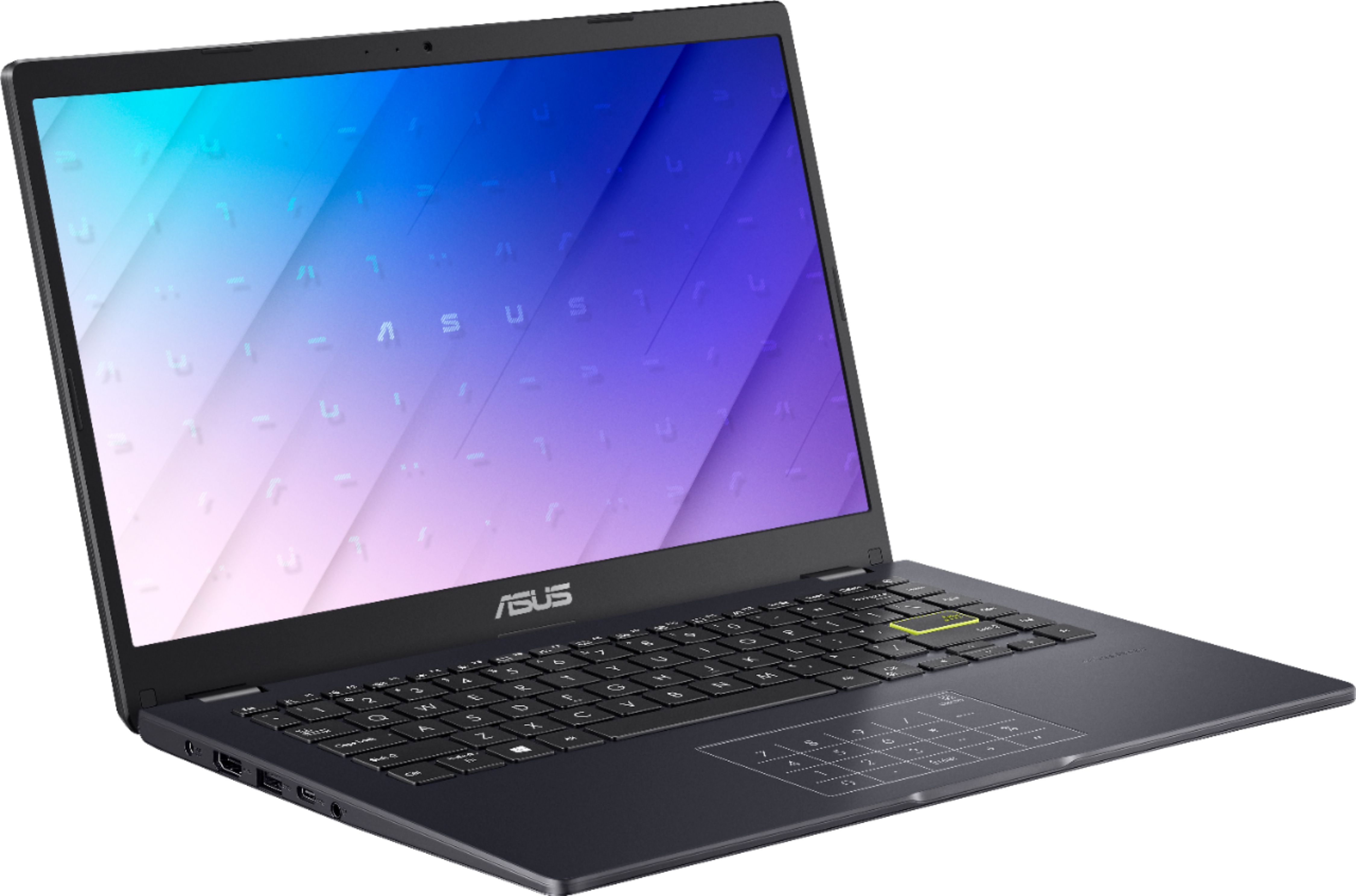
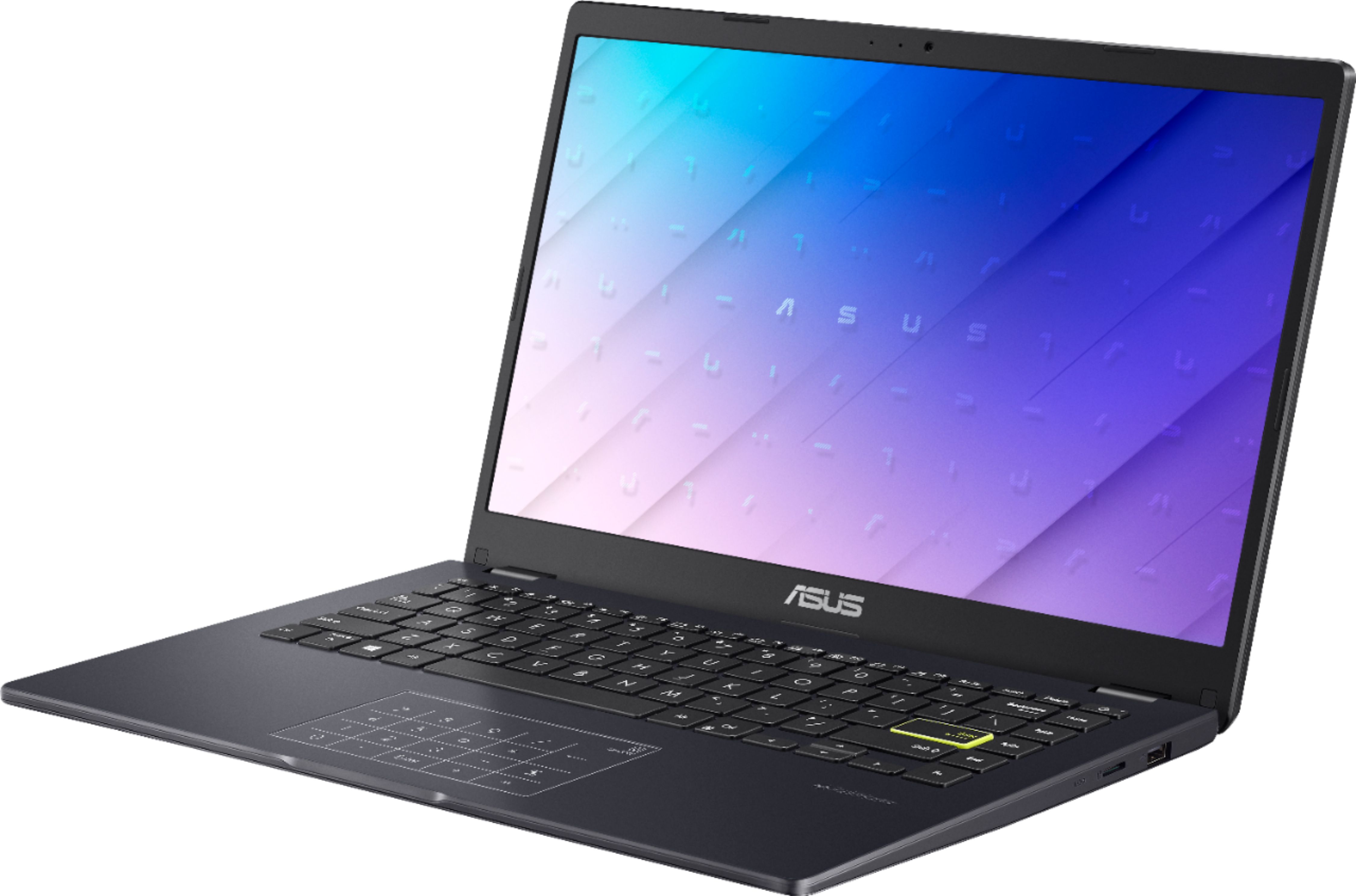
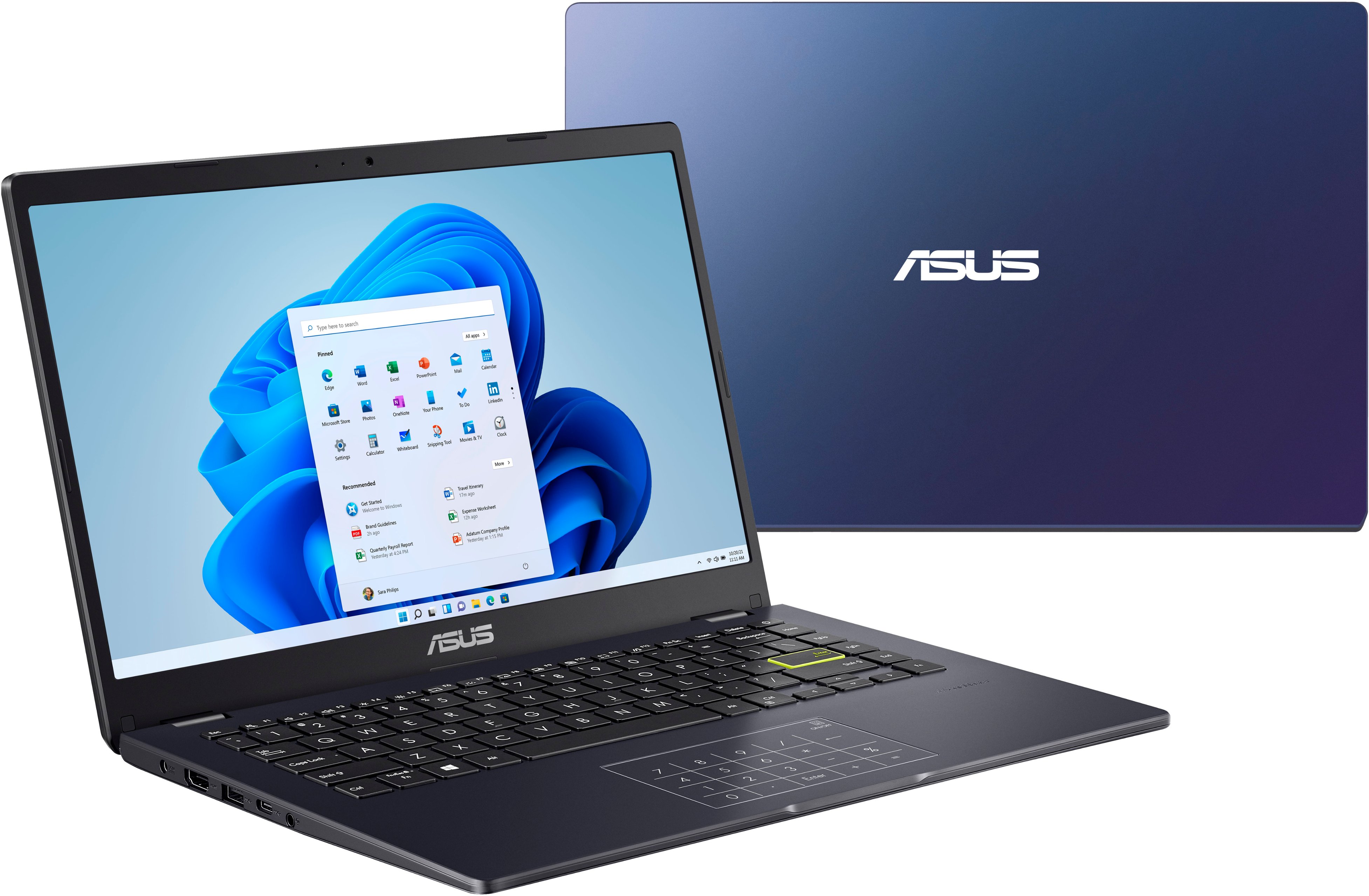
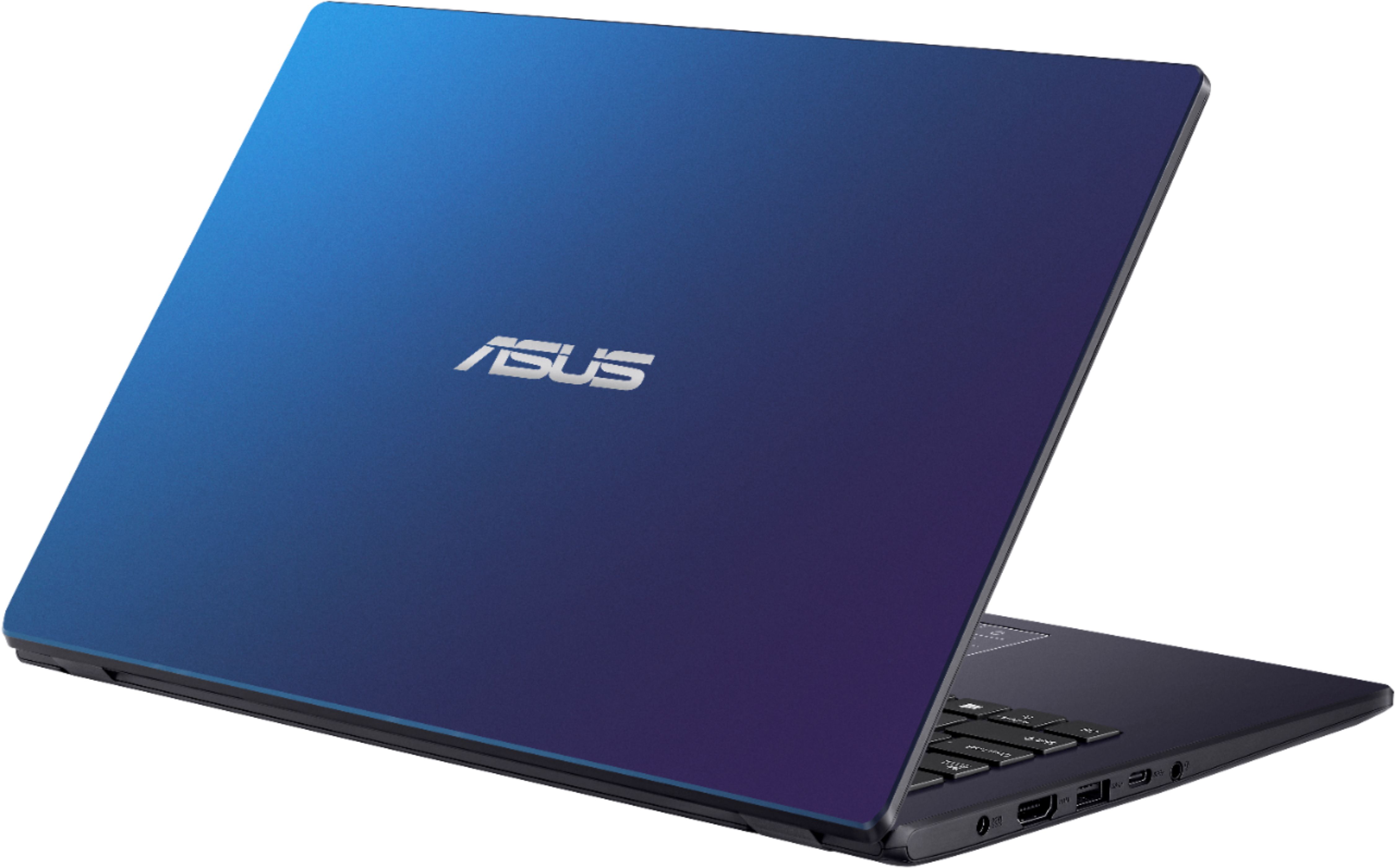
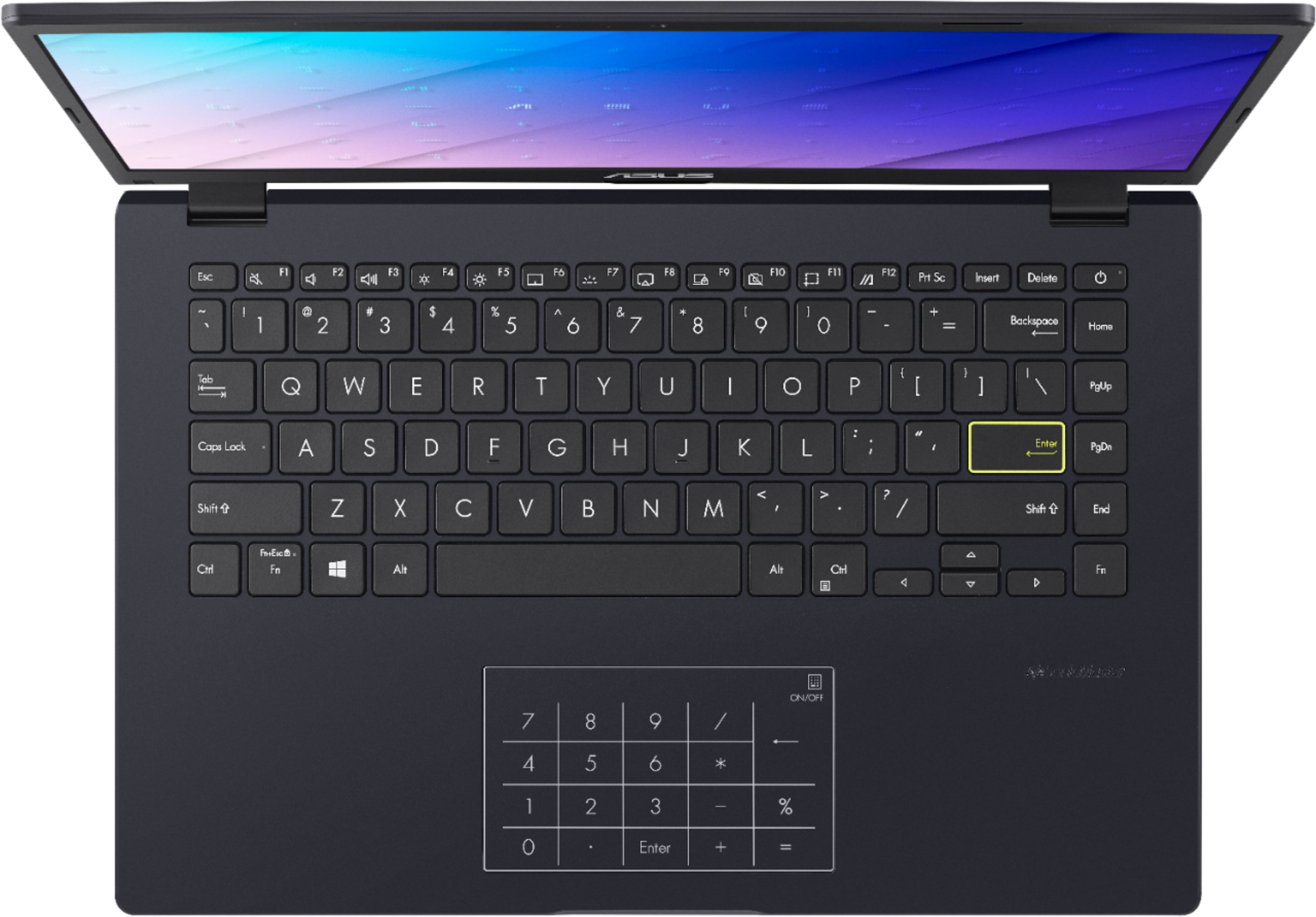
A:AnswerYes, I read another review stating that this computer is compatible for roblox. If the graphics are high, the computer will still run smoothly. It will be perfect for games like Parinorma
A:AnswerToooooo many!!!
Heck, they even install over 8GB’s of EMPTY FILES THAT ARE OF NO USE!!
But, as far as plain ol programs are concerned… TikTok, all the regular boring Windows games, an Adobe photoshop express, Hidden City, Microsoft 365 Personal 6 month trial, Cortana, Xbox plus about 4 other apps to assist with it such as Xbox Hame Bar Plug-in Xbox One Smart Glass, Spotify, All Video Player HD, Windows Map, OneNote, Calculator, Dolby Access, Realtek Audio Console, Intel Graphics Command Center, Mail & Calendar, Microsoft Tips, Phone, People, blah, blah blah…
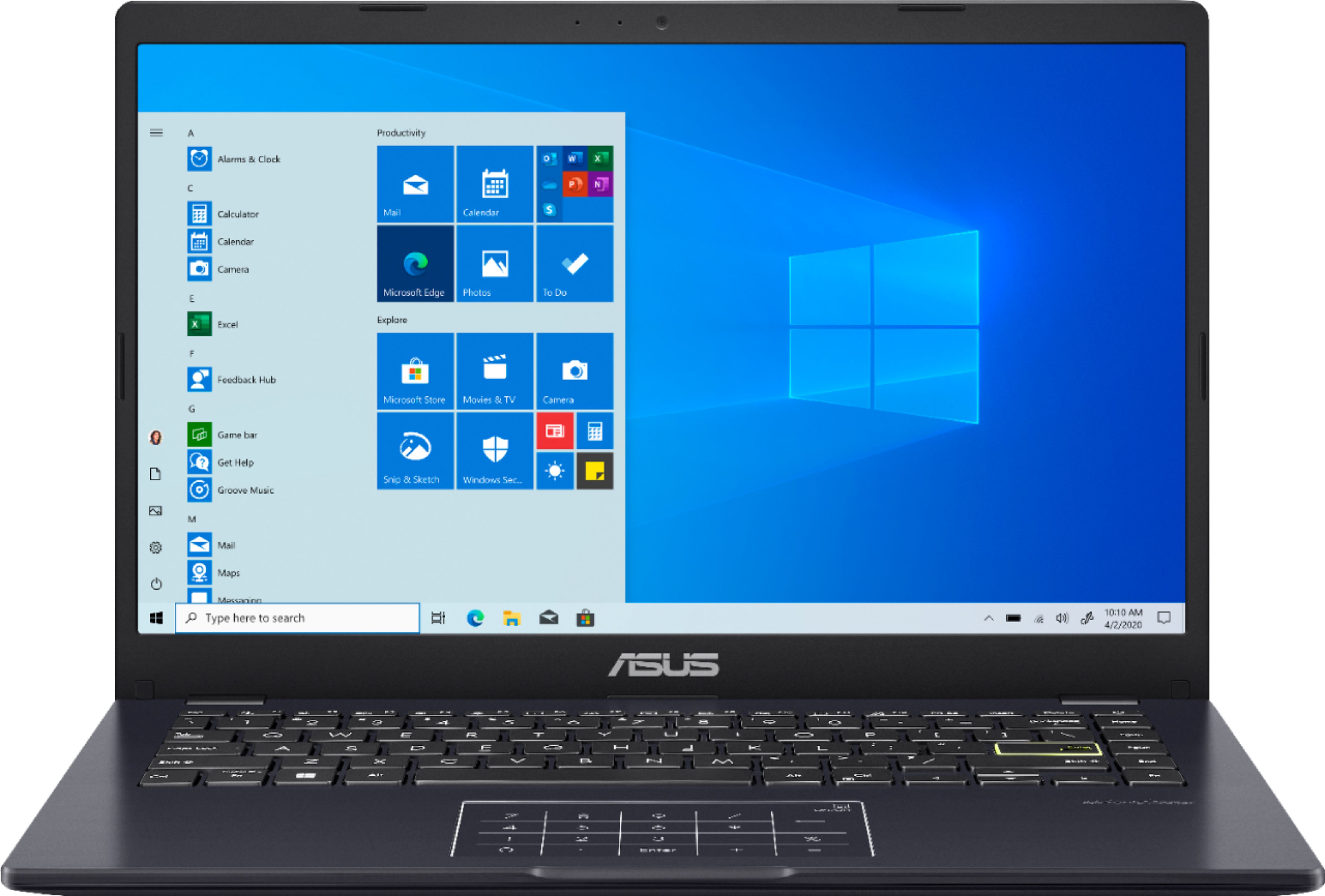
A:AnswerIn S Mode.
It’ll also go ahead and get it ready for the switch to Windows 11 when you’re setting it up now since it’s release is occurring any day now.
But, for those wondering if it’s compatible, YES!
A:AnswerIf u bought it TODAY, upon set up it’ll say “Downloading W 11 now”, but it’s not ACTUALLY going to be in W 11. It just means that since w-11 is compatible, when it finally rolls out the device will automatically upgrade to W-11 for free.
If you were setting it up today, one you are done with set up you’ll be using W-10 S Mode..
Remove S Mode and you’ll be using W-10 Home
A:AnswerI don’t think it is, unfortunately.
I could be wrong, & hope I am!
But, I register every ASUS laptop I’ve ever purchased on MyASUS, and so far they’ve been very dedicated with helping me that BB has refused to assist me with.
The only reason I don’t THINK you can add any extra RAM is due to the teensy tiny disc drive it has in it, that’s literally packed with EMPTY FILES!!!!
This is the one big thumbs down I give this rather cool pc.
It even “offers” it’ll roll the Windows regrant back to Windows 7.
(That’d be a DREAM!!) But, all the files are doing are taking up what little space that’s already shoved into this device.
SORRY! Ciao!