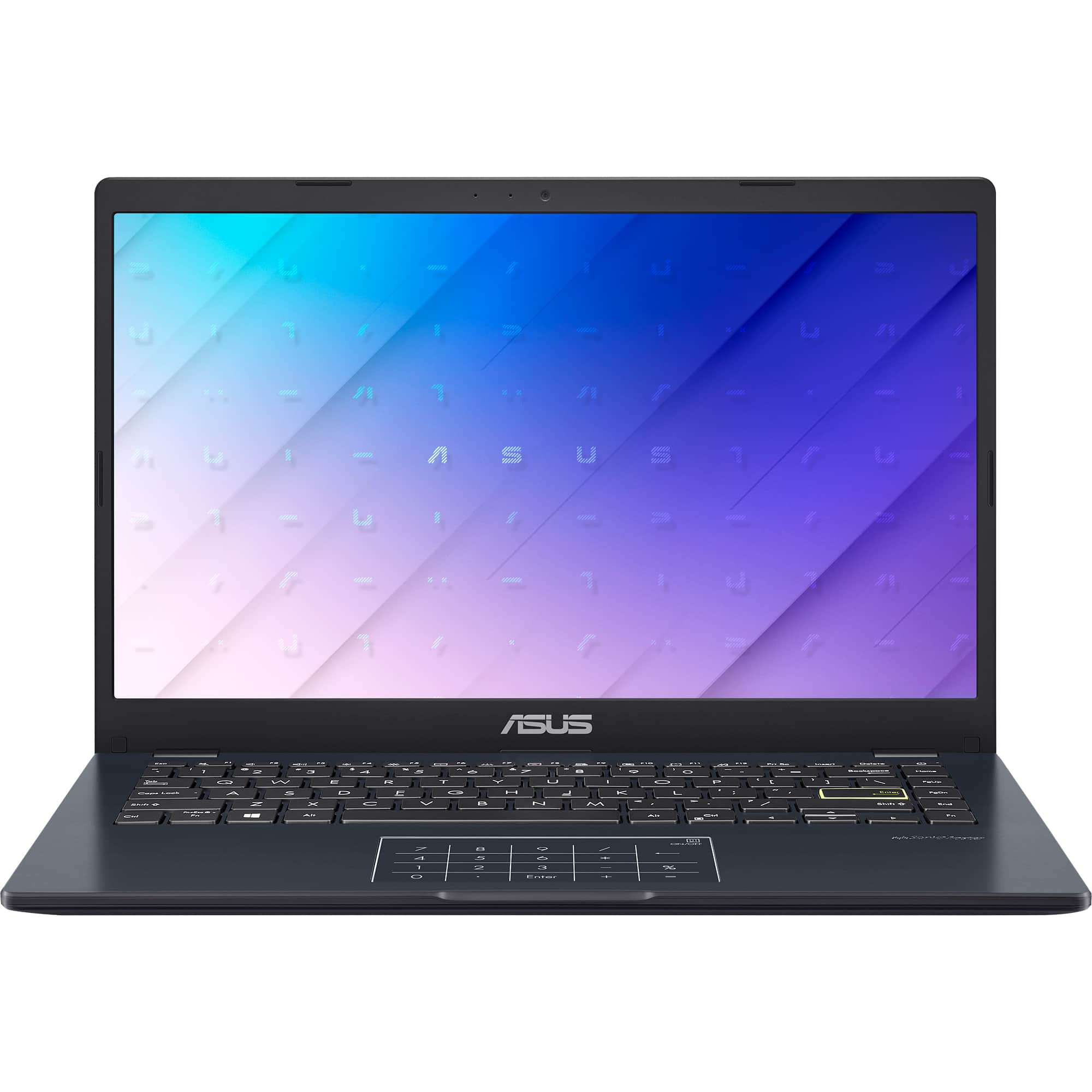
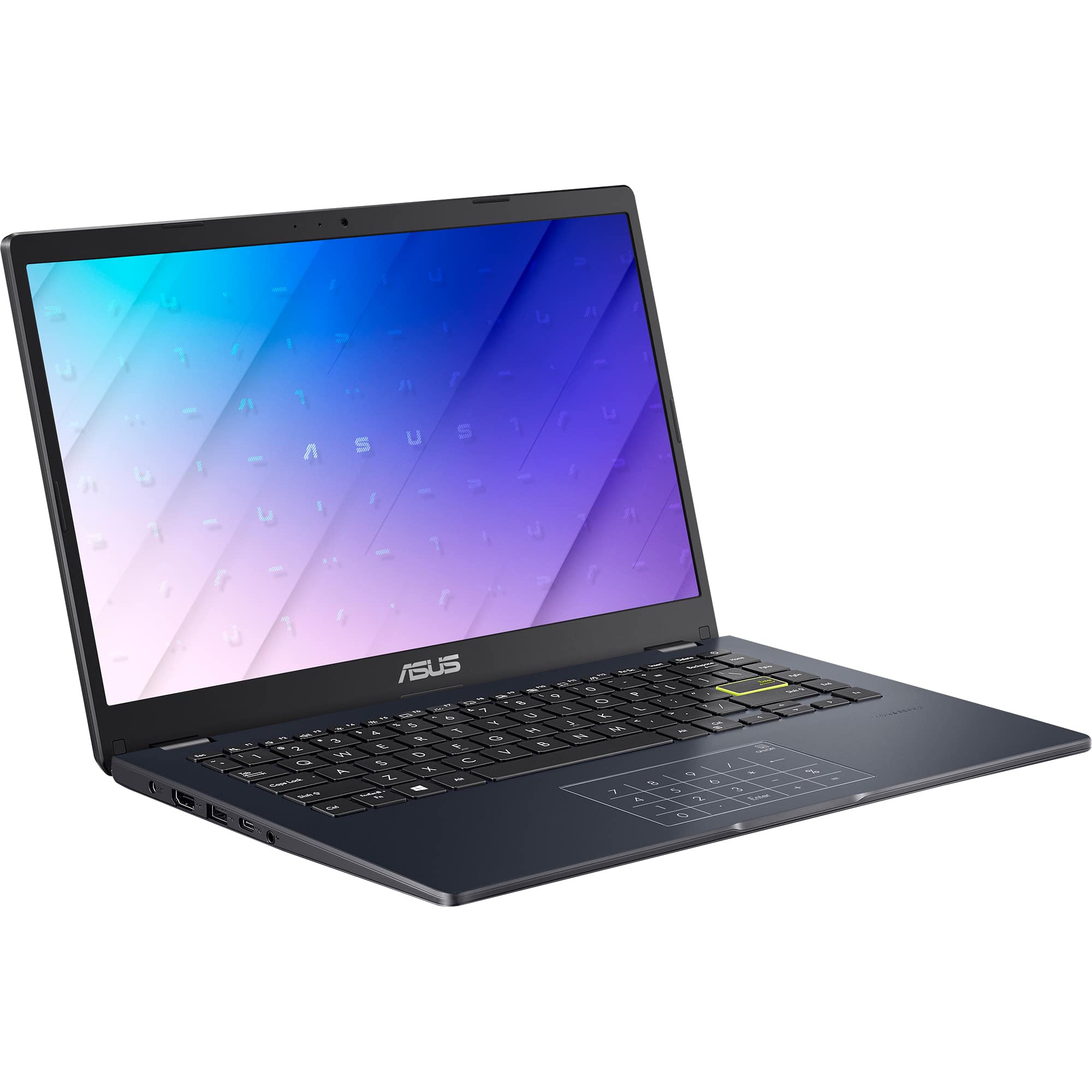
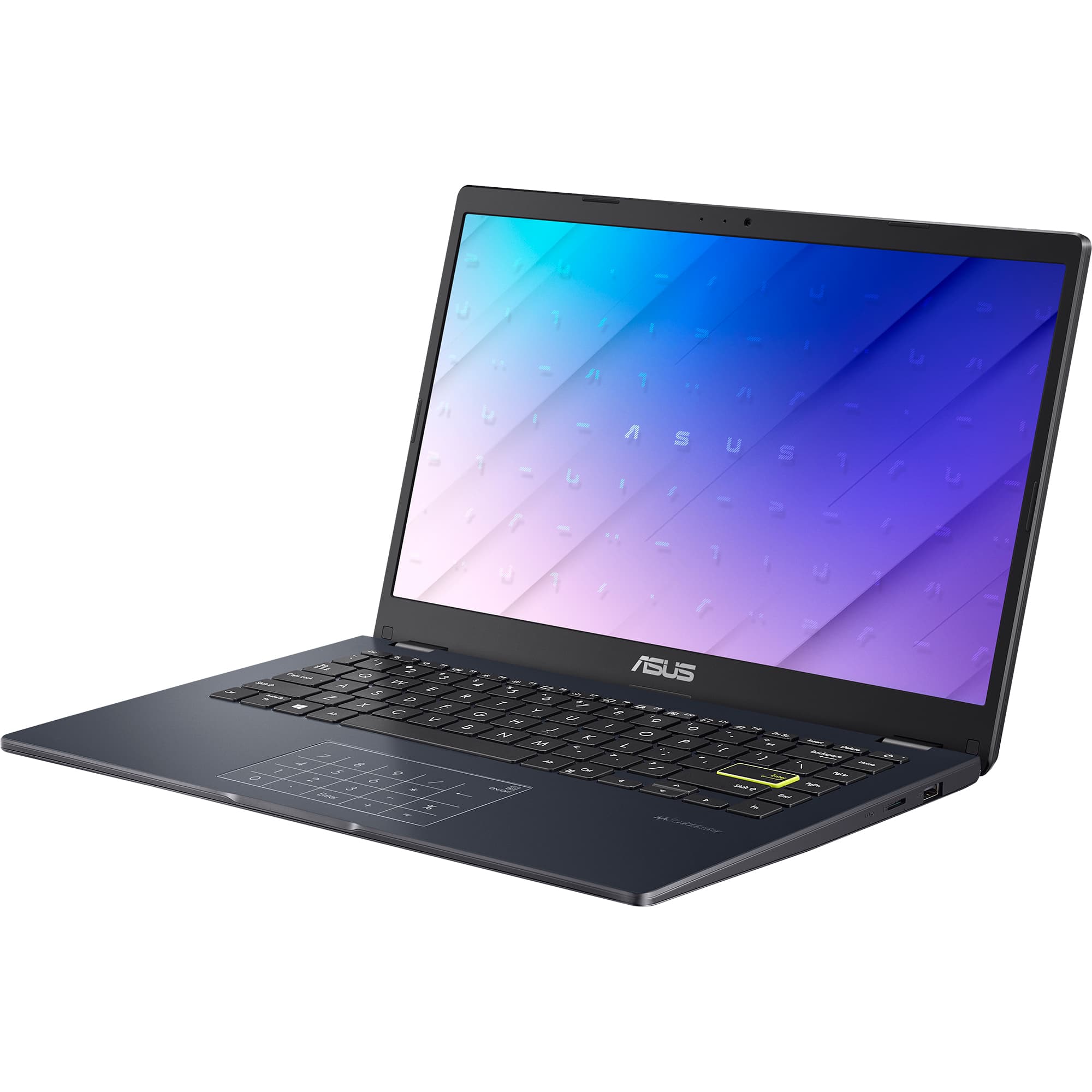
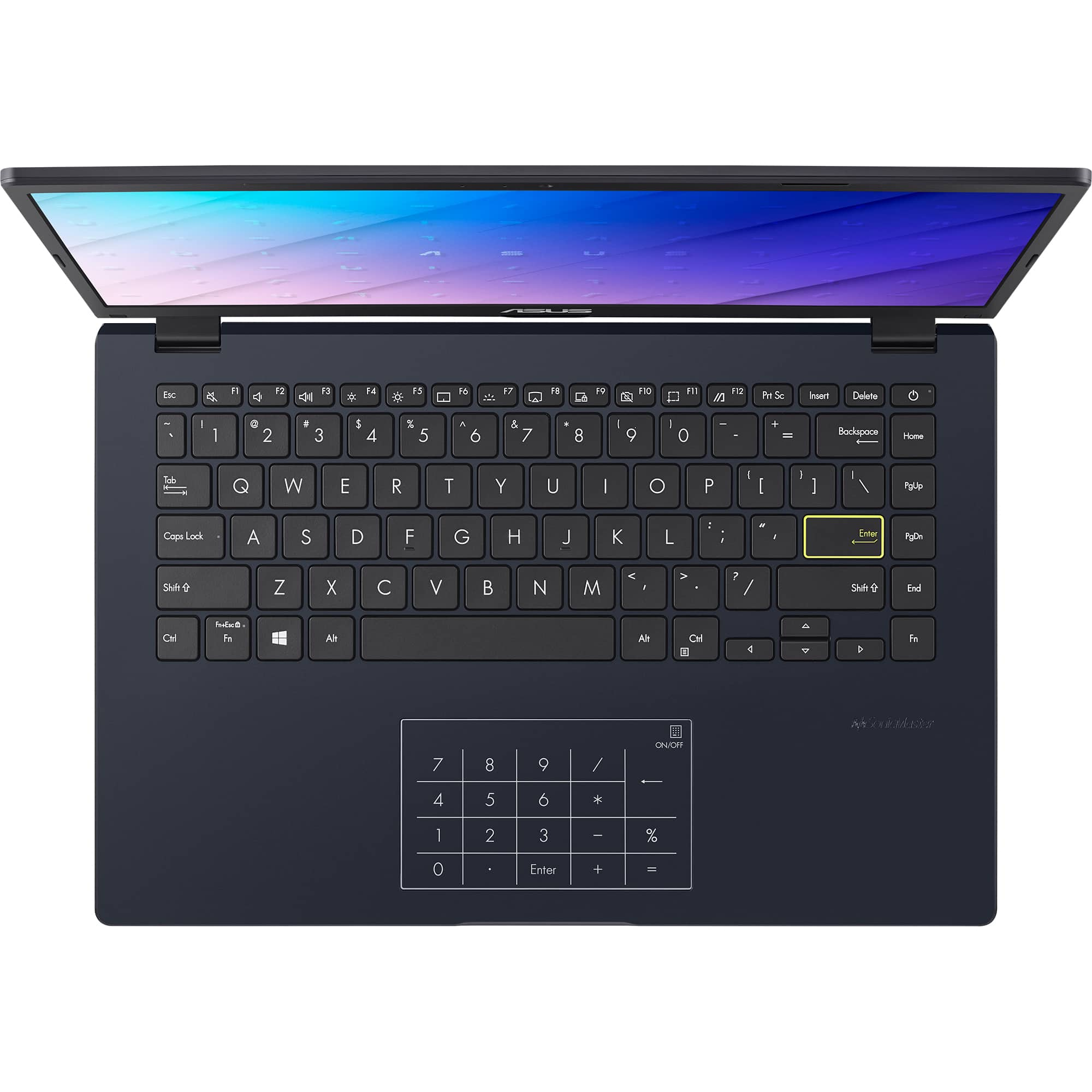
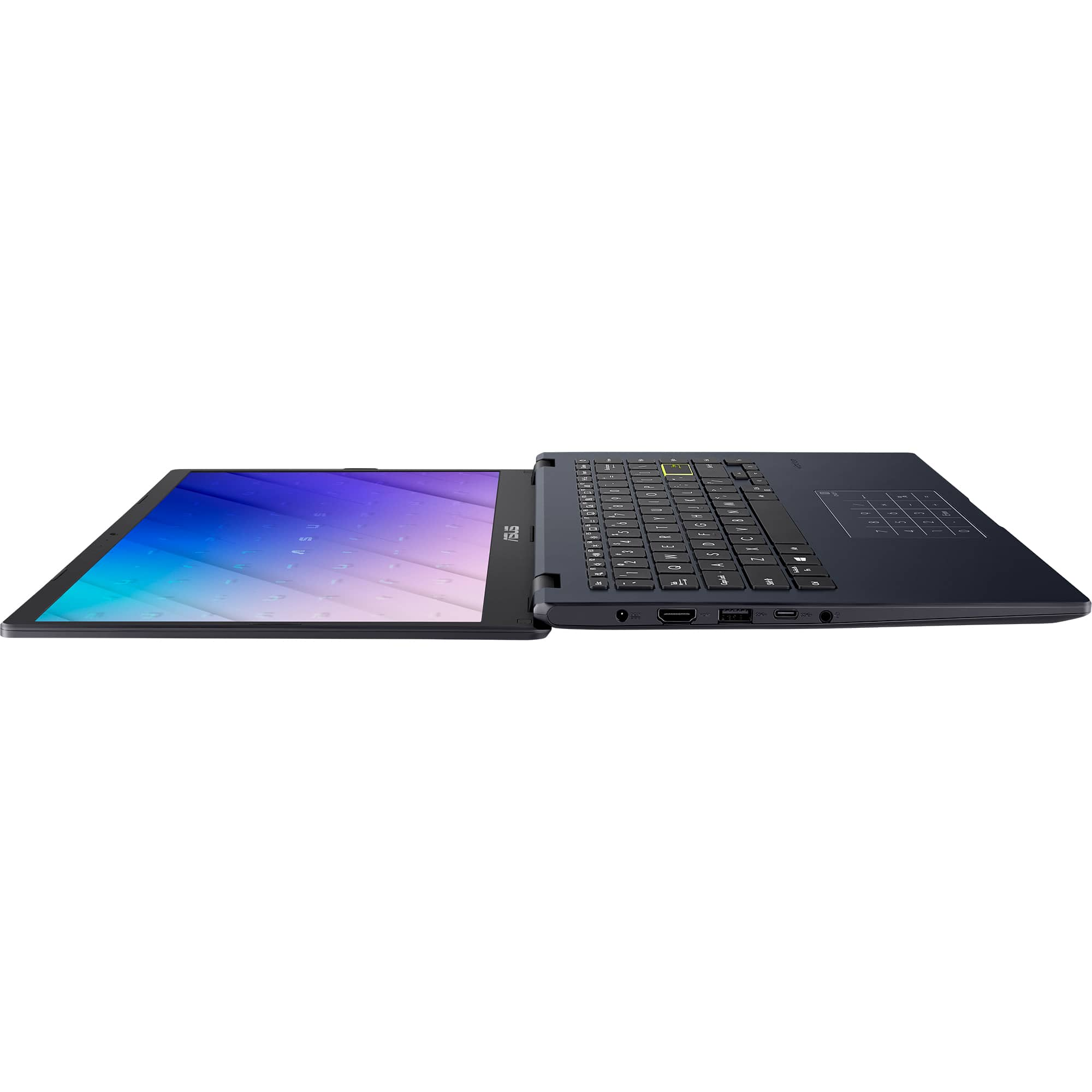
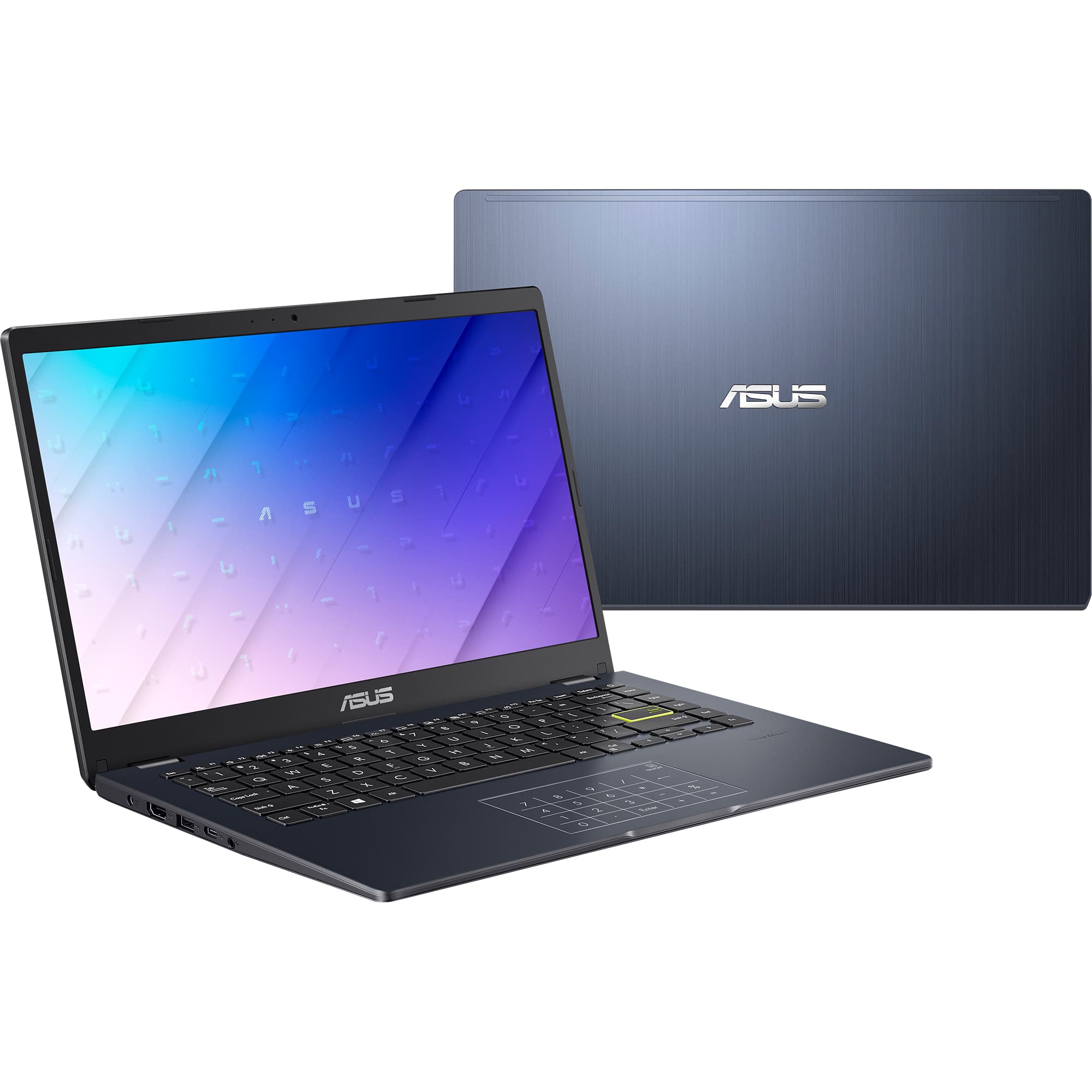
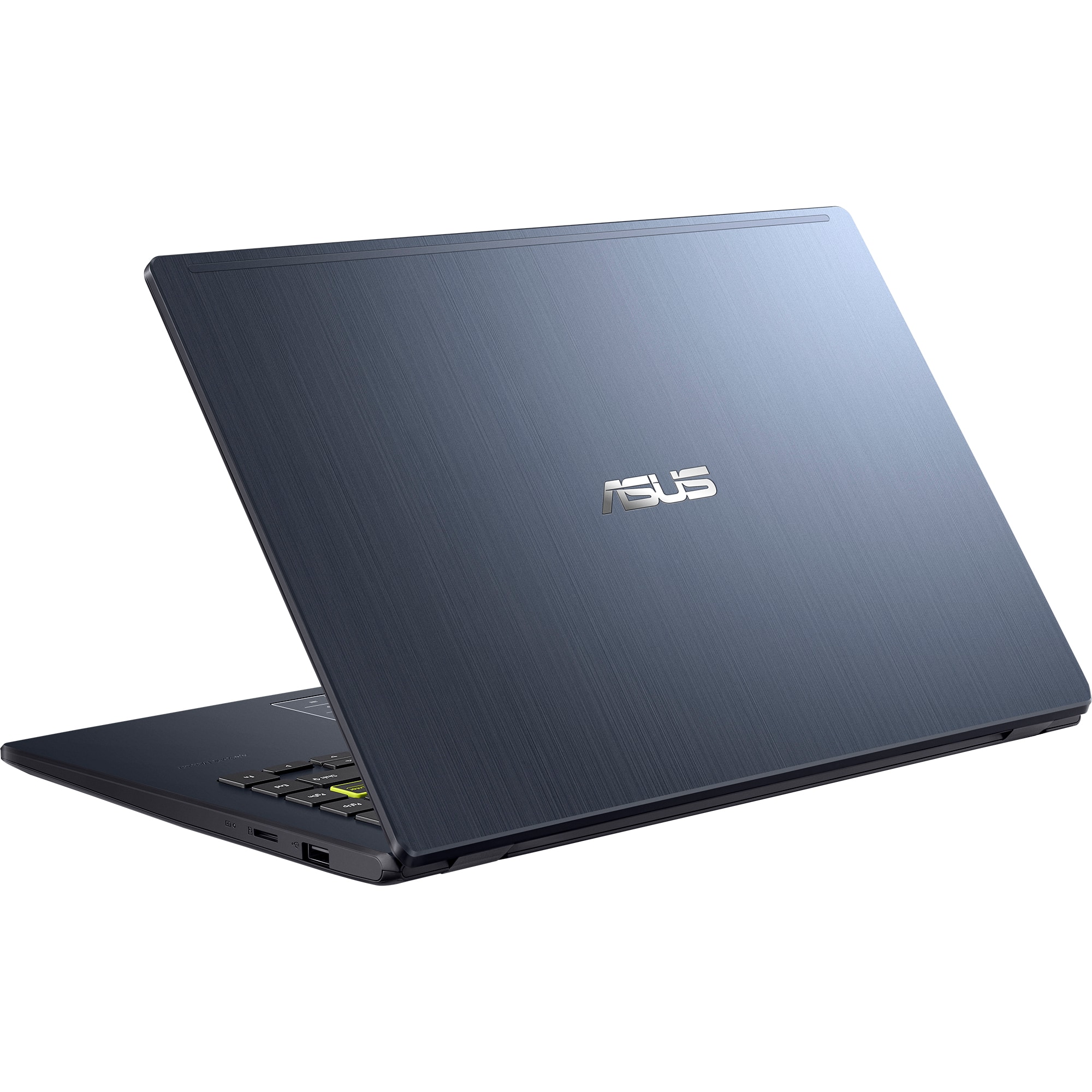
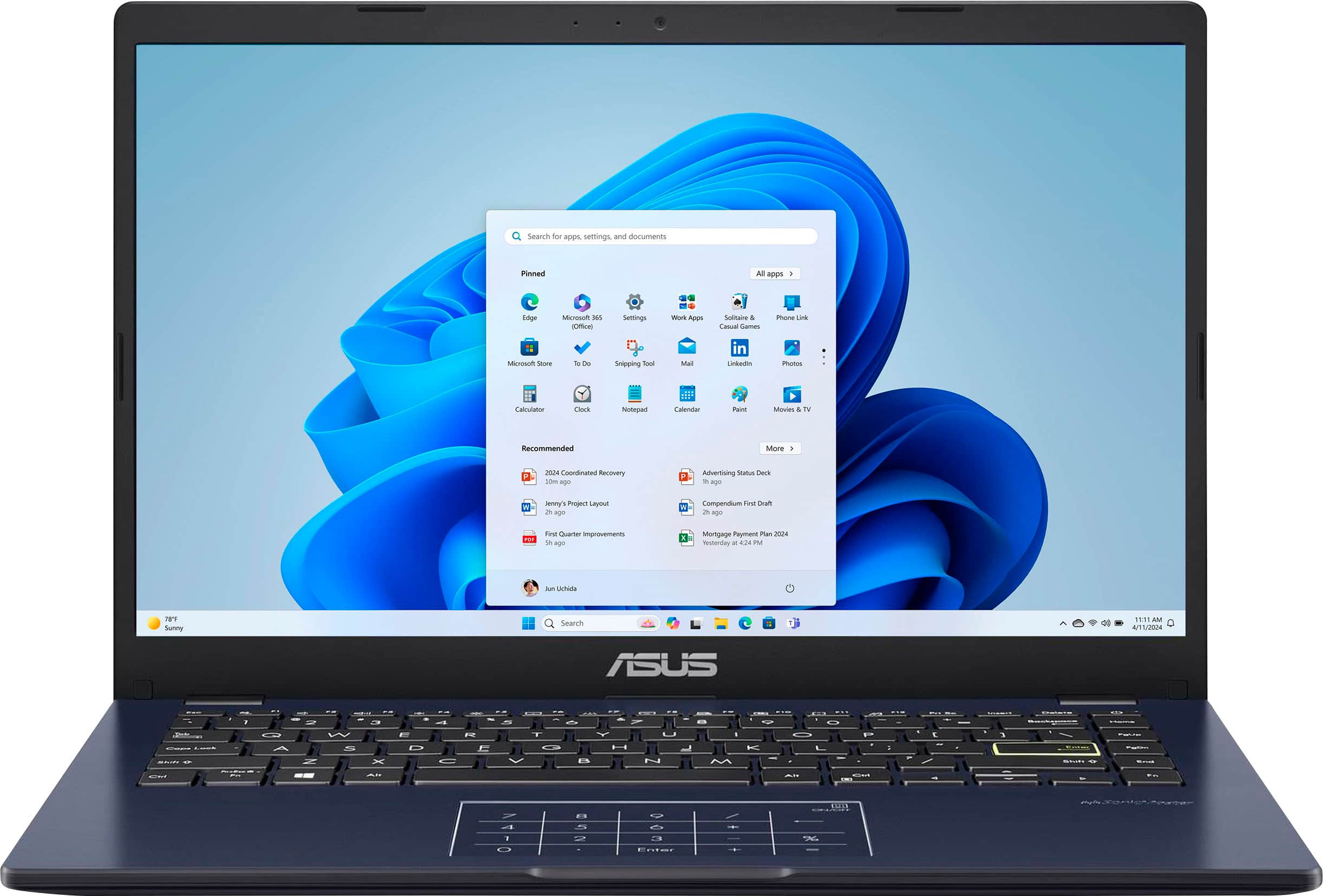
A:AnswerAs an upcoming insurance agent, this laptop model, while it is an affordable and lightweight laptop suitable for very basic, day-to-day tasks, it lacks the performance and storage required for business use or professional work.
A:AnswerSwitching from Windows 11 S Mode to regular Windows 11 won’t make the ASUS E410KA very slow. It can handle Firefox with uBlock Origin just fine, as they are lightweight.
A:AnswerThe ASUS E410KA (Vivobook Go 14) can run Cricut Design Space without problems. The laptop meets the basic needs for the software, so you should be able to use it smoothly.
A:AnswerThe ASUS E410KA (Vivobook Go 14) has a built-in touchpad, so a mouse is not required. You can navigate and control the cursor using the touchpad. However, if you prefer using a mouse, you can easily connect one, whether it's wired or wireless.
A:AnswerYes, the ASUS E410KA (Vivobook Go 14) should work with a Canon MX450 Bluetooth printer. You can connect the printer via Bluetooth and use it for printing tasks.
A:AnswerIs your setup hung up on signing into a Wi-Fi network through the beginning of Windows where you enter your country and your language? If so, search how to bypass the Wi-Fi setup (its not necessary) and you will be opening a command prompt (the line looks similar to /OBE..., you can also use your phone as a hotspot and continue set up that way but I don't recommend it as my computer has become very confused after doing that after my last fresh OS install.
A:AnswerThe ASUS E410KA (Vivobook Go 14) runs on Windows 11 Home. With its Intel Pentium Silver N6000 processor, 4GB DDR4 memory, it's fully equipped to handle Quicken and other daily tasks seamlessly.
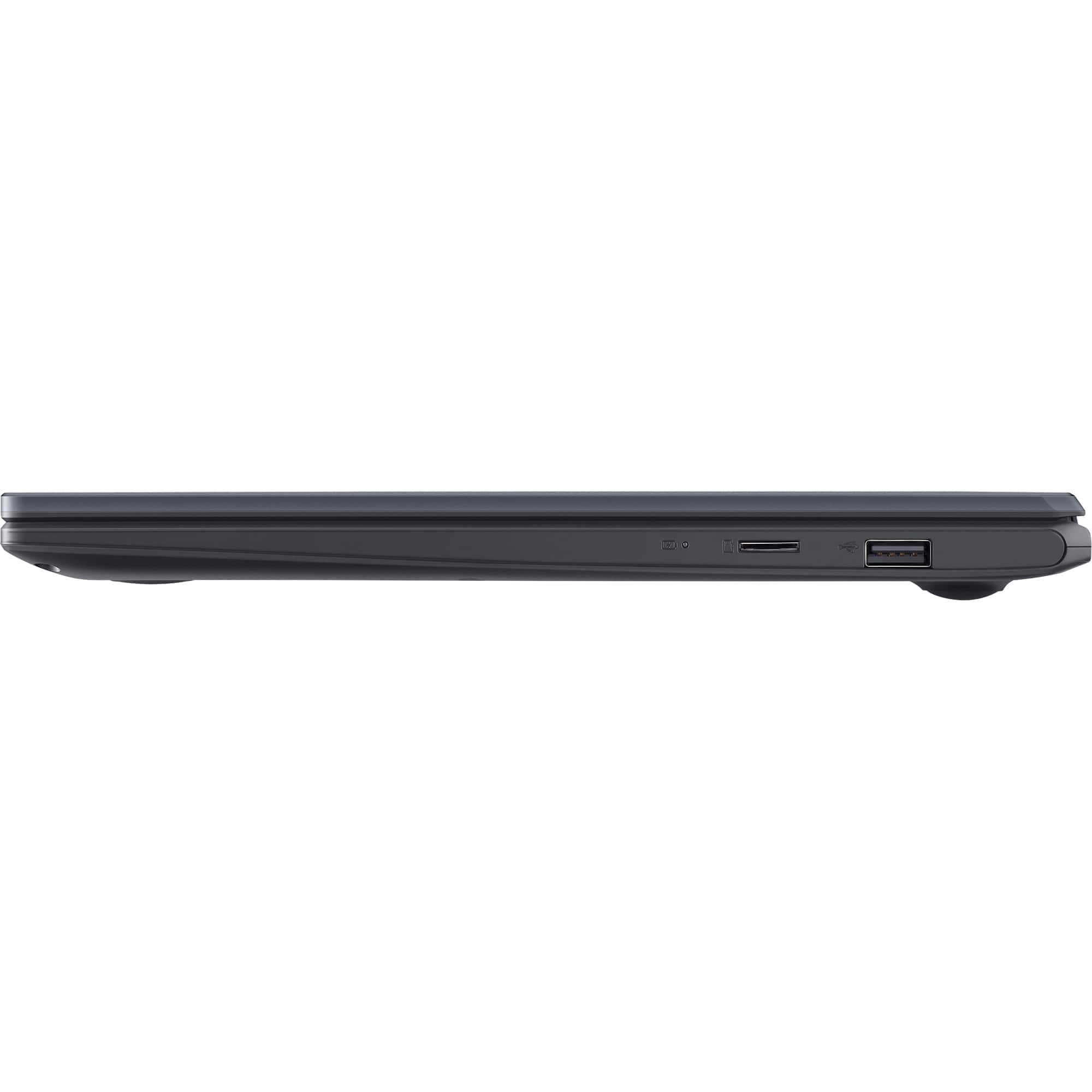
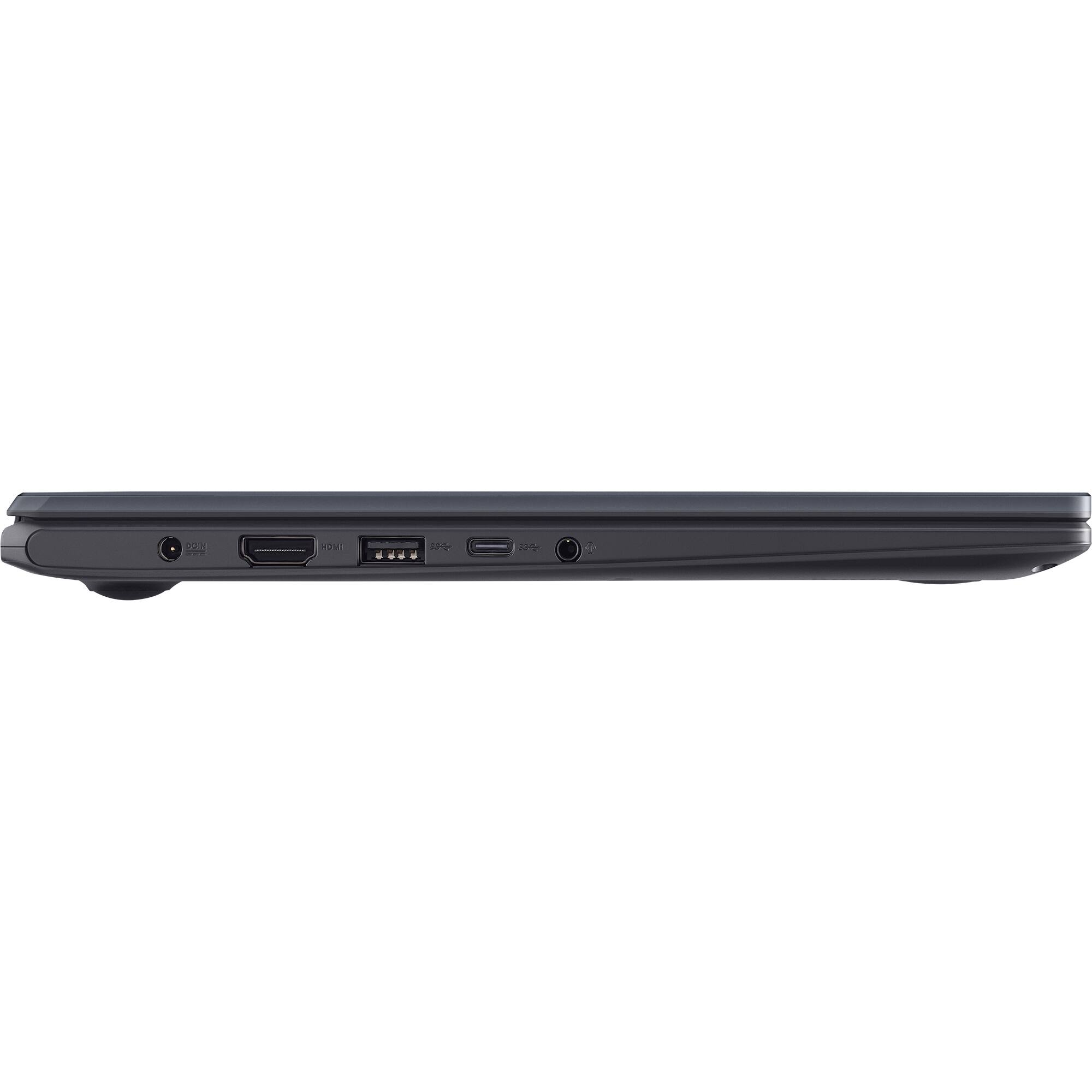
A:AnswerThe ASUS E410KA is a compact and lightweight laptop designed primarily for basic computing tasks and productivity. Unfortunately, it doesn't have the capability to support an external or upgraded GPU. This model comes with integrated Intel UHD Graphics and doesn't have a dedicated GPU slot or support for an external graphics card.