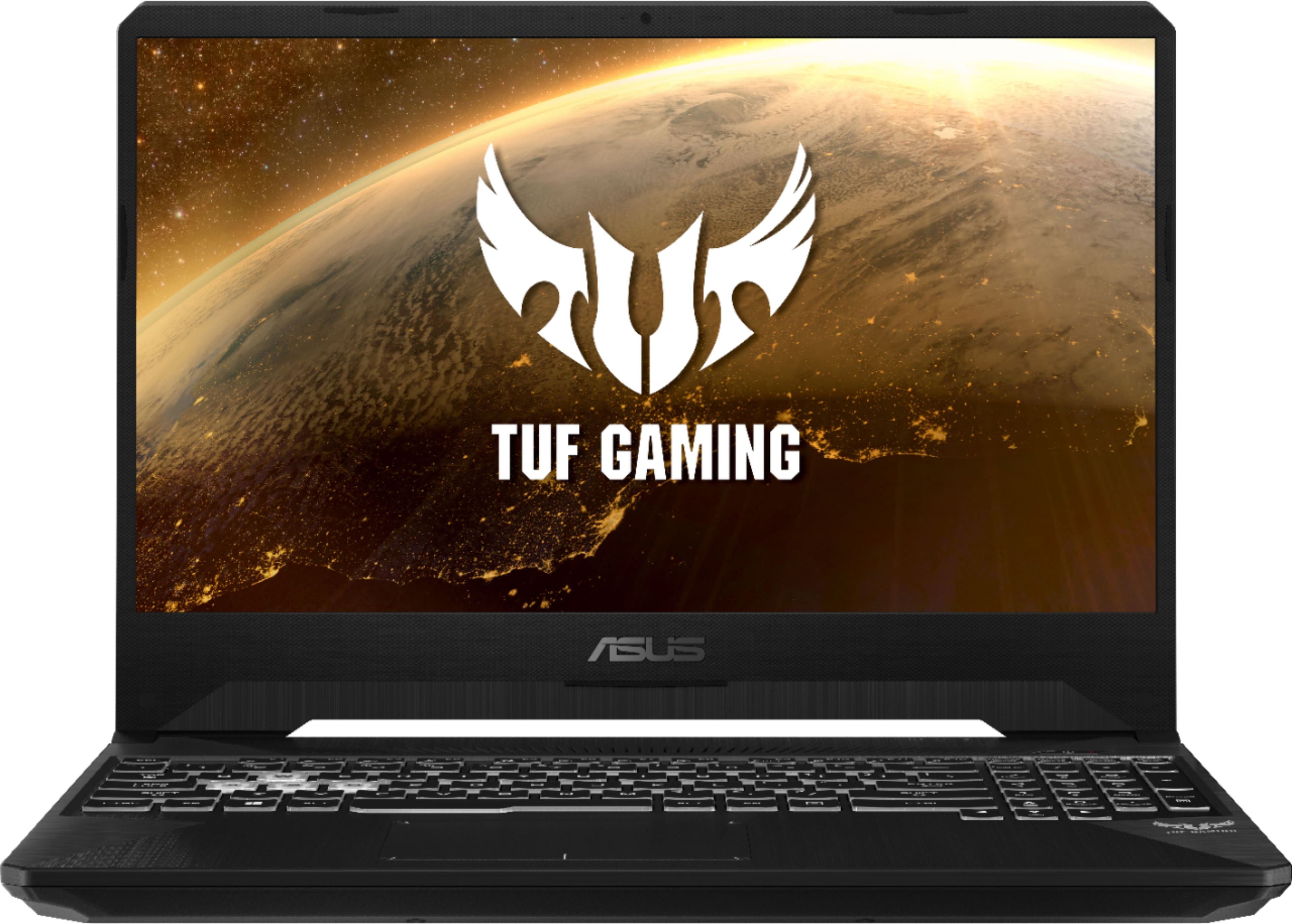
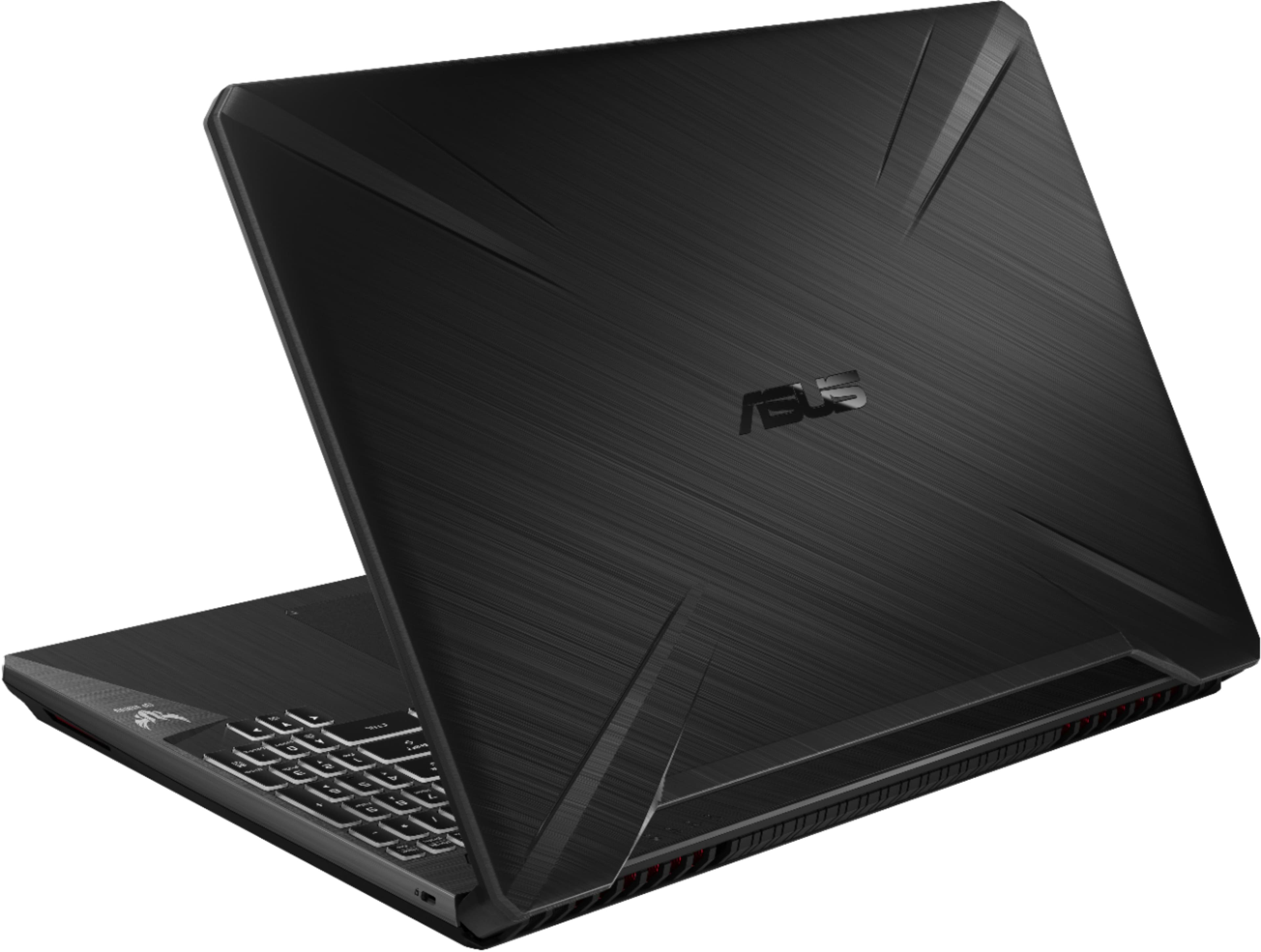
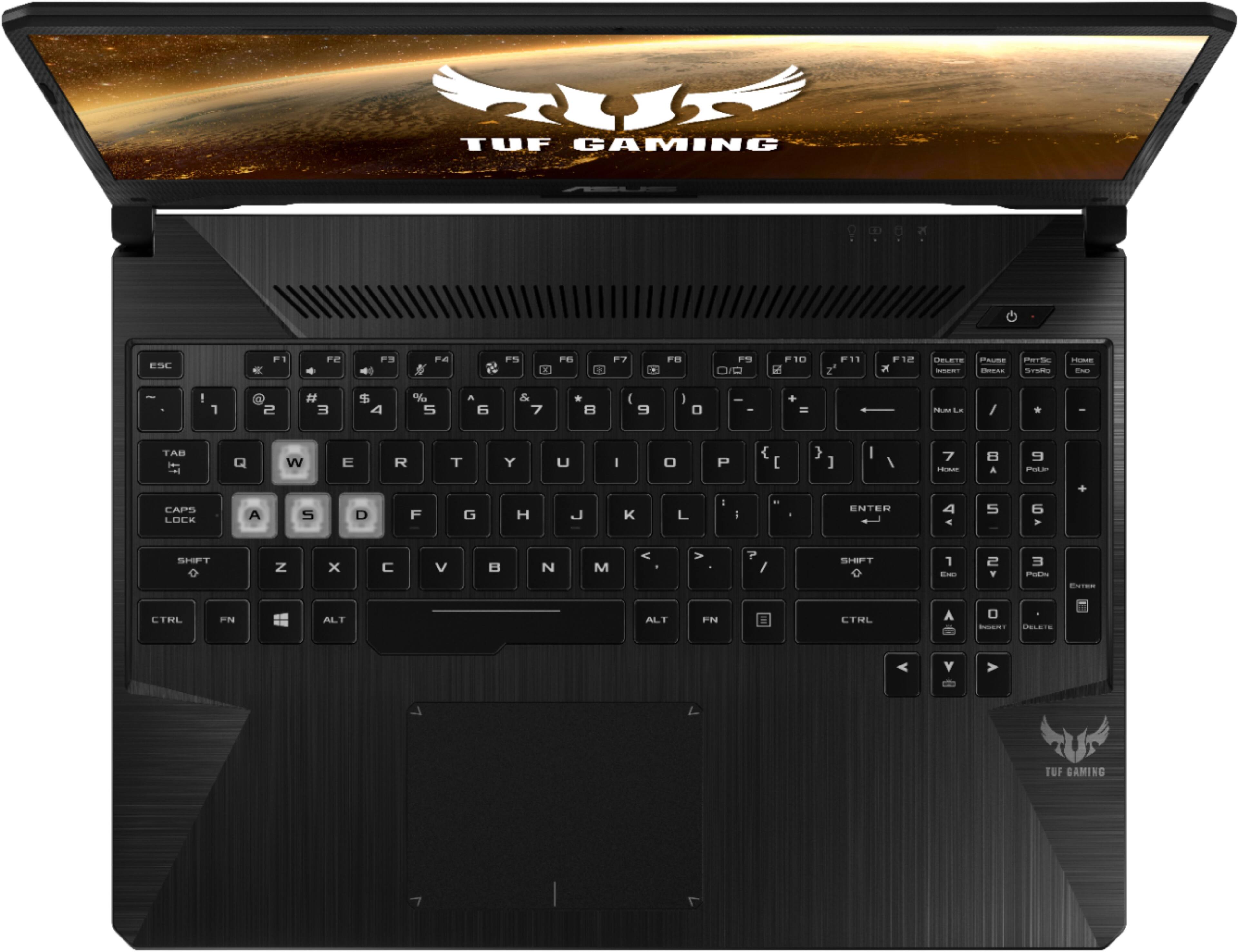
A:AnswerI play world of Warcraft on grahics settings at 7 and shaders turned down. I get 100+ in open world in raids I get 60-100fps. but I did add another stick of 8gb memory don't know how it performs with 8gig.
A:AnswerYes, this device is manufactured with 60Hz. All specifications are subject to change without notice. Please check with your supplier for exact offers. Products may not be available in all markets.
A:AnswerIt can do both school work and gaming. You can pretty much play any games you'd like the play, though you may need to change your settings for your desired gameplay.
A:AnswerHere you go.
https://www.notebookcheck.net/Computer-Games-on-Laptop-Graphics-Cards.13849.0.html?type=&sort=&professional=2&multiplegpus=1&archive=1&or=0&itemselect_7362=7362&gameselect%5B%5D=329&gpu_fullname=1
A:AnswerNot necessarily. Everything comes down to the requirements of the individual game. "VR Ready" doesn't necessarily mean it'll give you an excellent VR experience.
This is a budget laptop for sure. It's great for 1080p 60fps on certain games (I've had it for a few weeks now, and mainly been jamming Destiny 2 on it) but don't expect the best VR experience from this.
If the minimum requirements of a game are met by this, expect the minimum quality of experience.