Questions & Answers
- Model:
- MB168B
- |
- SKU:
- 2882659
Highly rated by customers for: Portability, Quality, Size
Page Showing 61-74 of 74 questions
Q: QuestionIs this display functional with a USB 2.0 port?
Asked by MH22.
- A:Answer Yes
Answered by bmgcpapc
Q: QuestionHow many Hz is the monitor ? 144hz or 60hz ?
Asked by Anonymous.
- A:Answer This monitor plugs into your computer with a provided USB with a proprietary end to the monitor. No external power is needed.
Answered by natty1
Q: QuestionWhy is it that an Xbox one can be hooked up to this monitor, but not an PlayStation 4?
Asked by Xboxnotps4.
- A:Answer This might be because the xbox can send power through the cable while the PS4 can not. I know that this is the case with the nintendo switch
Answered by StairSlider07
Q: QuestionDoes this display support USB c?
Asked by Anonymous.
- A:Answer It's a standard US.
Answered by bmgcpapc
Q: QuestionCan I use this monitor to view computer files on a MacBook Pro while using the laptop screen for video conferencing, at the same time?
Asked by MCNH.
- A:Answer Yes
Answered by bmgcpapc
Q: QuestionWhat is the length and width of this monitor?
Asked by Caroline.
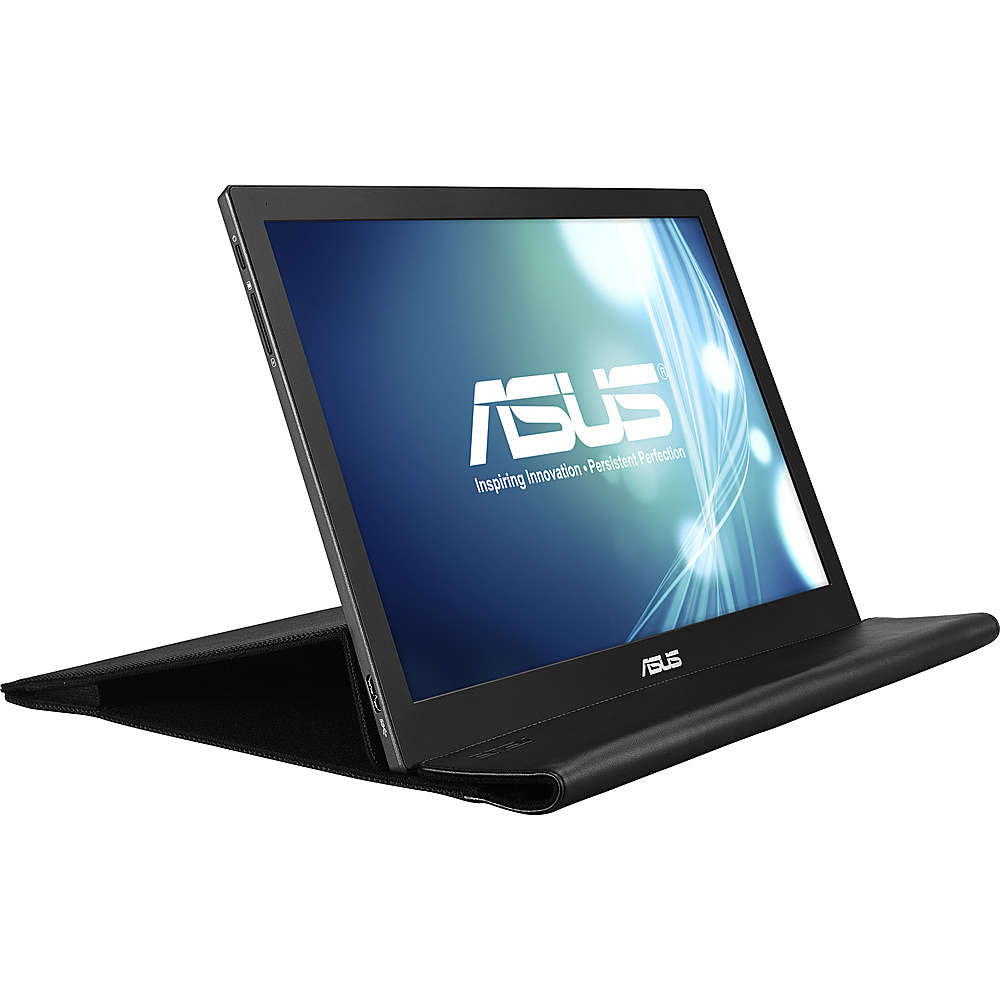
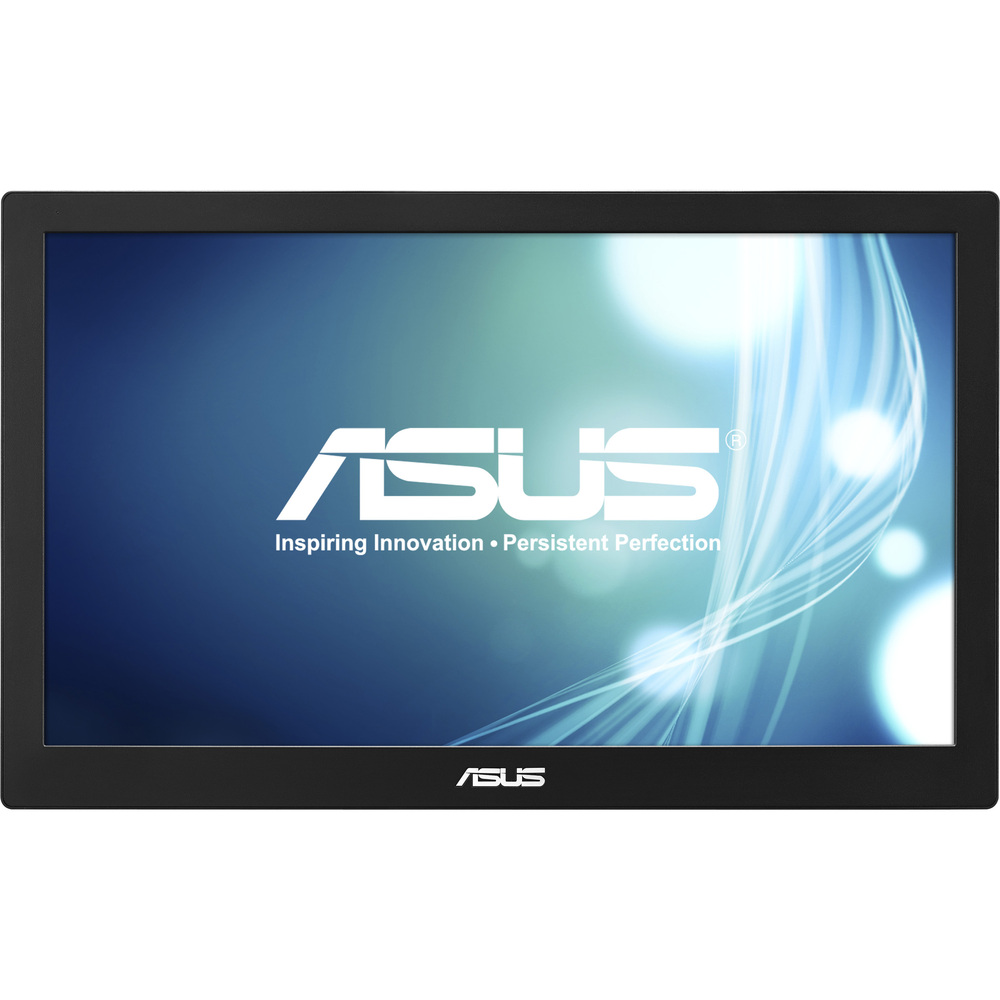
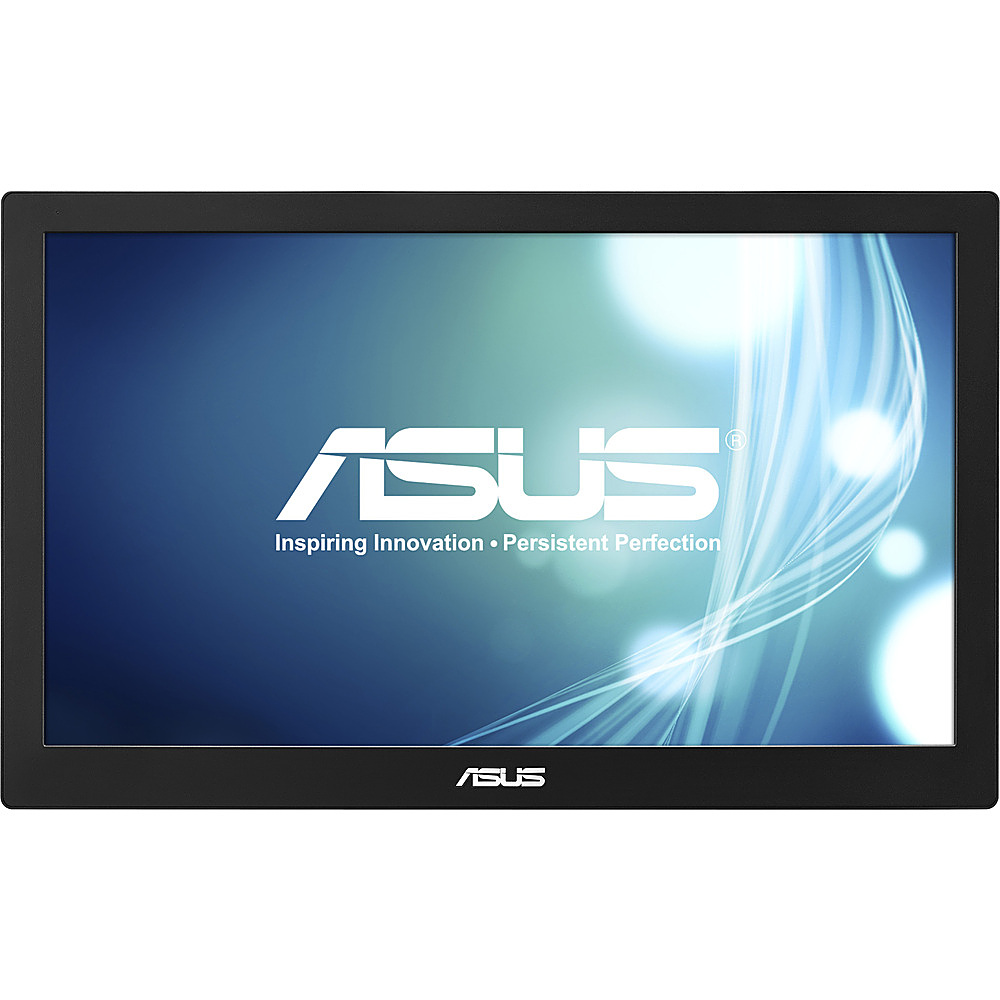
- A:Answer This monitor is 9.3 inches high and 14.9 inches wide.
Answered by CommunityAnswer
Q: QuestionMy question is, could I hook up an Xbox console to this? Could I get an Xbox one to run this monitor? Thanks.
Asked by Justin.
- A:Answer Yes
Answered by bmgcpapc
Q: QuestionCan you use a power wall plug instead of the usb power connection? Is it compatible with a Surface 3?
Asked by Anonymous.
- A:Answer Yes, you can use a power wall plug and the monitor is compatible with Microsoft Surface 3.
Answered by CommunityAnswer
Q: QuestionCan you use this for a PS4 or an Xbox? It keeps popping up for it, but it has no HDMI
Asked by HankTheFreeze.
- A:Answer We had to download software to the laptop for the monitors to work. As our laptop didnt have a cd drive we used a flashdrive with downloaded software to upload. Maybe try to download it to the console with either that is My best guess. It works on usb so i dont think it needs hdmi to work unless you want to use it and a tv because i know tvs will need hdmi to connect to console
Answered by kber
Q: QuestionWhat type of cable do I need to use this as a second screen for my Lenovo ThinkPad laptop?
Asked by Jess.
- A:Answer It comes with the cord required
Answered by JB64
Q: QuestionCan this monitor be used with a Mac mini?
Asked by K91.
- A:Answer No, the monitor comes whit usb connection
Answered by richard
Q: QuestionCan I use it for my ps4
Asked by Ray29.
- A:Answer No, you cannot use this monitor to your PS4.
Answered by ASUS Answers

Q: QuestionWill this monitor work with a gaming system like an Xbox one or PS4?
Asked by scameron226.
- A:Answer Yes, you can connect gaming consoles like the Xbox One and PS4 with this monitor.
Answered by CommunityAnswer
Q: Questionhow do i get this mb168b monitor out of sleep mode?
Asked by ben.
- A:Answer Using the right cable plug it into your PC then it should do it automatically
Answered by StairSlider07
Top Rated
- Tech Fest Deal$99.99