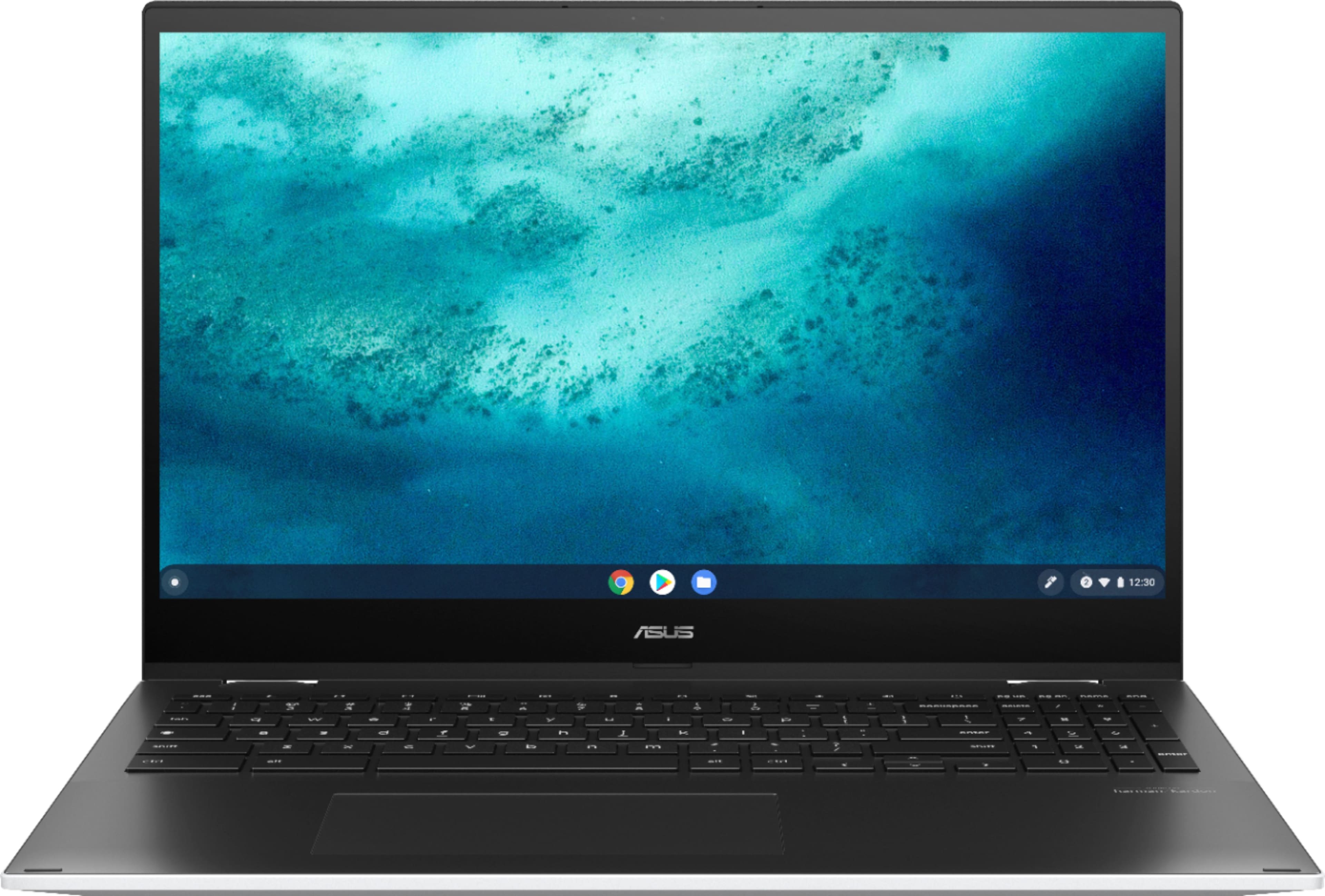
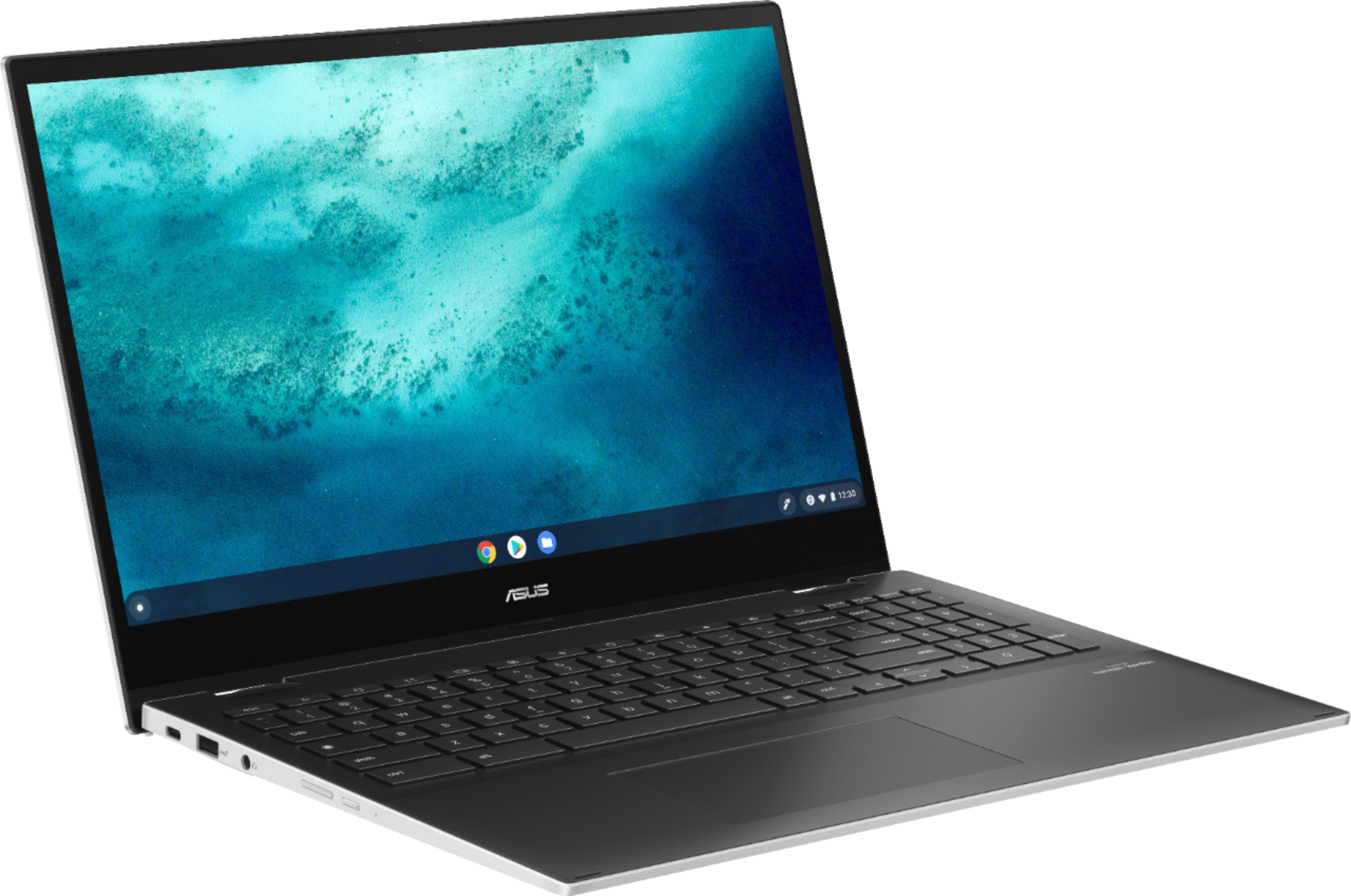
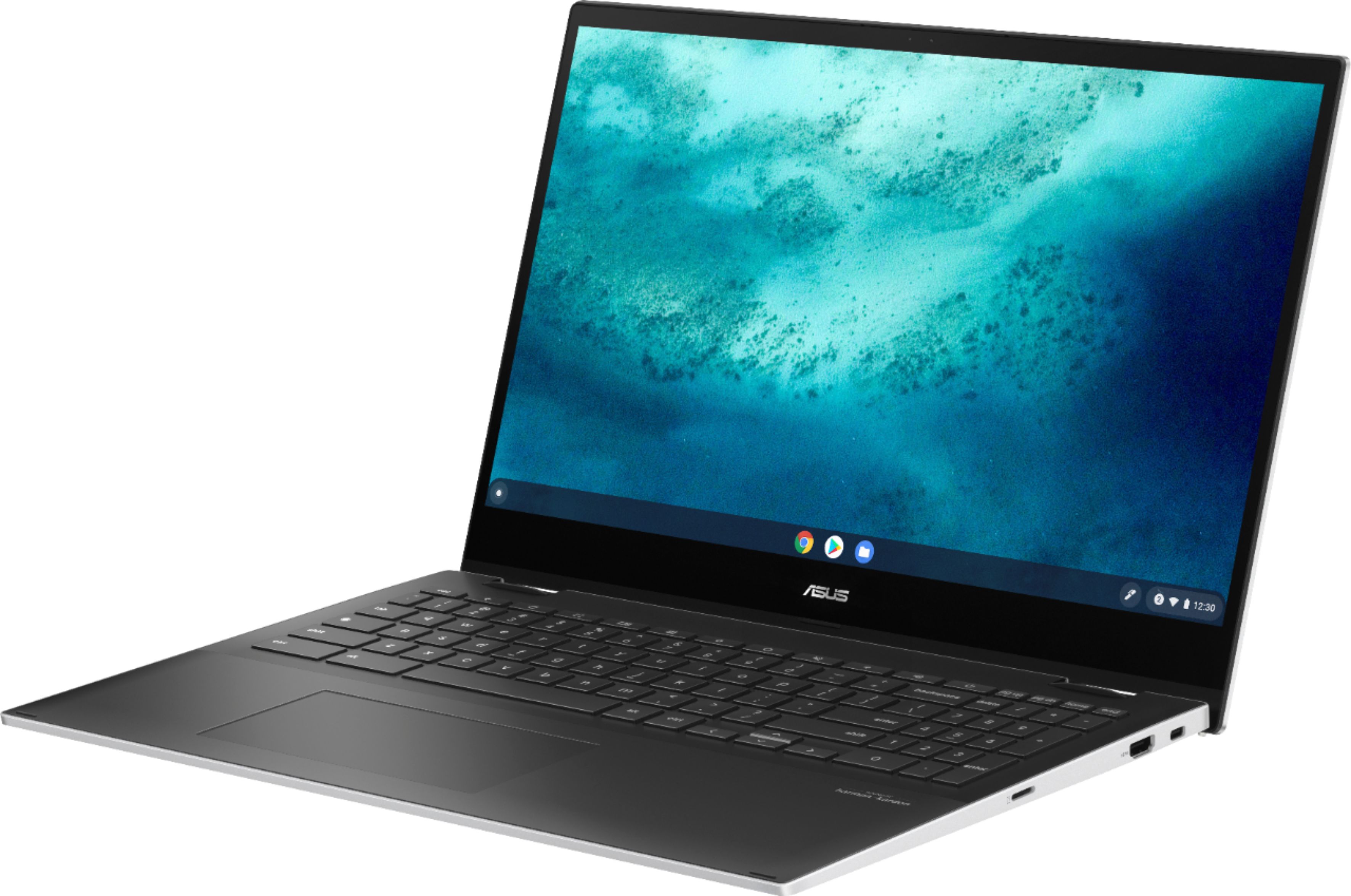
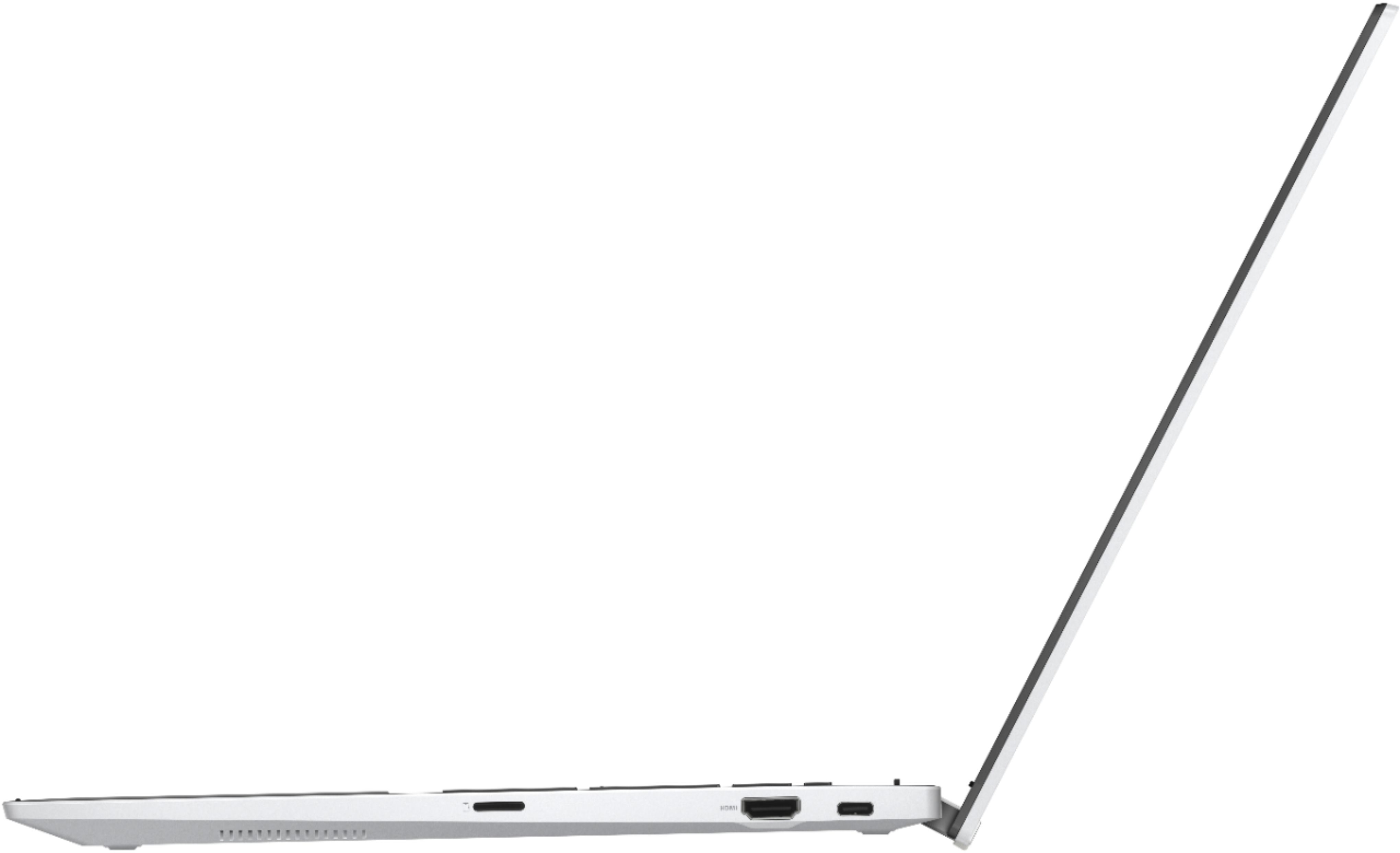
A:AnswerThe bottomside cover needs to be removed or unscrewed in order to upgrade the SSD. Online video tutorials from third-party will be available online for instructions on how to upgrade the SSD.
A:AnswerThis model comes with a 720p HD camera. Please review further specs here: https://www.asus.com/us/Laptops/For-Work/Chromebook/ASUS-Chromebook-Flip-C536/techspec/
A:AnswerI actually just purchased a Canon printer (brand new) bluetooth capable and have had zero problems connecting it to my laptop or getting it to work, etc. I think this Chromebook will probably connect to most new printers. You just have to have the required apps, which they provide links to.