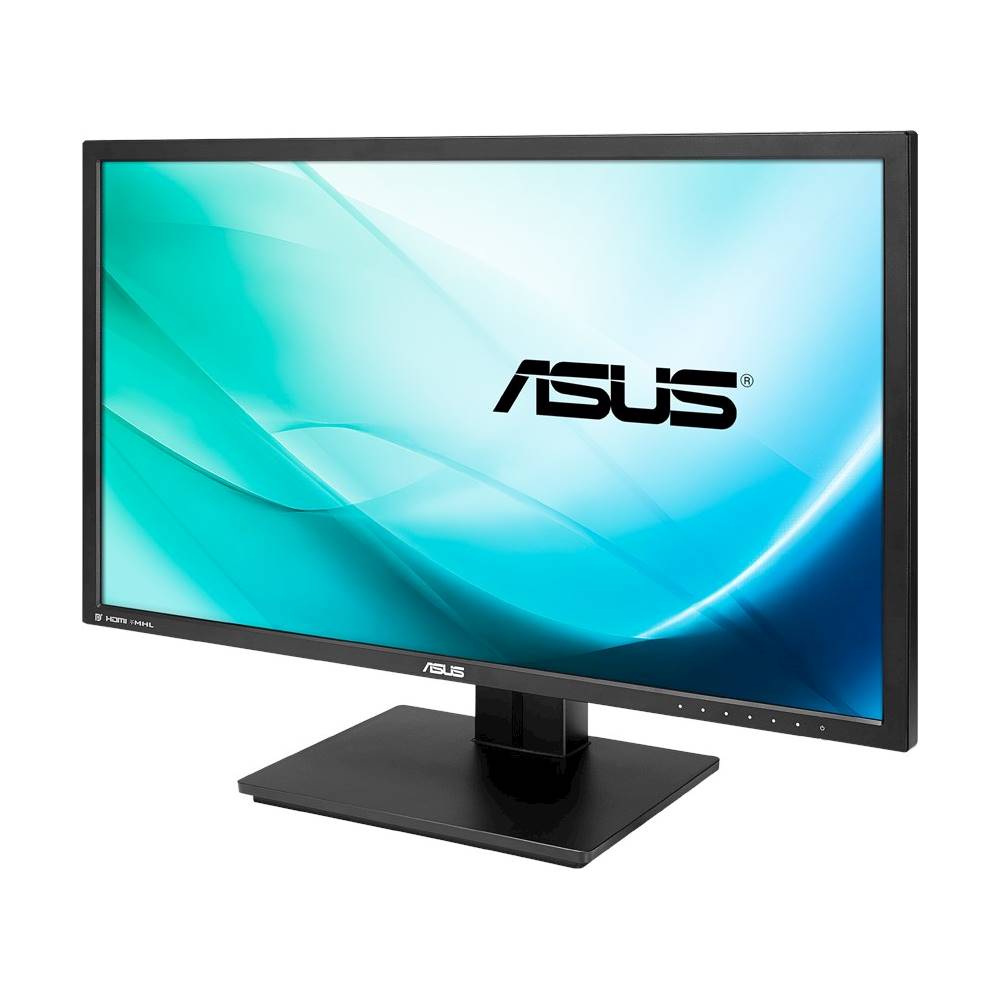
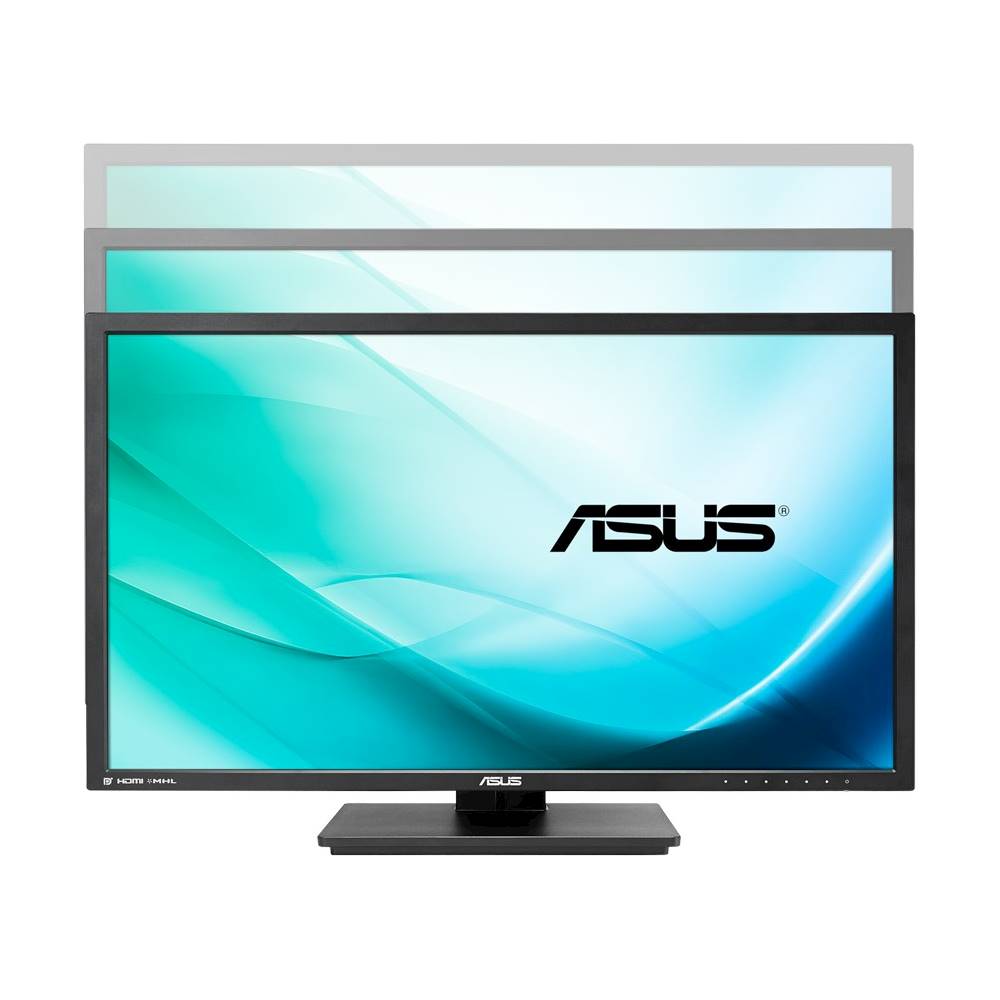
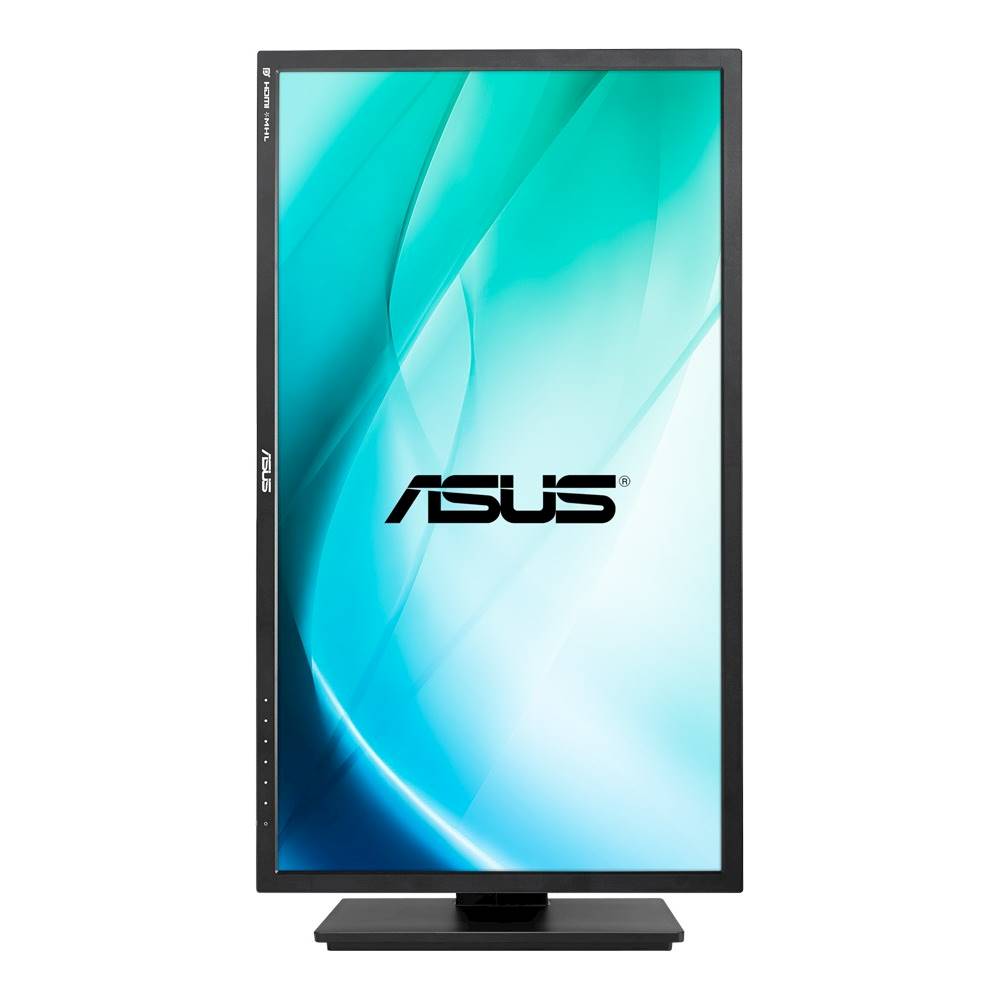
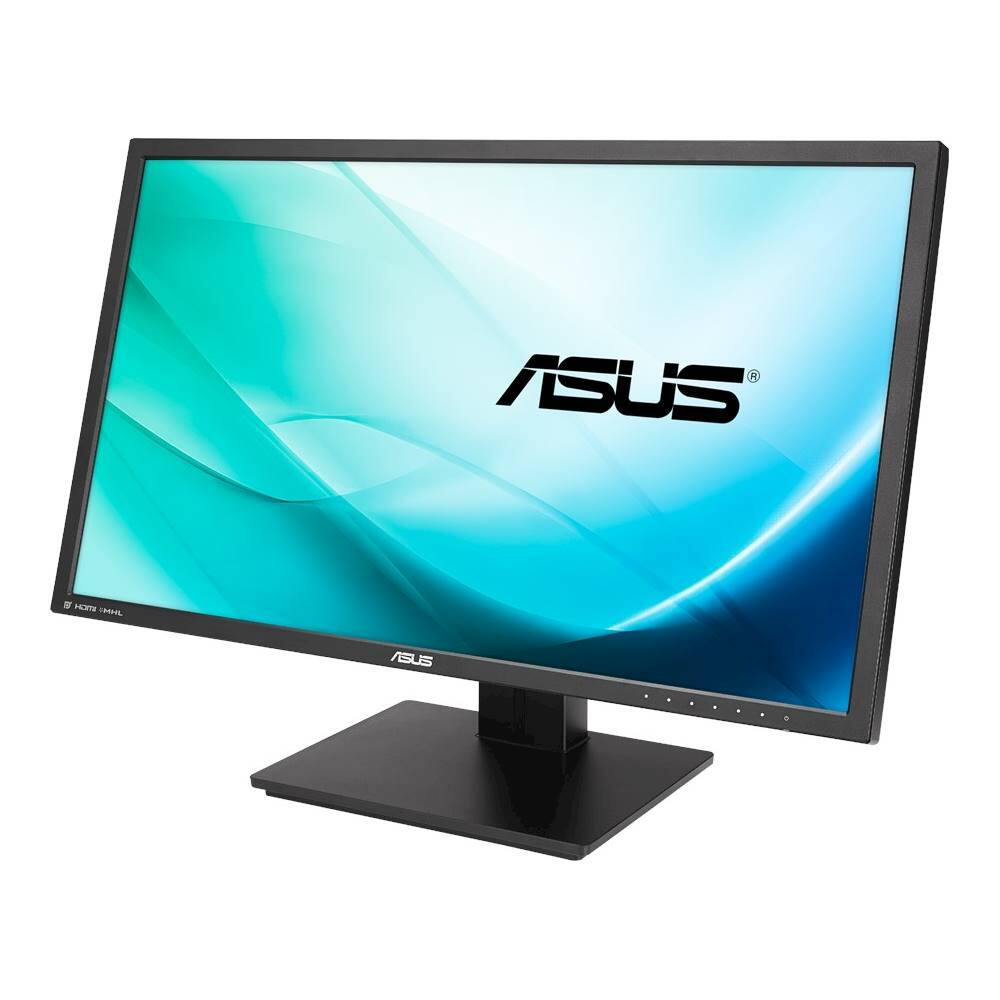
A:AnswerDont get this for Scorpio, Xbox one s or PS4 Pro. It will only do 4k 30Hz/30fps with the 2 HDMI 1.4 plugs it has and is not smooth at all and laggy if you try and run 4k through the HDMI plug. 4K is only smooth on this monitor if you use the Display port 1.2 plug which no console uses and I expect no console will ever use sadly not even Scorpio. I'd only purchase this monitor for PC 4k gaming which it excels at which I use it for.
This monitor came out before HDMI 2.0 which is what you are looking for to play 4k at higher then 30Hz
A:AnswerYou can get 4k I through one of the 2 HDMI ports but your gonna notice screen lag because it's capped to 30hz on HDMI. This monitor also has a Display port 1.2 which I use with my PC and i can run it at 4k 60hz and is butter smooth. I tried it at 4k 30hz and it's irritating to watch your mouse skip all over the screen and the screen feels like it's bouncing when your scrolling on a web pages instead of scrolling smooth. At 1080p 30hz HDMI or DisplayPort it ran smooth.
Your laptop is HDMI 1.4 which is limited to 30Hz which the newer HDMI 2.0 can run 60Hz lag free also the HDMI ports on this are only HDMI1.4 so yea...
Basically if you don't have Display Port plug on your PC/Laptop don't buy this.
I have an
i7-4820k CPU @ 3.70GHz
16 GB ram
2 GTX 760 GPU's running in SLI mode.
Windows 8.1 64-bit
A:AnswerIt will be 30Hz/30FPS with the 2 HDMI 1.4 plugs it has. it will only do 4k 60Hz/60fps with the Display port plug input. Only reason I havent bought a new Xbox one S or PS4 Pro yet they only do 4k with HDMI 2.0 monitor/TV's and believe me you dont want 4K 30Hz/30FPS its looks bad I've tested it.
A:Answeryes the included cable is 1.2 but the monitor comes set to 1.1 by default and you have to change the setting manually in the monitors menu, but yes it will do 4k 60fps in 1.2 mode
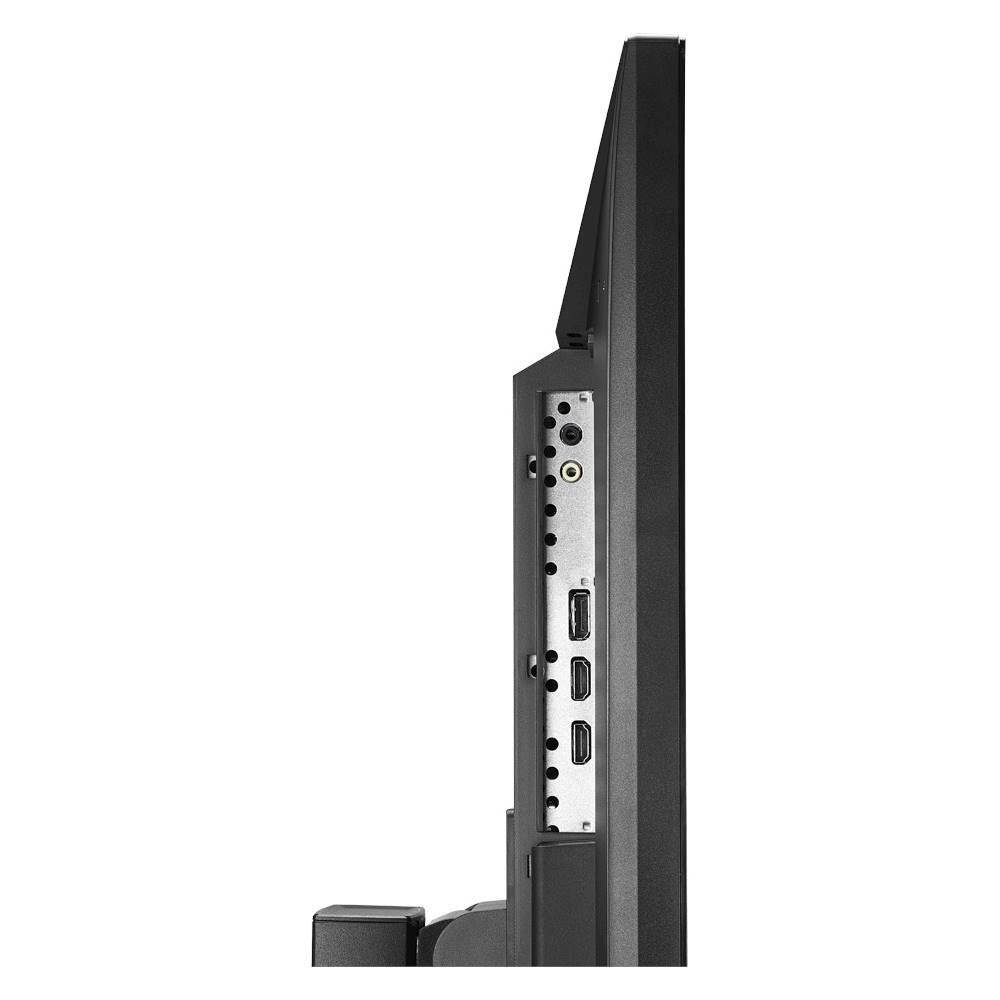
A:AnswerNo USB plugs. It has headphone line in(green plug) and a standard headphone out(Black plug). You can also choose from 1 of 3 audio sources to output to the headphone plug, from the line in(green plug)/1 of 2 HDMI plugs/ or the Displayport plug, not that Displayport carries audio that im aware of but none the less the option is there.
A:AnswerThis monitor has no Coax cable input. If your cable box has an HDMI output then you can. The only inputs on this monitor(its not a TV) are 2 HDMI 1.2 plug and 1 Displayport plug
A:Answeryes , i get refresh rate of 60hz at 4k with display port .. i also have a gpu.290x with 8gb memory . now if you game with it like i do ..then you should contact me , to tell you the pros and cons .