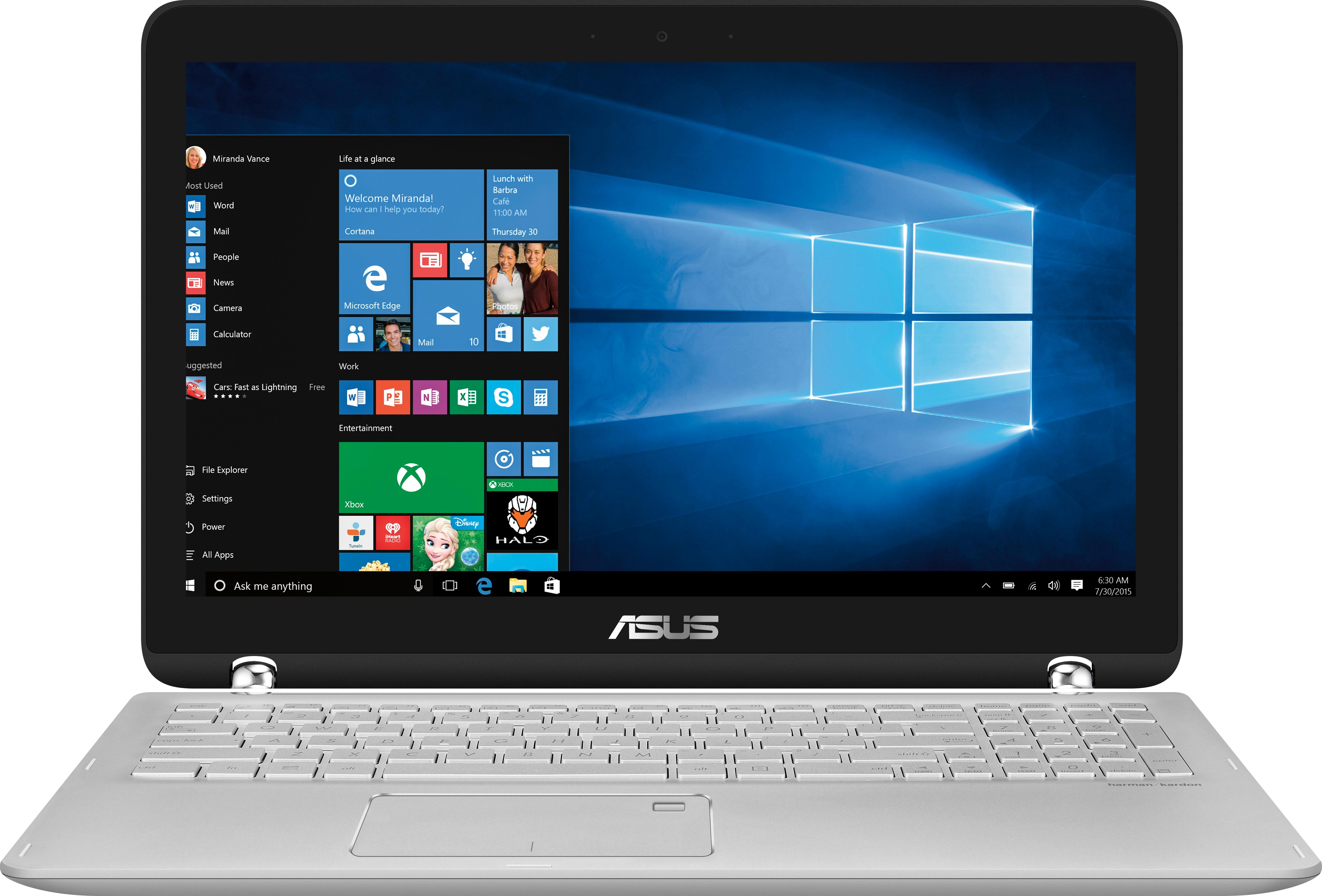
A:AnswerJust install the Google Chrome browser. After that the icon should be on the desktop, you find the icon on the desktop and drag it onto the bottom task-bar and pin it. Mine is right next to the Edge browser shortcut.
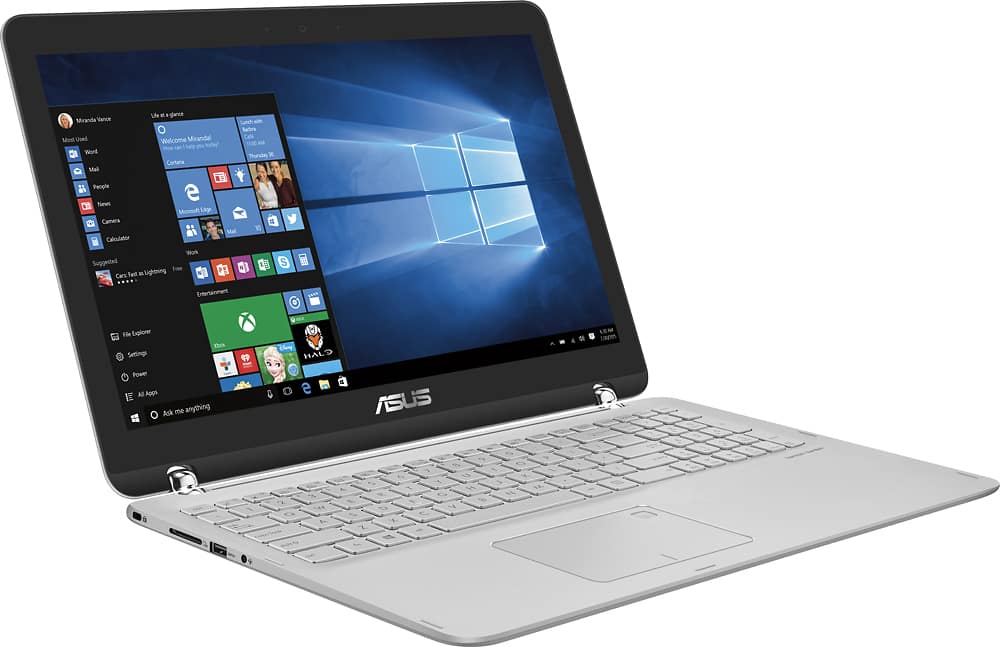
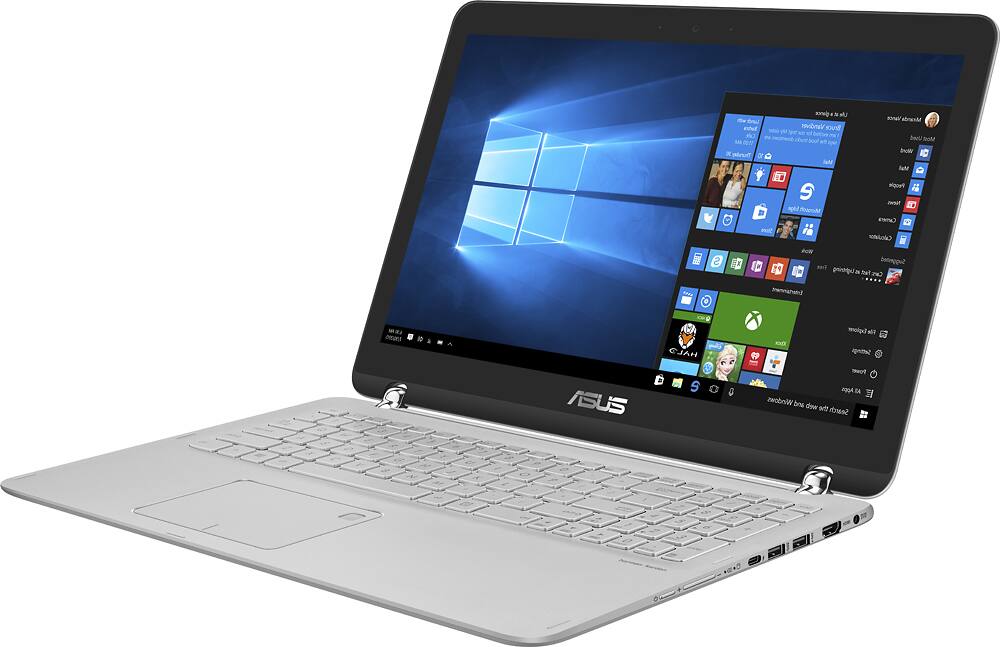
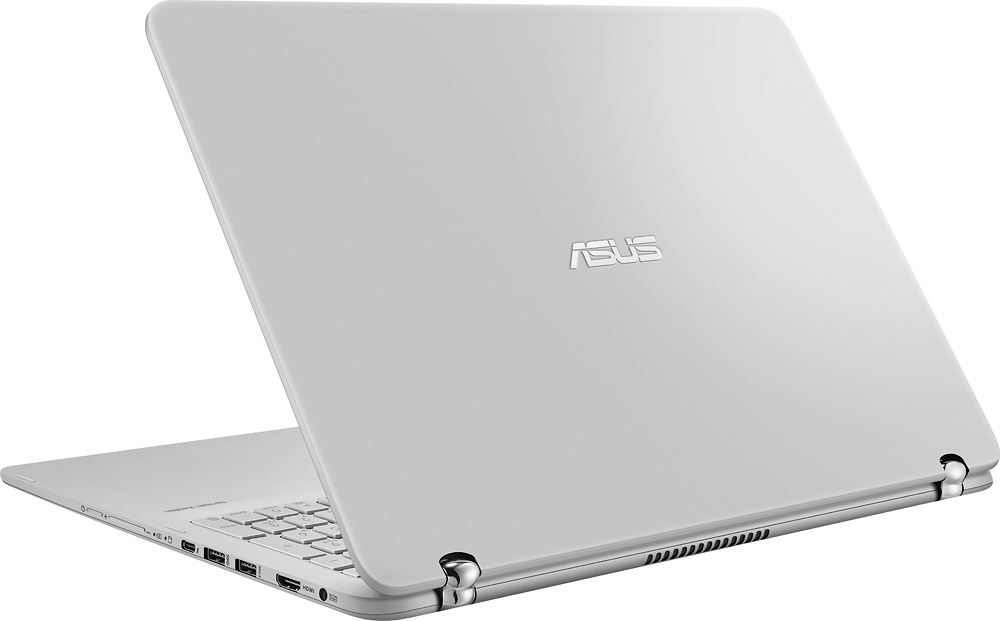
A:AnswerYes, it has a HDMI output on it for connection to a TV or monitor that supports HDMI interface. It is on the right side near the rear in front of the power connection port.
Supports resolution up to 1080P
A:AnswerThis computer was the easiest to set-up of any that I've purchased in the last decade. My college-aged son is very happy with it. You should check the college requirements if you know which school, however, this machine should meet almost any need.
A:AnswerI actually bought this computer before Christmas -- it has both a solid state drive and a hard drive. It is strange this is the same model number, but this one does not have a solid state drive...
A:AnswerThis laptop does have a graphics card, it is an Intel HD Graphics 4400 card built in. You can learn more about this card at:
http://www.intel.com/content/www/us/en/support/graphics-drivers/graphics-for-4th-generation-intel-processors/intel-hd-graphics-4400.html